Check the acquisition promise
Read the store headline, screenshots and description. What problem is the app promising to solve?
Study the storefront ↗
Kairoos Solutions SL · iOS
Explore the ad evidence, study the storefront, and build your next acquisition hypothesis.
01 / Creative research
Read the store headline, screenshots and description. What problem is the app promising to solve?
Study the storefront ↗Explore apps with direct store-link matches. Compare their hooks and formats without assuming the same approach works here.
Browse observed advertisers ↗Store rankings and revenue estimates describe market context. They do not establish ad spend, conversions or ROAS.
Review the market context ↗02 / Storefront & product
Study the product story and store experience behind the acquisition funnel.



03 / Market context
Keep revenue, downloads and store rankings separate from advertising performance.
You will not be able to have any form of autonomy over your notes unless you buy it. I can’t share MY notes or create any new ones, I was not even able to edit them! If you have homework you need to submit and no budget for random apps… just like every other student ever, this app is the worst combination! I understand being greedy and asking for money every other second but some decency would be to let users at least share a copy of their own work. Why claim this is free in the first place?! This is a next level scam! Not only did I take all the notes but I also have to pay 7 dollars for them. Why? I did the work and the app gets a small commission regardless.. very greedy and gross.
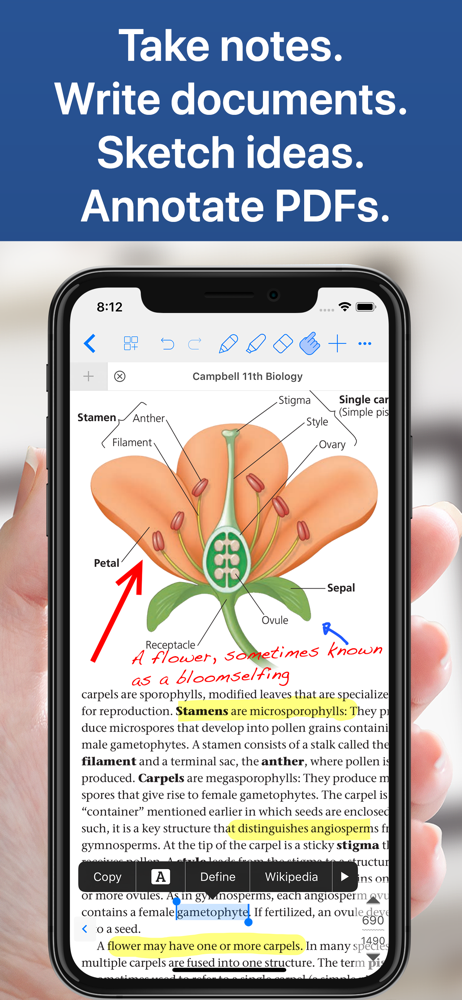
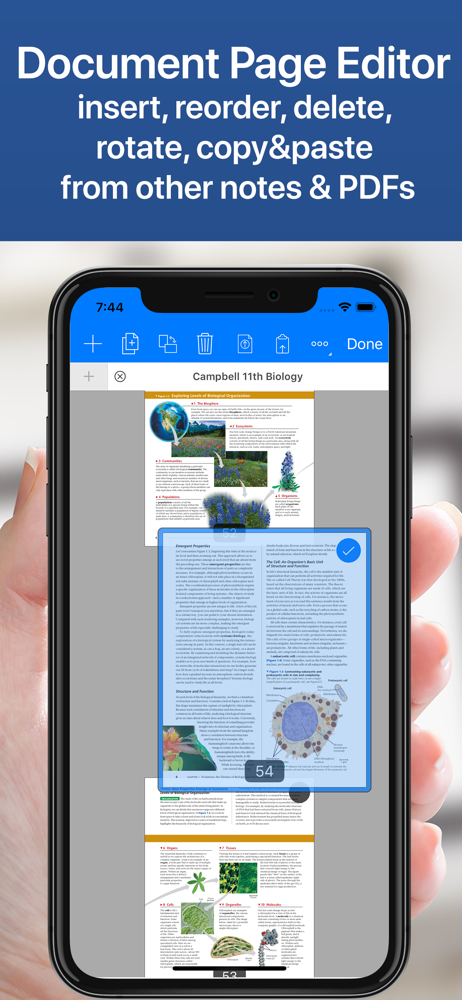
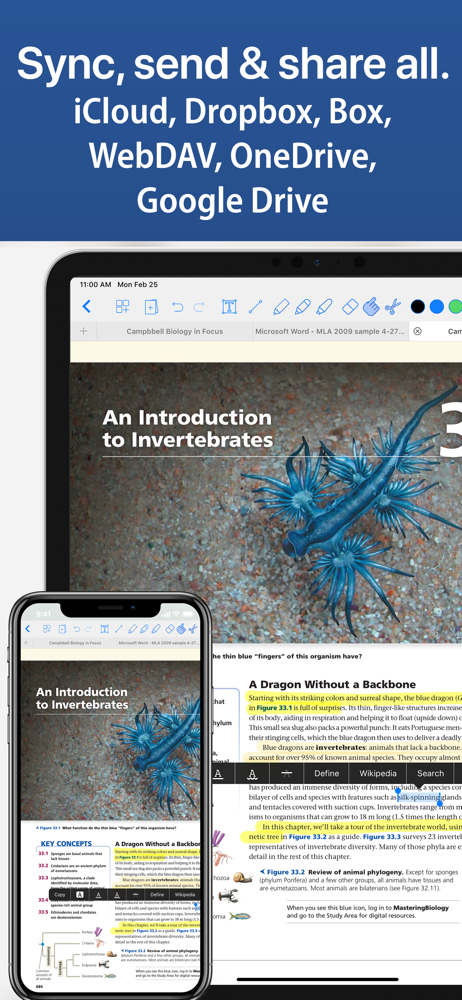
I have been trying to find an App that worked better with PDF annotation (in addition to being good at note taking), but one HUGE drawback of other note taking Apps (i.e. Goodnotes, Flexcil, Nebo, Notability) is that every file has to be imported to be used, and therefore becomes a duplicate, non-sycronized file (not a big deal if you just use it for notes only). Well, NotesWriter fixes that! All files can be saved natively in the iPad Files folder and useable by any PDF program, not just Noteswriter. To me that makes NotesWriter a perfect combination of Goodnotes and PDF Viewer. Considering other PDF Apps charge a subscription, this feels like a steal. You even get a lasso/clipping tool, the ability to scan pages in, and a ton of page templates (all of which most free PDF Apps don’t have). PDF Expert and PDF viewer are the most similar, and but this is slightly better than those if you want note taking abilities. Note to Developers: The layout/user interface could still be improved: if the toolbar was customizable (like PDF Expert), if the view layout was more full screen (neither Reader or Presentation mode are as good as PDF Viewer’s layout), and if the handwriting had a simple zoom feature and was recognizable (like Goodnotes). Great job!
I like this app overall but after using it for a while I have a few bugs that NEED to be fixed 1) Erasing!!! I take my notes on the dark paper, and when you write in white pen, your notes disappear for some reason. I have to just guess where my handwriting is and it’s super frustrating. 2) Cutting function! Selecting multiple pen marks is not useful at all because the app automatically groups all of the things you drew into seemingly random groups. If I want to move two words out of a sentence I wrote, I can’t because notes writer groups the whole sentence together and there’s no way to select only those words. The cutting function needs to be able to select the exact pen marks you are selecting and nothing more. 3) adding pages ! I’ve recently noticed that when I add pages it takes forever to load. If I am taking notes during class I can’t wait an extra 30 seconds for a new page to load I will miss many notes
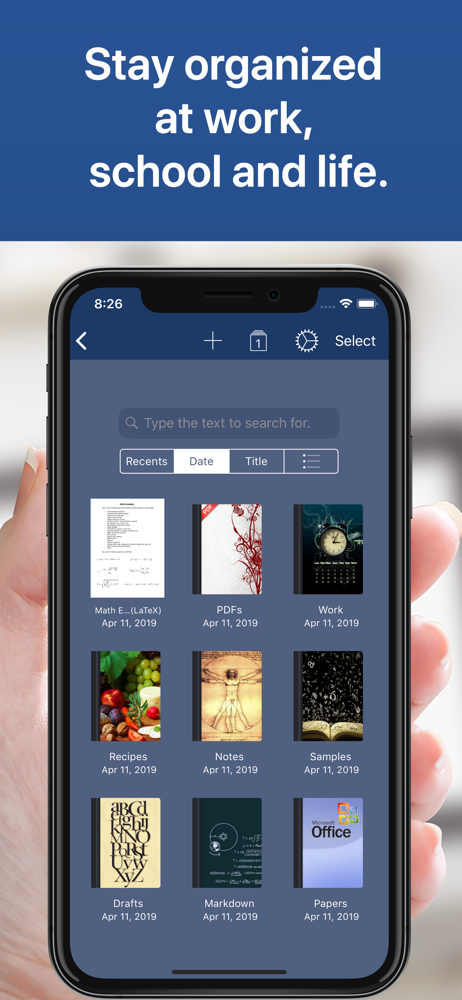
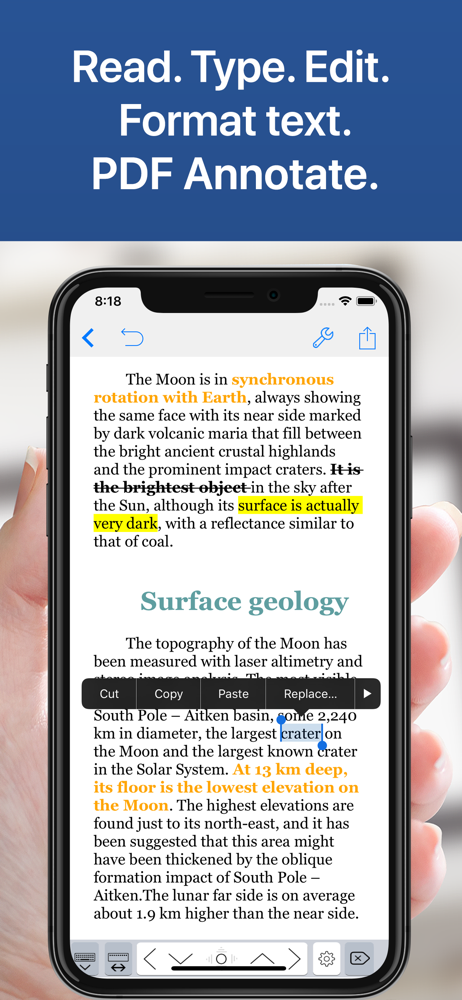
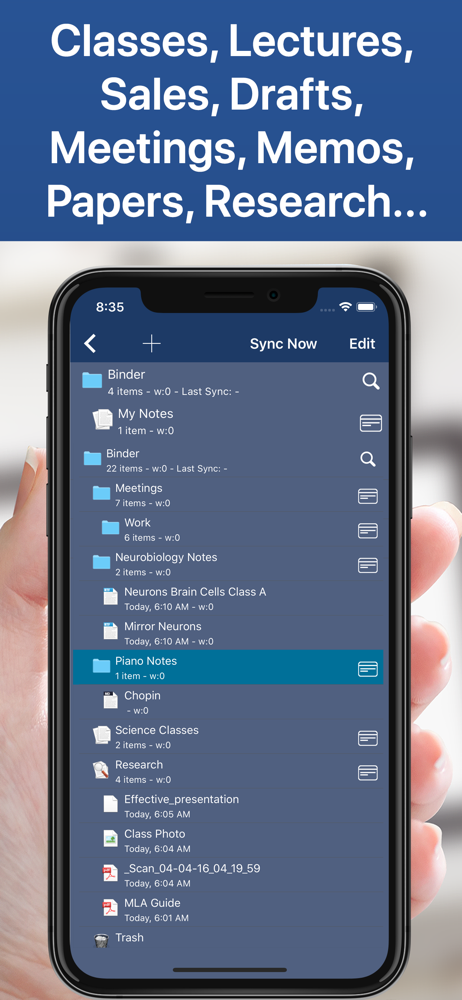
Transform the way you write, annotate, and organize on your iPad and iPhone. Perfect for students, educators, writers, professionals, and anyone who n...
| Name | Price | Type |
|---|---|---|
| Notes Writer Unlock All and AI (Monthly) | $1.99 | Monthly |
| Full Version Unlock Pro | $3.99 | One-time |
| Full Version Unlock Pro | $4.99 | One-time |
| Full Version Unlock Pro | $5.99 | One-time |
| Full Version Unlock Pro | $5.99 | One-time |
| Full Version Unlock Pro | $6.99 | One-time |
| Lifetime Pro Full Unlock | $9.99 | One-time |
| Notes Writer Unlock All and AI (Annual) | $9.99 | Yearly |