Check the acquisition promise
Read the store headline, screenshots and description. What problem is the app promising to solve?
Study the storefront ↗
Miguel Angel Lozano Ortega · iOS
Explore the ad evidence, study the storefront, and build your next acquisition hypothesis.
01 / Creative research
Read the store headline, screenshots and description. What problem is the app promising to solve?
Study the storefront ↗Explore apps with direct store-link matches. Compare their hooks and formats without assuming the same approach works here.
Browse observed advertisers ↗Store rankings and revenue estimates describe market context. They do not establish ad spend, conversions or ROAS.
Review the market context ↗02 / Storefront & product
Study the product story and store experience behind the acquisition funnel.




03 / Market context
Keep revenue, downloads and store rankings separate from advertising performance.
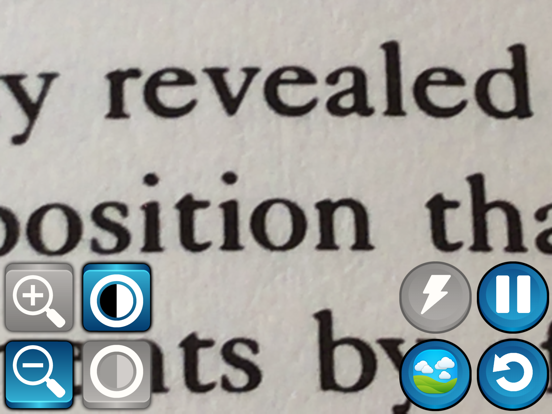
, I am visually impaired and I was advised by my mobility instructor that I needed to purchase a handheld nano pack magnification unit. To help me better read mail and books plus it was portable to carry, but my main issue was price. So a friend of mind tell me to look on the App Store for a magnification app to see if that would work for me for now. I was so happy when I came across this supervision mini app, and I was floored to discovered that it had all the same functions and abilities that the expensive handhelds were offering. For me I downloaded it on my iPad as well as on my Samsung galaxy S9, with no issues or problems, the apps worked as described on both of my platforms and the color filters was a God send! So for me I’m giving it a five star rating and a big thumbs up and thank you to the developers, because to this date I have had no issues with the program app... and it has brought some vision back into my life. And my only recommendation is if they are able to incorporate a OCR that can work with Voice assist into the app with a upgrade or maybe develop one separately, that would cover all the bases in my blind world. I hope this helps and that you have the same experience.
I down loaded this app & NOTHING happened! I can’t delete it, I touched the screen & the control buttons & when I press on the app it immediately turns to “landscape “, what’s the problem?
SuperVision is an advanced magnifier for the visually impaired. The application could help to a wide range of visually impaired users (presbyopia, myo...