Check the acquisition promise
Read the store headline, screenshots and description. What problem is the app promising to solve?
Study the storefront ↗
GD Midea Air-Conditioning Equipment Co., Ltd. · iOS
Explore the ad evidence, study the storefront, and build your next acquisition hypothesis.
01 / Creative research
Read the store headline, screenshots and description. What problem is the app promising to solve?
Study the storefront ↗Explore apps with direct store-link matches. Compare their hooks and formats without assuming the same approach works here.
Browse observed advertisers ↗Store rankings and revenue estimates describe market context. They do not establish ad spend, conversions or ROAS.
Review the market context ↗02 / Storefront & product
Study the product story and store experience behind the acquisition funnel.





03 / Market context
Keep revenue, downloads and store rankings separate from advertising performance.
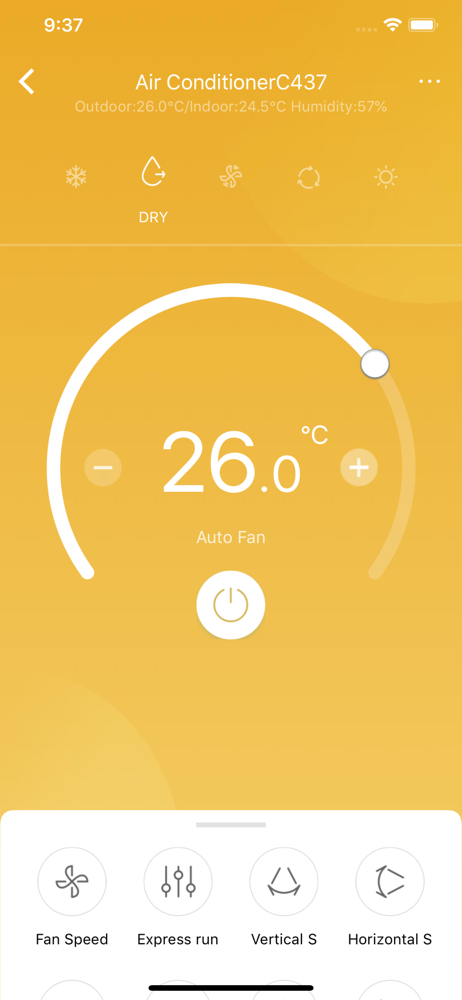
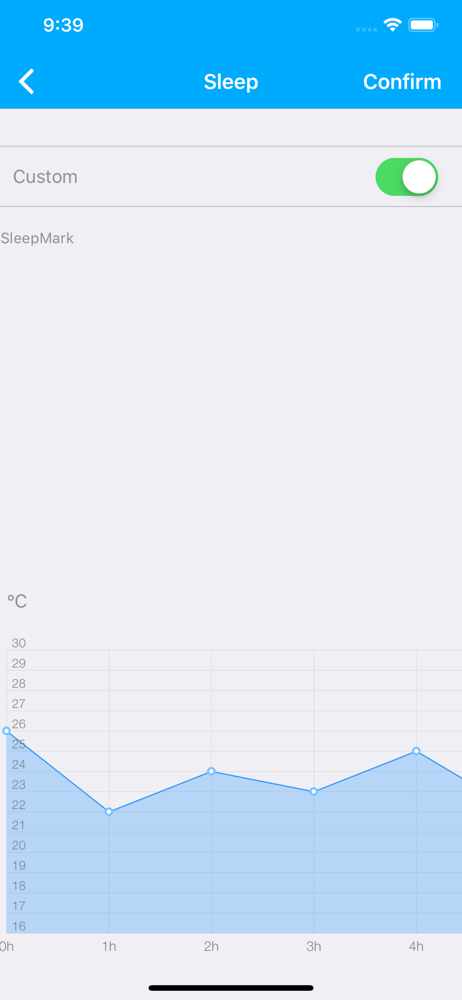
Let’s you turn off and on when you can’t find remotes. Otherwise unreliable. The app keeps logging out every few days because they are sneaking in new terms. God knows what data they are siphoning with such frequent updates. Stuff that doesn’t work; Scheduled turn offs don’t work. Never worked Auto mode is a joke. It keeps running the fan on high and keeps cooling past the set temperatures. Never stop cooling If you set any other mode than auto, you can’t change most of the other settings. It blocks. You. For example, dry mode won’t let you control fan speed. Sleep curve is a joke. It just cools to ice box temperatures When it’s a little hot outside, the unit struggles to cool It keeps switching to Celsius after every update every other week. I stopped bothering to change it back. It’s so annoying with frequent updates to terms. It logs me out every few days. So keep that password handy. Stuff that works: Eco mode is decent and give a a little control from cooling too microbes night when weather gets cooler. Compressor is outside so less noisy. Led can be turned off so it’s not bright at night. World with Google home and Alexa. Overall. It is not as good as it could be. It’s okay. The only thing going for it is the compressor being outside.
First off, it’s great, easy to use, it explains everything’s all that good stuff, but it wouldn’t let me log on the first time, which might have not been the apps fault, I think it was the wifi, and yes I’m very technical but I couldn’t tell if it was cuz of the wifi being down it messed the app up or if the app already messed up n then wifi went down, be either way, started all over and got exactly what I wanted, just maybe a lil bit better descriptions on what each function does, like the sleep curve, is it activated once I turn the unit on? Or if I have a schedule set? What happens if I don’t have the schedule set at 8 hours? All things need to be answered for a technical person like i am, but really this app is good and the products are amazing! 9.5/10! Easily!
I got their U A/C and I have to say I love it. My husband and I are thinking of getting 2 more for the house. I love the fact that you can almost completely close your window with this. As for some of the other complaints I’ve read about. I can’t say I agree with them or maybe they got them earlier than I. I’ve had this since the start of summer 2021 and the app and the A/C both have worked amazing for me. That begin said I didn’t connect it to apple home or Alex because the app is just so easy to use on your phone. Also make sure you have string internet connection. Som internet providers do cap you on how many devices you can have connected before your internet slows down. If your problem is your wifi connection make sure you check with your provider to see if you reached you device limit. Remember the cheaper the internet the less devices you can have on there.
Midea Air is one integrated app which published with Midea air category products; it is compatible with new version smart wifi module and connected wi...