
Check the acquisition promise
Read the store headline, screenshots and description. What problem is the app promising to solve?
Study the storefront ↗
Gecko Alliance · iOS
Explore the ad evidence, study the storefront, and build your next acquisition hypothesis.
01 / Creative research
Read the store headline, screenshots and description. What problem is the app promising to solve?
Study the storefront ↗Explore apps with direct store-link matches. Compare their hooks and formats without assuming the same approach works here.
Browse observed advertisers ↗Store rankings and revenue estimates describe market context. They do not establish ad spend, conversions or ROAS.
Review the market context ↗02 / Storefront & product
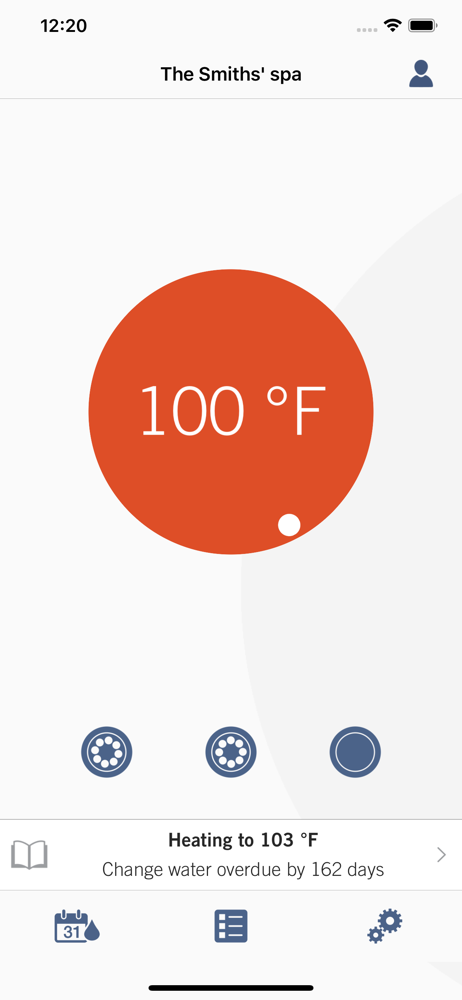
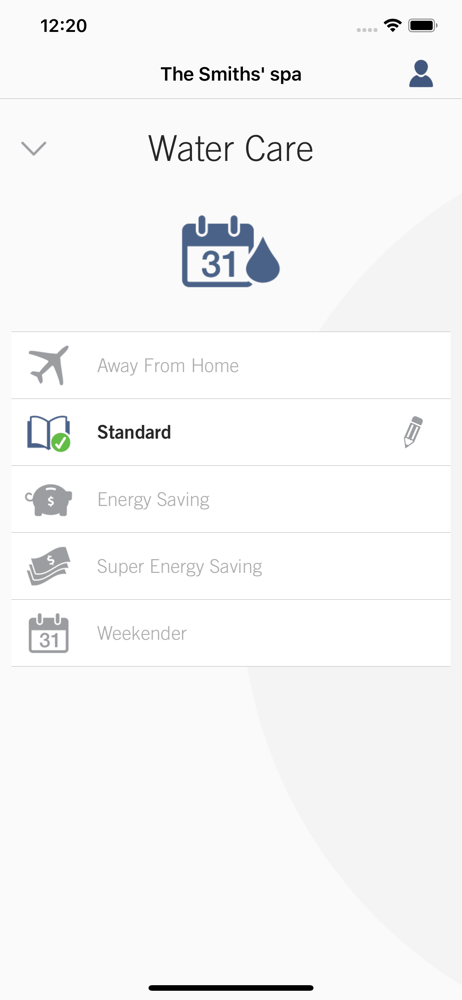
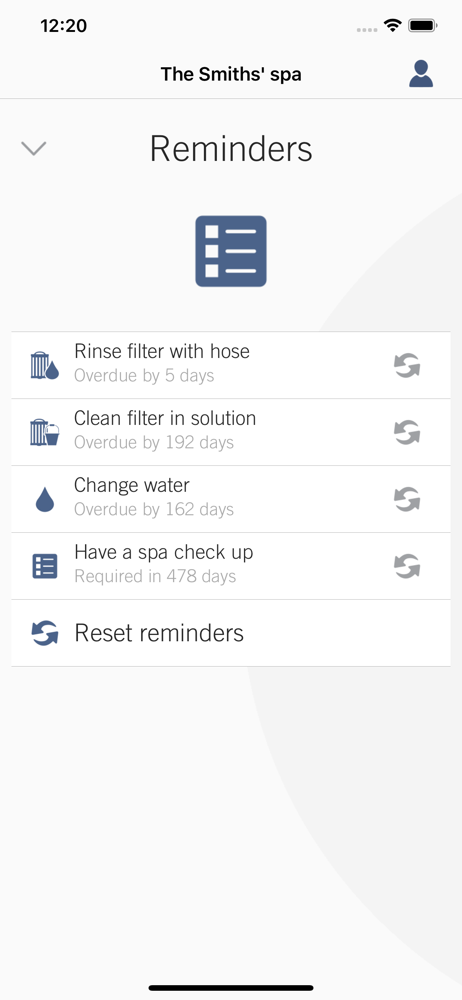
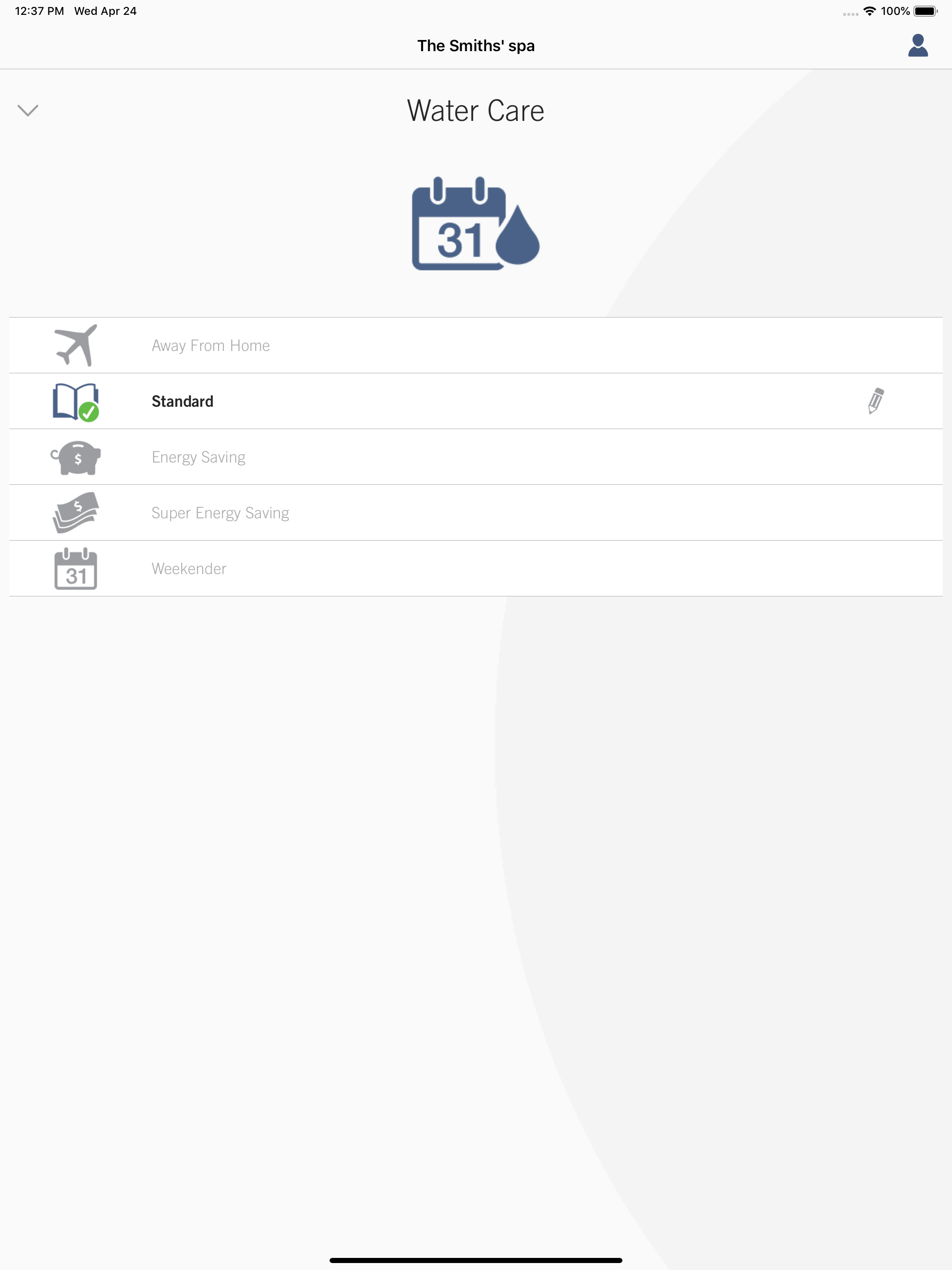
Study the product story and store experience behind the acquisition funnel.


03 / Market context
Keep revenue, downloads and store rankings separate from advertising performance.
Like many others I purchased the wifi module for my bullfrog spa to control it while away. Especially important since it is at a vacation home and checking in on it in the winter and raising the temperature prior to heading there were the key functions I was looking for. It connects sporadically and the controls work on and off. Seems to happen when I need to change it. Disappointing since this was a $500 addition to the cost of the already pricy spa.
I’ve had this since my spa was installed 5 years ago and it continues to decline. Setting temperature rarely sticks, setting “eco” times and filter run times is a neurotic and “will it? Won’t it?” experience, and worst of all there is no way to set the time manually because “the app will automatically sync the spa to your phones time”. After 5 years I will tell you it does not. I finally installed Home Assistant on a raspberry pi just to install the gecko/intouch plugin and it’s amazing. It’s responsive, it works, but it unfortunately also won’t let me set the time on the spa nor will it manage filter times. I have also had connectivity issues with the app, even though the wireless receivers are less than 10 ft away from each other (can’t run a direct Ethernet line for some reason?). I’m a network Admin so I’ve done everything right such as changing signal channels, etc — I’m convinced it’s a problem with this app, because home assistant has never had an issue connecting to the spa.
This app along with the hardware has worked intermittently for about three years. It usually took me at least a minute just to adjust my spa temperature. First the app crashes, then you open it again. Then it reconnects… Then you get an error that it’s not connected. Then you click retry. And then you have to shut down the app and reopen it. And now since the latest update it takes me about 3-4 minutes to adjust the temperature up or down on my spa. You have to press the big temperature button in the middle of the app and then frantically try to swipe up or down on a slider on the left before the slider disappears to control the temperature. Literally need to do this about 100 times to get the temperature up to 95 or back down to the lowest setting at 52. And it’s not a connectivity issue… The lights and the jets work perfectly every time from the app when it’s not crashed… it’s now just the temperature control function in the app when it does manage to work. Somehow it’s actually getting worse. And it was terrible to begin with. I made the mistake of putting the top side controller in another room with the spa equipment because I figured I could just control the spa from the app. Don’t make that mistake.
in.touch 2 eliminates all the complexities of connecting your spa on the Internet and transforms your smartphone or tablet, into your ultimate wireles...


