Check the acquisition promise
Read the store headline, screenshots and description. What problem is the app promising to solve?
Study the storefront ↗
Shenzhen inet Mobile Internet Technology Co., Ltd. · iOS
Explore the ad evidence, study the storefront, and build your next acquisition hypothesis.
01 / Creative research
Read the store headline, screenshots and description. What problem is the app promising to solve?
Study the storefront ↗Explore apps with direct store-link matches. Compare their hooks and formats without assuming the same approach works here.
Browse observed advertisers ↗Store rankings and revenue estimates describe market context. They do not establish ad spend, conversions or ROAS.
Review the market context ↗02 / Storefront & product
Study the product story and store experience behind the acquisition funnel.



03 / Market context
Keep revenue, downloads and store rankings separate from advertising performance.
The saved Excel or Txt files can not be stored on Apple iPhone. The reason is that the Intelligent Clamp Meter app does not have the option to request permission for Files Storage Access. The attached screen shot shows that the app only requests Access Permission for Photos only and not for Files Storage Access. The app developer should be informed to add the Access Permission request for Files Storage Access in addition to the Photos storage. Do you have the app developer contact such as their email address so that I can write to them? Thank you.
App works ok and is useful for looking at data on the phone. Getting data off the phone is difficult, any chance you can make it so you can share the file by email / text etc? If you are not a windows/Microsoft user you will have to find another method to get into your iPhone to retrieve the file than the app that they suggest.
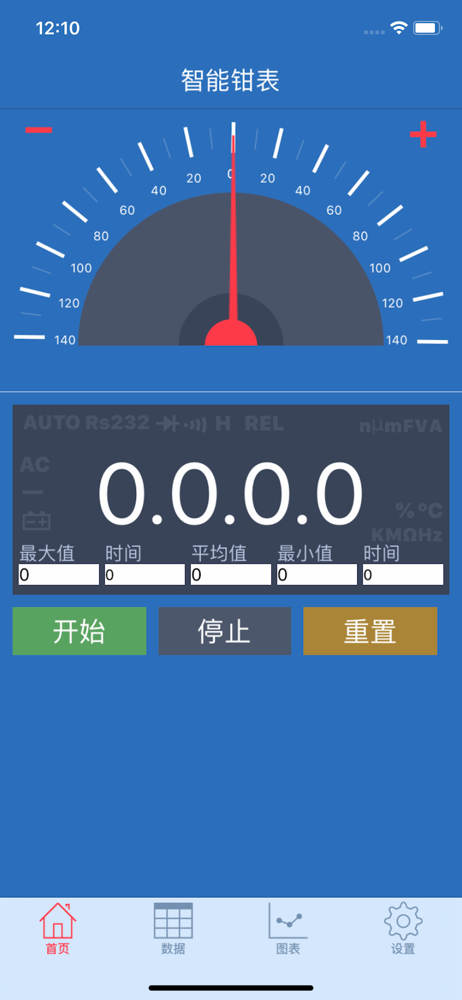
I like the ability to look at my clamp meter via my phone. The ammeter, which is what I use, mirrors the value on the clamp meter. I have my clamp meter on my battery cable on my rv and can monitor my rv solar panels from the house. But the data collection the app offers falls short. If I have negative amps showing, the meter function displays it correctly, but the data gets recorded as a positive value (as a CSV file). Ex: If I have a -7 on the meter, the value gets recorded as just “7”. I can’t do any data analysis if all my values are positive. Also it’s cumbersome to get data off the iPhone and onto my Mac but that is probably Apple’s fault. This bug should be fixed.
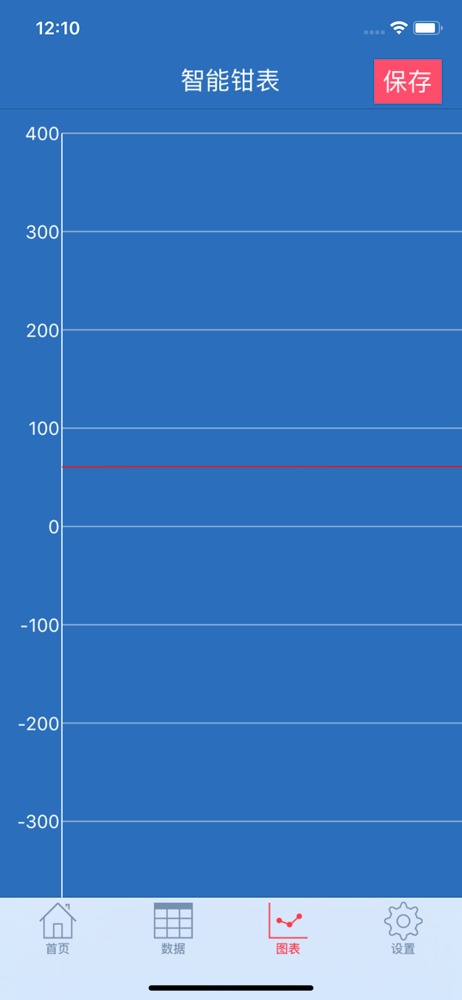
App is via Bluetooth to real-time measurement of numerical clamp meter uploaded to the mobile phone terminal through the mobile phone terminal chart d...