Check the acquisition promise
Read the store headline, screenshots and description. What problem is the app promising to solve?
Study the storefront ↗
Insteon Technologies · iOS
Explore the ad evidence, study the storefront, and build your next acquisition hypothesis.
01 / Creative research
Read the store headline, screenshots and description. What problem is the app promising to solve?
Study the storefront ↗Explore apps with direct store-link matches. Compare their hooks and formats without assuming the same approach works here.
Browse observed advertisers ↗Store rankings and revenue estimates describe market context. They do not establish ad spend, conversions or ROAS.
Review the market context ↗02 / Storefront & product
Study the product story and store experience behind the acquisition funnel.

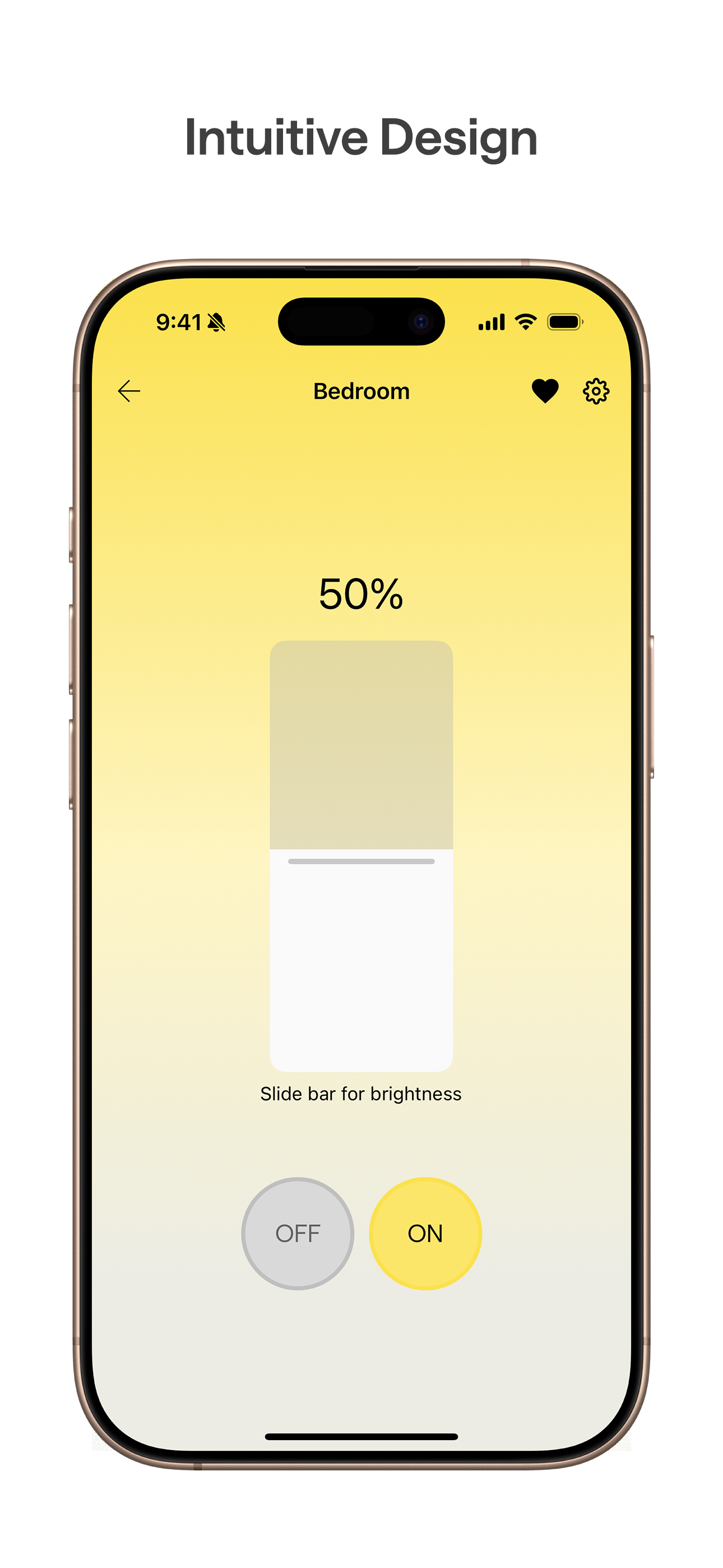
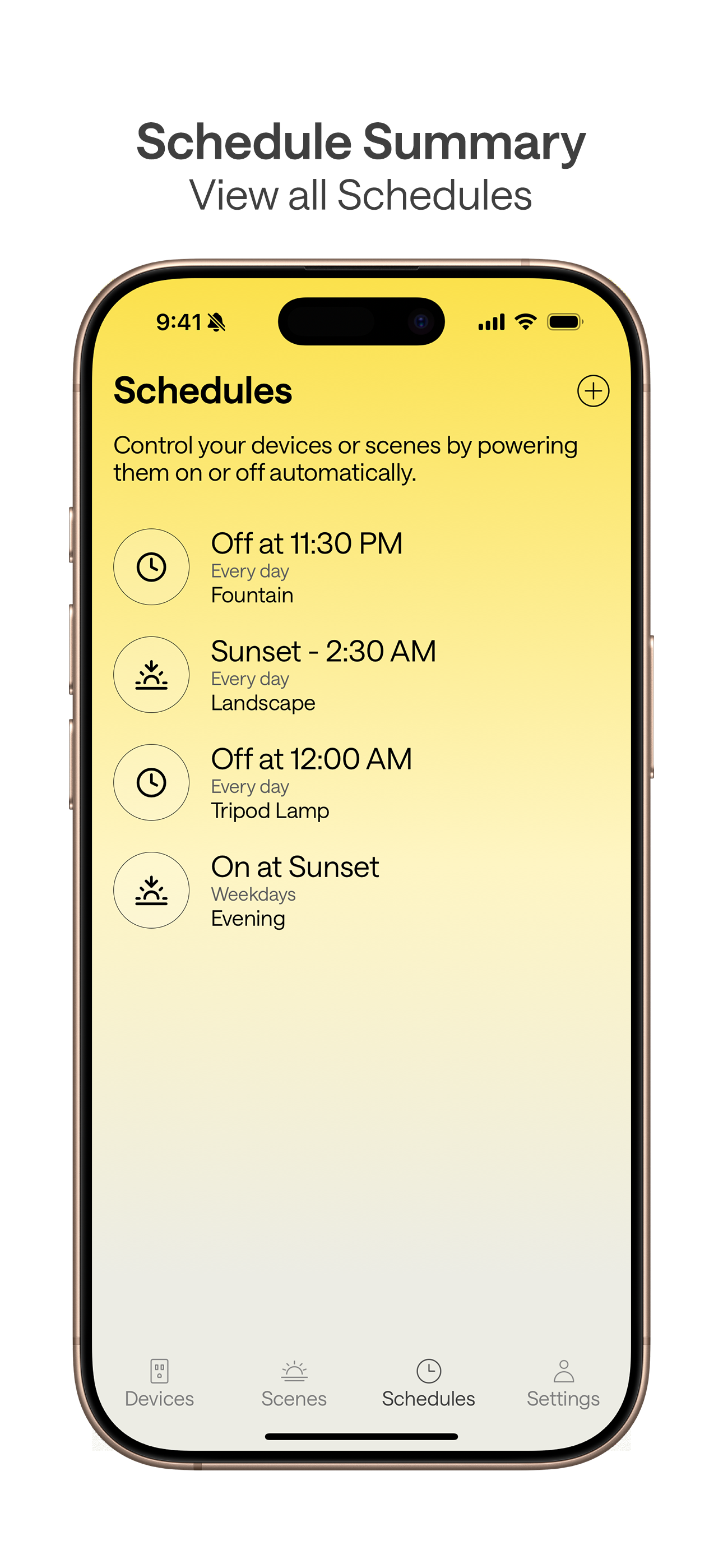

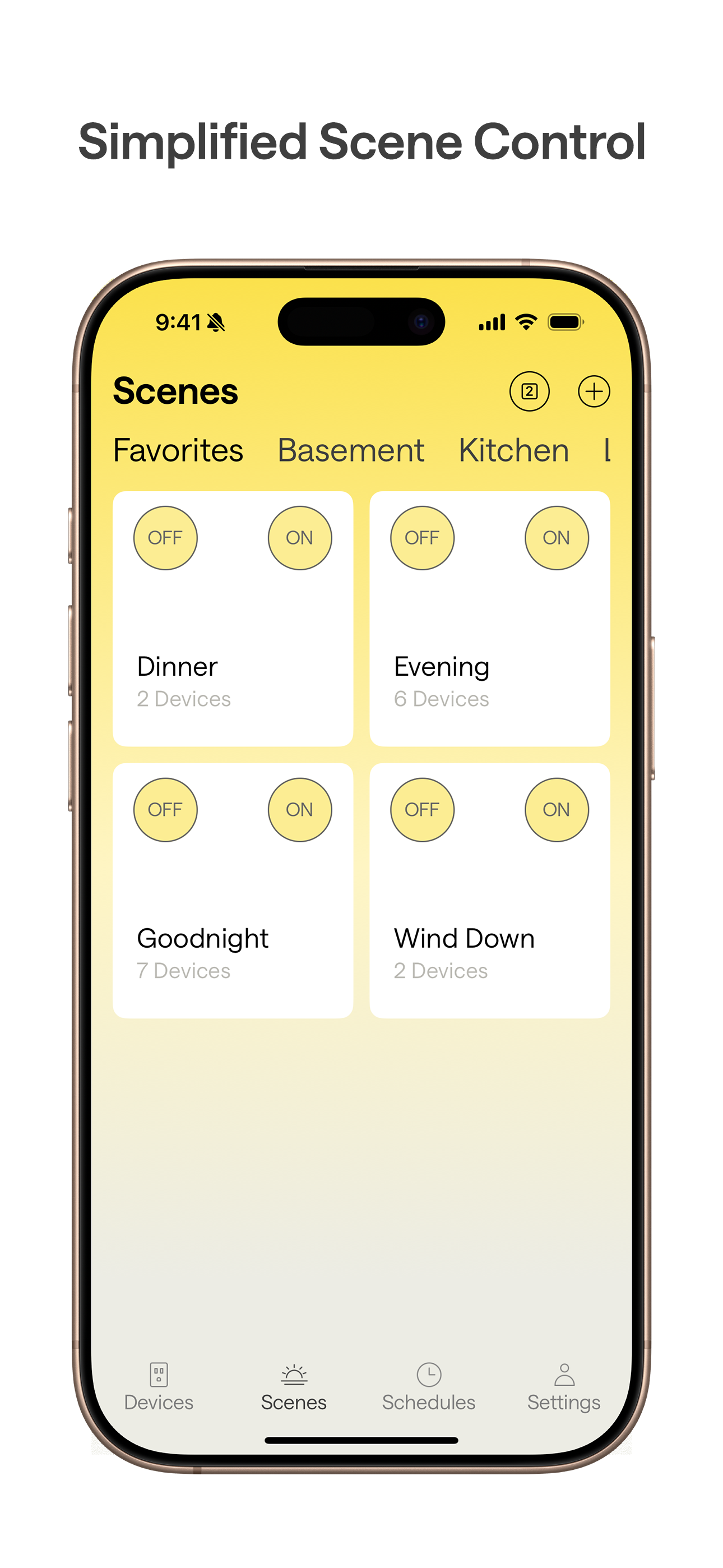
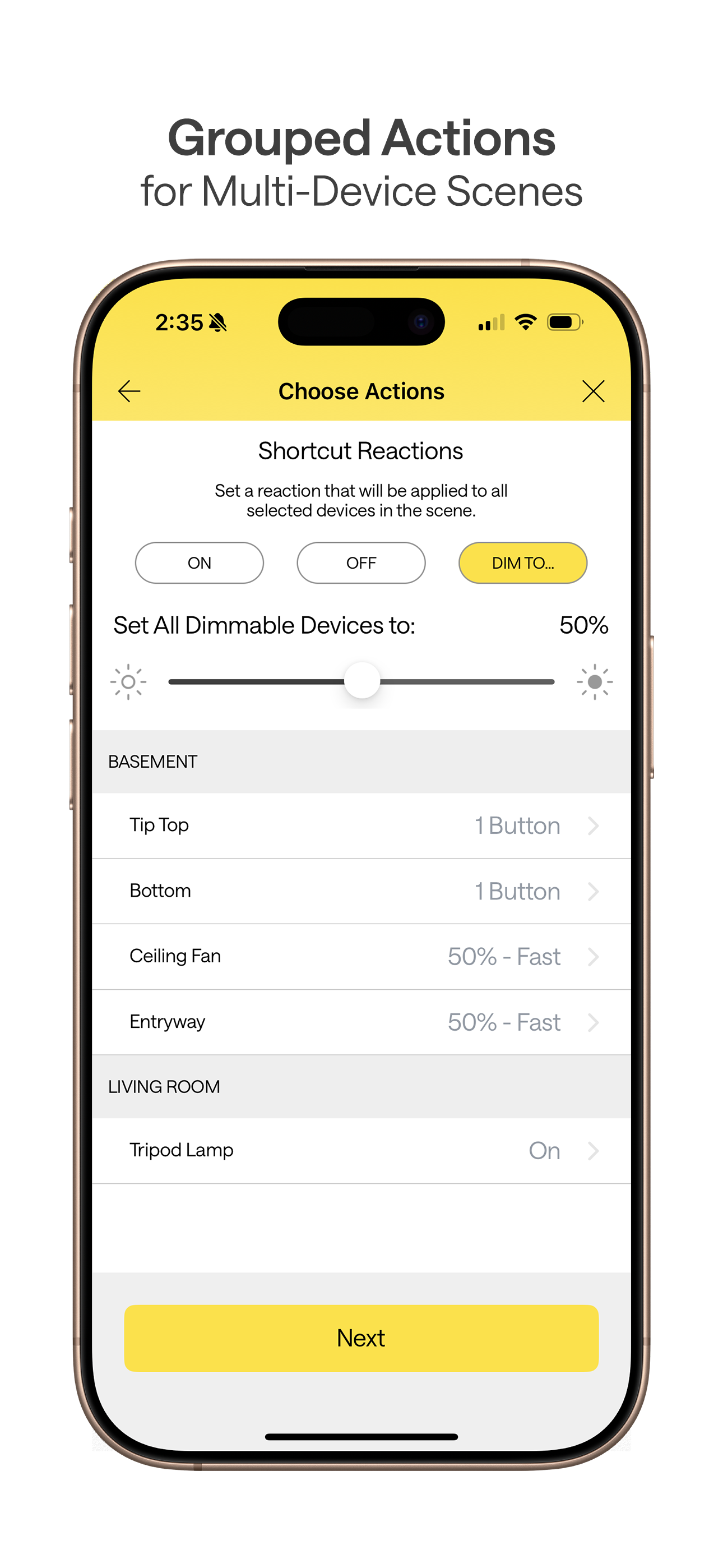
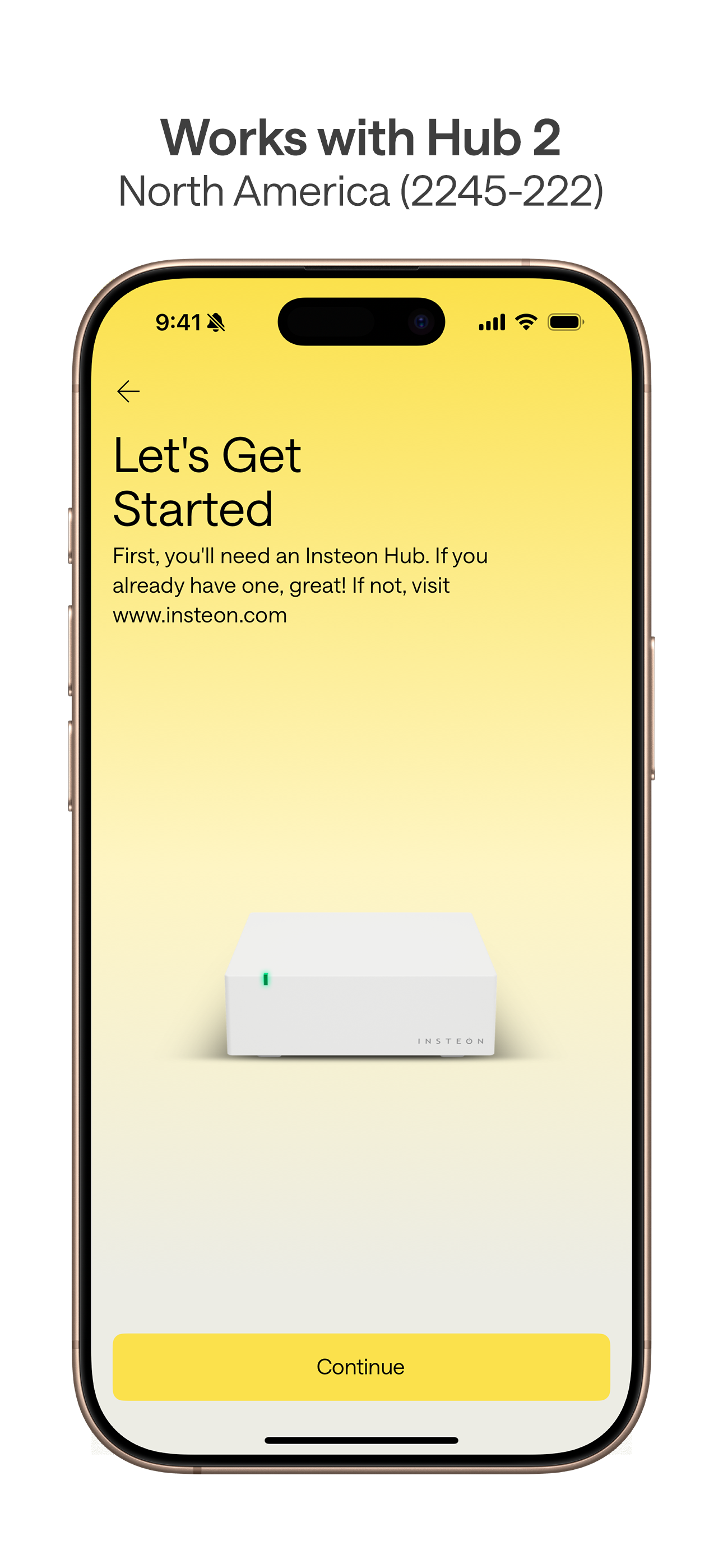
03 / Market context
Keep revenue, downloads and store rankings separate from advertising performance.
Why aren’t Insteon Cameras not supported on this version?? I liked that with this version of the app you could have more than one device tied to sunset and sunrise; previously you had to group them all into a scene. There’s also now an offset for sunrise and sunset but it’s global and not per device. The two worst things are programmer debug statements - I’ll let you find them. The main problem is that when you are scanning through devices NONE of them have the current state. If you click on a device that is on, the status will then quickly update to on - you can’t do this for every device multiple times a day. I would have expected more updates for this app but so far only one. I’m debating on reinstalling the app and devices to see if that fixes this problem but I don’t think it’s worth the time involved. I decent amount invested in Insteon but I think moving forward I’m either goimg to try something new or go back to x10 devices.
Not too bad so far, design seriously lacking, but come on now pick up the pace! For as long as this took you would think the design would be better. Not a very good use of screen real estate on the iPhone, big white block icons way too big, can’t reorder screen tiles or rooms, Good Evening and text take up the entire top of screen, I don’t need the app to tell me good evening, I’d rather use that space for control, I mean really this is not an Alexa device. There should be more functionality for user customization but at a minimum at least make it so I can reorder tiles, resize them and so on. You don’t need huge text in the big white tile, make it an icon, I mean, they are sorted by room, the tile does not need to tell me the name of the device. Put more thought into the design, hopefully updates coming soon!!
Pros: -Allows scheduling more than one event at the same time. -Has sunrise/set offset but it is global, not per device/scene. -New app can coexist with old app on same iPad so can use new app for scheduling and old app for everything else. Cons: -Only has portrait screen view, not landscape, on my large-screen iPad Pro. -Only shows 4 devices on the screen without scrolling unlike previous app that displayed status of 20 at a time on my iPad. This must be how they can claim faster screen updates ... they show less per screen. -Doesn’t have quick-reference icons/pictures for devices, only one generic icon for all devices. I have over 40 devices and 20 scenes and the previously available icon selection let me quickly zero in on device type of interest then read text for precise selection. Now I have to scroll through text only, and only four devices per screen at that. -Even the sunrise/set offset isn’t as good as the one on my x10 hubs 20 years ago. You can only set one global offset, not customized offset per device. For instance, I cant turn lights on at sunset+0 and birdbath-fountain off at sunset+45minutes for late-bathing birds. -It doesn’t work with my 240V hot-tub or swimming-pool system switches.
Hello everyone! If you are a user of the older Insteon for Hub app, are using a Hub 2 (2245-222), and haven’t yet tried this newer app version, here...