Check the acquisition promise
Read the store headline, screenshots and description. What problem is the app promising to solve?
Study the storefront ↗
Apptility Limited · iOS
Explore the ad evidence, study the storefront, and build your next acquisition hypothesis.
01 / Creative research
Read the store headline, screenshots and description. What problem is the app promising to solve?
Study the storefront ↗Explore apps with direct store-link matches. Compare their hooks and formats without assuming the same approach works here.
Browse observed advertisers ↗Store rankings and revenue estimates describe market context. They do not establish ad spend, conversions or ROAS.
Review the market context ↗02 / Storefront & product
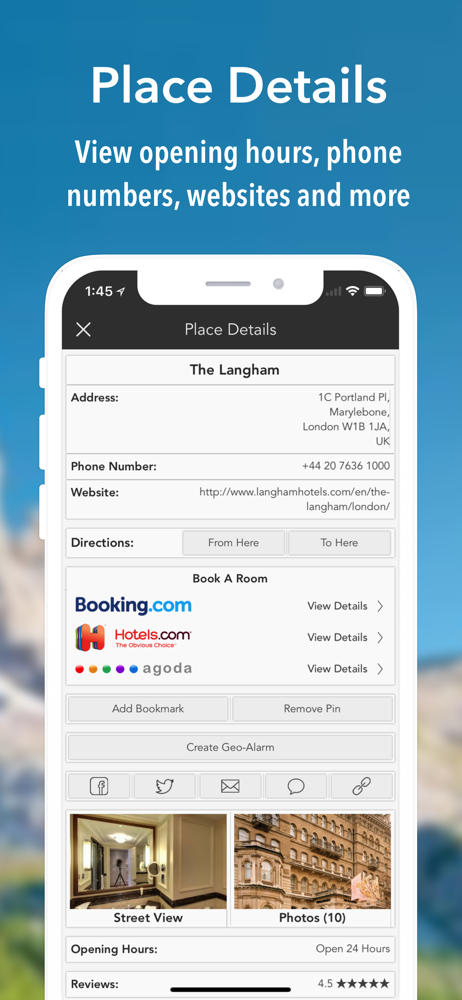
Study the product story and store experience behind the acquisition funnel.




03 / Market context
Keep revenue, downloads and store rankings separate from advertising performance.
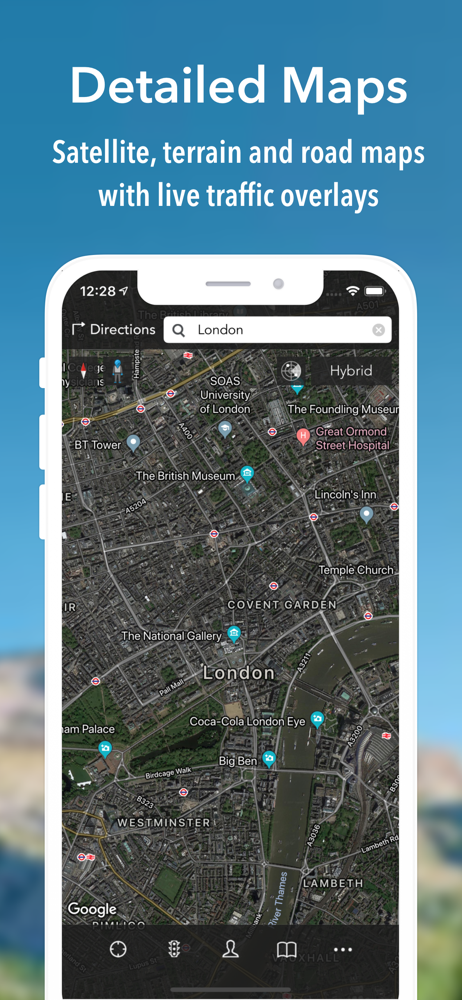
The ongoing problem is that the outlines of states, countries, and provinces are so faint that it's almost impossible to make them out. I also notice that in hybrid view they don't show up at all now. Nice going with that feature; it looks exactly like the satellite view now. It's also impossible to tell whether you're looking at the border of a country or a province, because the lines are all drawn the same way in hybrid mode. Speaking of hybrid mode, why do I have to select it every single time I open the app? It never remembers the mode. Ever. Finally, the same problem with the shrinking text exists in this latest version: If you zoom in to better see road numbers, for example, the number shrinks down again so you're no farther ahead. If the image gets bigger when you expand it, the text should get bigger when you expand it. Otherwise the app should come with a magnifying glass. Why the developers don't spend some time on usability issues like this I don't know, but these updates don't deserve all the self-congratulatory fanfare while these problems persist.
This app is like the istreets for google street view but the problem for this one is that does good give you 4 layouts but you have to pay for directions but you can do different things with app so great for that but you have to pay to do directions like the other app so they have one better future and map app shows more than google maps so it is 3 stars average app
I love the pointer that shows which direction you are going, when streetview cruising. I have an idea that I've been looking for, for years: ok, so you place a mark on a map, then a second mark, and then get all the info that you would get if you typed in addresses in the "to" and "from" fields... Such as, distance between points, directions from one point to the other, option to label points, etc. this way, if we are already looking at a place on the map, we can set a point there, just like we can on regular maps, HOWEVER, we can set a second point, and opt to get directions from the first point to that second point. I don't know how many times I've had to copy and paste addresses when it would be easier to tap and get directions. You can name it iPoints.
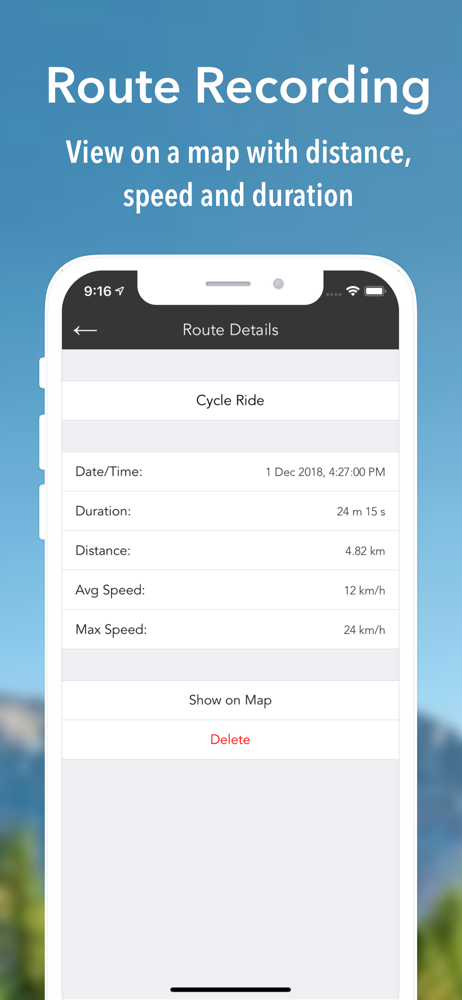
iMaps+ brings Google maps, directions and street view to your iOS device. Features: - Search by address or textual query (eg 'London, UK' or 'Restau...
| Name | Price | Type |
|---|---|---|
| Monthly Subscription | $6.99 | Monthly |
| 3-Monthly Subscription | $12.99 | Quarterly |
| Annual Subscription | $39.99 | Yearly |