Check the acquisition promise
Read the store headline, screenshots and description. What problem is the app promising to solve?
Study the storefront ↗
Branchfire, Inc. · iOS
Explore the ad evidence, study the storefront, and build your next acquisition hypothesis.
01 / Creative research
Read the store headline, screenshots and description. What problem is the app promising to solve?
Study the storefront ↗Explore apps with direct store-link matches. Compare their hooks and formats without assuming the same approach works here.
Browse observed advertisers ↗Store rankings and revenue estimates describe market context. They do not establish ad spend, conversions or ROAS.
Review the market context ↗02 / Storefront & product
Study the product story and store experience behind the acquisition funnel.


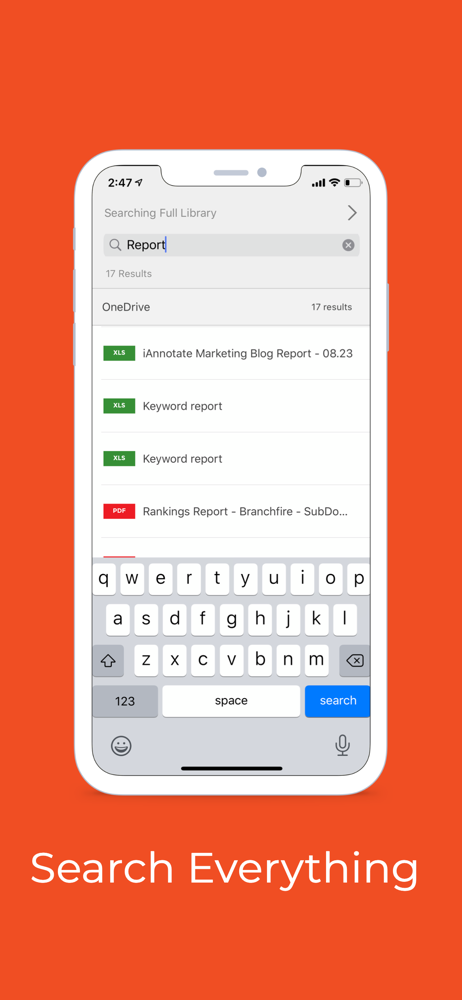
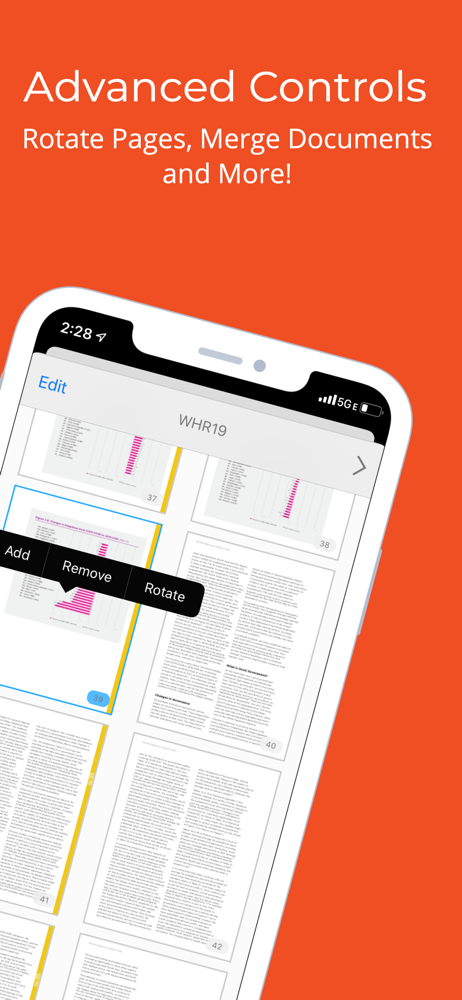

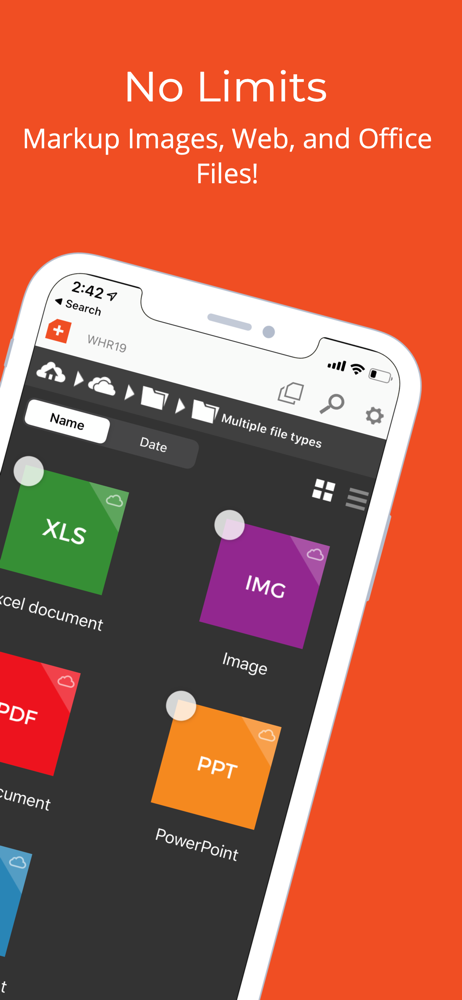
03 / Market context
Keep revenue, downloads and store rankings separate from advertising performance.
This was a terrific app when I bought it in 2010. It’s still an amazing tool for marking up PDFs and I do all my grading on it. But I am redoing my review because the makers have not made updates for quite some time, much needed features that are now feasible with all the innovations that have come to the iPad and iOS. First off, I’ve been requesting this for years: the ability to flatten multiple documents at once. When I grade 30 papers, the inability to check all the boxes of documents I wanted flattened and then hit flatten adds a great deal of time to my work. There is still a lack of continuity across devices (or worse, when purchasing a new iPad) that will allow the toolbars I created on one device to carry over to another. It’s a major headache. The last major update we got was integration with the Apple Pencil, which is wonderful, but the pencil can do more now and the app makers have not taken advantage of this. It would also be nice to have two instances of the app (not just two documents at once) open at once to take advantage of using an external display for an extended desktop. Better use of iPad OS’s file system would be great too. It takes me too many clicks to move around between subfolders and between OneDrive, DropBox, etc. It’s quite possible better apps now exist, taking advantage of technological change, but I would much rather stick with iAnnotate since it has served me well for almost 15 years.
I just finished editing and proofing a 40,000 word novel using a combination of iAnnotate and Libre Office word processor. My main concerns were that none of the changes I made would be lost, and that the documents created would not have any technical problems. iAnnotate performed really well and I will use it for all of my work in future. Here’s why. 1) It’s not a subscription app. I refuse to buy any subscription app, and this one is very reasonably priced. In fact, it’s a bargain. 2) It handled every editing, proofreading, and markup task easily. And it did this with no mistakes, and only minor inconveniences. The two inconveniences are that the eraser tool takes a bit of getting used to, and the file management system of iPad is confusing. But once that is figured out, all is quite smooth. (Apple Pencil users, it’s necessary to tap the marked up text with your finger to get the eraser option, then select the eraser tool, and then use the Apple Pencil to do the actual erasing.) There is one other odd quirk: I loaded my 68 page document into the app, but as I edited, I found that the document stopped at around 40 pages. The last 20 or so pages did not appear. However, closing the document and opening it again solved this problem. I think the problem occurs only when I use the iPad file manager to send the document to the app. When I open the document directly from the app, I think the problem does not happen. In any case, it did not cause any data loss, so it’s not too big a deal. An excellent app.
Let me start by saying I actually like the app overall. It has a great selection of tools that are both functional and easy to use. That being said, it’s irritating that basic functions are missing. For example, if you upload files from your computer, it goes into the sharing folder. The contents of this folder cannot be moved to other folders—they must be copied. Copying large folders takes forever. And in some cases, the app does not copy every file. Further, you can’t easily be sure that everything was copied because—for whatever reason—there is no file count for each folder. The program counts each file that you might select, but you must select each file individually, as there is no select all files function. And, if you don’t select an individual file in exactly the right spot, the file does not get selected—it opens and you have to start selecting individual files all over again. I have folders with hundreds of files in them, so this is incredibly frustrating. How about adding some of these basic functions? UPDATE, 22 April 2022: Seriously? Your response is that you don’t allow moving files between file locations to prevent data loss? Are you stupid or do you think we are? How about you mind your own business where and how I want to store my data is concerned? Other apps sure don’t seem to think we’re too stupid to be able to move data around. No need to answer…I’m deleting your app. I suggest anyone considering this app search for an alternative. Fast. Thanks though. At least your insulting response was relatively fast this time. Last time, more than six months passed before someone sent me an email asking if my issue had been been solved.
iAnnotate by Folia is the best way to read, annotate, and share PDFs, Microsoft Office files, images and web pages! Over 1 million people turn to iAnn...