Check the acquisition promise
Read the store headline, screenshots and description. What problem is the app promising to solve?
Study the storefront ↗
ShenZhen 0101 technology Co.,Ltd · iOS
Explore the ad evidence, study the storefront, and build your next acquisition hypothesis.
01 / Creative research
Read the store headline, screenshots and description. What problem is the app promising to solve?
Study the storefront ↗Explore apps with direct store-link matches. Compare their hooks and formats without assuming the same approach works here.
Browse observed advertisers ↗Store rankings and revenue estimates describe market context. They do not establish ad spend, conversions or ROAS.
Review the market context ↗02 / Storefront & product
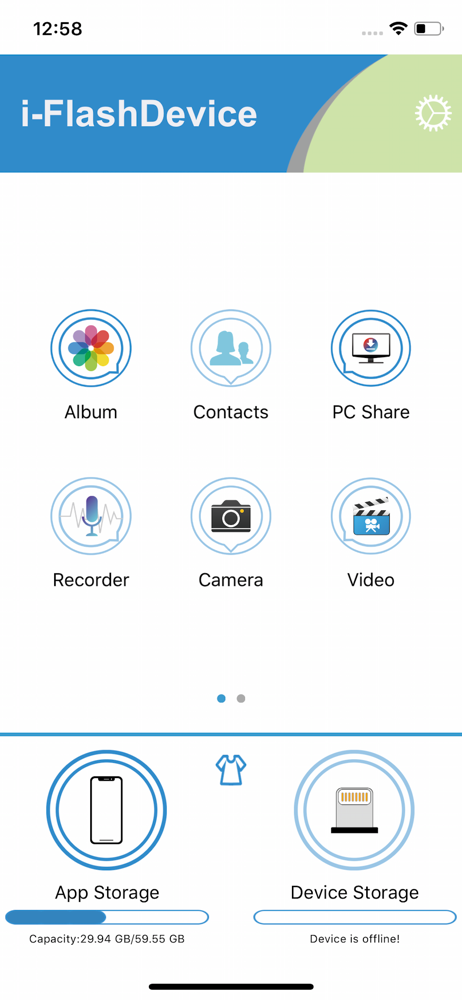
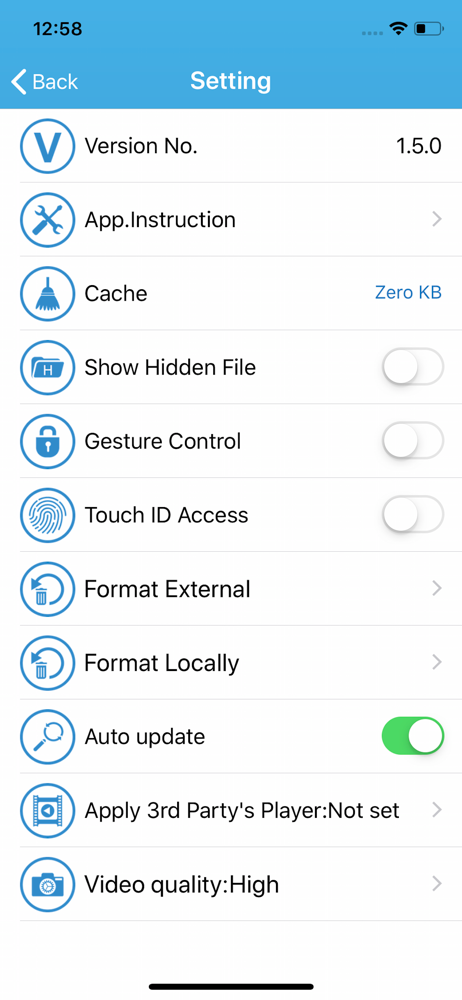
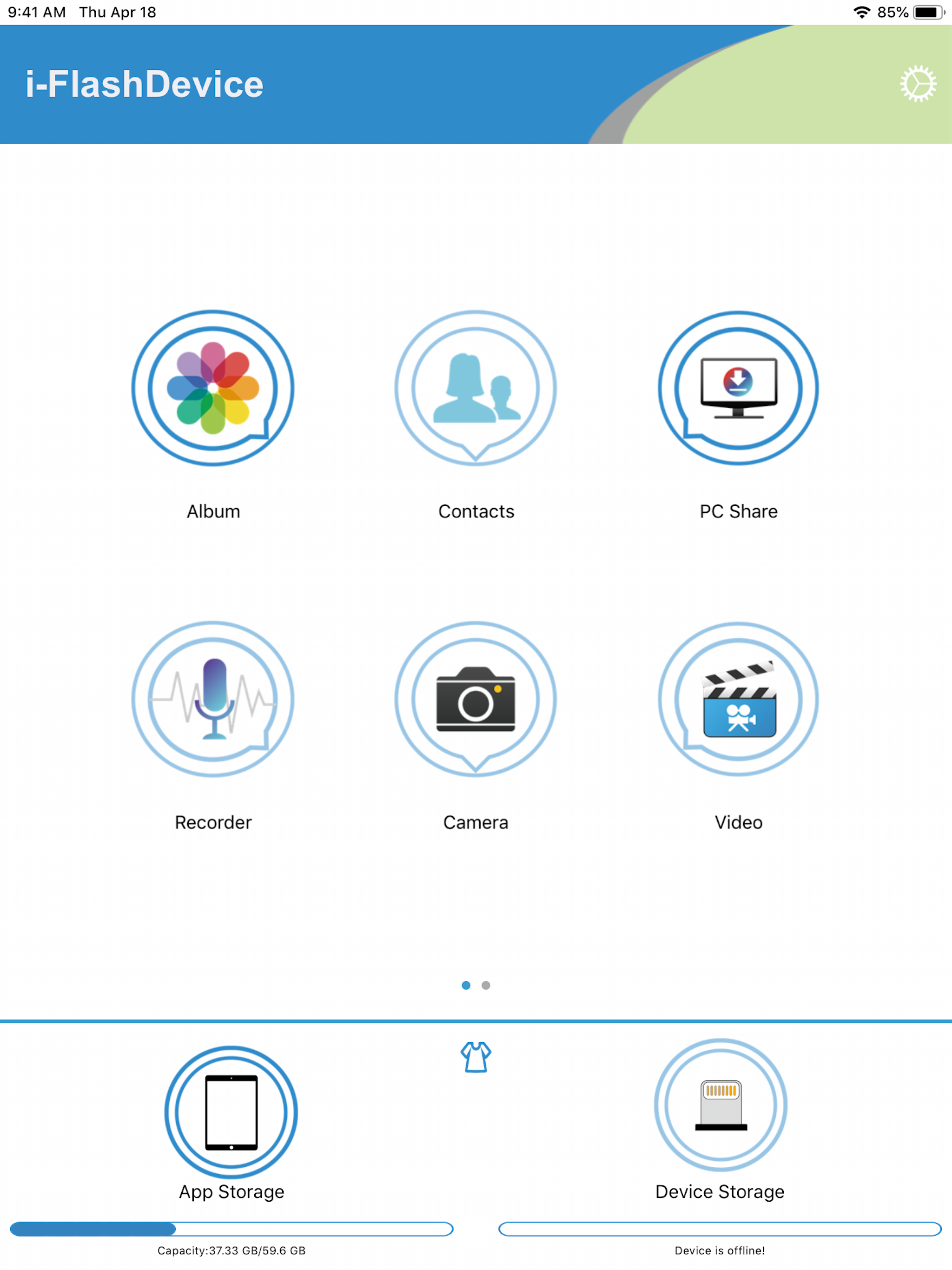
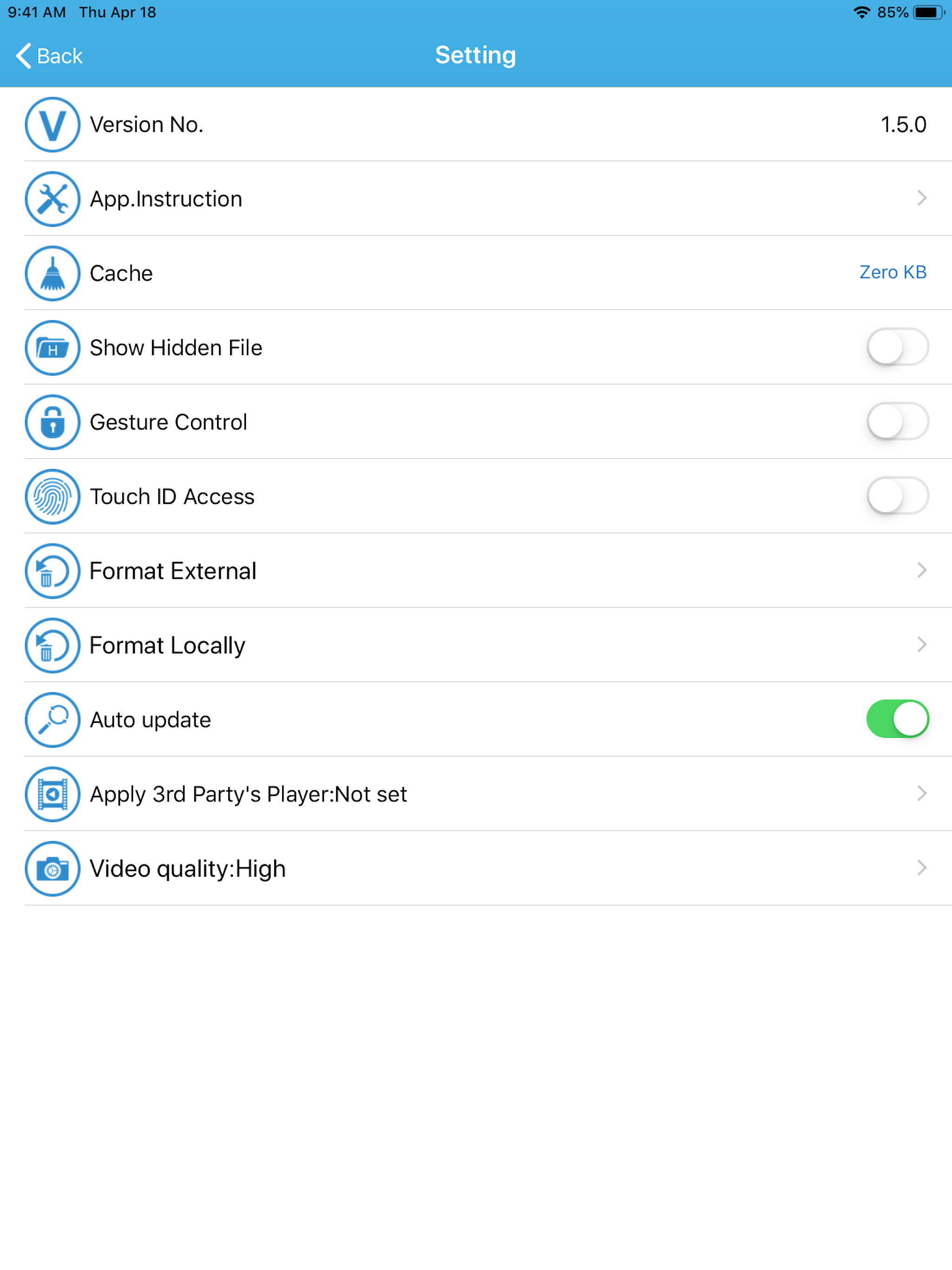
Study the product story and store experience behind the acquisition funnel.
03 / Market context
Keep revenue, downloads and store rankings separate from advertising performance.
If you have a flash drive that used to work on older (lightening) iPhones, this app will NOT work with your flash drive. But there is a work around. Get a usb-A (female)to usb-C (male)adapter or if your flash device already has a usb-C , insert it into the phone and open up the “Files” app (should be already installed on the phone). Look for a storage area called “NG name”. Should be under “On My IPhone”. If it’s not the same name then check to see what it’s called after you insert it. All your files are there though. Hope this helps!
It does what it says, allows you to save and import video directly from an sd card! The problem is, sd cards are not great backups, so this is a temporary solution at best. And at worst, if it doesn't know the file type - which it seems to not know anything but the most basic - it doesn't know what to do with this. C'mon guys, add some more file formats! It doesn't know Insta360 files despite Google Photos knowing how to open them.
I purchased a game camera along with an I-FlashDevice to view the results on my iPad Pro. Downloaded the software, I should have been dubious about the quality because of the low star rating, and plugged in the i-FlashDevice to the USB-C and nothing! Downloaded it on my iPhone 11 and it sees the device using that connector, but the software is slow and buggy. When it crashes it takes you all the way out, you have to reconnect and wait for the thumbnails to load before you can see anything. This is tedious and annoying. Hence one star. Adding to my one star review. It actually sees the files on my iPhone 11, but when I want to save a video file from my drone it is copmpletely incapable of doing it. What a waste of money and energy.
The i-FlashDevice is the best way to manage all your files on iOS devices,Exchanges files with different devices & platforms with ease. 1.Backup Cont...