
Check the acquisition promise
Read the store headline, screenshots and description. What problem is the app promising to solve?
Study the storefront ↗
HydraWise · iOS
Explore the ad evidence, study the storefront, and build your next acquisition hypothesis.
01 / Creative research
Read the store headline, screenshots and description. What problem is the app promising to solve?
Study the storefront ↗Explore apps with direct store-link matches. Compare their hooks and formats without assuming the same approach works here.
Browse observed advertisers ↗Store rankings and revenue estimates describe market context. They do not establish ad spend, conversions or ROAS.
Review the market context ↗02 / Storefront & product
Study the product story and store experience behind the acquisition funnel.



03 / Market context
Keep revenue, downloads and store rankings separate from advertising performance.
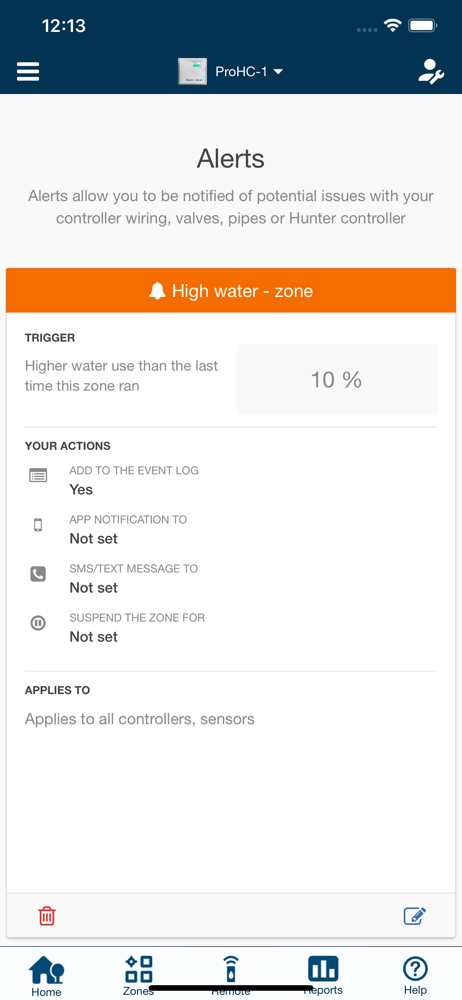
My yard hadn’t been watered for two weeks when I noticed after much searching through the app screens that there had been an error message for possible faulty wiring or bad solonoid and for some reason it never watered after this (Was this why?). My yard was newly sodded so this is NOT good. It was set to run at night while I sleep so I trusted it to do that. Big mistake. All it would take it a little tweaking so users could get notifications like badges, banners, etc. and that would have fixed my issue. A badge notification for a problem would have been an instant flag for me to check on my Hydrawise system immediately instead of me “accidentally” noticing it after two weeks of very little rain and high temperatures when my lawn was beginning to show signs of stress. I am almost positive it will run with the Background App Refresh turned on, but this drains the phone battery down so quickly; notifications like badges and banners will run WITHOUT Background Refresh on. Please try to make this change.
Had a false trust in their solenoid alarm. It is designed to monitor the AC current with some high and low threshold that isn’t settable. If the current exceed 800mA it assumes you have some sort of short. If it is at 0 it assumes you have an open. If it is anywhere between that it assumes all is well. It all seems to be based on a single zone/ relay install. This is great in that situation as if there is a problem you are informed. However, many irrigation systems have an irrigation pump which is controlled via the MV relay. While you have to program this MV relay and the report says there are two solenoids, the solenoid current monitoring alarm is totally oblivious to the fact there are two relays. So if a zone opens from a fault there is still current going to the MV relay and still turns the pump on. The controller thinks all is fine as the current isn’t 0. Now the pump is pumping water but there is nowhere to send the water. After about a month of this I noticed my grass dying. Went to investigate and my pump melted and so did the PVC pipe. $1000 in repairs. If only it knew what the MV current rating was or if it monitored the actual current versus the average over the last 10 runs it would easily shut of and given me an alarm. So all this intelligence and it failed to do one of the basic of intelligence.
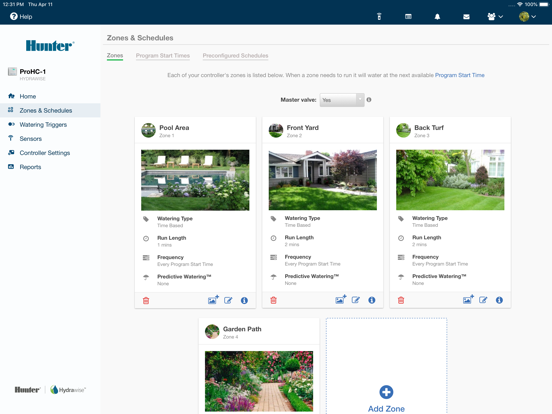
The performance is not very consistent- right now I can’t edit the zones - the pages won’t load. Every time I interact with the app there is always some different performance issue. Other things: I constantly have to log in with my email address (no “remember me” option). This is a real pain if my hands are wet or I’m wearing gloves. I agree with the other reviewer about the default report to week and need to always switch to day. The overall intersections of options are really not intuitive- setting a time on a zone is required, then you put it on a program schedule that overrides that, so the zone schedule time is no longer used or relevant. It’s not clear what zone settings vs program schedules are driving at any point in time. Overall insight into my set up is lacking. My water usage grew dramatically last month (based on my water bill) - I didn’t have insight into that. Perhaps I’ll add a flow meter, but out of the box I’m not seeing something like “total minutes programmed per day” or something that would give me a sense of what I’ve programmed over time and to make sure I did not cross my wires among all the levels of set up. Finally, the help pages are well documented but aren’t consistent with what I see in the app. Thanks. Ps if this gets posted note that every nickname I was required to enter to post was taken.
Control your Hunter irrigation system(s) remotely using this app or using a web browser from anywhere in the world (note: internet access required)....


