Check the acquisition promise
Read the store headline, screenshots and description. What problem is the app promising to solve?
Study the storefront ↗
Shenzhen Shake World New Energy Technology Co., Ltd. · iOS
Explore the ad evidence, study the storefront, and build your next acquisition hypothesis.
01 / Creative research
Read the store headline, screenshots and description. What problem is the app promising to solve?
Study the storefront ↗Explore apps with direct store-link matches. Compare their hooks and formats without assuming the same approach works here.
Browse observed advertisers ↗Store rankings and revenue estimates describe market context. They do not establish ad spend, conversions or ROAS.
Review the market context ↗02 / Storefront & product
Study the product story and store experience behind the acquisition funnel.





03 / Market context
Keep revenue, downloads and store rankings separate from advertising performance.
Charge and Discharge buttons are not working. Missing total cycles count Every change of screen will disconnect the battery. This is the worst BMS app so far. At least I hope batteries will work fine and for long time.
I have four of the 100ah 48 V server rack batteries connected in parallel with all the communication cables connected, and the dip switches set, and have connected to the primary battery over the app, but it unfortunately only shows the status of that battery in the summary screen and on the details screen for the cell information from that battery only. There is no way to tell the status of the other batteries total charge or detailed information. If you connect to the other batteries over Bluetooth, they show no information at all. The app is very far behind other manufacturers, smart battery apps. Because of the inability to manage multiple batteries when connected in parallel, I’m actually considering returning the batteries.
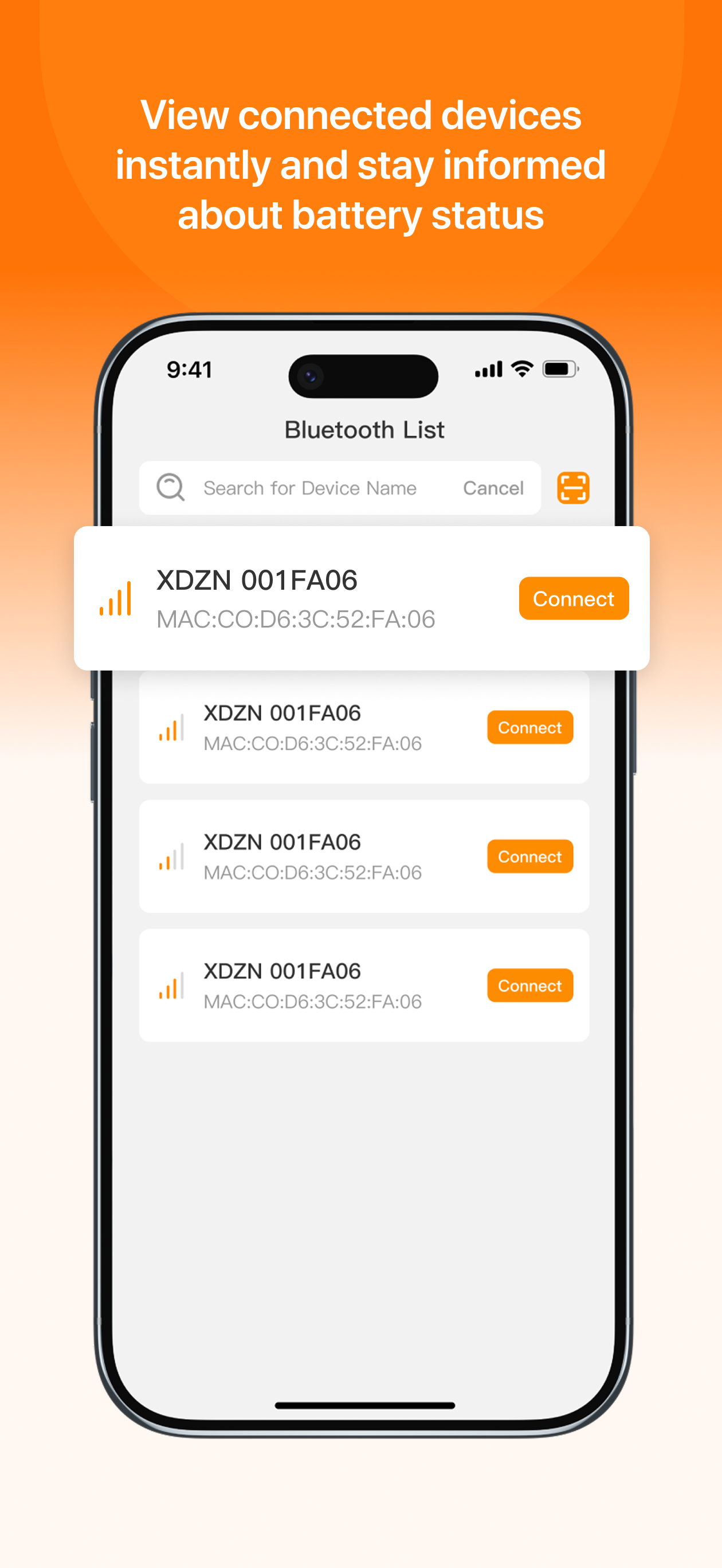
Although they usability and the visibility in the app was terrible in the previous version, at least it was mostly functional. You could switch back-and-forth between batteries to see their various states. The version released two weeks ago. Looks like they possibly paid somebody to do some new UI work, but the functionality actually got worse. You can connect one battery and view it. And then you can go back to search and find the second battery to connect to. But once you’ve connected to the second battery, you can no longer have any access to the first battery until you kill and restart the app. That’s terrible.
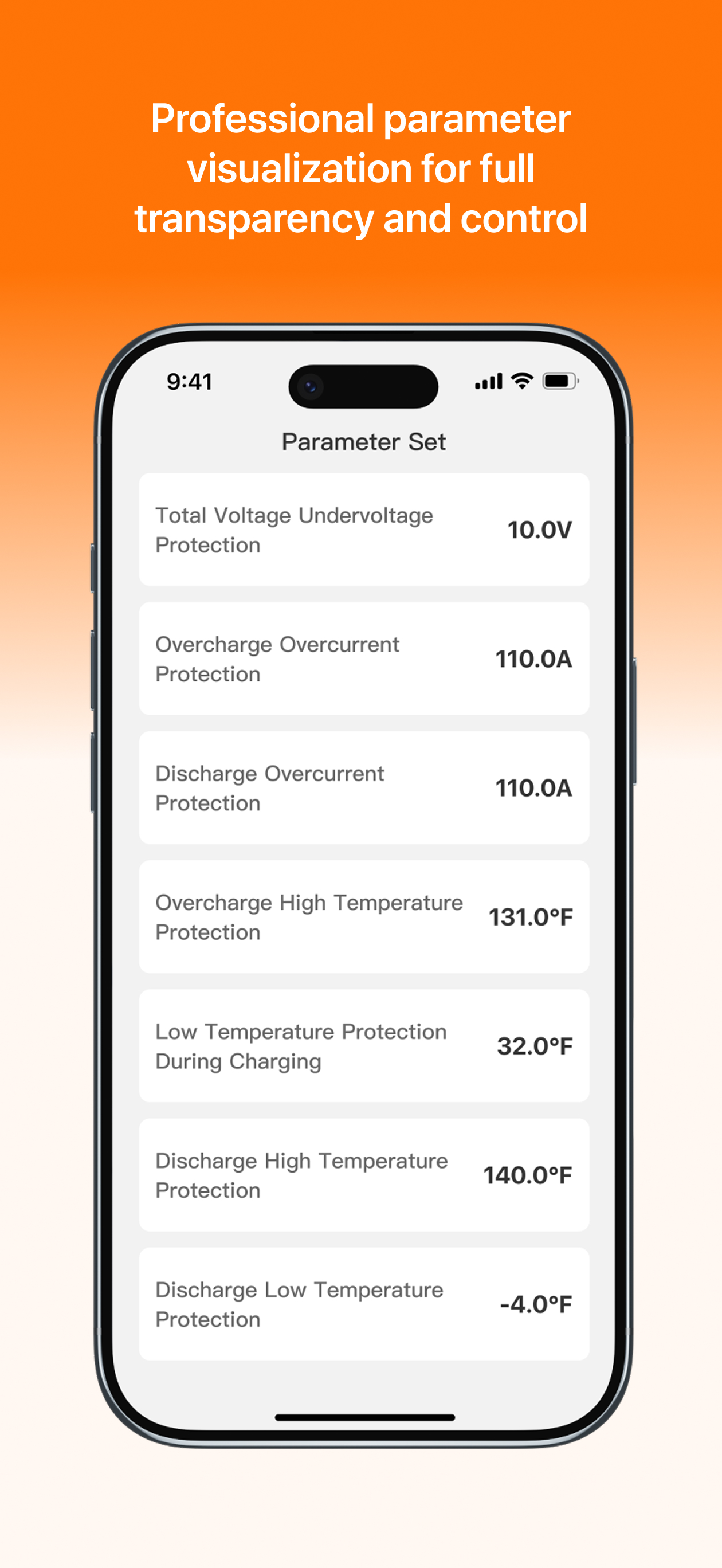
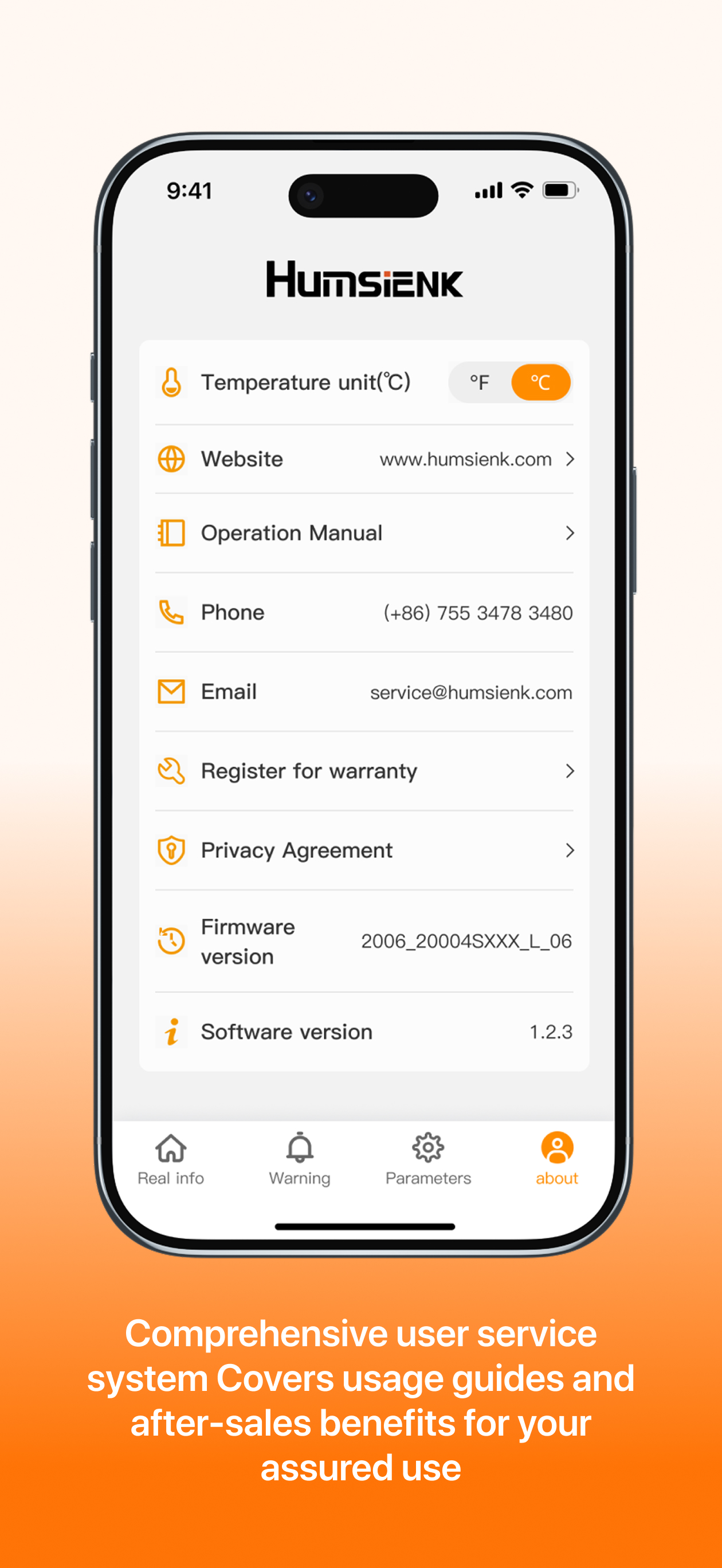
HumsiENK Smart is an inteligent battery management system independently developed by ShenzhenHumsiENK New Energy Technology Co, Ltd. lt connects to th...