
Check the acquisition promise
Read the store headline, screenshots and description. What problem is the app promising to solve?
Study the storefront ↗
Homeylabs Inc · iOS
Explore the ad evidence, study the storefront, and build your next acquisition hypothesis.
01 / Creative research
Read the store headline, screenshots and description. What problem is the app promising to solve?
Study the storefront ↗Explore apps with direct store-link matches. Compare their hooks and formats without assuming the same approach works here.
Browse observed advertisers ↗Store rankings and revenue estimates describe market context. They do not establish ad spend, conversions or ROAS.
Review the market context ↗02 / Storefront & product
Study the product story and store experience behind the acquisition funnel.




03 / Market context
Keep revenue, downloads and store rankings separate from advertising performance.
This is a great concept, and we love the idea behind this app. It has truly helped our boys learn how to be responsible for their jobs around the house, and it’s great watching them learn about organization, time-management, and finance. However, this app has several frustrating glitches. Things often take a ridiculously long time to load, and then error out rather than loading at all. We are frequently unable to make edits, create new jobs, and switch accounts. When these things happen, we can SOMETIMES close out the app and it works at that point but not always. In the last 20 minutes I’ve attempted to edit one of my son’s profile, add a daily goal, and edit a job. All of which failed after they timed out. For each of those three things the app loaded for several minutes before telling me there was an error. We may need to cancel our subscription, delete this app, and find something more reliable. Very frustrating.
I've been using Homey for a few weeks now, and it's becoming one of my favourite apps. I do wish I could pick and choose which notifications I want to get (right now it's either on or off), with 5 kids notifications can get a bit much. Even so, this has been the first app that got my kids doing chores consistently, and without me nagging. I have a few recommendations: 1. don't bother setting up a spending jar - how the jars work, it's much better to keep spending in the "total money" and use jars for actual saving goals. 2. read the manual. I found it in the help section and it was a lifesaver. This app has more features than your usual chore app, and it can be a bit complicated to set things correctly. I thought the app was deleting chores, when in fact I had them set to multiple kids at once, and one kid always completed the one chore for all of them. 3. make sure your kids have just the permissions they need. I think the app could make this a bit more obvious, but I had all my kids set up as parents and there's no clue apart them being able to do everything (delete chores, add money to their wallets...). Lets just say they had a bit of fun with it. 4. This one if for the Homey team: MAKE TEXT BIGGER! I'm not getting any younger and some text is really small and white and hard to read, lol.
I like this app and have an annual subscription. It is better than any other option I’ve seen out there. As mentioned by another review it is a little pricey for what you get. If the bank connection feature is what drives the cost then I would split that out. Have a free / low cost version that doesn’t include that part and a higher cost version that does. I just use the wallets and then when my kids want to spend money it comes out of my account (and is deducted from their wallet in Homey). The other major issue with this app is the UI. It isn’t really intuitive. It has taken me a while to figure out exactly how to deduct money when my kids buy something (first you reduce the amount from the Jar and then reduce the amount from the wallet...and add a note for what the spending was on). That’s too cumbersome. Another issue with the UI relates to jobs and responsibilities. I understand how it works, but it isn’t super intuitive either. Finally, the input for funds received or spent is terrible. I have to keep tapping to get all the way to $100 if my kid gets that for Christmas. And I can’t specify an exact amount either. Have to do it multiple times to get to an exact amount if it isn’t a whole dollar amount. Awful input method. I would also like a reminder for me if my kids didn’t mark off their responsibilities for the day. I think they get reminders, but they don’t pay attention or the reminders aren’t at a convenient time. More control there would be great.
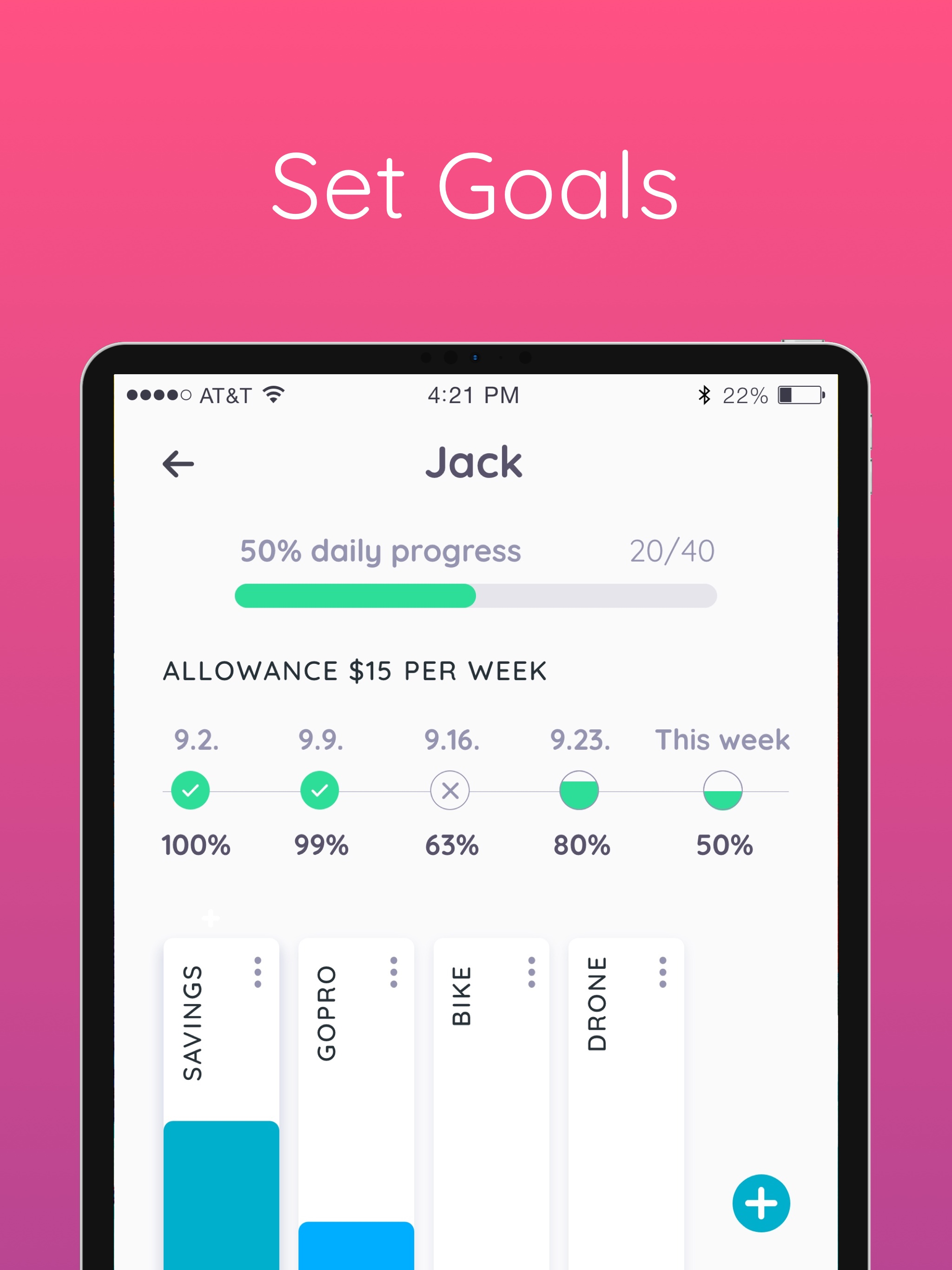
The perfect app to teach your kids about money through completing chores and working towards goals. Don’t listen to us, listen to those that fell in...
| Name | Price | Type |
|---|---|---|
| Kitchen pack | $0.00 | One-time |
| Kids room pack | $0.00 | One-time |
| Bathroom pack | $0.00 | One-time |
| Floors pack | $0.00 | One-time |
| Before & After School | $1.99 | One-time |
| Spring Cleaning | $4.99 | One-time |
| Homey Premium (Monthly) | $4.99 | Monthly |
| Homey Monthly | $6.99 | Monthly |
| Homey Unlimited (Monthly) | $6.99 | Monthly |
| Homey Yearly | $59.99 | Yearly |


