
Check the acquisition promise
Read the store headline, screenshots and description. What problem is the app promising to solve?
Study the storefront ↗
Niklas von Weihe · iOS
Explore the ad evidence, study the storefront, and build your next acquisition hypothesis.
01 / Creative research
Read the store headline, screenshots and description. What problem is the app promising to solve?
Study the storefront ↗Explore apps with direct store-link matches. Compare their hooks and formats without assuming the same approach works here.
Browse observed advertisers ↗Store rankings and revenue estimates describe market context. They do not establish ad spend, conversions or ROAS.
Review the market context ↗02 / Storefront & product
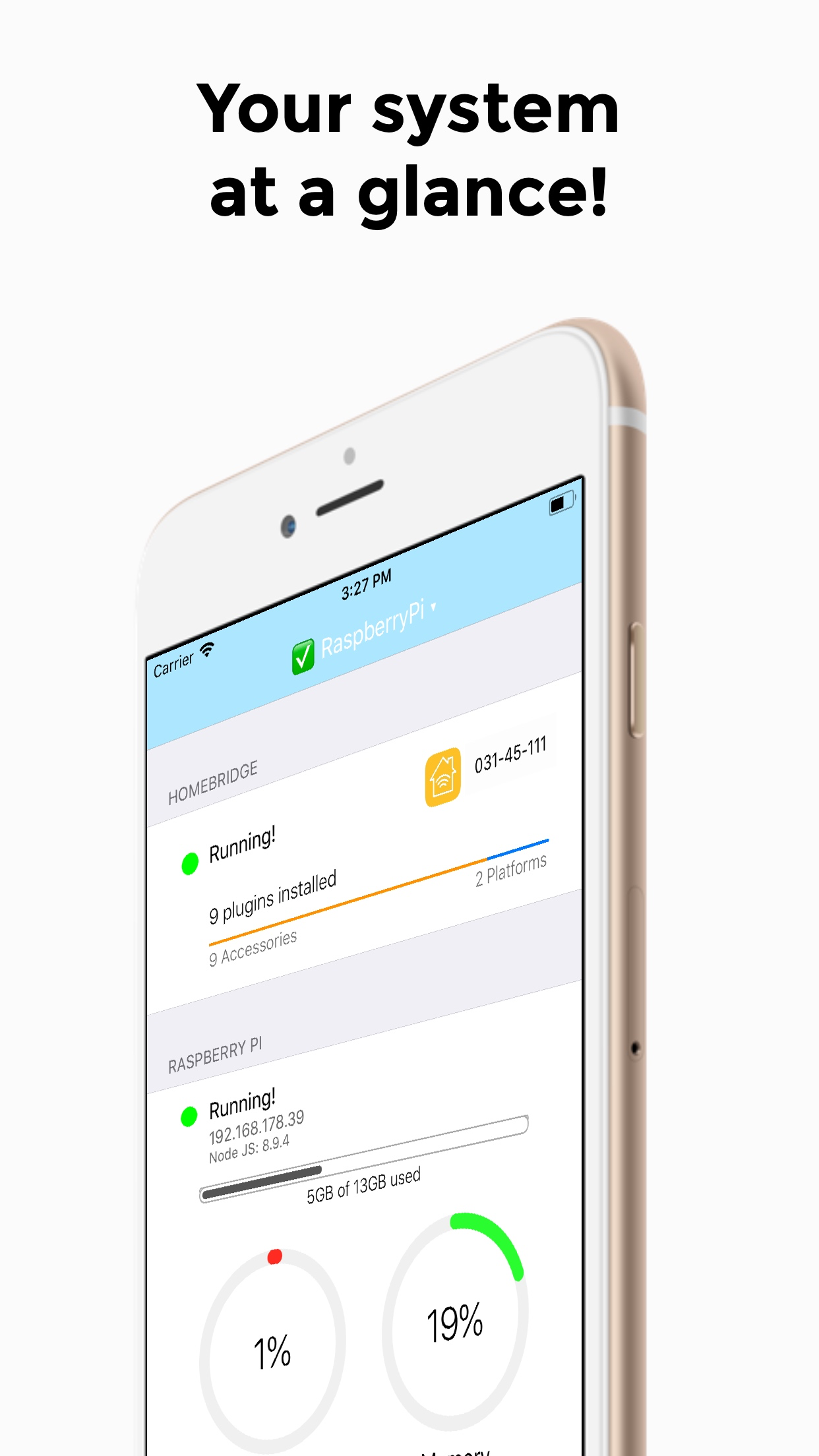
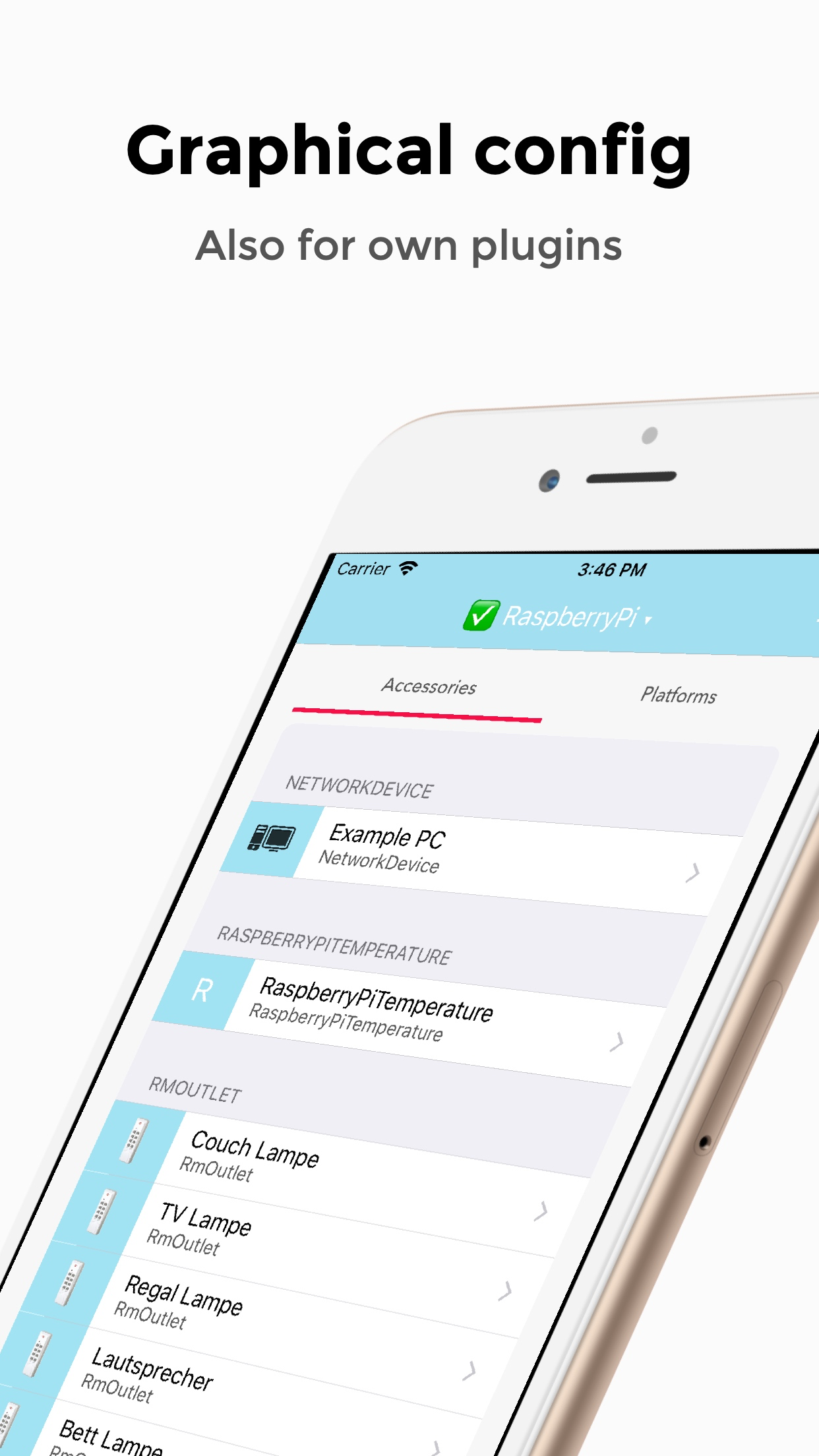
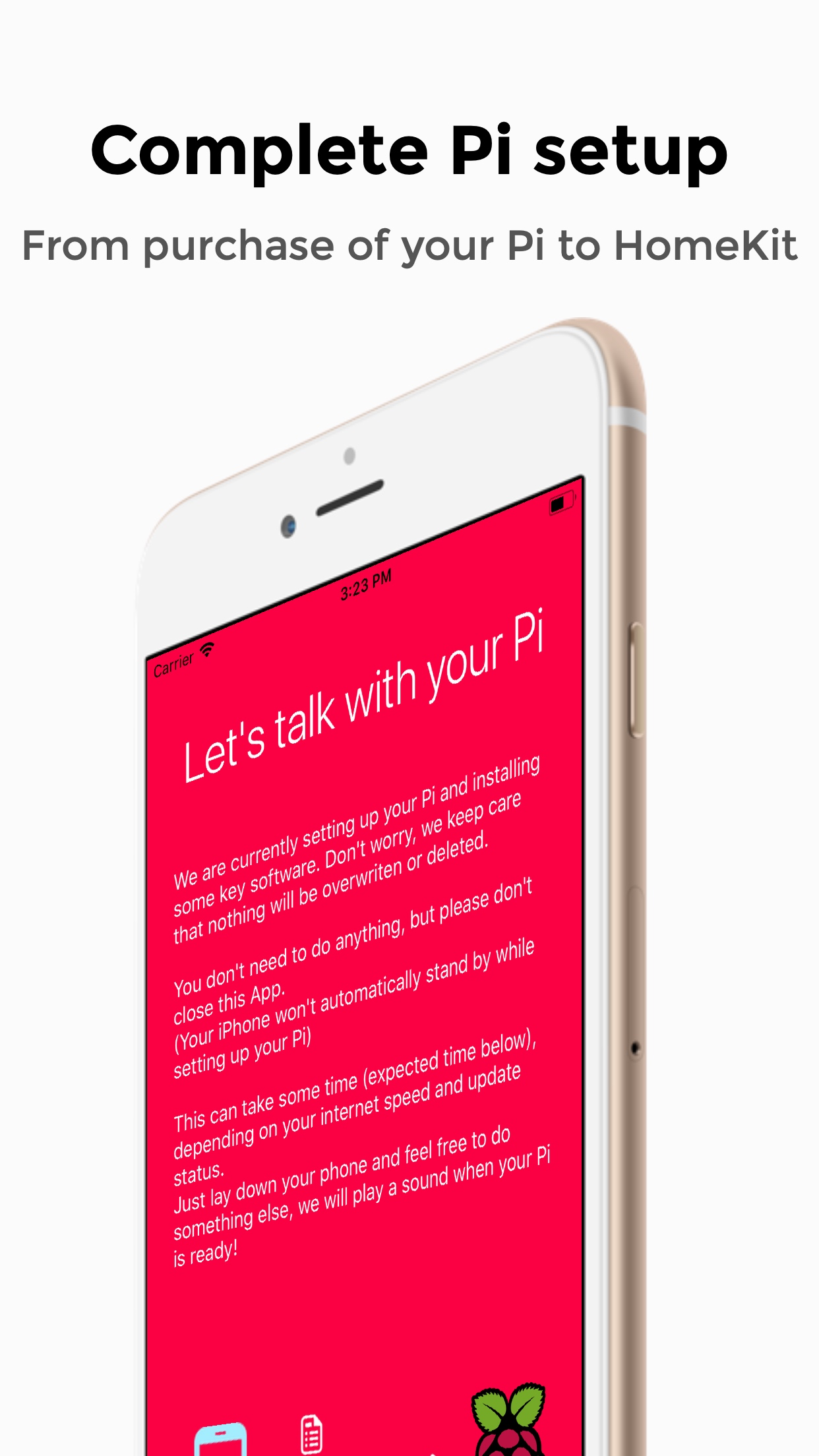
Study the product story and store experience behind the acquisition funnel.




03 / Market context
Keep revenue, downloads and store rankings separate from advertising performance.
I had a raspberry pi3b+ that I bought for a different project that didn’t work out when I stumbled upon this app. After a bit of internet researching, and a lot of trial and error(Mainly because I’m not very computer savvy), I got this app going on my pi. It seemed very buggy at first, but by running the debugging tool and making tweaks to plugins I have almost all of my home WiFi products connected to siri and must say this thing works pretty good. I leave my pi plugged in and running 24/7 and have an iPad running the Homebridge and apple home app running in the background. Not saying it’s a must but it works smooth for me across multiple platforms. Seemed buggy at first but seems like the more I can let everything run in the background and control everything from Siri or the home app it actually runs smooth.
I was able to get this working with a completely new format of NOOBS. Paired perfectly, but there were a few woes. One: the new image does not measure temperature right. It appears the same issue exists in the sister Raspberry Pi app as well. Additionally, the People app is outdated and uses an incorrect configuration. Otherwise I love this app and hope it gets regular updates. I’ll be using it and the Raspberry Pi companion app.
So this is a great idea but falls short. I already have a pi 3 running Homebridge but decided to try this out on my Zero that I had already installed Homebridge on but no plugins yet. The setup screen implies it’s not possible to proceed without starting from scratch which isn’t the case. It implies it must be connected via Ethernet which also isn’t the case. I really want to like this app but there isn’t enough plugins. That’s not necessarily a problem for me since I’m already able to do this stuff via terminal but if there were some sort of way to add plugins through the app manually without having to touch the config it would be amazing. I’m not really a developer so I have no idea of a solution to that is possible but I feel like there could be a way of connecting to Homebridge tagged repos? Anyways, I’ll continue to keep this app and check up on it’s progress, once it’s there I’ll stop stalling on setting Homebridge up for my friends and they’ll be able to manage it themselves.
Finally it's here and the only one in the entire AppStore - Homebridge App! With Homebridge you can easily and cheap turn your entire home into a fut...


