Check the acquisition promise
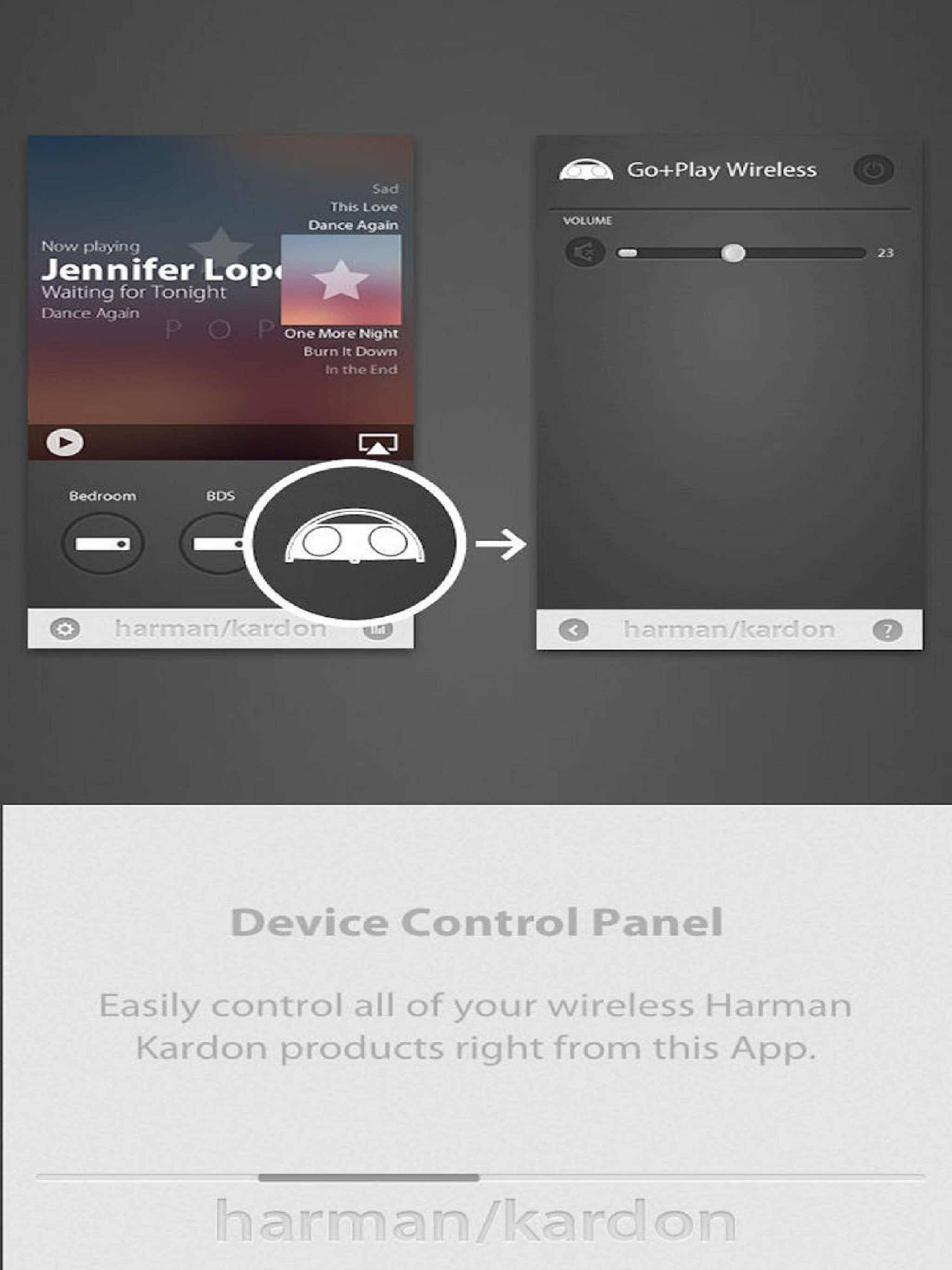
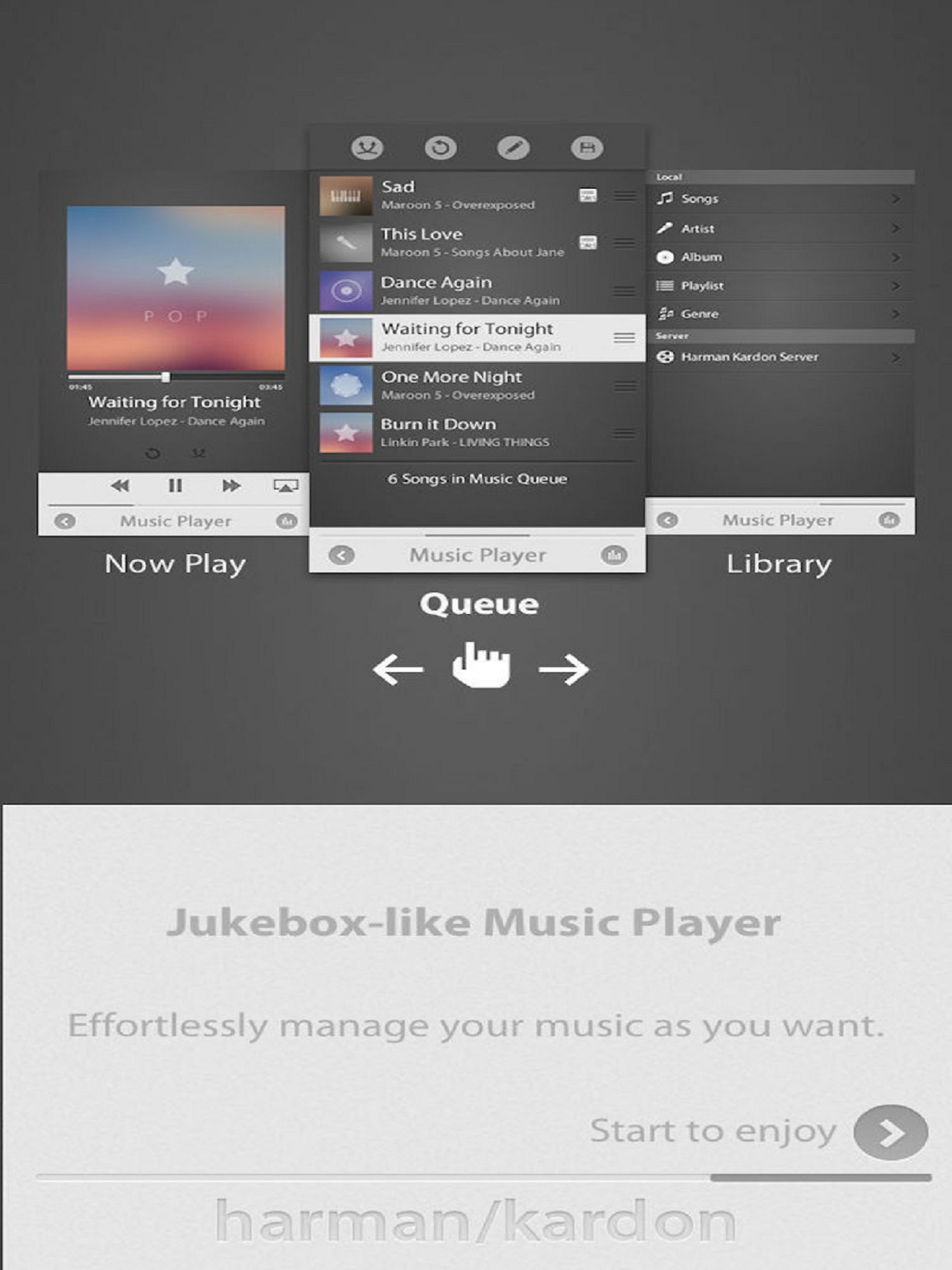
Read the store headline, screenshots and description. What problem is the app promising to solve?
Study the storefront ↗
Harman International Industries · iOS
Explore the ad evidence, study the storefront, and build your next acquisition hypothesis.
01 / Creative research
Read the store headline, screenshots and description. What problem is the app promising to solve?
Study the storefront ↗Explore apps with direct store-link matches. Compare their hooks and formats without assuming the same approach works here.
Browse observed advertisers ↗Store rankings and revenue estimates describe market context. They do not establish ad spend, conversions or ROAS.
Review the market context ↗02 / Storefront & product
Study the product story and store experience behind the acquisition funnel.


03 / Market context
Keep revenue, downloads and store rankings separate from advertising performance.
This app is horrible. I’ve had the Sabre sb35 for some time now and the physical remote control for the sound bar is absolute garbage. It doesn’t even work half the time. So I’ll just download the app and use my phone for the remote, right? There isn’t even an option for the sb35 in the add speaker list. How do you make a soundbar, that retailed msrp for $1000 and have the absolute most god awful remote that a company has ever created, then not even have development support for applications that you provide. Get it together Harmon Kardon, I would give zero stars if the sound bar didn’t sound so good.
The HK Remote app is garbage. I don’t know who designed the interface, but it is really bad. The user has no idea if it is working or not and has cryptic things like a “+” sign to add a speaker, with no labeling. Then when I did try to add my Aura 3, it says to connect with the cable or via Bluetooth. After connecting via Bluetooth, it gives no indication the connection is successful not does it move on automatically. The user is left to guess that he has to click “Step 2” which is grey like the rest of the interface (yeah, cool. Not.) and looks nothing like a button. On the next screen there is a button (ah, now a button) that says to Share Wifi settings. Click. Nothing. But the labels below say it will flash one thing when successful and twice (or something like that) when not successful. Seems it was not successful but nothing happened. Manual set up didn’t work any better. When it gets to the stage of searching for wifi networks, it “spins” endlessly without finding any networks. Unfortunately I bought my HK Aura 3 several months ago or I would return it. It sits on a shelf in my office. Very time I want to stream music to it I have to turn it on again. There appears to be no sleep mode. So, manually turn it on. Then reconnect to it in Bluetooth settings on the iOS device. Works great until the next session when I have to turn it on again. What’a the point of having a remote/streaming speaker if you have to do this every time? You might as well be tethered to it. Was hoping that the remote app would solve the problems of the hardware. It didn’t. Too bad. When it works it’s an ok speaker. Harmon Kardon, how about hiring a decent developer and UI designer?
Don't know if previous versions were really that lousy, but I just installed in July the app works fine with my 3770 (a receiver I freakin love, so that probably factors in to this review...). The app works fine for what it's supposed to, all the basic functions you get out of a remote. Although its definitely disappointing that there's no 2 way communication with the receiver. Like if I'm streaming with the vTuner as I so often do, I'd love to see the station I'm listening to on the app, as opposed to just tune up or down blindly. Update that functionality and it deserves 5 stars all day!
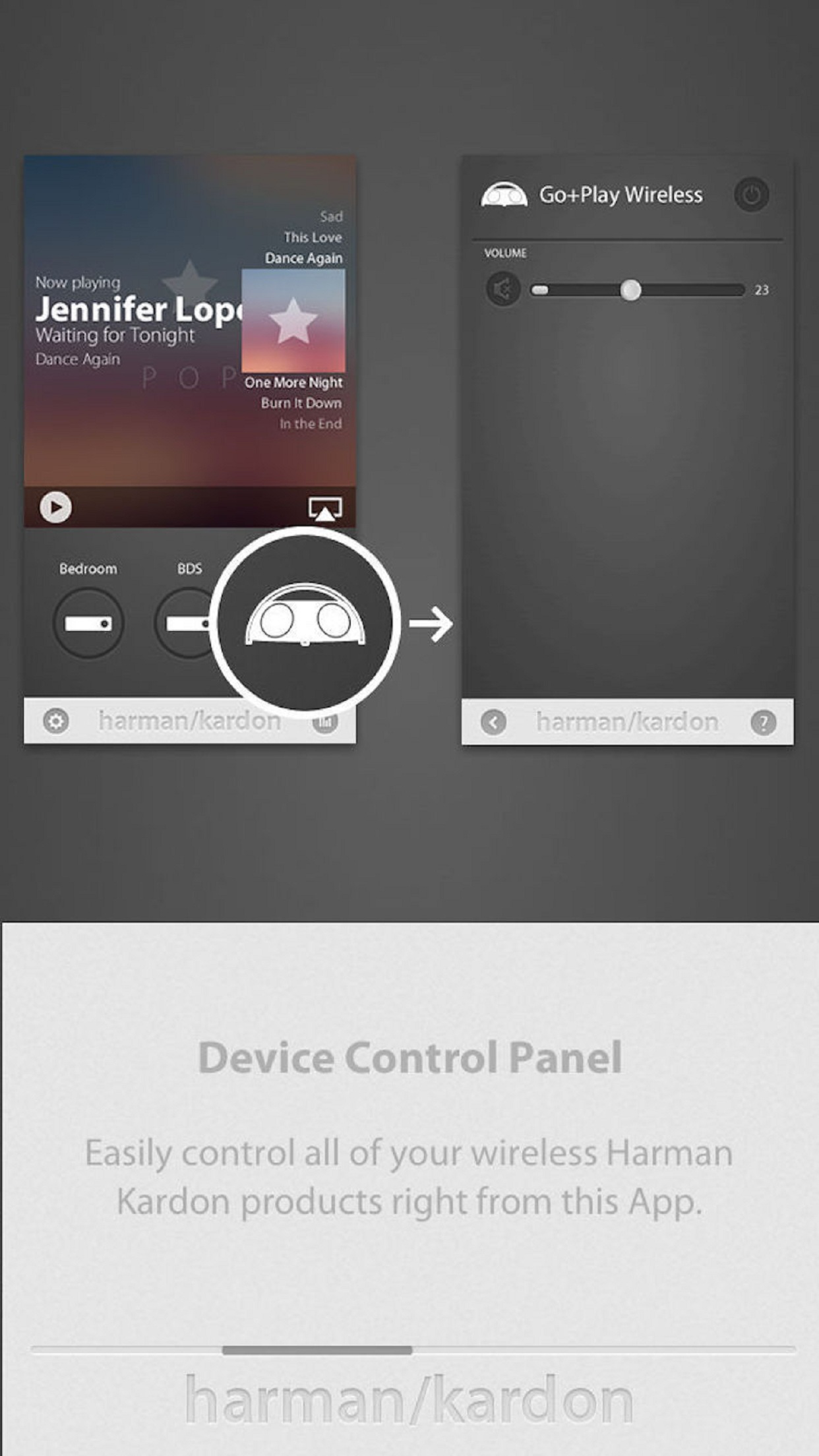
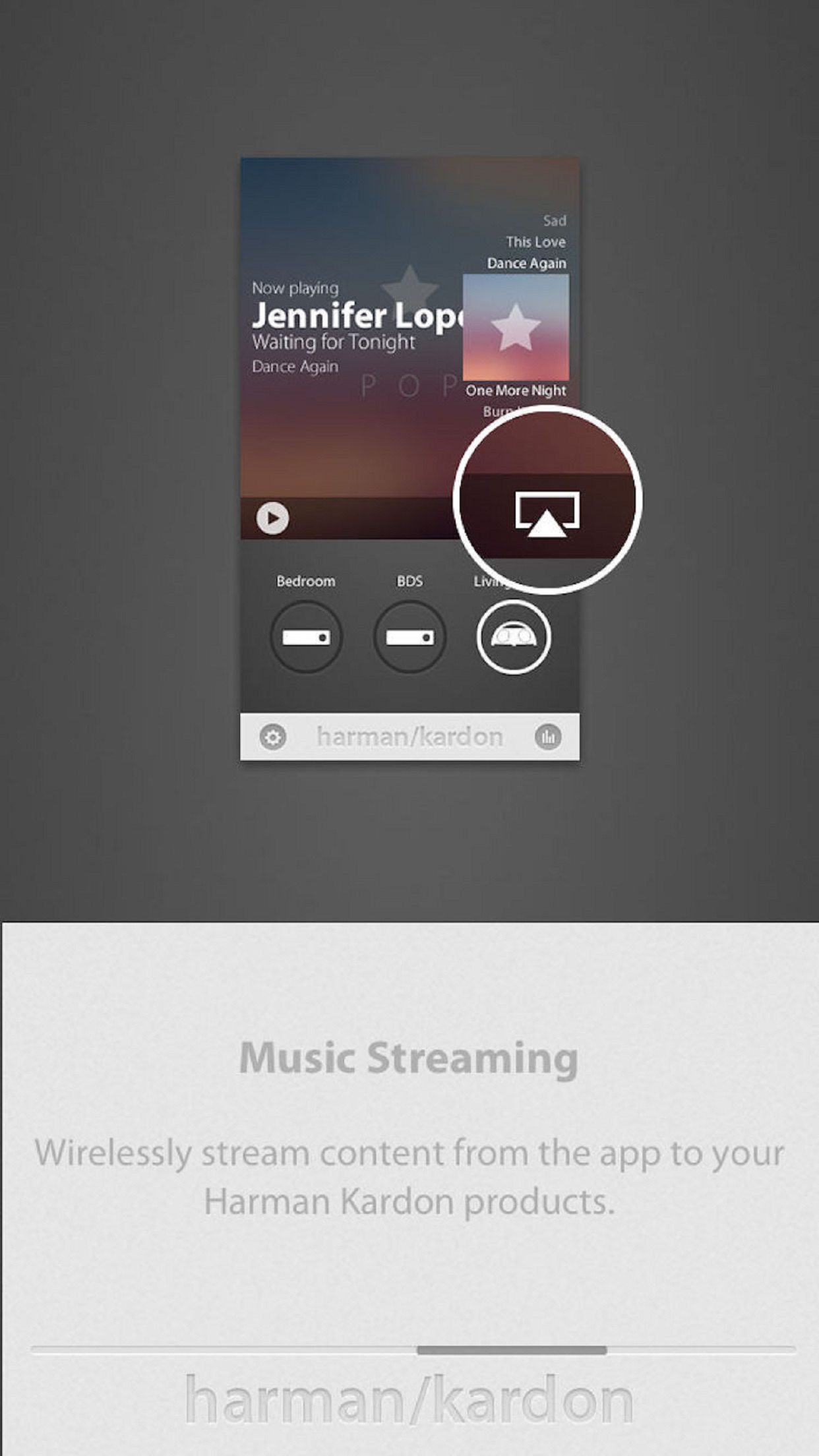
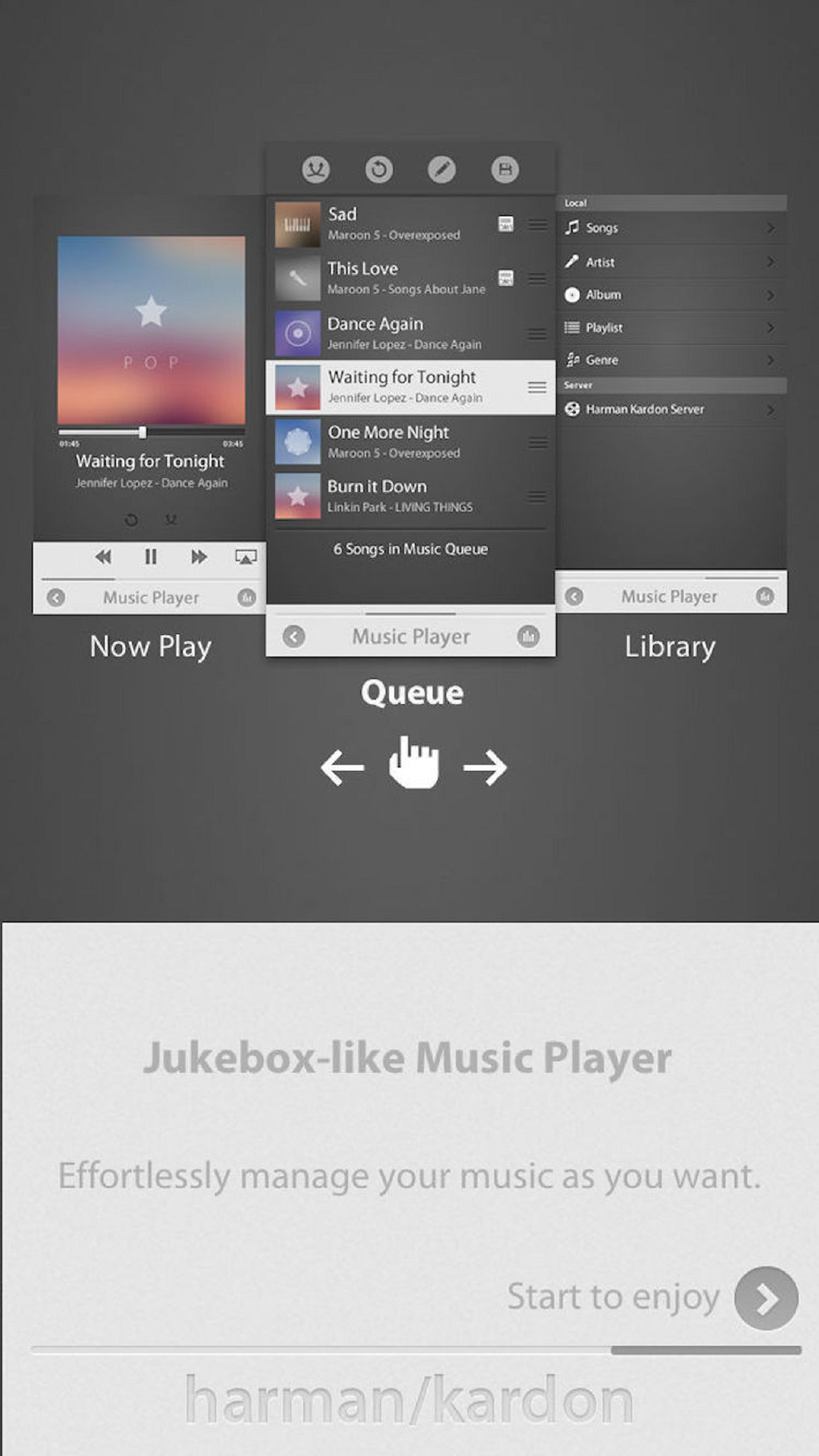
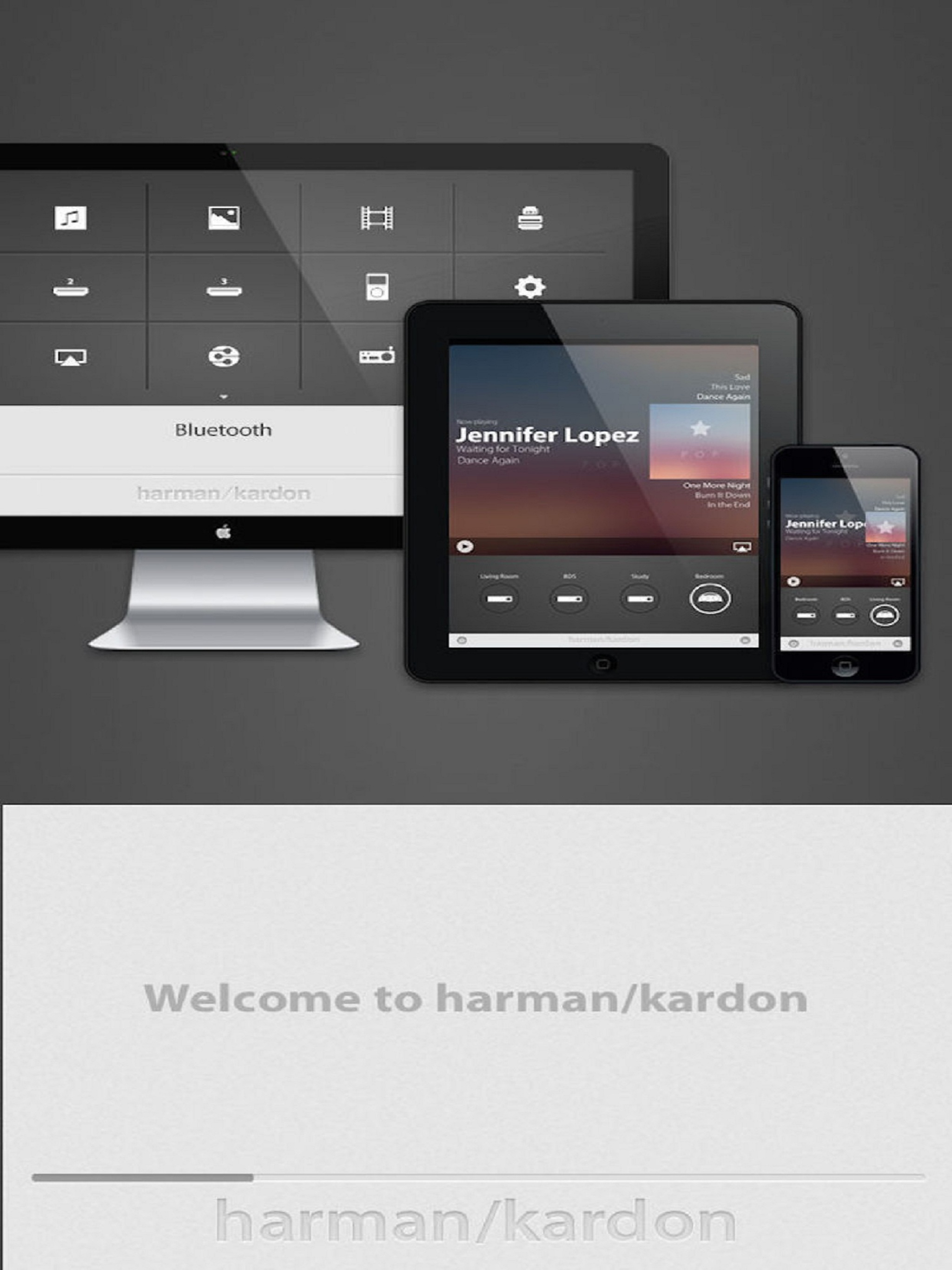
Control and enhance your Harman Kardon products with this remote control and music player app. This is the centerpiece of your Harman Kardon ecosystem...