Check the acquisition promise
Read the store headline, screenshots and description. What problem is the app promising to solve?
Study the storefront ↗
GeoGebra GmbH · iOS
Explore the ad evidence, study the storefront, and build your next acquisition hypothesis.
01 / Creative research
Read the store headline, screenshots and description. What problem is the app promising to solve?
Study the storefront ↗Explore apps with direct store-link matches. Compare their hooks and formats without assuming the same approach works here.
Browse observed advertisers ↗Store rankings and revenue estimates describe market context. They do not establish ad spend, conversions or ROAS.
Review the market context ↗02 / Storefront & product
Study the product story and store experience behind the acquisition funnel.



03 / Market context
Keep revenue, downloads and store rankings separate from advertising performance.
I’m going through Schaum’s Outline of Geometry, working many of the exercises. A great (to me) theorem I came across says that for any triangle, the medians (midpoint-to-vertex) will all intersect and will be partitioned by that intersection into 2 segments, and those segments will have a 2:1 length ratio. I found that disturbing and fascinating and wanted to “prove it,” which I eventually did using just two medians, making a midpoint-to-midpoint line segment, and then considering (what else?) similar triangles. But then I wanted to see it on a computer program (and using BASIC to make graphics is disgustingly no longer a viable option in this day and age), and I tried Desmos but that was brutal (you have to come up with 6 line segment equations for each triangle). So I looked at geometry apps, found this one, and voila! It was great! I can make as many examples as I want, and it will measure angles and lengths and show everything I want to show.
First off, Geogebra is an awesome system and the Geometry engine is a masterpiece. It’s smooth and useful for all sorts of purposes, such as understanding geometry proofs, definitions of conic sections, or just playing around. But! The iOS version is useless for anything other than quick and dirty sketches because *you still can’t reliably save your work even after all these years*. Sure, if you look online, after extensive searching you will find various people explaining workarounds for how you can supposedly save your work, but you will find just as many people complaining that it doesn’t work right. It didn’t work for me: I used the “share” menu, exported it to files, and ended up with a .ggb file… but then when I went through the ridiculous workaround to open it, the file was corrupted and didn’t even remotely contain what I started with. In the support forums I see years of people complaining about this inability to save files. It’s kind of ridiculous. I encourage the developers to either support iOS or not… but don’t make a frustratingly incomplete app.
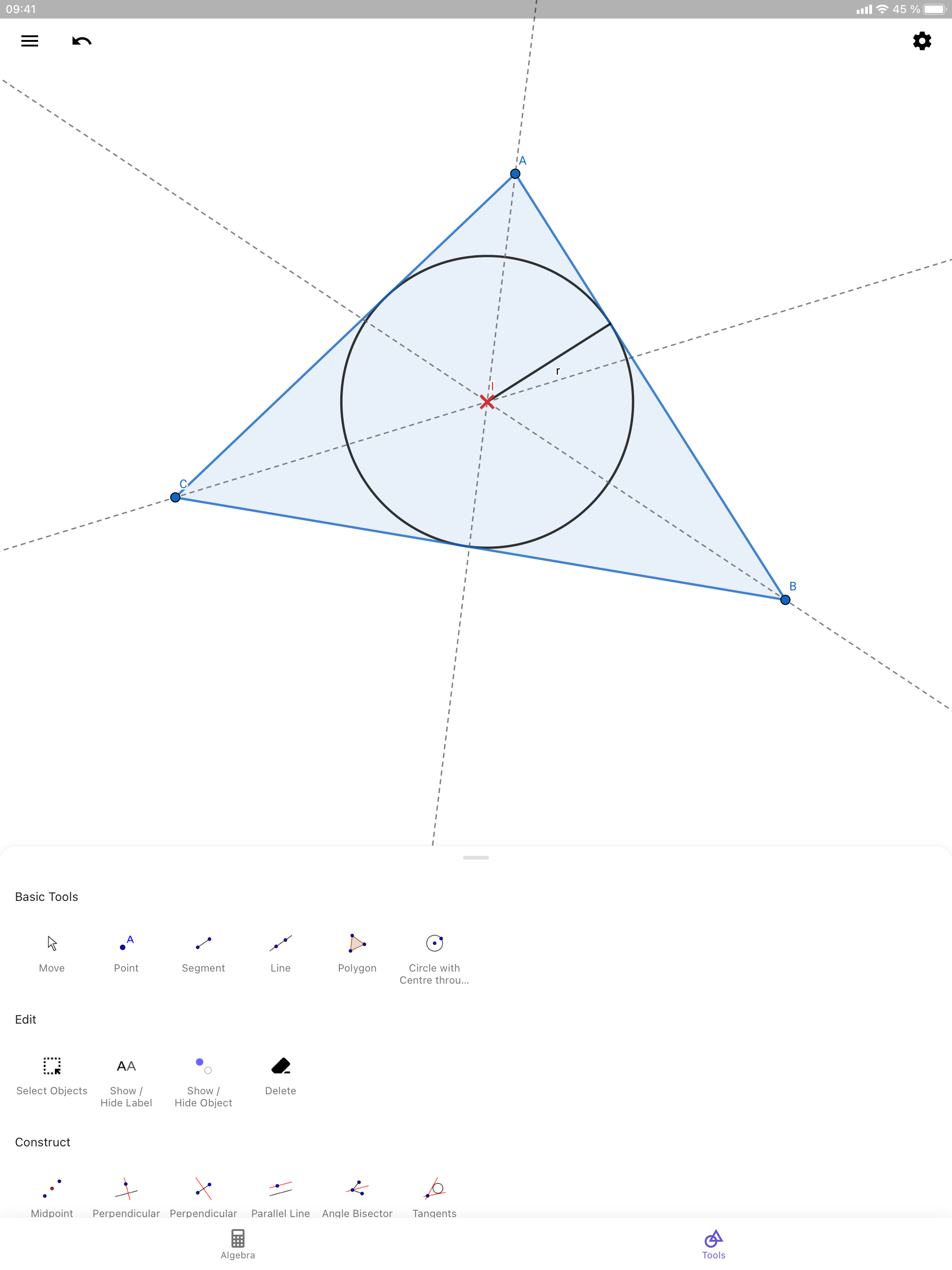
Overall this app is very good. I haven't found anything as useful for geometric construction other than Geogebra Classic. However, the tool palette is clumsy, especially compared to the one in Geogebra Classic. It takes a lot of scrolling up and down to get to frequently-used tools, where the Classic UI makes them all readily available. (The screenshot here in the app store shows the icons on the palette in usefully compact arrays. They aren't like that in the actual app, and I can't find any setting to create that arrangement.)
Easily construct triangles, drag points, draw parallel lines, intersect circles, save and share your results. Millions of people around the world use...