Check the acquisition promise
Read the store headline, screenshots and description. What problem is the app promising to solve?
Study the storefront ↗
Hamaguchi Learning & Development, LLC · iOS
Explore the ad evidence, study the storefront, and build your next acquisition hypothesis.
01 / Creative research
Read the store headline, screenshots and description. What problem is the app promising to solve?
Study the storefront ↗Explore apps with direct store-link matches. Compare their hooks and formats without assuming the same approach works here.
Browse observed advertisers ↗Store rankings and revenue estimates describe market context. They do not establish ad spend, conversions or ROAS.
Review the market context ↗02 / Storefront & product
Study the product story and store experience behind the acquisition funnel.





03 / Market context
Keep revenue, downloads and store rankings separate from advertising performance.
We got this for our grandson who I babysit often, and is in need of extra help with his listening, speech etc. Wow- he really enjoys this “game” and is learning to pay attention to the instructions and see the correct results. Bright colors, nice sounds and clear wording make it enjoyable for him (yet it serves the purpose and I can see improvement already with him). Lots of scenarios and levels, not boring for him. Or me.
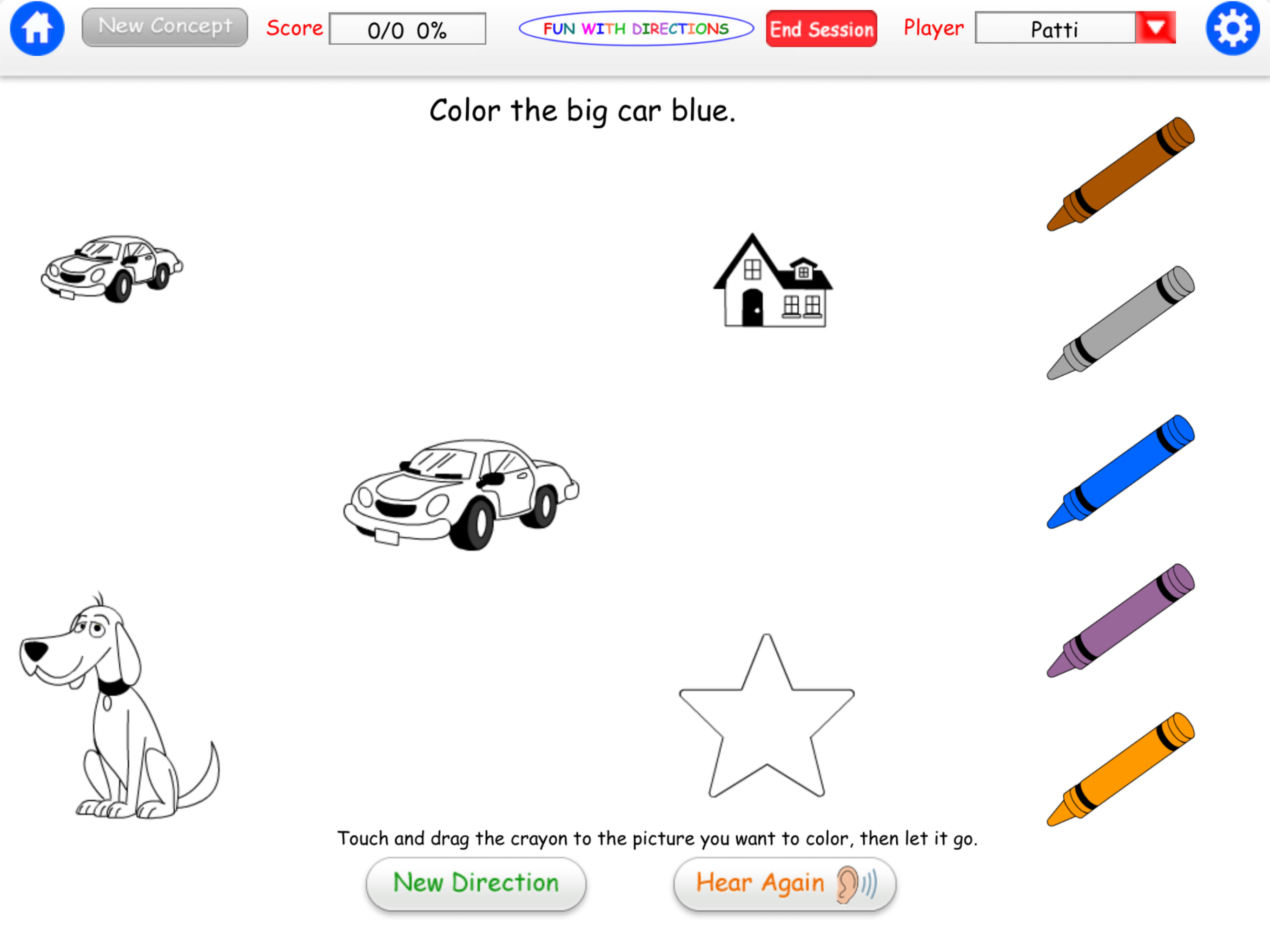
I like this app, BUT you request need to require a more specific response. Right now, color, erase and give all require simply dragging the crayon / pencil / item to a location. I had expected erase and color to require scrubbing the crayon or pencil, but they do not. It doesn’t even require the child to know the difference between a crayon and eraser! Close, open, push and touch all respond as correct for simply touching the item. No swiping involved. Please update and require a more specific response to count as correct. As a speech therapist, I want to know if the child actually knows these words and not just to tap on a picture.
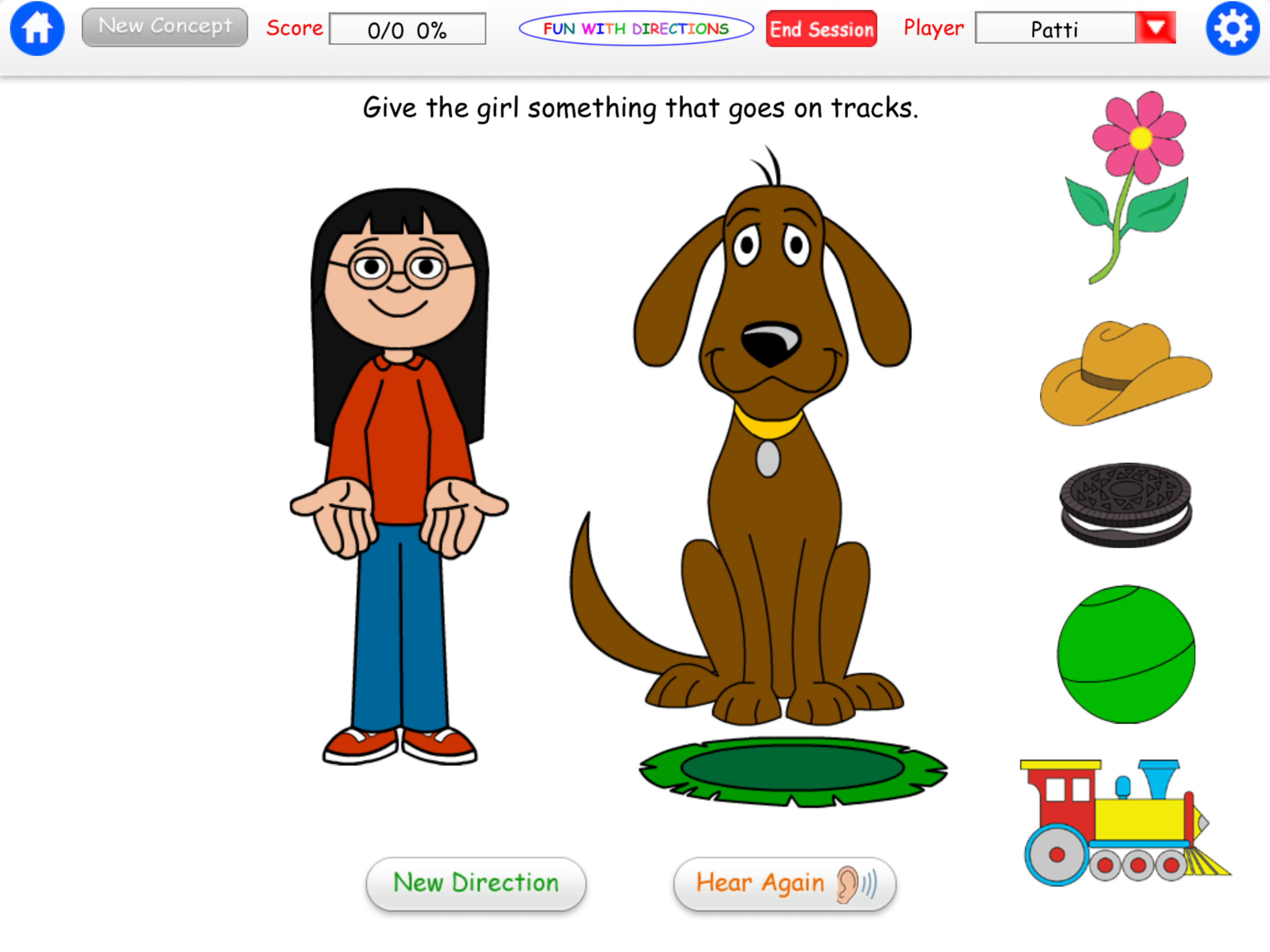
Nice app for assessing the ability to process and follow direction. One is given a direction to follow, and options to carry out that directive are illustrated. The user then selects from a varied field of options. The layout is simplified without clutter, so the listener can tune into what is expected of them. There are options to customize or change the way directions are given - verbal or text. As the listener gains in experience, the questions become more complex. I would love to see an adaptation to this already fine app to be able to change the background color from white to say light yellow or green so that the glare of the white back-lit background does not tire the user's eyes as much. The "Superstar" Direction is cute, and reinforcing as the user gets a chance to proclaim what they just did. I would recommend this app for home and clinic use.
Open a door and see what’s behind it! Give the boy something to eat. He’ll even say “Thanks!” Color a cat with the help of the magic crayon! Push a bu...