Check the acquisition promise
Read the store headline, screenshots and description. What problem is the app promising to solve?
Study the storefront ↗
Alex Walker · iOS
Explore the ad evidence, study the storefront, and build your next acquisition hypothesis.
01 / Creative research
Read the store headline, screenshots and description. What problem is the app promising to solve?
Study the storefront ↗Explore apps with direct store-link matches. Compare their hooks and formats without assuming the same approach works here.
Browse observed advertisers ↗Store rankings and revenue estimates describe market context. They do not establish ad spend, conversions or ROAS.
Review the market context ↗02 / Storefront & product
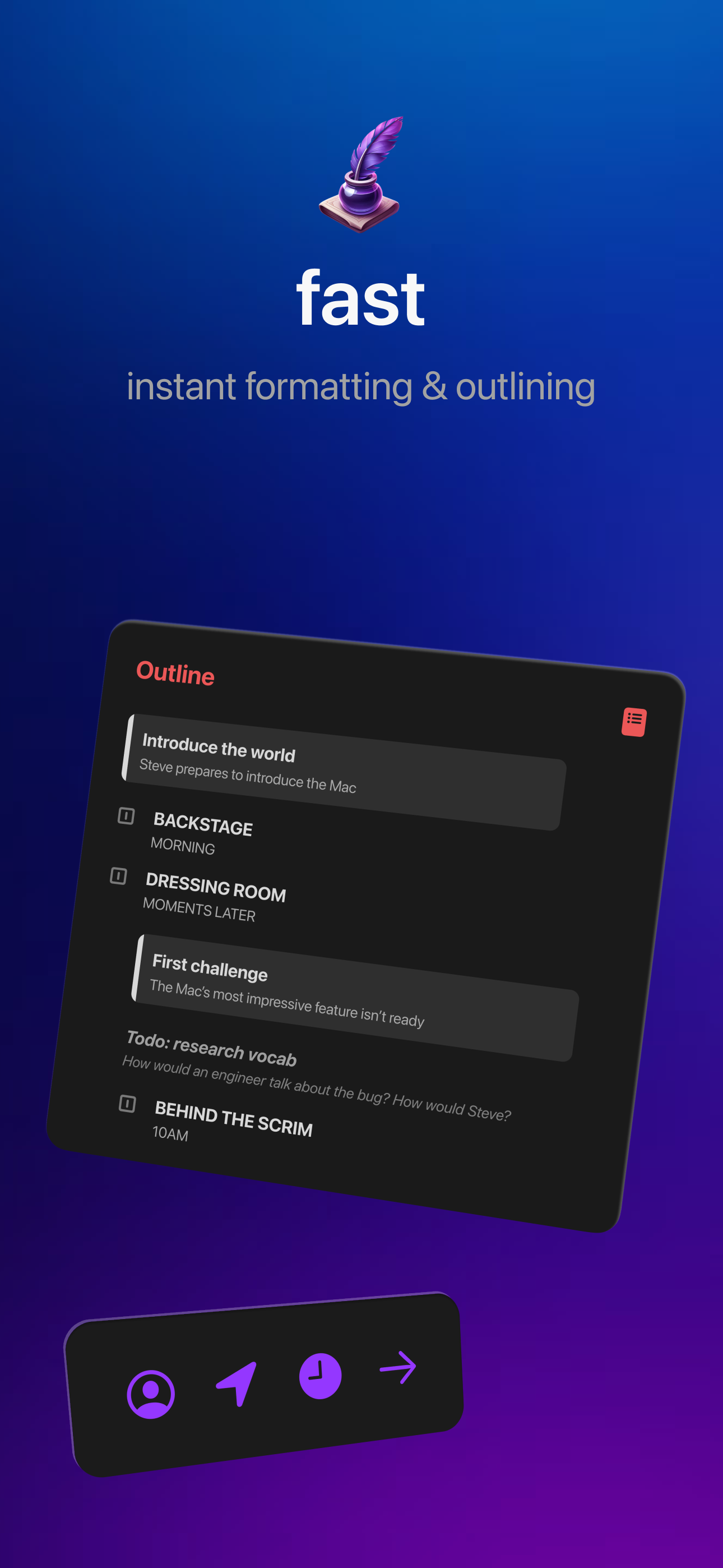
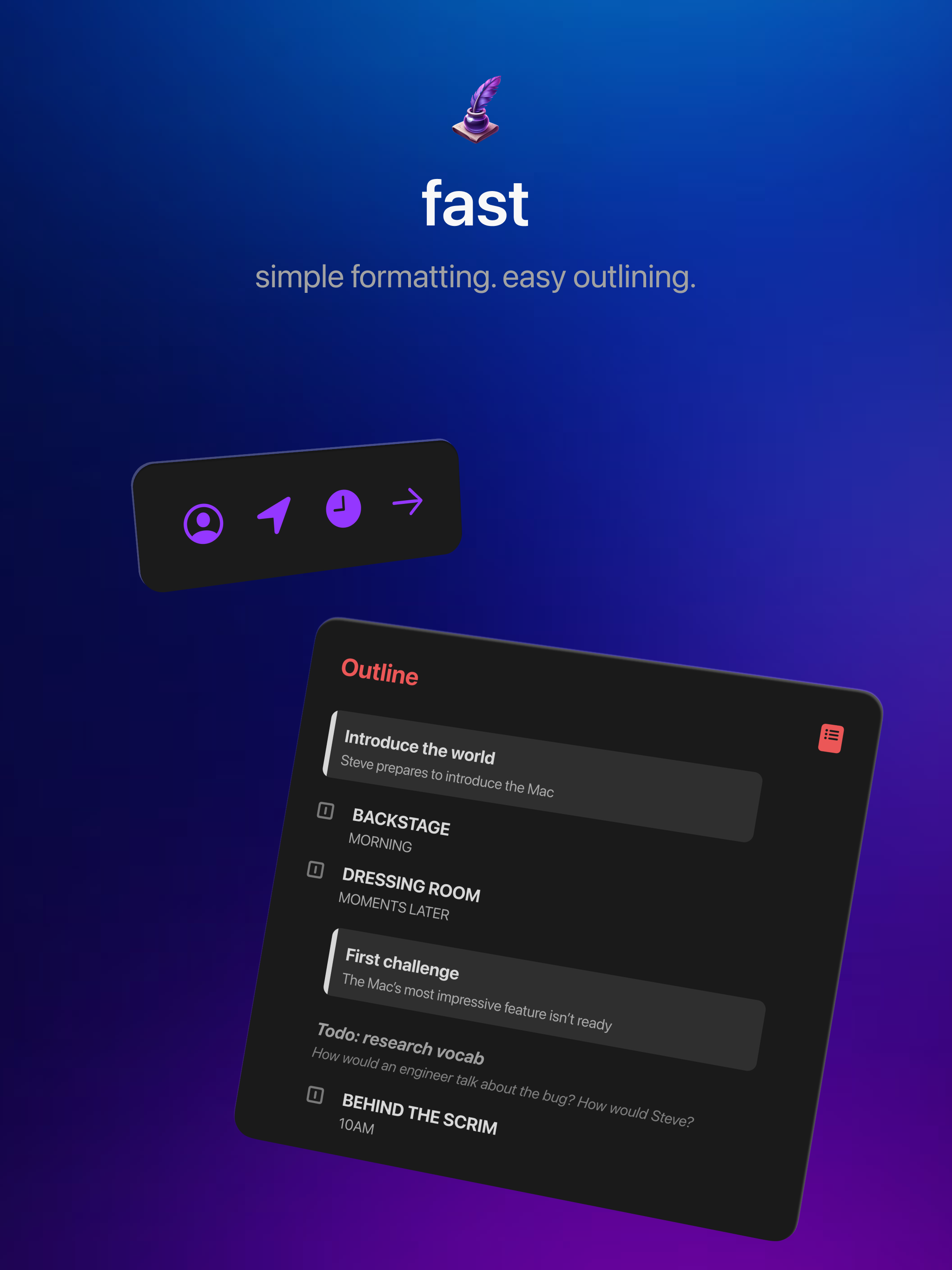
Study the product story and store experience behind the acquisition funnel.




03 / Market context
Keep revenue, downloads and store rankings separate from advertising performance.
This is my second time writing this review since it bugged out last time. Anyways, this app is WONDERFUL. It makes screenplay writing very accessible. There is no tricky maneuvers or cut corners. The provided writing instructions are clear and concise. And the formatting is perfect. It is by far the best screenplay app I have ever downloaded. So I would like to congratulate the developers on that!👏 However… I have one concern. And that is the AI Generated Icon. In this world’s environment, it is getting increasingly harder for artists and writers to protect their work from getting stolen. Especially from people who feed it these AI Engines or just use them to generate content. And while I wouldn’t want to accuse anyone of this, images like this one are usually a telltale sign of that happening. And it makes the app look inherently less trust worthy. I feel I would be more comfortable using an app that didn’t show signs of the developers using AI in a creative space. And if they are, I would urge them to stop, as it harms more people than most think. In short, great app with an easy to use format! But an icon change and/or some clarification would be appreciated. Having both would be preferable. UPDATE: Thank you to the wonderful developers for confirming the icon is not AI! With that, I am changing my review to a full five stars! Would 100% recommend this app! Especially for beginner screenplay writers!😁✨
Full disclosure, I’m just an average 25yr old guy who found a love for the “what goes into making a movie/show?” In fact, rewatching The Walking Dead had sparked my interest. I had started book projects (all still WIP) back in 2023 but took a long creative break. Then came my screenplay interest in late 2024. I started off on WriterDuet for iOS, and let me tell you… I do have a fondness for the app. It may not have been updated in a year or more now, but the occasional bugs brought back fond memories of growing up around mid to late 2000’s computer tech. I did get rather irked when I got onto my third episode as, although it autosaves locally and to the cloud, app crashed so I force closed it and reopening it, a good 30 of the 43 pages I had composed disappeared, Gone with the Glitch style. So I took a break again to not get upset about it and resumed my books. Now I’m back into screenwriting (untreated ADHD, yes I know) and in search of a good app that isn’t reliant on a subscription model to access the majority of its functions and also not be centered around AI. Yes I think AI can be useful but most of the time I prefer my brain do the thinking, my ADHD is bad enough as is. And let me tell you, aside from WD and a few others, they all fail my marks. Then I found this, didn’t see it before but I just updated my 16PM to iOS 26 today and it was the first suggestion when I typed “screenwriting” on the App Store search. I saw the showcase review and description which locked me in immediately. I LOVE that it’s made by a GENUINE person as a passion project and not some big TOP 100 company or scammer looking for a cash grab. And for the year-ish that it shows being on the App Store, it receives regular updates and is well received by most users. With that being said, I have not used the app yet; however, I am excited to test it out and, once I have a feel for its functionality, rewrite my current project in Fountain. If the app passes all my marks, I would happily pay $4.99/$6.99 as a one time payment to support the developer of this, especially if everything is offered ad-free, etc. In a few days time, I will return to add my user review onto this. Until then, this is Doggone Good Deal of the Day, signing off. ✌️
This runs very smooth on my iPhone and iPad. Much better than all the high-end screenplay apps. There are a few quirks, though. It'd be nice to force a Slugline (for instance with a period before a word like "Intercut"). That's how the other apps do it. Having a full action line in all caps converts into a really long character name (It'd be helpful if it's only registered as a character if normal dialogue follows on the next line). Also, it'd be nice to be able to do Dual Dialogue by adding the ^ to the following character name. I am used to writing in fountain/mark down for screenplays, so these were pretty glaring to me. However, the writing experience is so smooth and nice, I have no problem working in this app on my iphone/ipad, then copy/pasting into my pro app on my desktop for the PDF with more features (like a full title page creation with image options and adding non-script preface pages).
Fountain is a fully native screenplay editor purpose-built for iOS, iPadOS and macOS, loaded with deceptively powerful editing, viewing, outlining and...