
Check the acquisition promise
Read the store headline, screenshots and description. What problem is the app promising to solve?
Study the storefront ↗
Storyist Software · iOS
Explore the ad evidence, study the storefront, and build your next acquisition hypothesis.
01 / Creative research
Read the store headline, screenshots and description. What problem is the app promising to solve?
Study the storefront ↗Explore apps with direct store-link matches. Compare their hooks and formats without assuming the same approach works here.
Browse observed advertisers ↗Store rankings and revenue estimates describe market context. They do not establish ad spend, conversions or ROAS.
Review the market context ↗02 / Storefront & product
Study the product story and store experience behind the acquisition funnel.



03 / Market context
Keep revenue, downloads and store rankings separate from advertising performance.
I’ve used Storyist for years on desktop and iOS, but recently, if I make a change to any style via the iOS app, within minutes the edited style vanishes and anything uses it reverts to the default style. If I change the default style, ALL styles disappear and the entire document becomes a wall of text. To correct this, I have to go to my desktop install of Storyist, re-create all styles, and re-apply them line by line to the entire document—because they’re totally wiped out. Chapter titles, separators, section text. Gone. Not the worst when it’s a short story, but I found this out working on a 70k draft. Storyist 3 never had this problem; it’s new to the Storyist 4 app and I hope it’ll be corrected soon, otherwise I might finally switch to the competition. Writers should be able to safely change fonts on an iPad without worrying that all of the styles will be stripped. This bug is a deal breaker.
I just upgrade to IOS 14 and the Storyist update for it. Went to open a book that I’ve been working on and absolutely nothing was there. The word counter said there were so many words, but they were not on the page. Luckily I still have Storyist 3 and I have 4 on another computer, plus I have the book mostly backed up on other software so it is not much of a loss. Weird, though. Simply no words on the page. Wish: I wish there was a template in Storyist for non-fiction and such where you could do footnotes and all that kind of thing. Need that right now. Update: This problem kept going, then I found out more or less by accident what was wrong. Storyist 4 does not seem to save to Storyist icloud and it shut down when the Storyist 3/4 were running simultaneously, especially on the ipad. I had to save the projects in iCloud Drive and then they opened fine. To his credit, the developer was on it and I want to thank him for that here. To this end, I hope that Storyist 4 also adds the ability for footnotes/endnotes in future updates as I (and I am sure that there are many others as well) do much non-fiction on Storyist and need that feature. So problem is basically solved, developer was on top of it, and add a couple more features if possible. I bought/Downloaded the newest Storyist version on both mac/iOS. I have not had much time with it yet, but whenever I tried to open up a short piece I created to experiment with it on the IOS, Storyist 4 just crashes and shuts down. I am on an iPad Pro 10.5. I will not even let me create a new project, but just shuts down. Hmmm...
I’ve compared this one to all the other screenplay applications, including Final Draft. I’d say it’s a close one between this and Final Draft. This one is a little more user friendly. But this does have a lot of UI problems when entering split screen mode on iPad. On the phone, when you tap on an area to type, it automatically zooms in so you can get a closer look at what you’re typing. But... it zooms in the wrong area. So I cannot see what I am typing. So I manually zoom out and try to type again and it zooms in again to try to be helpful. But it keeps zooming in the wrong area over and over again. So it has its problems on both iOS and iPad OS, but at least it’s somewhat usable. There are workarounds such as entering the “phone-optimized view”. So it doesn’t have to zoom in and out. The others apps... forget about them. It seems that no developer knows how to make a screenplay application, but Storyist is closest to a professional screenplay app you would expect coming from a desktop.
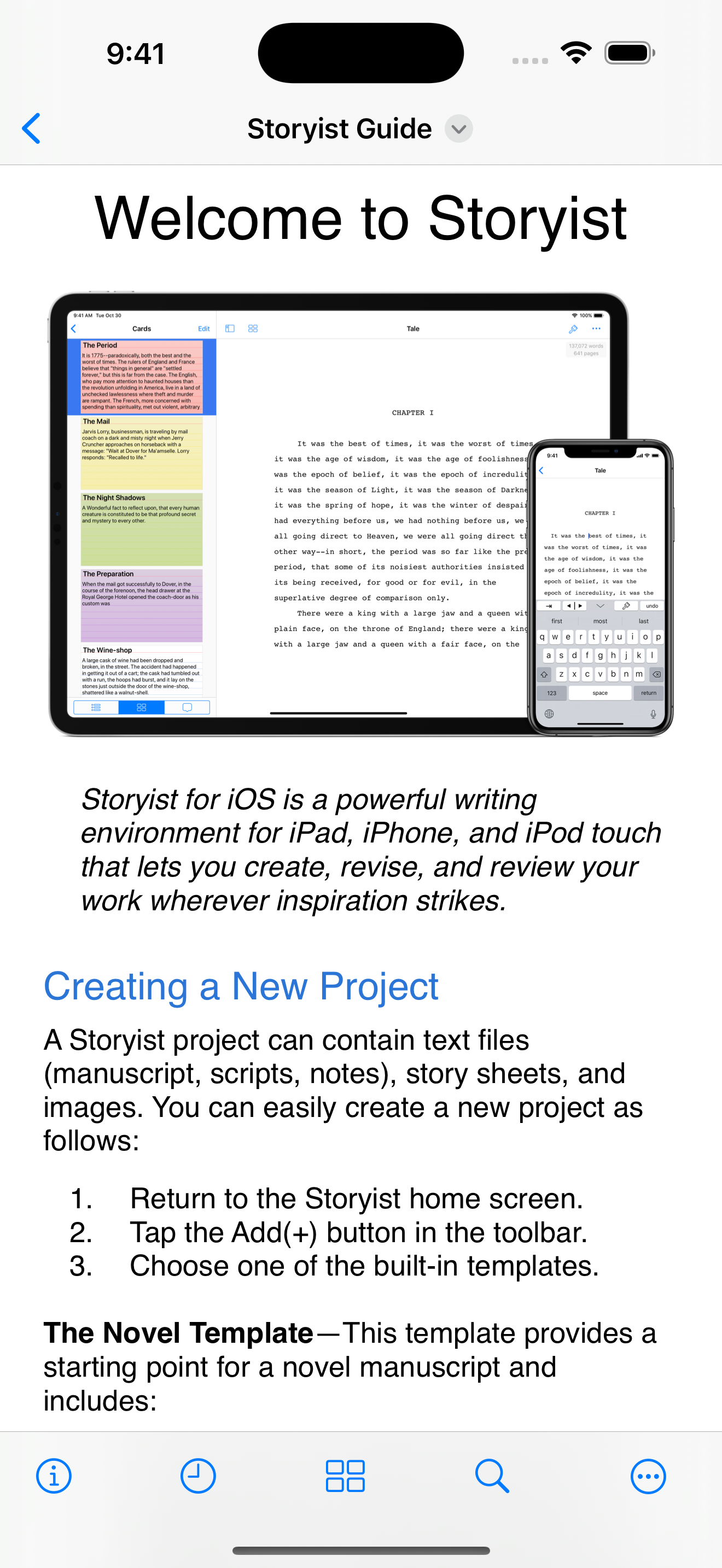
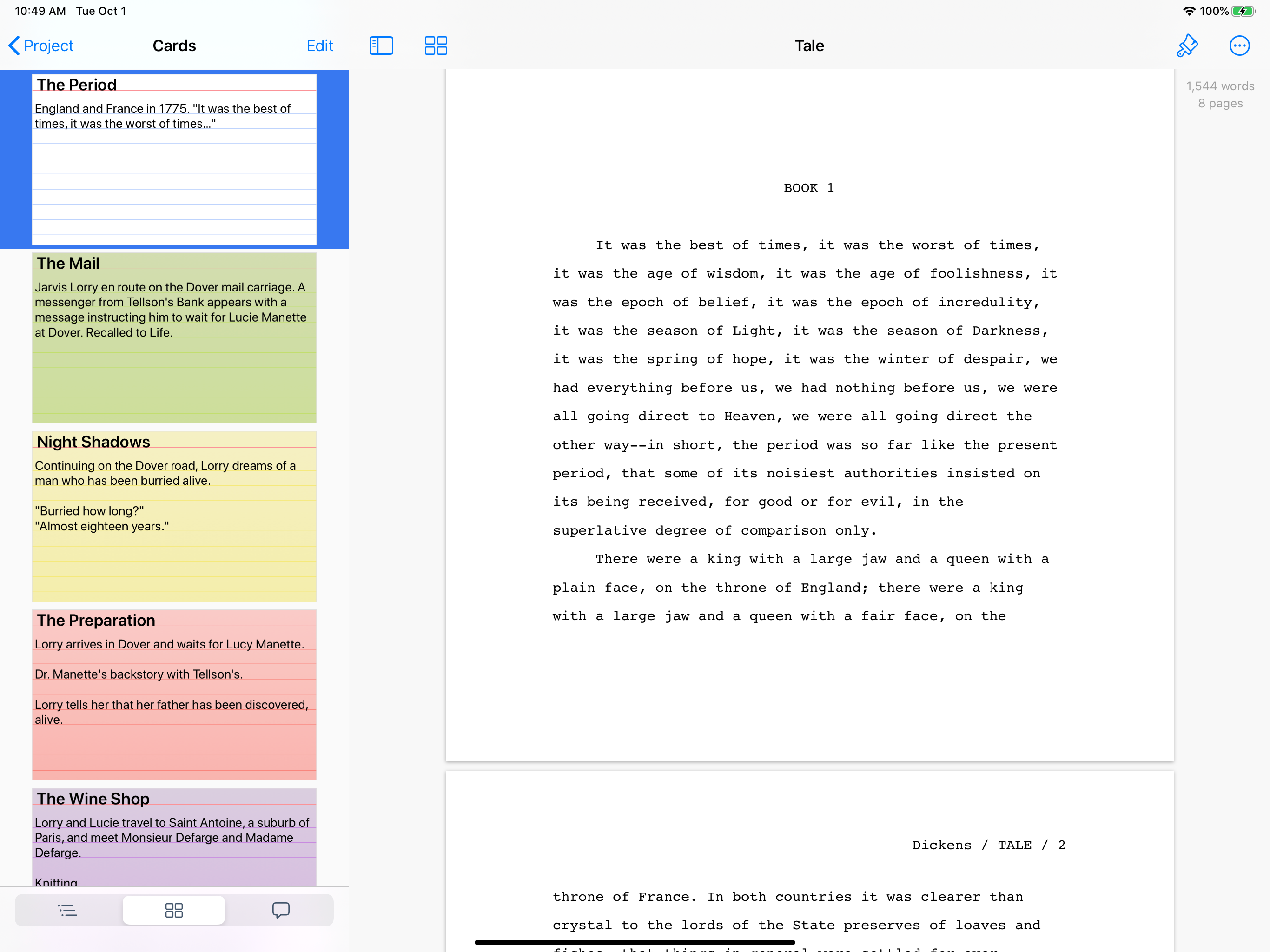
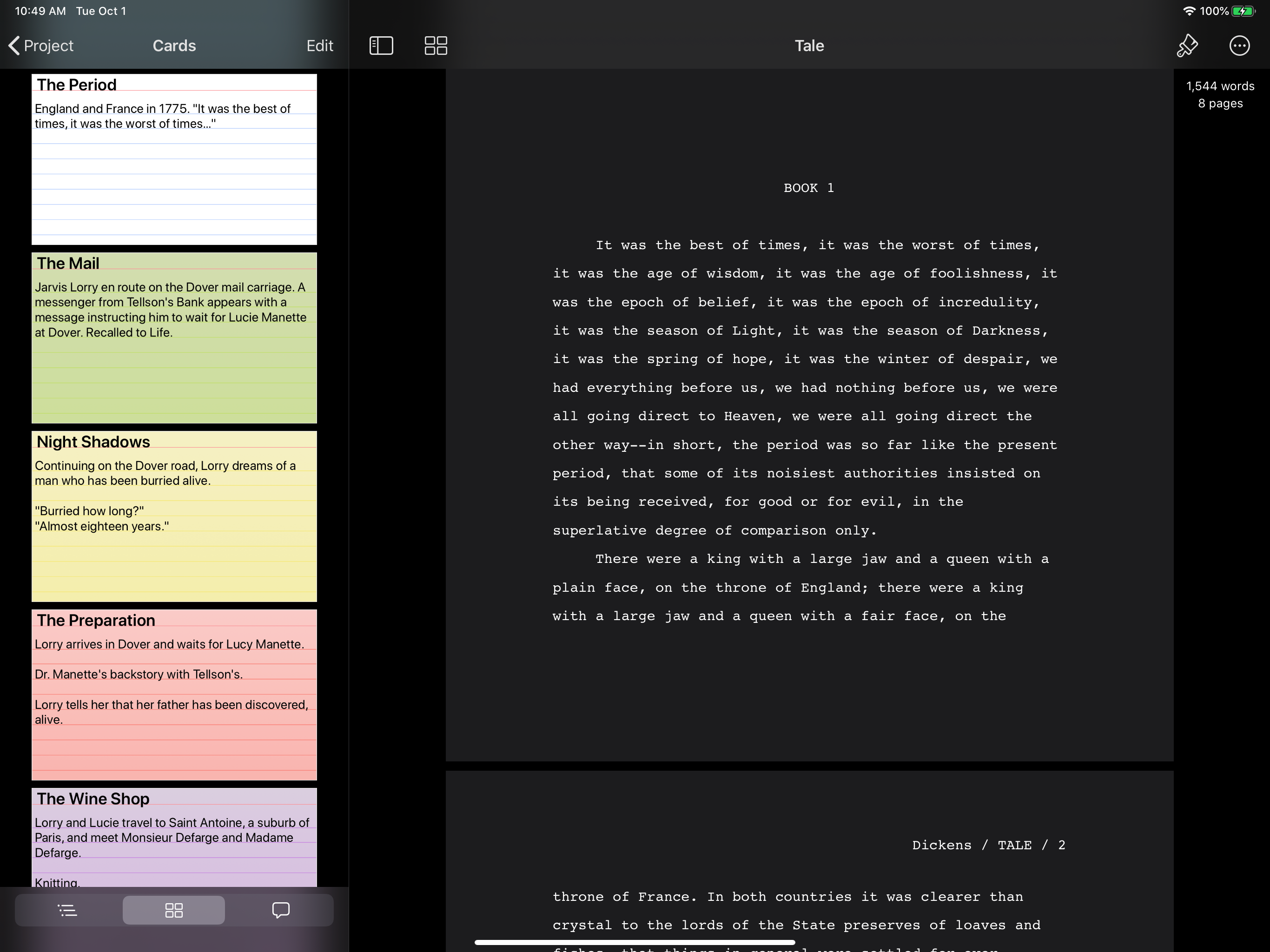
Storyist is a powerful writing environment that lets you create, review, and revise your work wherever inspiration strikes. “If I could have only one...
| Name | Price | Type |
|---|---|---|
| Free Trial | $0.00 | One-time |
| Storyist 4 Upgrade | $9.99 | One-time |
| Storyist 4 | $19.99 | One-time |


