Check the acquisition promise
Read the store headline, screenshots and description. What problem is the app promising to solve?
Study the storefront ↗
Fingerlab · iOS
Explore the ad evidence, study the storefront, and build your next acquisition hypothesis.
01 / Creative research
Read the store headline, screenshots and description. What problem is the app promising to solve?
Study the storefront ↗Explore apps with direct store-link matches. Compare their hooks and formats without assuming the same approach works here.
Browse observed advertisers ↗Store rankings and revenue estimates describe market context. They do not establish ad spend, conversions or ROAS.
Review the market context ↗02 / Storefront & product
Study the product story and store experience behind the acquisition funnel.


03 / Market context
Keep revenue, downloads and store rankings separate from advertising performance.
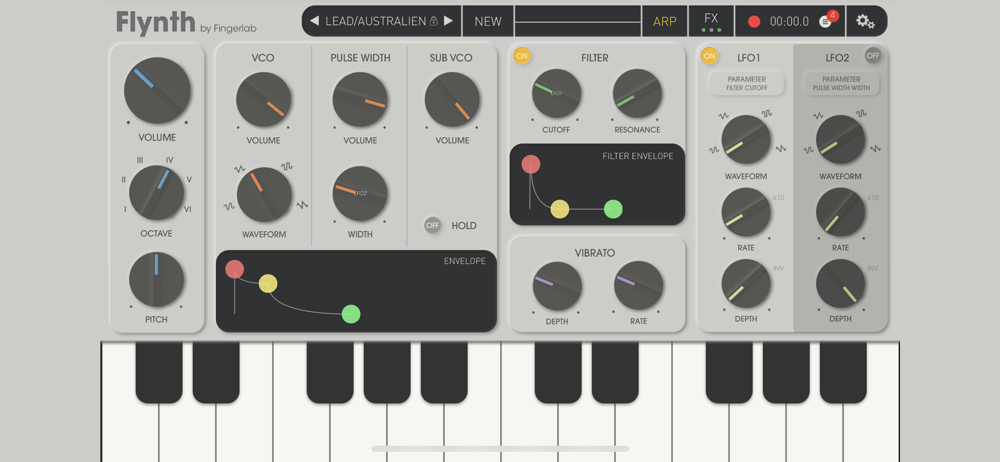
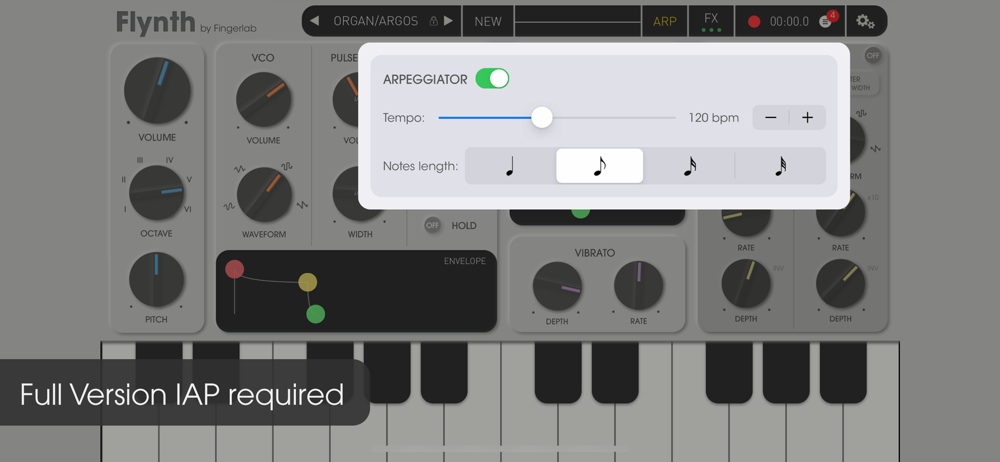
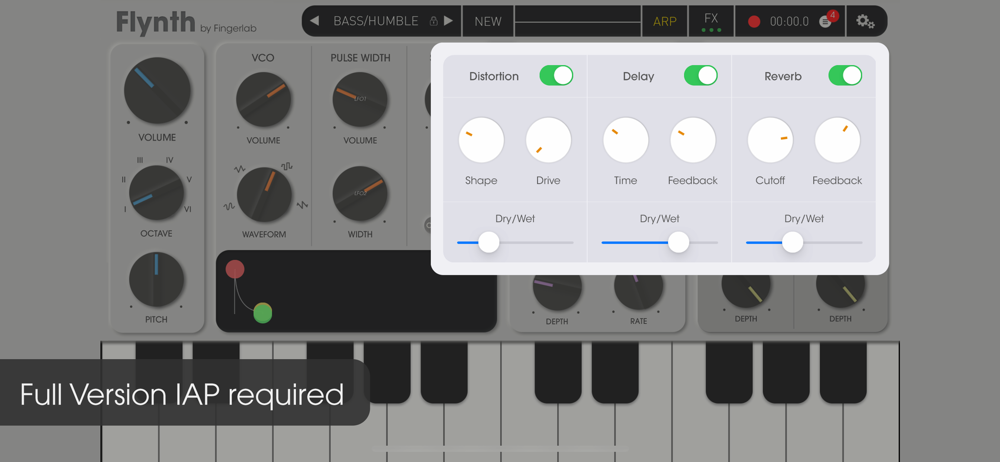
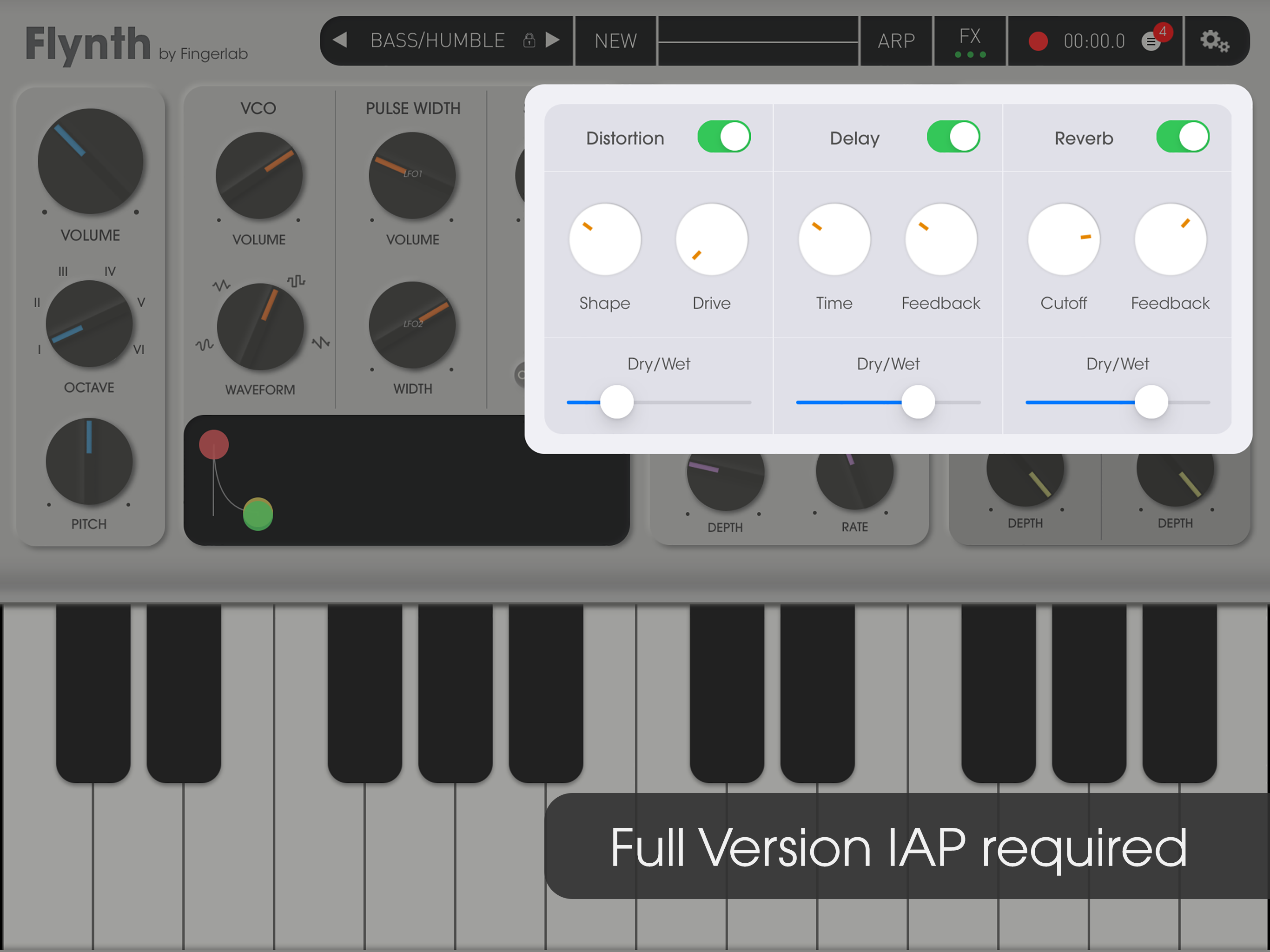
I don’t like leaving negative reviews, but if you pay to unlock the full version, it doesn’t become eligible for refund in the App Store, so I think it’s important to call a few things out to avoid buyer’s remorse. Many of the unlocked preset voices sound extremely similar. Good luck differentiating between a lead and what this app generously calls an “organ.” I like to support developers and thought maybe I’d find what was missing in making my own patches sound original, but it turns out you just can’t do very much with this synth. Even the basic waveforms all sound the same. I got this because I liked the simple design and thought it looked like it would be an easier place to teach my kid about synthesis than some of the more complex synth apps out there, but I can’t even use this to show him the difference between a sign and square wave sound. When I opened the arpeggiator I could believe how basic it was. No control of the sequence it plays notes in, how many steps it has, etc. In fact, I thought it was non functional at first, because if you play a note with the arpeggiator turned on, it sounds exactly like it does with it turned off. You have to play all the notes you want it to “arpeggiate” manually, and it steps through them in an order that you can’t configure or modify. As I am more than capable of playing 4 or 5 notes in sequence far more expressively, the arpeggiator here is useless. The effects are extremely basic. No panning or triplet settings on the delay, the distortion is hard to find anything pleasant in between too subtle and too mangled, there’s no chorus or flanger, it’s just… really disappointing for an app I paid for and can’t change my mind about.
EDIT: The devs listened and added a SAVE-AS function! GarageBand menu still needs work. Love Flynth! It’s much less daunting to use in comparison to something like audiokit synth one. The little animations are very helpful in understanding what LFOs are doing. I recommend it! Although isn’t a problem when working in Garageband, however it makes no sense that being able to save a patch you made from tinkering isn’t possible in the native app. You also cannot access user patches you’ve created from GarageBand. =====Fixed====== However, there is a flaw that has not been addressed which seems like it should be a standard. It’s missing the ability to save a synth patch you’ve created while tinkering on a preset. Currently the only way to create a user patch from a preset is to first copy the preset, THEN tinker. If you’ve already been casually tinkering with a preset and HAVEN'T copied it yet, you pretty much have to delete everything and start over on the same preset if you want to save it as a user patch.
It would be great to see Fingerlab create a bigger app combining features of their excellent smaller apps such as Mellowsound, Musyc, Playset, SK-51 and this one. I won’t mention DM1 because it’s already pretty big, but even an app such as DM1 could use a built in synthesizer. Do I need another synth app even though it’s beautifully designed, easy to use, has great LFO implementation and sounds good? Maybe, and it’s fun to use it but would like it better as a part of a more complete, bigger app. One thing that seems to be missing in the free version I’m testing and I’m not sure if the full version improves on that, is the lack of control of keyboard behavior. I’m talking about settings such as portamento, legato, unison, polyphony, etc. On another note: when clicking on developer’s name in the App Store we can see all other apps created by them but NOT the Flynth. Strange.
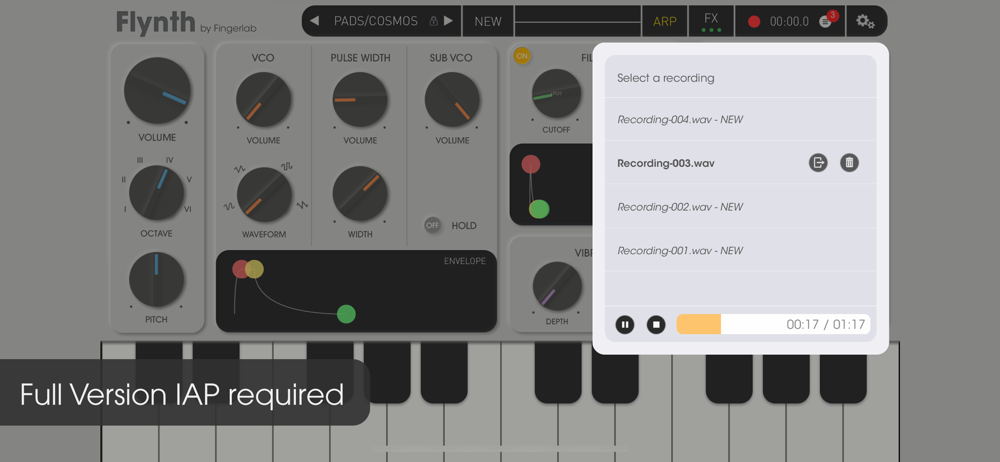
Flynth is Fingerlab's versatile and intuitive synthesizer for iPhone, iPad & Mac — designed for musicality and easy use. From leads to bass lines, org...
| Name | Price | Type |
|---|---|---|
| Full Version | $7.99 | One-time |