Check the acquisition promise
Read the store headline, screenshots and description. What problem is the app promising to solve?
Study the storefront ↗
Botto Studio LLC · iOS
Explore the ad evidence, study the storefront, and build your next acquisition hypothesis.
01 / Creative research
Read the store headline, screenshots and description. What problem is the app promising to solve?
Study the storefront ↗Explore apps with direct store-link matches. Compare their hooks and formats without assuming the same approach works here.
Browse observed advertisers ↗Store rankings and revenue estimates describe market context. They do not establish ad spend, conversions or ROAS.
Review the market context ↗02 / Storefront & product
Study the product story and store experience behind the acquisition funnel.


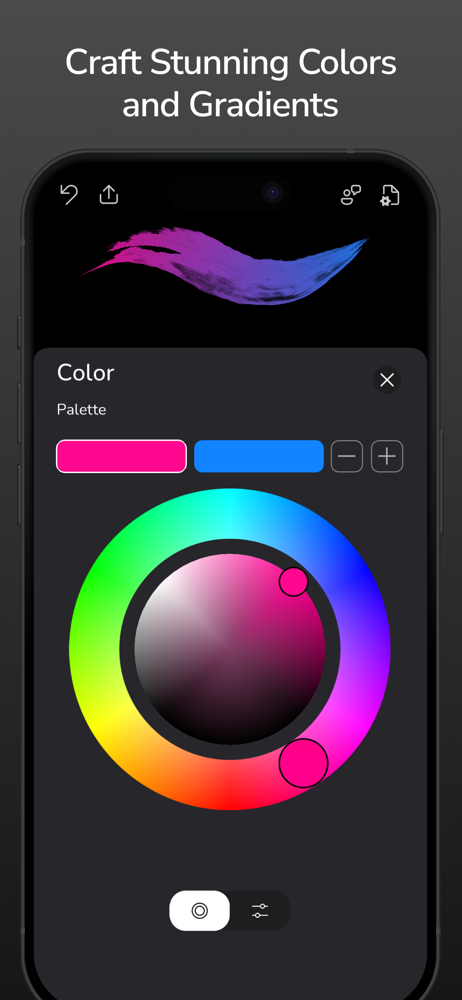


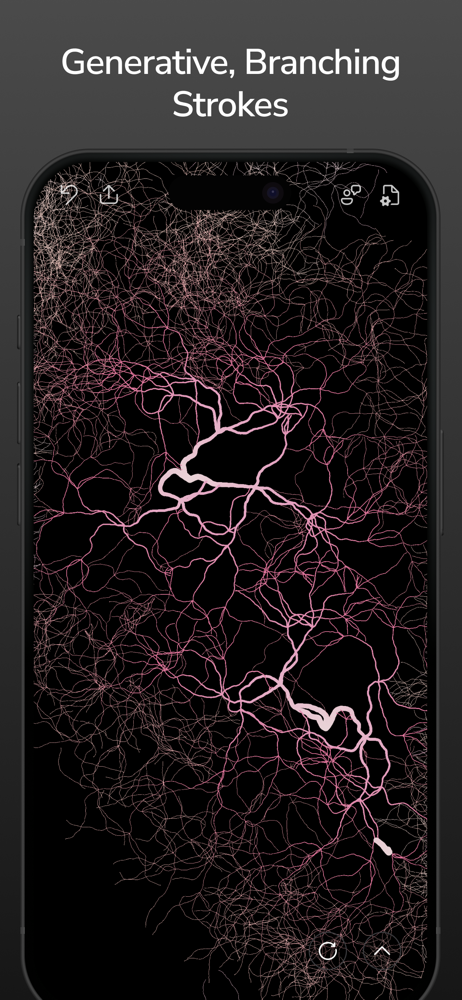
03 / Market context
Keep revenue, downloads and store rankings separate from advertising performance.
I couldn’t figure out how to draw with multiple fingers at once (now in May 2026), and the developer responded to my previous review with instructions on how to activate that ability again. “iOS Settings> Apps> Flowpaper> Disable Pinch and zoom”. It works perfectly! Thank you for the response!
One issue- on my iPad Pro (which admittedly has not been updated in quite a while so perhaps this is causing problems) , the white circular controls for the app are offset at the bottom, at the very edge of the screen, so I can’t see the symbols on them- they are just half moon shapes instead of circles- and I can’t tell which control is what without tapping each (I learned which one is the “clear entire screen” this way. I hesitate to buy the extra in-app purchase for the continuous drawing feature, without having the app controls fixed so I can see them better. ONE REQUEST (actually two) - the ability to pinch to zoom in closer, and the ability to just color with plain, solid paints too.
It's been a year since Botto Studios updated this very beautiful application and I am wondering if it will ever happen. It has been a couple of months since my last communication with them, when they promised an update was forthcoming. Come on, guys and gals...what are you waiting for? I will give a well-deserved FIVE STARS once I can start using Flowpaper again. Thank you! Apparently the app works on iphoneX, because I just redownloaded and it seems to work well. So...I gave back the FIVE STARS to this very creative, flexible app. I would like to see an update to the interface if at all doable.
Transform your ideas into mesmerizing art with Flowpaper, the unique digital sketchbook that brings your drawings to life. Experience the magic of flu...
| Name | Price | Type |
|---|---|---|
| Flowpaper Plus Weekly | $1.99 | Weekly |
| Flowpaper Plus Monthly | $3.99 | Monthly |
| Flowpaper Plus Annual | $5.99 | Yearly |
| Flowpaper Plus Lifetime | $7.99 | One-time |