Check the acquisition promise
Read the store headline, screenshots and description. What problem is the app promising to solve?
Study the storefront ↗
光建 张 · iOS
Explore the ad evidence, study the storefront, and build your next acquisition hypothesis.
01 / Creative research
Read the store headline, screenshots and description. What problem is the app promising to solve?
Study the storefront ↗Explore apps with direct store-link matches. Compare their hooks and formats without assuming the same approach works here.
Browse observed advertisers ↗Store rankings and revenue estimates describe market context. They do not establish ad spend, conversions or ROAS.
Review the market context ↗02 / Storefront & product
Study the product story and store experience behind the acquisition funnel.





03 / Market context
Keep revenue, downloads and store rankings separate from advertising performance.
Not bad for a basic flowchart app. Would prefer more traditional flowchart boxes/containers, but can work with what’s here. Easy to use. Hoping for more like Visio, but this does do the trick. Some options on page size would be nice.
I’m a business analyst, and I normally use Microsoft Visio to quickly flowchart workflows, processes, procedures, systems, and events. Flowchart Designer 5 handles the basics, but it is much slower, as in displaying one letter from a typed word every second. Then I have to save my work and reopen it to get normal speed. Also, it is more difficult to align shapes, draw connectors, and format the individual words inside a shape. With Flowchart Designer 5, all the text in a shape gets the same format (alignment, color, etc.). Visio costs only $5 per month, and for that I get very functional mature charting tool that allows me to quickly create charts as I interview end users (I create charts instead of taking notes). Flowchart Designer 5 isn’t bad for basic charts, but for what I do, I’m going back to Visio.
I have been using Flowchart Designer 3 and liked it very much. I was looking forward to Flowchart Designer 5. But I just couldn't get it to work for me. This is just some of the problems: When I safed a chart and re-opend it, the text I had in bold face was back to regular. When I tried to move text, sometimes it just wouldn't move. If I put text in a box, it would go out of the box in a single line, instead of making multiple lines. If I made it multiple-lined by changing the shape of the text box, when I moved the text, it would go back to a single line. When I double clicked inside a box to add text and then added the text, if i moved the box, the text would not move with the box it was supposed to be contained in. I finally gave up and when back to using Flowchart Designer 3. In it, I was able to make my chart much more quickly and everything worked. The only negative, is there were not as many box shapes available. (I used the free verstion.) I don't know what is wrong with the program, but the makers definitely need to fix it.
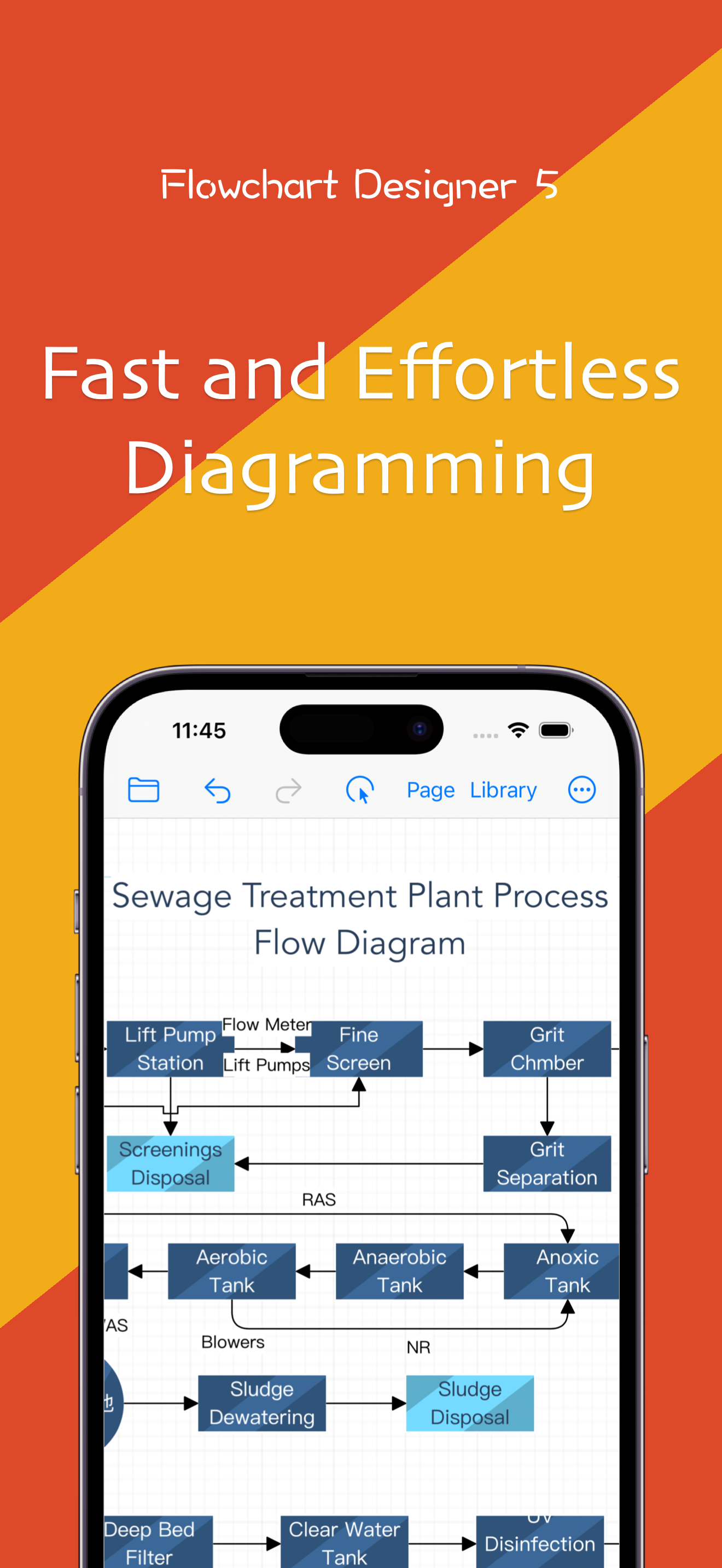
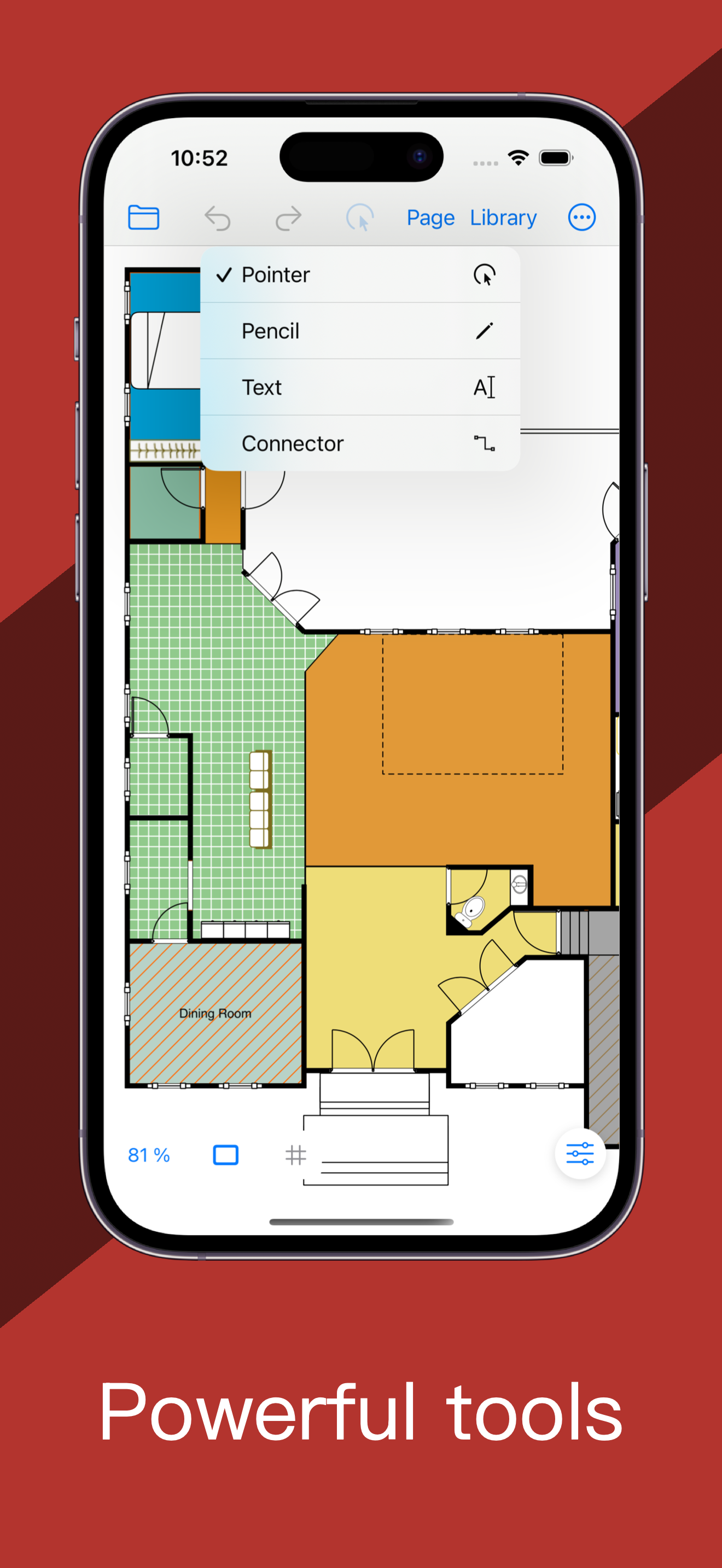
Flowchart Designer 5 is a powerful diagram application designed specifically for Mac, iPad, and iPhone, helping users effortlessly create diagrams, in...
| Name | Price | Type |
|---|---|---|
| AI Assistant Pro (Monthly) | $1.99 | Monthly |
| Standard Edition | $9.99 | One-time |