Check the acquisition promise
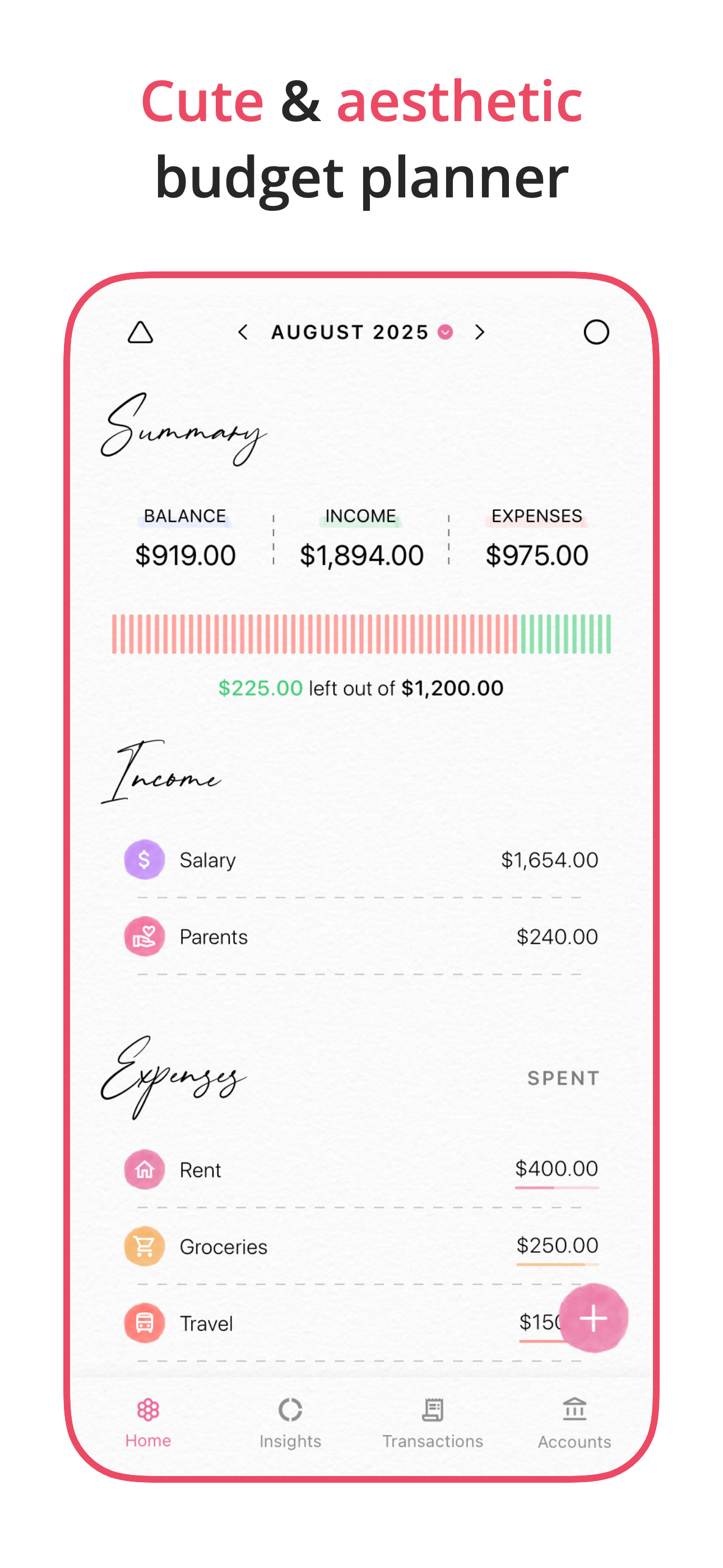
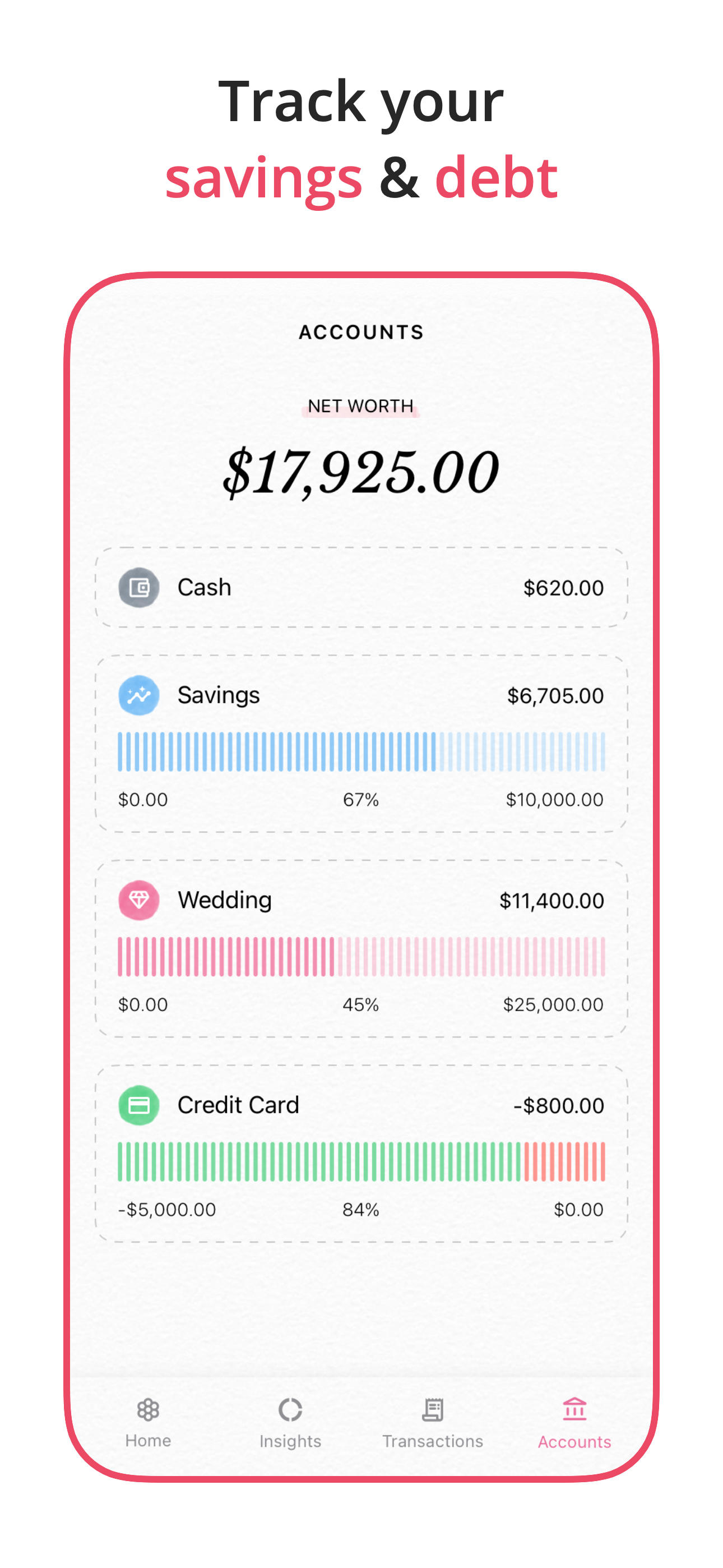
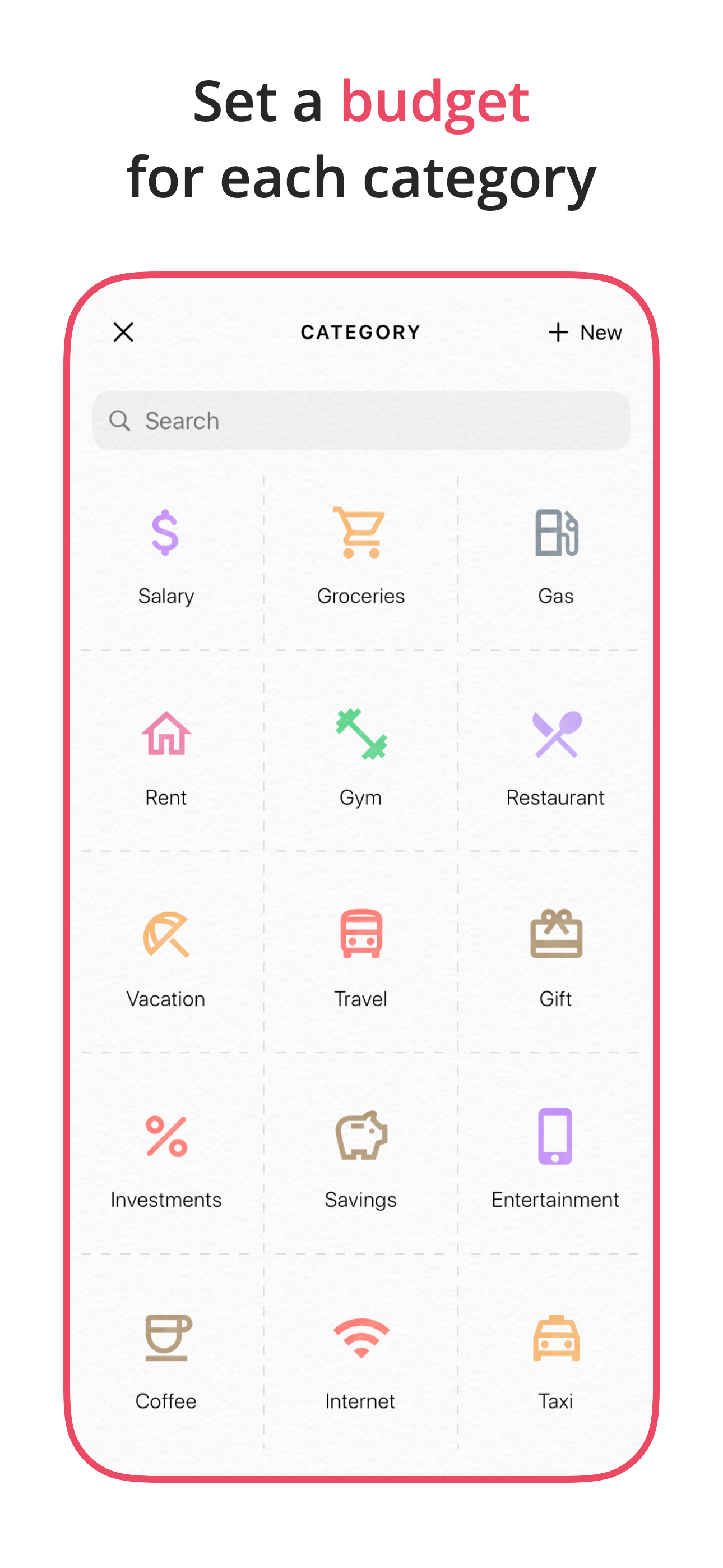
Read the store headline, screenshots and description. What problem is the app promising to solve?
Study the storefront ↗
Akash Jain · iOS
Explore the ad evidence, study the storefront, and build your next acquisition hypothesis.
01 / Creative research
Read the store headline, screenshots and description. What problem is the app promising to solve?
Study the storefront ↗Explore apps with direct store-link matches. Compare their hooks and formats without assuming the same approach works here.
Browse observed advertisers ↗Store rankings and revenue estimates describe market context. They do not establish ad spend, conversions or ROAS.
Review the market context ↗02 / Storefront & product
Study the product story and store experience behind the acquisition funnel.



03 / Market context
Keep revenue, downloads and store rankings separate from advertising performance.
I would like to preface this review by saying that I am not while of financially whatsoever. I’ve been using the Fleur app religiously for the past few months and I absolutely love it so when I saw that there was a budgeting app called Floret I absolutely knew I had to get it. These apps are an absolute lifesaver for me they help me stay organized and well off doing my online school and working all my jobs. I love these apps so much that I genuinely wanted to purchase the premium features on these apps to support the creator even though you can 100% use these apps without the premium features. Unfortunately, I do not make enough money to justify the purchase although it’s under $30 a year for each app. That money could just go to food or something else etc. there was a note that showed up I believe on the Floret app that said if you cannot afford the premium features of this app for any reason please reach out and let me know and I’d love to help you. I sent an email not expecting muchbut instead the creator of the app, Akash responded and under 24 hours and granted me free access to the premium features in both apps. Of course, if you can afford the premium features that helps them a whole lot but to someone who genuinely couldn’t this meant the world to me and I will continue to promote these apps to all of my friends and anyone who will appreciate them. That being said, if you were thinking about getting this app it is one of the best choices I’ve made this year to help with my productivity. Thank you so much again Akash for all your help and support. -Maggie
I have been using this app for three months now. I used to record my expenses in a checkbook, just to keep track of things. I now record all expenses in Fleur, and I love the way it categorizes expenses, and shows you exactly where the money is going every month. It is slightly more time-consuming than writing expenses in a checkbook register, but it’s so much more worthwhile for the insights it gives you on different screens. You can set up your categories however it makes sense to you. It’s easy to look ahead and see what expenses are coming up, if you’ve been diligent about putting in automatic bills that will be coming from your account and hitting at a certain day. The interface is very intuitive and user-friendly. And not at all stress inducing, which is a huge factor when you’re talking about finances. I initially thought it was a drawback that this didn’t connect directly to a bank account, and you have to input all of your transactions manually, but once you’re in the flow and if you commit to doing this every day or every few days to a week, it goes quickly and becomes an easy habit. Plus you have a better handle on your money that way anyway. I also gave some feedback to the developer about a change I thought would be helpful around budgeting, and lo and behold, I saw it in the latest app update. The app developer is responsive and very friendly. Bravo!
Okay, so full disclosure I just got this. But I decided to leave a review because I’ve gotten further along than I have with any other app and I have literally all of them. I just went ahead and got the full app and paid the 9.99, it’s a one time fee which I admit was easier to swallow than a monthly subscription. I thought it was cute there is a little message at the top to reach out if you have suggestions etc and I’m guessing if I reached out asking for an icon etc the developer would do it. Right away the app said I had no income so I was like cool, I added my income. I am in a 3 person income household and it let me customize so I know whose is whose which is cool. Already off to a good start. Then I go about adding my bills, I’m expecting an issue any minute here but I just finished my bills and I’m moving onto subscriptions and I’m happy to report no issues yet. Granted I haven’t used it and shall report back to update this review but so far, I’ve entered more than ever before and it actually seems like I’ll use this. I am not big on pinks or girlie colors but I also admit this app is super cute. Would be cool if maybe there were color themes, I’m more of a dark doom and gloom girl myself but that’s totally okay if it works. I need help keeping track of things and so far this seems like it might be a winner. Props to the developer for making such a user friendly app!
Fleur is a cute and simple budget planner and tracker app. The app allows you to easily add daily expenses and income. You can also set a monthly budg...
| Name | Price | Type |
|---|---|---|
| Fleur Budget Monthly | $6.99 | Monthly |
| Fleur Lifetime | $9.99 | One-time |
| Fleur Budget Lifetime | $15.99 | One-time |
| Fleur Lifetime | $25.99 | One-time |
| Fleur Budget Yearly | $29.99 | Yearly |
| Fleur Budget Yearly | $39.99 | Yearly |