Check the acquisition promise
Read the store headline, screenshots and description. What problem is the app promising to solve?
Study the storefront ↗
Gianluca Natalini · iOS
Explore the ad evidence, study the storefront, and build your next acquisition hypothesis.
01 / Creative research
Read the store headline, screenshots and description. What problem is the app promising to solve?
Study the storefront ↗Explore apps with direct store-link matches. Compare their hooks and formats without assuming the same approach works here.
Browse observed advertisers ↗Store rankings and revenue estimates describe market context. They do not establish ad spend, conversions or ROAS.
Review the market context ↗02 / Storefront & product
Study the product story and store experience behind the acquisition funnel.
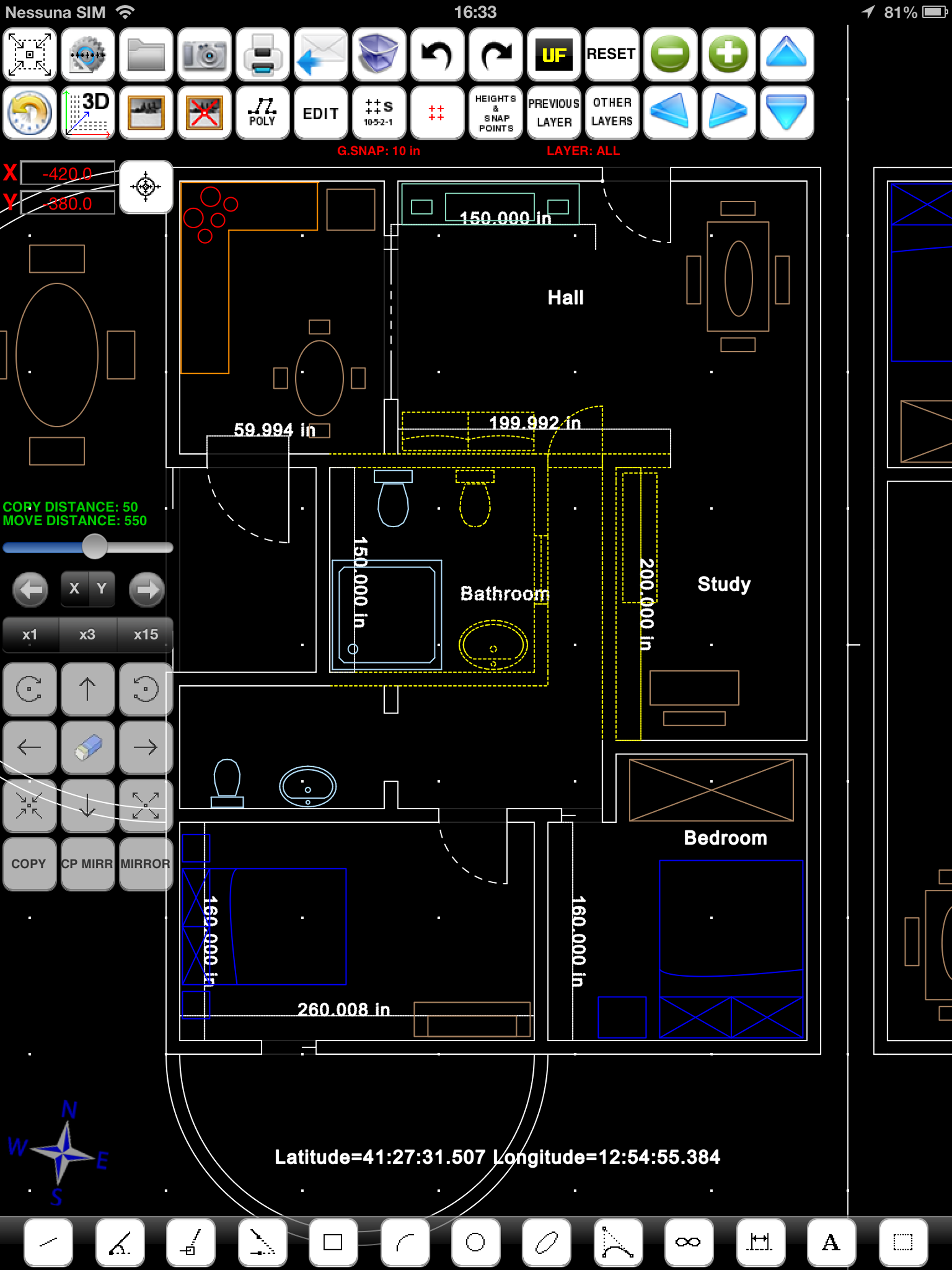
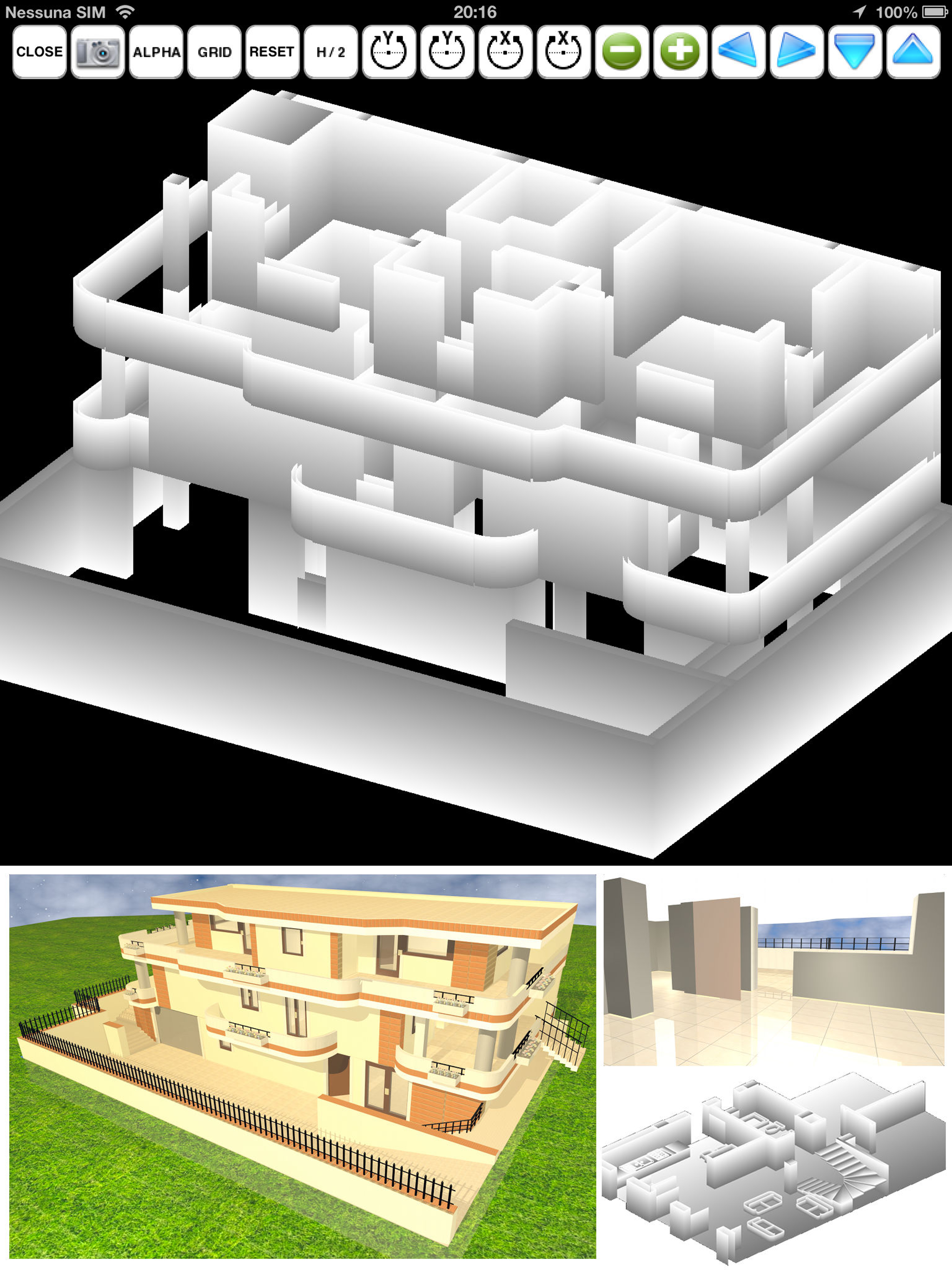
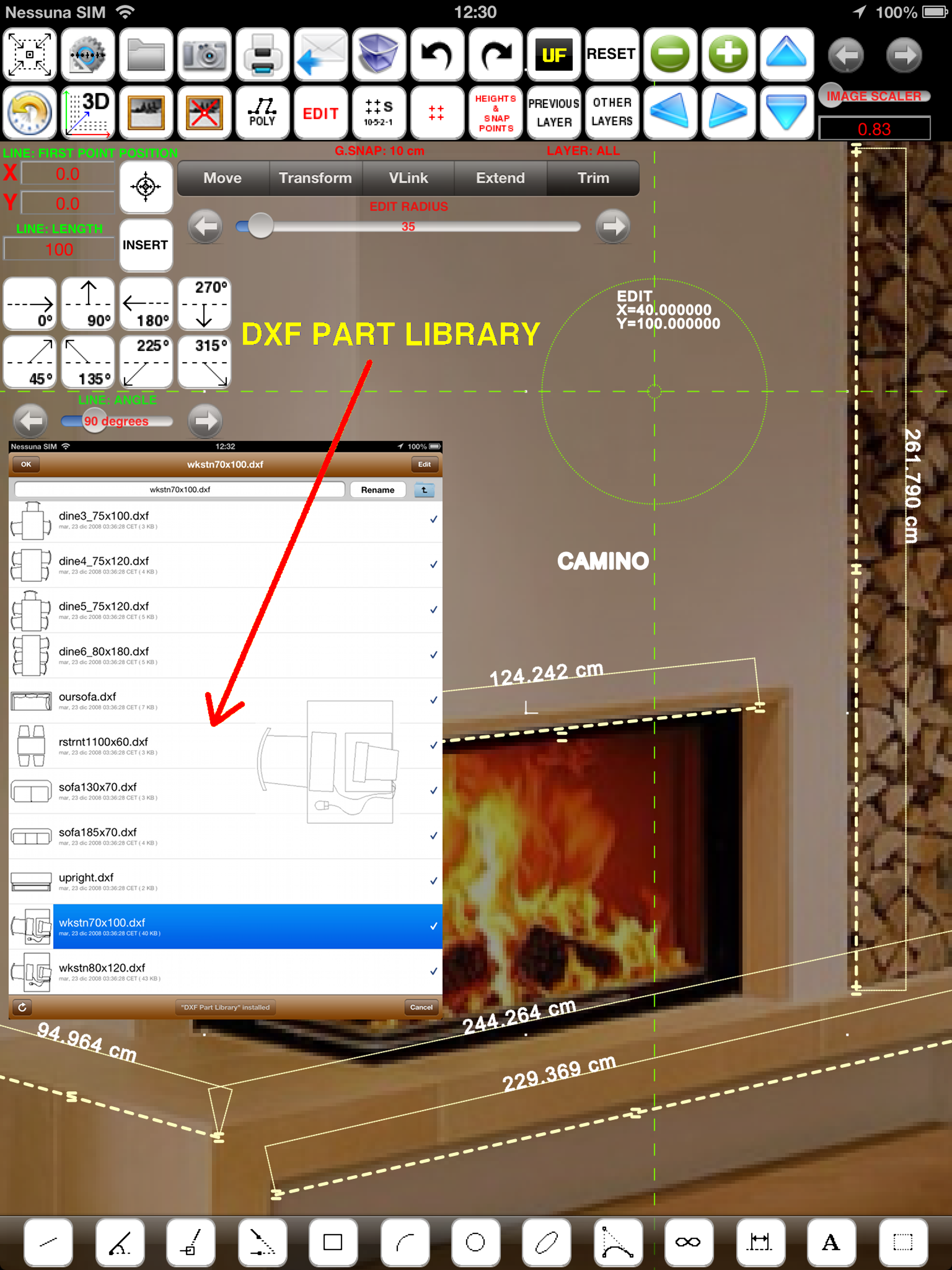
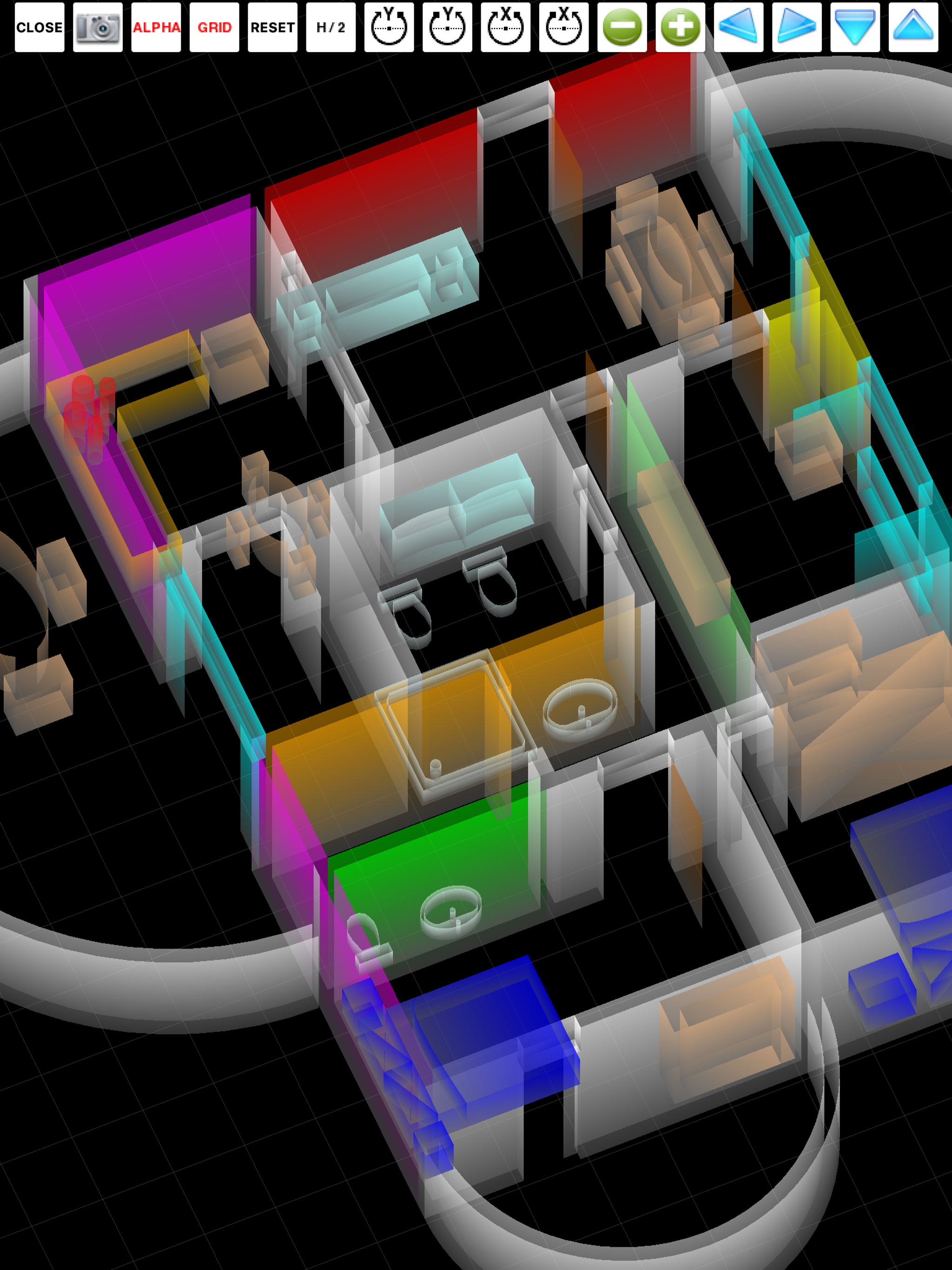
03 / Market context
Keep revenue, downloads and store rankings separate from advertising performance.
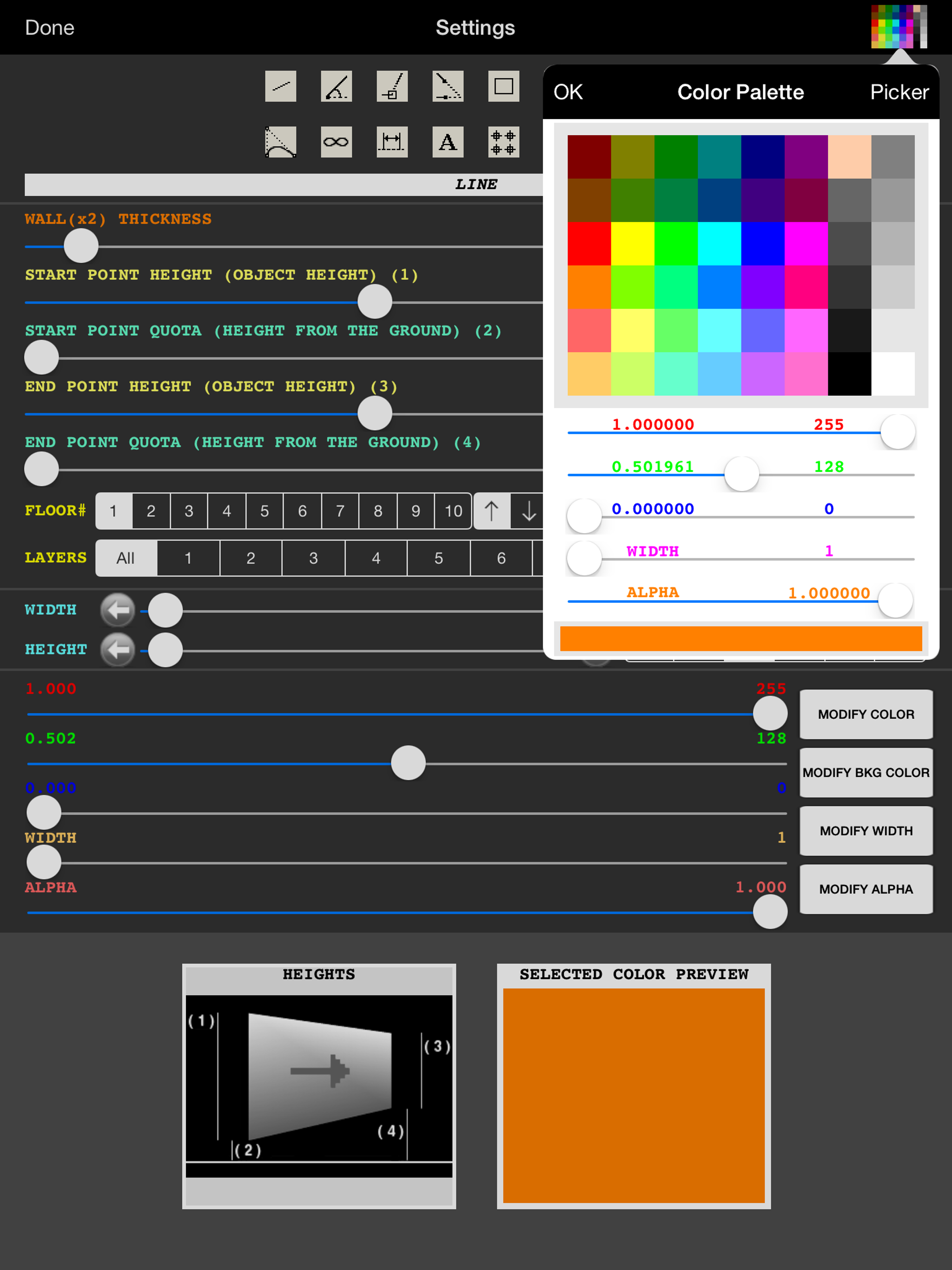
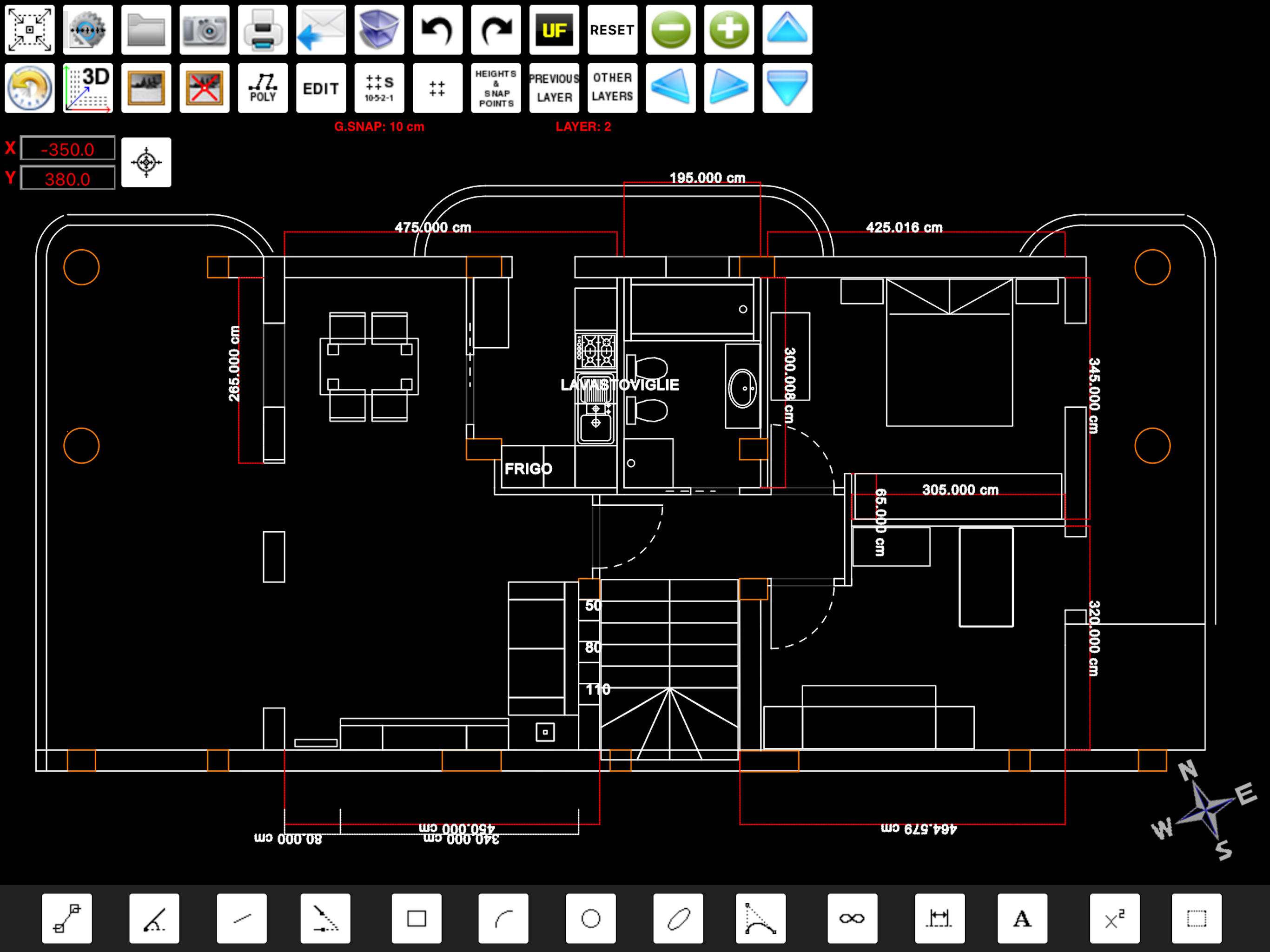
I should have listened to the first reviewer. This app has a very cumbersome, non-intuitive drawing editor and tool set. The methodology of workflow is not productive and as stated, basic drawing elements are not either present or are not fluent. I am sorry to give such a negative review, but after wasting a ton of money on a dozen so-called CAD apps which did not deliver on their stated goals, I am frustrated. It's the 21st century, drawing on a computer regardless of the form factor should not be this difficult. I am a veteran architect and interior designer with 25 years of CAD experience so I believe I am qualified to review CAD apps. That said, since some of the stated features do exist in the app as stated, I find their usability not efficient enough for field work. The documentation is not well organized. The ridiculous diagram attempting to illustrate the commands is ineffectual at best and the language has some basic grammatical mistakes. The good news. If app has what appears to be a solid engine. Great. Make the basics work before attempting 3D. For good, bad or indifferent reasons, the de facto industry standard is AutoCad for good reason. Yes, other CAD software exist and the good ones tend to all draw with efficiency in mind for 2D. I would be willing to donate my time pro-bono to help a developer make their CAD app for the iPad more efficient for the designer in the field. The are a couple of graph paper type apps that work well but are not CAD. I GUESS AFTER WEEKS OF SPENDING MONEY AND PRECIOUS TIME AND TRYING TO BELIEVE IN THE DEVELOPER'S STATED FUNCTIONALITIES, I AM DISMAYED.
I'm no architect or even a student to be one but I like to build and this is exactly what I've been looking for, you can build pretty much any thing, I'm 13 and I have a fair sized office building together complete with meeting rooms and break rooms...
This app is close to what I have been looking for though there are a few things that would be nice to see. Like the other comment it would be great to adjust the grid. The thing I would like to see are to be able to type the location length and angle of the line. To be able to say I want a line to start at1,1 and end act 3,4 or to say Line start at 1,1 to 1,2 take 90 degree turn to 2,2. Another example would be that I want to start at point 1,1 making a 12' line turning 45 degree's then continuing on for 3' turning 260 degree's. This is what I would like to see because if you already know what your making and how it should look. Then all you need is to type it in. Instead of trying to make a small line hit a small peg with big fingers. This is where I will leave things to see if what can be improved with this app. I hope this is use it has good potential
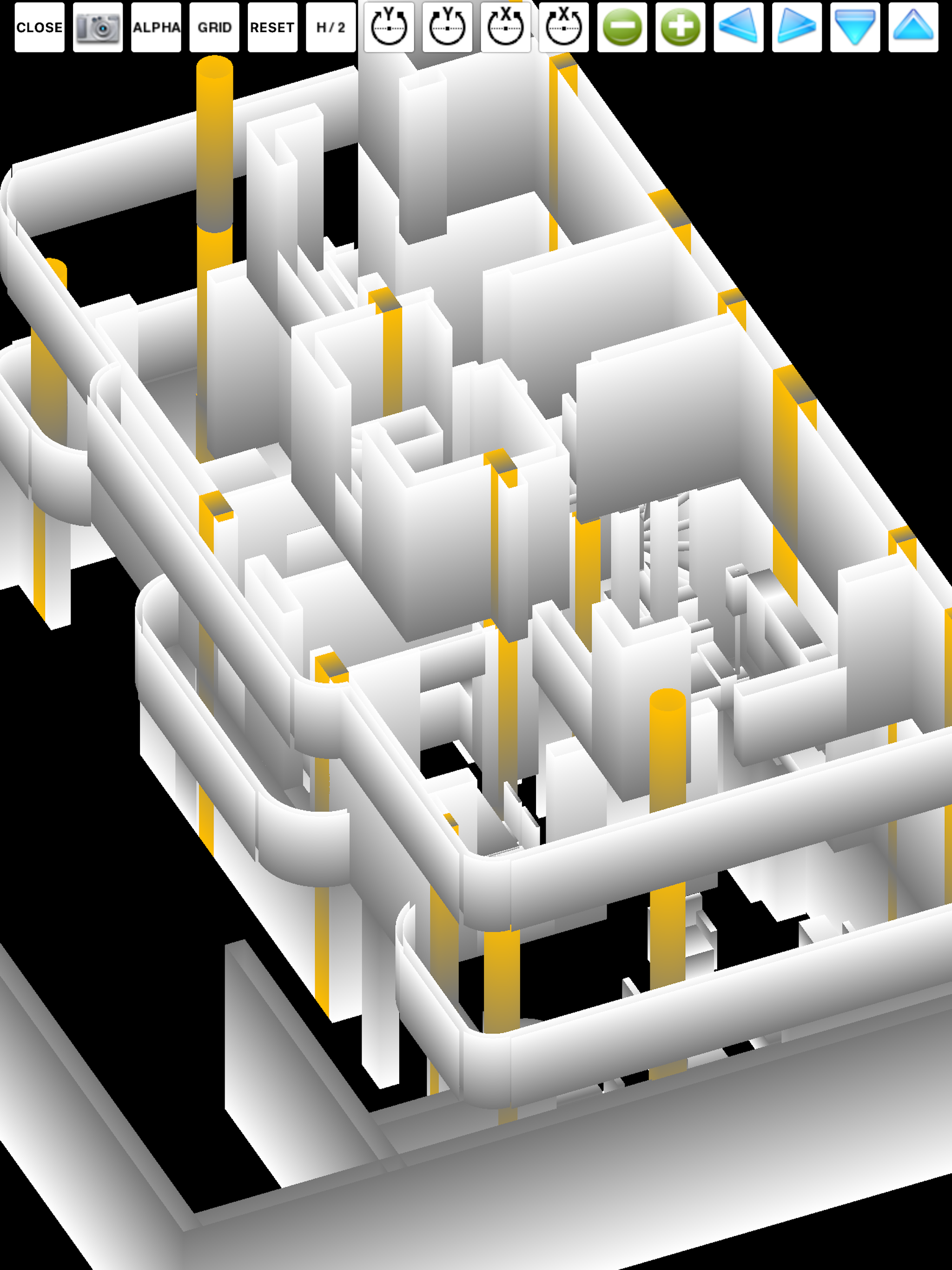
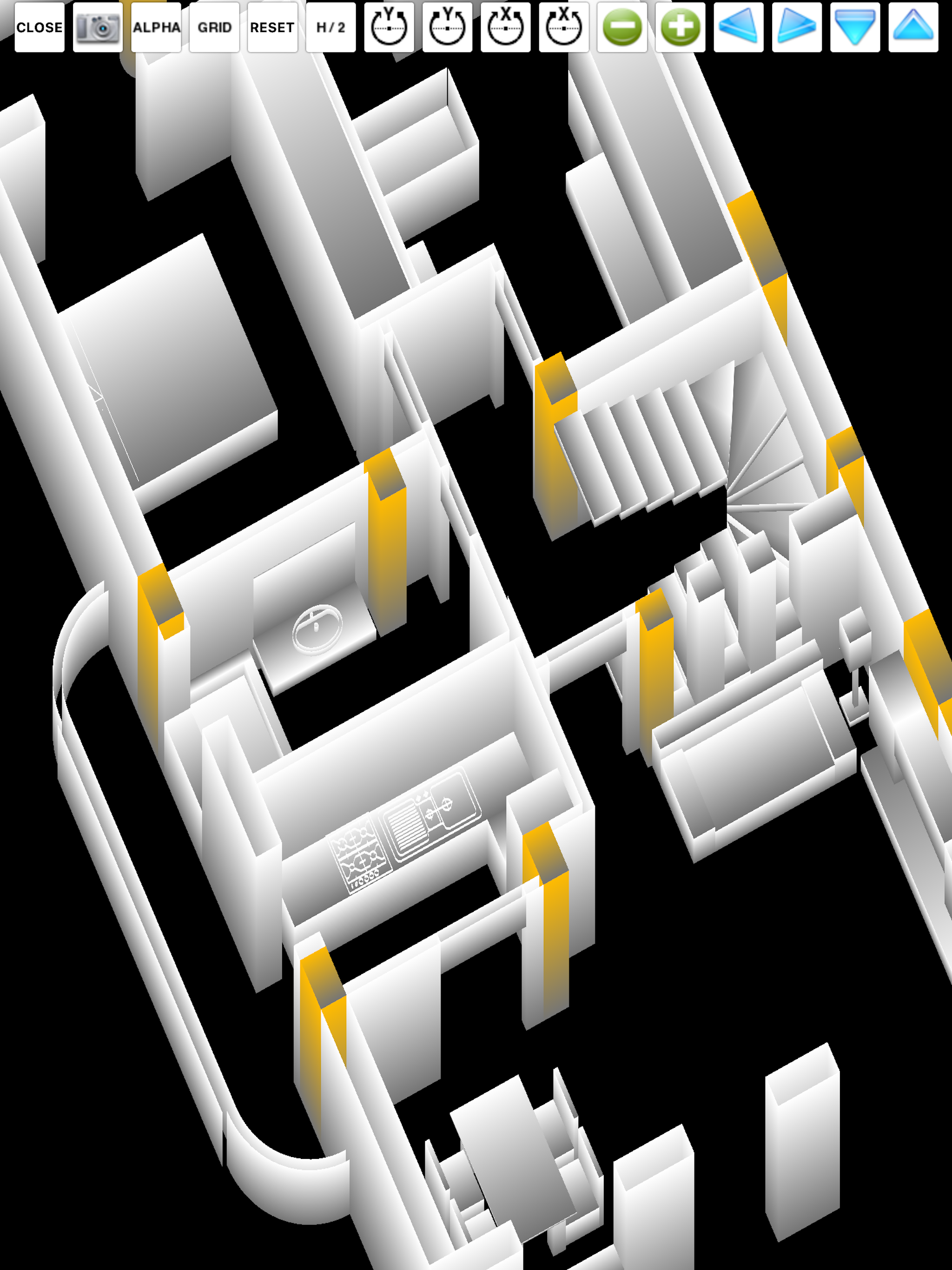
"FingerCAD HD" is the first CAD application for technical drawing with fingers assisted by computer for portable devices. With "FingerCAD HD" you can...