Check the acquisition promise
Read the store headline, screenshots and description. What problem is the app promising to solve?
Study the storefront ↗
蒋国 颜 · iOS
Explore the ad evidence, study the storefront, and build your next acquisition hypothesis.
01 / Creative research
Read the store headline, screenshots and description. What problem is the app promising to solve?
Study the storefront ↗Explore apps with direct store-link matches. Compare their hooks and formats without assuming the same approach works here.
Browse observed advertisers ↗Store rankings and revenue estimates describe market context. They do not establish ad spend, conversions or ROAS.
Review the market context ↗02 / Storefront & product
Study the product story and store experience behind the acquisition funnel.




03 / Market context
Keep revenue, downloads and store rankings separate from advertising performance.
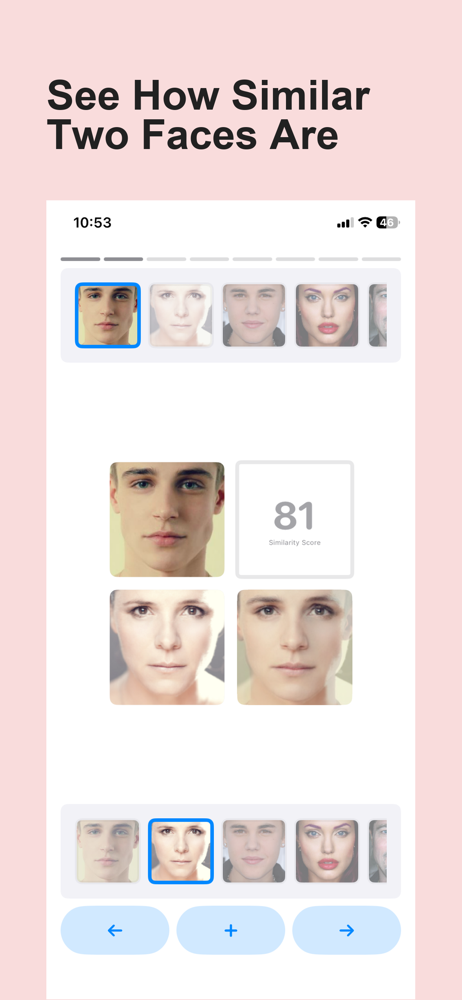
Seemingly the only app I can find that allows you to mix two people together (as adult form and not only baby form), and well, it gets the job done fine and I like that.👏🏽Additionally, Ads are pretty non disruptive which is fantastic! Issues: the save image does not work. It simply screencaps the screen with the morphed image being black and useless. Easy to just screenshot for the image, but still… Suggestion: can you let us morph multiple people at once? Like maybe 3 or 4? That would be fun.
To start with what's good, it's very easy to use, I like how you have to match the eyes on the red line so that images don't get distorted when you morph them. I like how it slowly blends the two morphed faces together and you can save them as a slideshow or picture. It's also good that the app doesn't beg for your money like some other morph apps do. Some things I think need improvement is the ability to save morphs in the program itself, so you can morph the morph. Maybe another feature is the ability to blend 3-4 faces at once.
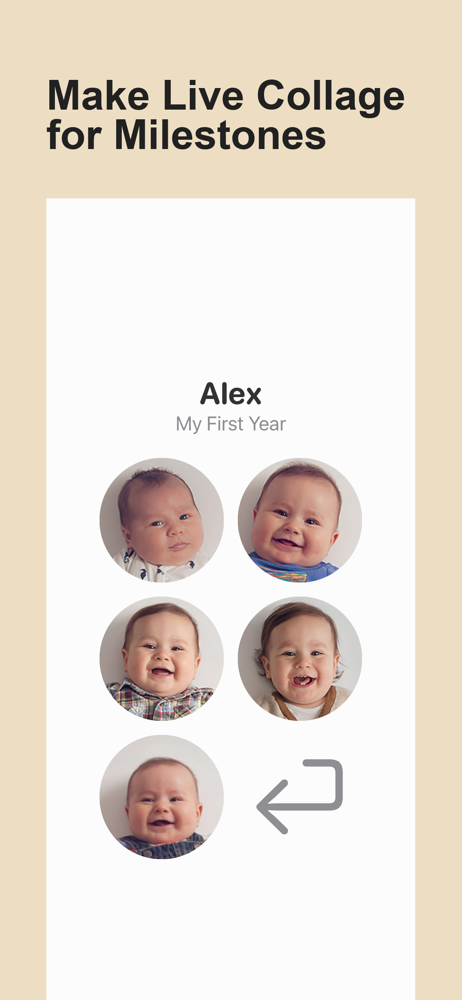
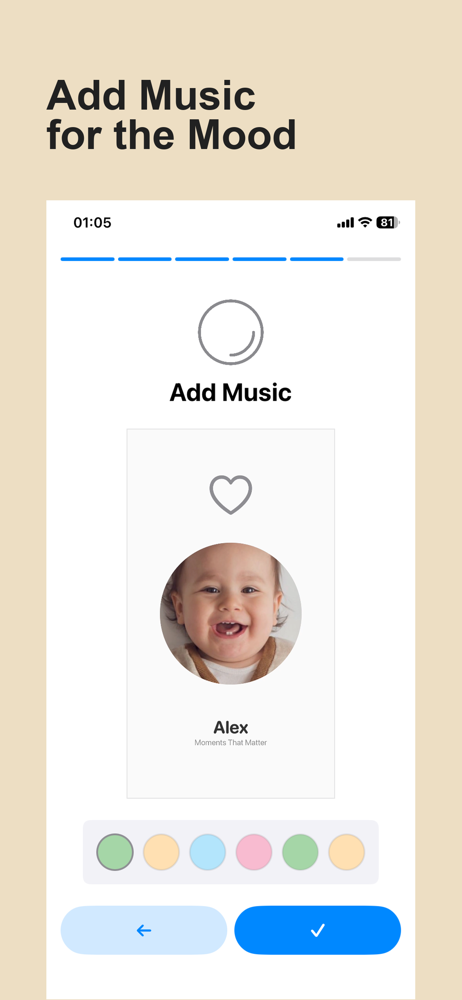
First, I really like the user interface and the way you map out where facial features are. The preview box that demonstrates exactly where your point should be is a great idea. My goal was to make a time lapse of my daughter from infant to young adult and this app was invaluable. A few limitations arose, though that are worth noting: There is no "fit to music" option, so your song will either loop or come to an abrupt stop at the end of the show. It also doesn't have a smooth visual ending where the last slide holds a little and fades to black. That being said, I found a few workarounds: I exported it without any audio and then imported the video into iMovie. From there I could create a title slide and add a final picture to the presentation before fading out. I used the length of that to edit music in GarageBand that fit to the length and ended smoothly. The end result was very good, but just know that you'll need to do a few steps outside of the app to give the show a real polished look.
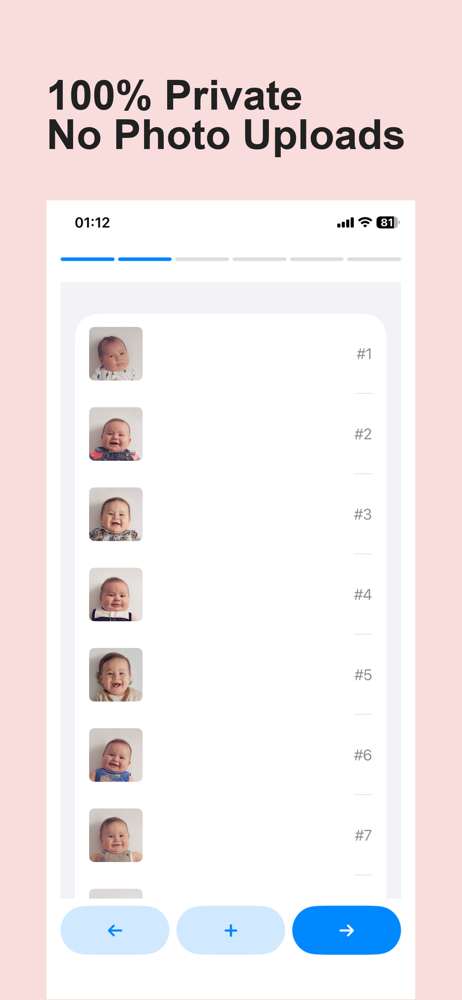
FaceFilm transforms your photos into heart-warming memory videos with cinematic face morphs, beautiful collages, and seamless transitions — making it...
| Name | Price | Type |
|---|---|---|
| Pro Upgrade (Weekly) | $4.99 | Weekly |
| Pro Upgrade | $4.99 | One-time |
| Pro Upgrade (Annual) | $35.99 | Yearly |