Check the acquisition promise
Read the store headline, screenshots and description. What problem is the app promising to solve?
Study the storefront ↗
Whizpool · iOS
Explore the ad evidence, study the storefront, and build your next acquisition hypothesis.
01 / Creative research
Read the store headline, screenshots and description. What problem is the app promising to solve?
Study the storefront ↗Explore apps with direct store-link matches. Compare their hooks and formats without assuming the same approach works here.
Browse observed advertisers ↗Store rankings and revenue estimates describe market context. They do not establish ad spend, conversions or ROAS.
Review the market context ↗02 / Storefront & product
Study the product story and store experience behind the acquisition funnel.




03 / Market context
Keep revenue, downloads and store rankings separate from advertising performance.
It’ll allow 50 photos in your phone to be ‘selected’ to be watermarked. Purchased it last week at the recommendation of a website guru and SEO master, Michael Tritthart that raved about the ability to mass watermark videos, and photos and mass quantities from your company and using this specific app as a time saver. Purchased in good faith. Used it numerous times. In looking back at the photos, none of them were water marked. Did create templates. Had uploaded the ‘watermarked/duplicated photos’ to my Google business profile, thinking they had been marked at the bottom and it had been cut off from my view as it was being uploaded. The app did create duplicates of the images I uploaded to the app, but none of them contain the watermark templates that I had created and selected to be applied. On top of that, it cropped the photo down to a 1080 x 1080 but when importing into the app, it did it as 1920 x 1080 leaving a massive head and foot apace on each photo imported. So it morphed the resolution on all of them. That was not my intention, and I wanted them to remain the same resolution as they had been imported. Could be wrong, but it seems like nothing in this app is doing what it supposed to be doing and I’m having a hard time reconciling this purchase with what is promised and described… with what is delivered based on the results I’ve seen to date. Is there a resolution I’m missing?
I downloaded free version of the app and loved it, very easy to use and things couldn’t have been better. I literally spent hours perfecting my signature as my watermark to use on pictures of my work. Continued to use the watermark signature on photos, life is good. One day I try using a picture as a watermark just to play around, worked great. My problem came in when I wanted to go back to using my signature. The app said I couldn’t use my signature anymore unless I paid for the app. The app was cheap so without question I paid for the app thinking, man that was a close one, if I lose this signature it would break my heart with all the time I put into designing it. After downloading the paid version the app still will not let me use my signature it just downloaded a second version on my phone so now I have two apps both the same for what I can tell. I would have never purchased the app if I would have known I still wouldn’t have been able to use my original signature watermark they specifically said I could use if I paid for the app. I purchased the app because they said I could use my previous designs but You can’t so at the end of this story I’m pretty bummed out to say the least.
Initially I downloaded the free app and I liked to use it. But in one go I can put watermark on maximum of 5 images at a time. Then I checked and decided to purchase the paid version of this app at 2.99 USD which allows batch processing. And guess what it still doesn’t allow me to watermark more than 5 images at a time. Total money waste for me. On top of that they claim in app description that you can watermark hundreds of photos in one go. This is clear cheating. I can share screenshots of error when I try to watermark more than 5 images and also their app description about their claim of allowing 100 photos in one go
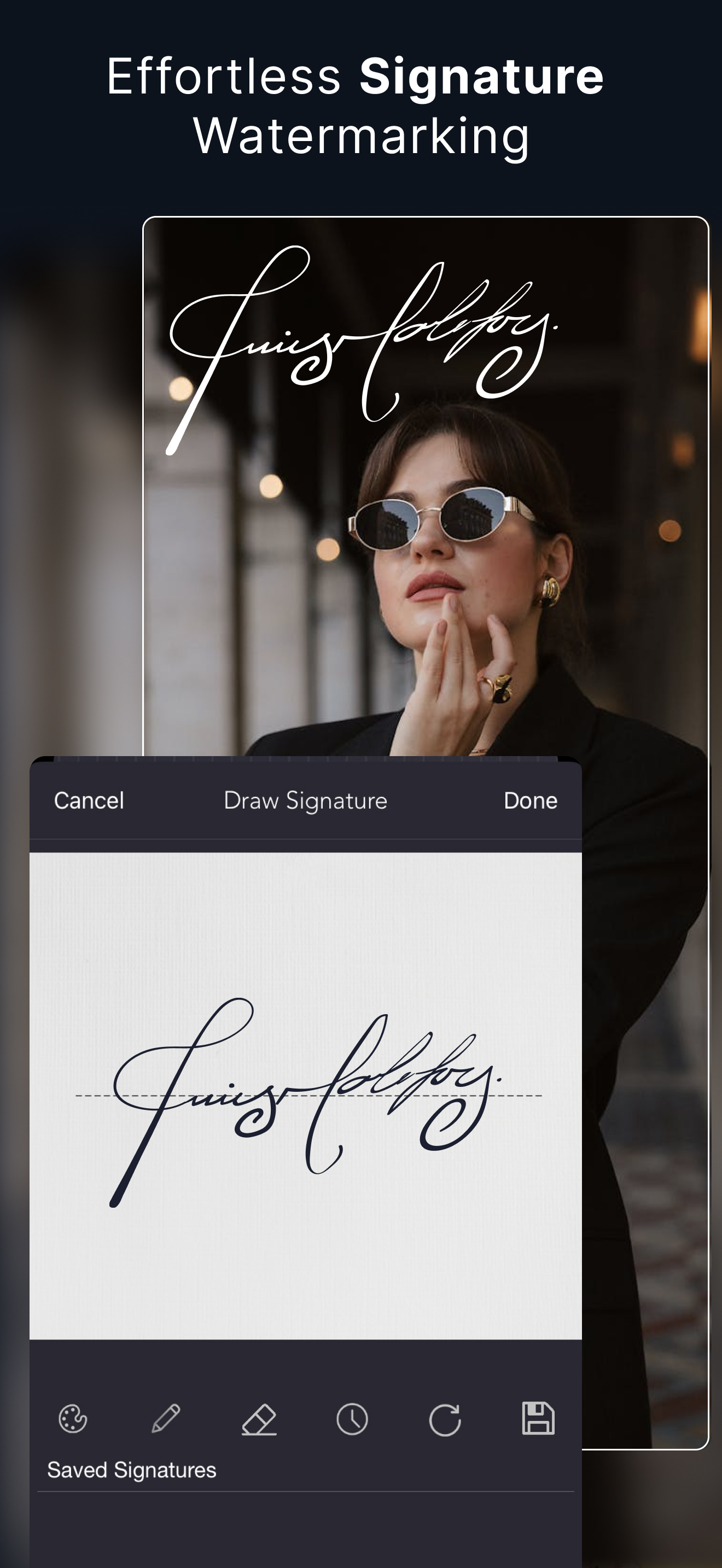
Protect visuals with Custom Watermarks, Digital Signatures, Timestamps, Logo, Stickers & QR Code! Photographers often rely on a brand watermark app t...
| Name | Price | Type |
|---|---|---|
| Custom Fonts | $0.00 | One-time |
| Batch Watermarking | $0.00 | One-time |
| Emotions Pack | $0.00 | One-time |
| Funkit | $0.00 | One-time |
| skulls set | $0.00 | One-time |
| horoscopes set | $0.00 | One-time |
| eagles set | $0.00 | One-time |
| Stickers | $0.00 | One-time |
| Cute Cartoons | $0.00 | One-time |
| Christmas | $0.00 | One-time |