Check the acquisition promise
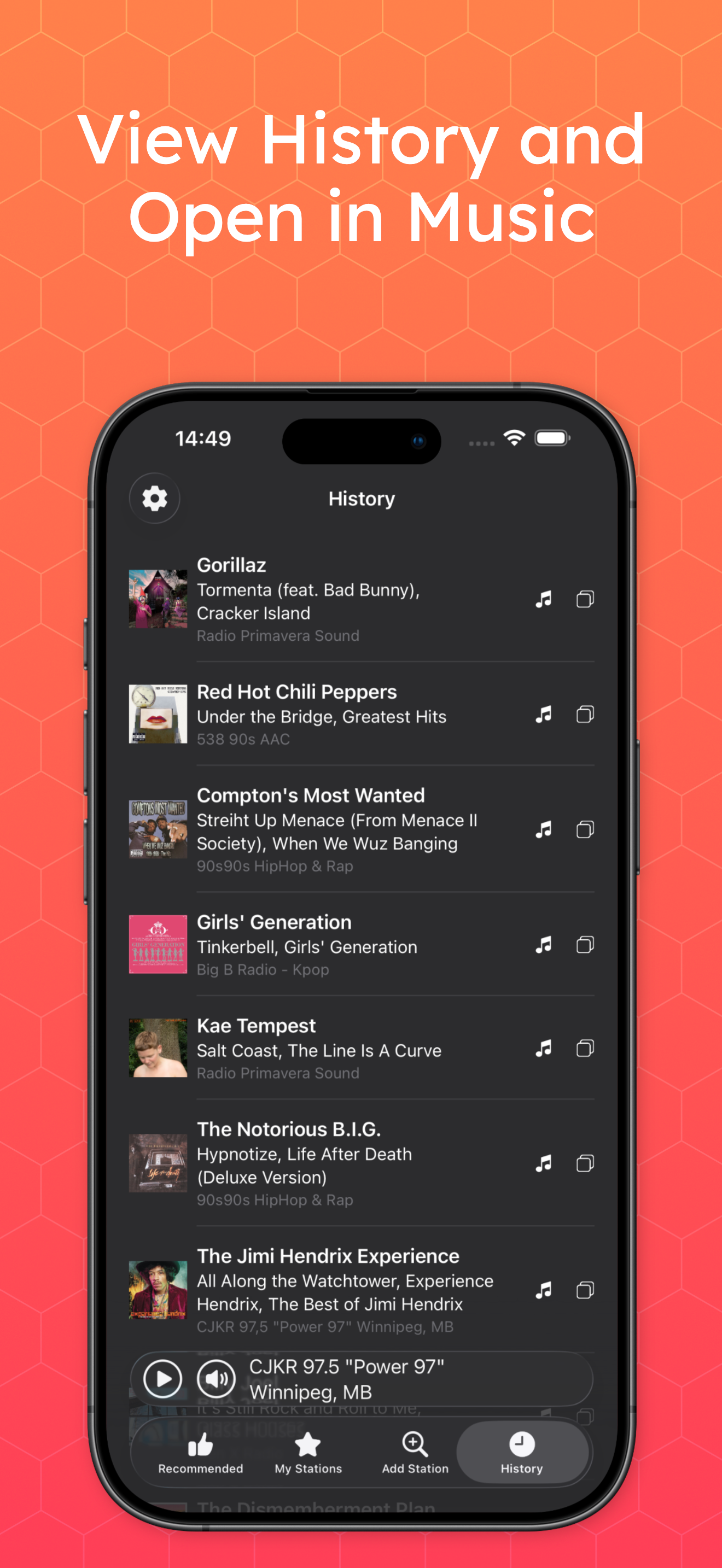
Read the store headline, screenshots and description. What problem is the app promising to solve?
Study the storefront ↗
Apparent Software Inc. · iOS
Explore the ad evidence, study the storefront, and build your next acquisition hypothesis.
01 / Creative research
Read the store headline, screenshots and description. What problem is the app promising to solve?
Study the storefront ↗Explore apps with direct store-link matches. Compare their hooks and formats without assuming the same approach works here.
Browse observed advertisers ↗Store rankings and revenue estimates describe market context. They do not establish ad spend, conversions or ROAS.
Review the market context ↗02 / Storefront & product
Study the product story and store experience behind the acquisition funnel.




03 / Market context
Keep revenue, downloads and store rankings separate from advertising performance.
Update 5/8/26: increasing my rating to 5 ⭐️s based on the update that added previous and next station arrows as well as adding a mute button. Excellent update 👍 There is a lot to like about this app compared to similar apps.. It works with Carplay, you can manually search for favorites stations, sort stations and manually add stations using streaming URL’s. What would make this 5 stars is (1) the addition of previous and next arrows on the now playing screen to easily switch between favorite stations, (2) being able to use saved photos to change station logos rather the using logo URL’s and (3) add a song progress bar so we know when a song will end and (4) add an equalizer.
I read a couple of the reviews about the app just now. The way to solve the ads issue is to buy the one time in app purchase. This allows you to use the full version of the app. It is voice accessible for someone with a visual impairment, such as myself. Use this app with the latest version of iOS especially when adding stations manually to the app. It does not work well when doing this with iOS 15.8 for example. If you can do these things you have yourself a really great app. Good job to the developers of the app. Keep up the good work.
Never had any issue on my desktop - it’s a gamble and exercise in patience on my phone. Just spent 5 minutes pressing play on every station I have with no luck. Finally switched to cellular data away from my well secured home network. Managed to listen to two ads, look up this app in the App Store, and write this review. Still listening to ads, no music yet. — music has started! — When listening for a couple hours the ads will just kick in during the music out of the blue. — and the music has stopped! — Back from 5 minutes of pressing the play button only for it to turn back after a few seconds without any music. Tried 4 of my stations. None would play. I finally tried one of their included “recommended” stations and it played immediately. Then tried one of my stations and it worked! Sorry for the play by play, but it’s the way it goes every time I try and use the mobile app. As I mentioned, if you can figure out the right URL I’ve never had an issue with the desktop client. Even with the issues, I keep using it, because a real DJ is still better than any AI generated playlist even after years of learning my listening preferences.
Eter Radio is an app for listening to Internet radio stations. Eter Radio is available in a universal version for macOS, iOS, iPadOS, watchOS and tvOS...
| Name | Price | Type |
|---|---|---|
| Eter Radio Full Access | $8.99 | One-time |