Check the acquisition promise
Read the store headline, screenshots and description. What problem is the app promising to solve?
Study the storefront ↗
LINGAN Intelligent Technology Co., Ltd. · iOS
Explore the ad evidence, study the storefront, and build your next acquisition hypothesis.
01 / Creative research
Read the store headline, screenshots and description. What problem is the app promising to solve?
Study the storefront ↗Explore apps with direct store-link matches. Compare their hooks and formats without assuming the same approach works here.
Browse observed advertisers ↗Store rankings and revenue estimates describe market context. They do not establish ad spend, conversions or ROAS.
Review the market context ↗02 / Storefront & product
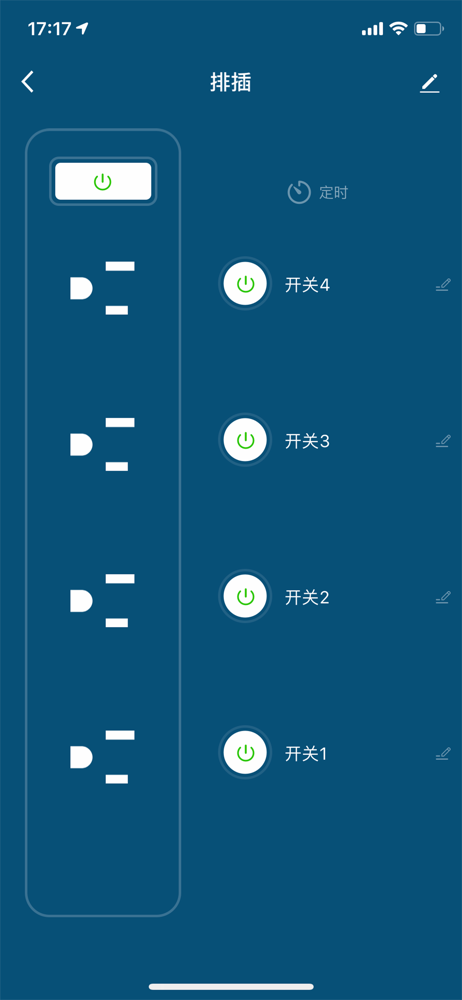
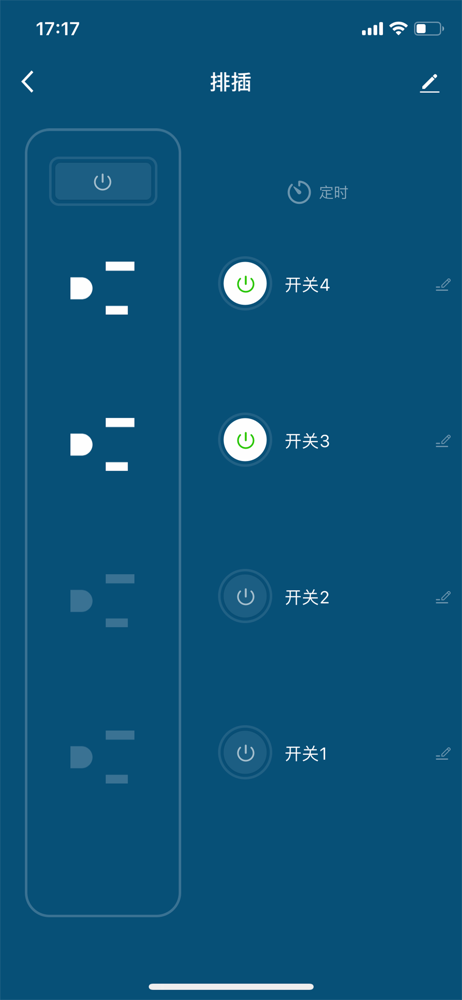
Study the product story and store experience behind the acquisition funnel.




03 / Market context
Keep revenue, downloads and store rankings separate from advertising performance.
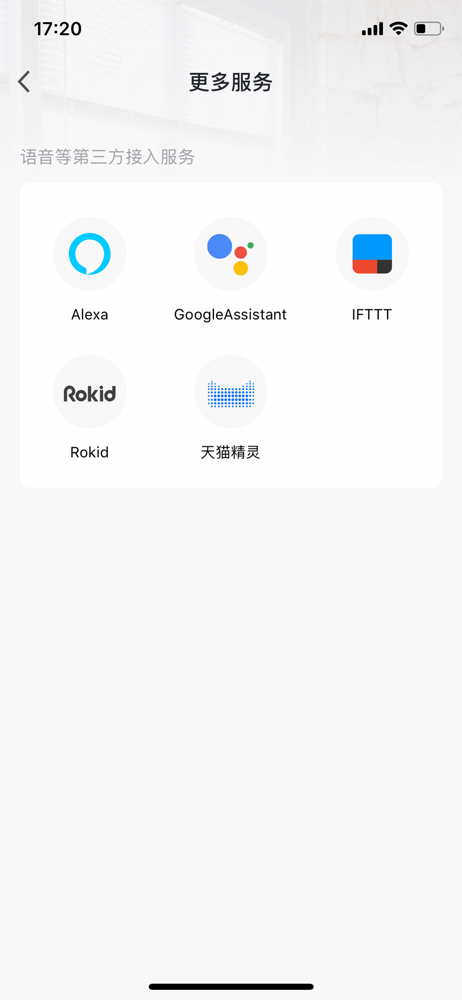
At first, I was a little sceptical about just how cheap these switches were, and figured they’d be low quality, and would give up after a short while? How wrong I was, I’ve had two of these switches for over a year and a half now, and they’re invaluable. Really easy to use, nice clear instructions, and they integrate with my Alexa system flawlessly. The user interface is easy to understand, and you don’t need a PHD to figure out the timer (unlike the plug in timer they have replaced!!) Really pleased with these plug in wi-fi switches, I now have five, and I plan on buying more. I’ve just used two to switch on garden lights and a water feature (one for each) and they’re working perfectly, even with a good distance between the switches and my hub / router. A great purchase, and highly recommend.
Got these a month bag and after the frustrations of getting them connected to internet and app they were working seamlessly but since the app update this week they have started to go offline. I’ve tested the connection using the app and says network status is fine but it’s showing offline for each socket. So I have to reboot from the power socket - a pain. Like another review the lights are really bright in a bedroom - and they illuminate even when not switched on. We resorted to covering with tape to block the bright lights. In addition to the above following a recent app update when using the timer to control the length of time the appliance is on the device is not switching off on the app and socket status remains as on. This did work until January 2019.
I bought four WiFi sockets and used this app to control them. I have three table lamps in the lounge that were plugged into sockets. I used the app to get all three plugs connected to my home WiFi and then pressed one button to link it to Alexa. I originally labelled the lights, light 1, light 2 and light 3. After all three light were tested successfully I easily renamed them for my convenience. I then installed a socket to override my PIR controlled outside lights. The whole job took less than 30 minutes and the app and sockets all work perfectly with with this app or Alexa. Simples.
eFamilyCloud is a App can enter your home, lets you visualized manage and control all your connected devices from your iPhone, iPad: give a name, tur...