Check the acquisition promise
Read the store headline, screenshots and description. What problem is the app promising to solve?
Study the storefront ↗
Brite Technologies · iOS
Explore the ad evidence, study the storefront, and build your next acquisition hypothesis.
01 / Creative research
Read the store headline, screenshots and description. What problem is the app promising to solve?
Study the storefront ↗Explore apps with direct store-link matches. Compare their hooks and formats without assuming the same approach works here.
Browse observed advertisers ↗Store rankings and revenue estimates describe market context. They do not establish ad spend, conversions or ROAS.
Review the market context ↗02 / Storefront & product
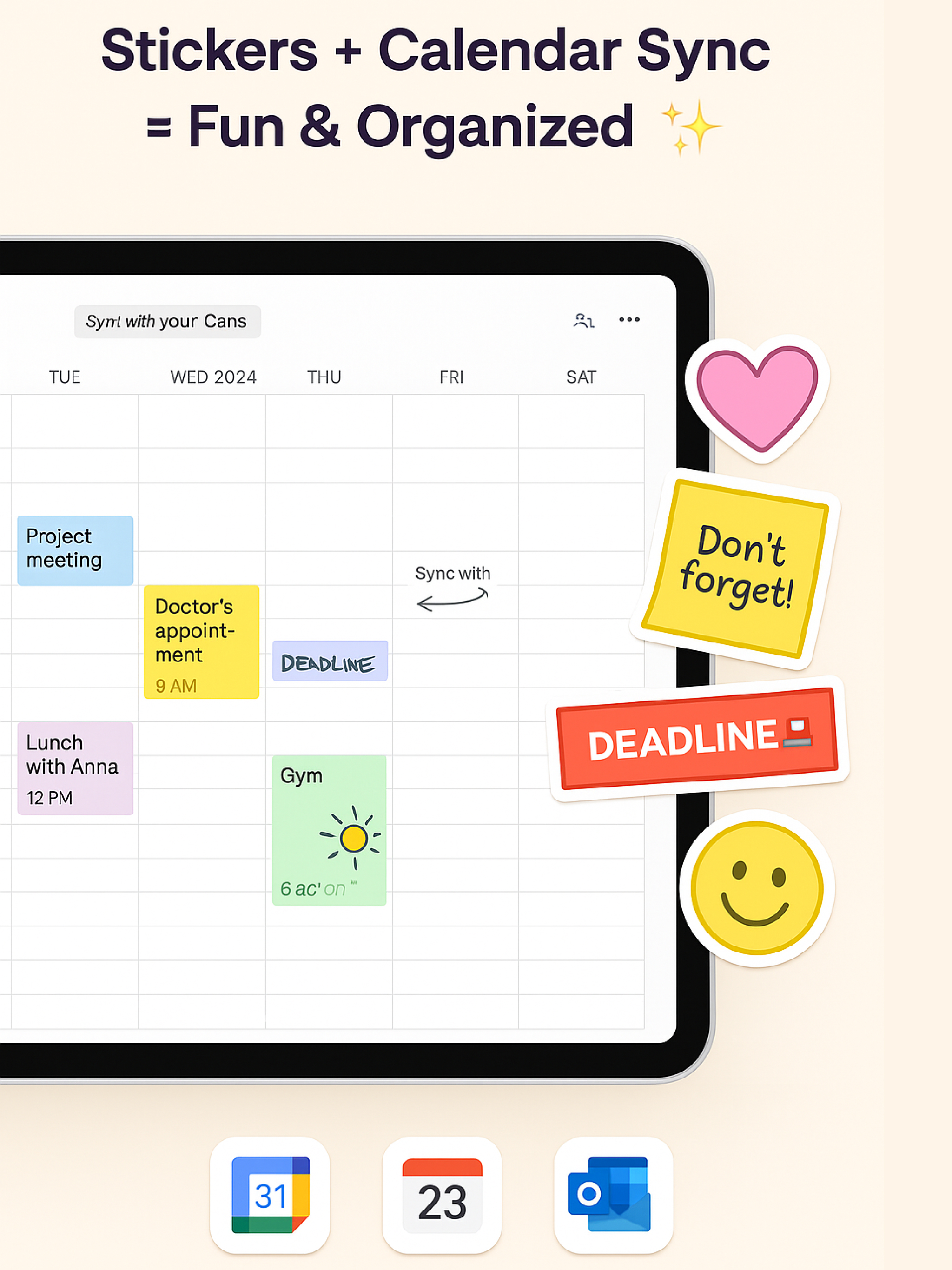
Study the product story and store experience behind the acquisition funnel.




03 / Market context
Keep revenue, downloads and store rankings separate from advertising performance.
This is a very convenient and well-designed planner for iPad. I really like the variety of templates — there are options for daily, weekly, and monthly planning, as well as habits and goals, which makes it easy to organize everything in one place. Planning my day and month feels clear and intuitive, and the app works great both for typing and handwriting with Apple Pencil. It’s especially useful if you like visual planning and structure without feeling overwhelmed. Overall, a helpful and practical planner that makes staying organized much easier. Highly recommend for anyone who plans regularly on iPad.
I really liked this app and enjoyed using it. What stood out to me the most is the variety of planner pages available- there are many different layouts, and they feel much more diverse than in other planning apps I’ve tried before. Once I got used to it, creating and using a planner was smooth and the overall experience was enjoyable. The apps feels thoughtfully designed for iPad and works well for both daily and weekly planning. Overall, I really enjoyed the app, would keep it downloaded, and highly recommend it it to others looking for a flexible and well designed digital planner.
Overall, this is a well made and thoughtfully designed iPad app. Once you get inside, the app is easy to use and feels intuitive, even if you're new to digital planners. I especially liked how structured is everything is — the notebooks and pages help keep different areas organized, and the interface works smoothly on iPad. While the onboarding can feel a bit long at first, the app offers a solid planning experience once you start using it.
Planner for your iPad - Your Beautiful Digital Planning Companion Transform your iPad into the perfect planning canvas with 500+ beautiful templ...
| Name | Price | Type |
|---|---|---|
| Planner for iPad - Weekly | $4.99 | Weekly |
| Planner for iPad - monthly | $5.99 | Monthly |
| Weekly | $7.99 | Weekly |
| Planner for iPad - Year | $9.99 | Yearly |
| Monthly | $17.99 | Monthly |
| Planner for iPad for a Year | $19.99 | Yearly |
| Super Pro (Annual) | $29.99 | Yearly |
| Lifetime Premium | $49.99 | One-time |