
Check the acquisition promise
Read the store headline, screenshots and description. What problem is the app promising to solve?
Study the storefront ↗
Alina Shpak · iOS
Explore the ad evidence, study the storefront, and build your next acquisition hypothesis.
01 / Creative research
Read the store headline, screenshots and description. What problem is the app promising to solve?
Study the storefront ↗Explore apps with direct store-link matches. Compare their hooks and formats without assuming the same approach works here.
Browse observed advertisers ↗Store rankings and revenue estimates describe market context. They do not establish ad spend, conversions or ROAS.
Review the market context ↗02 / Storefront & product
Study the product story and store experience behind the acquisition funnel.





03 / Market context
Keep revenue, downloads and store rankings separate from advertising performance.
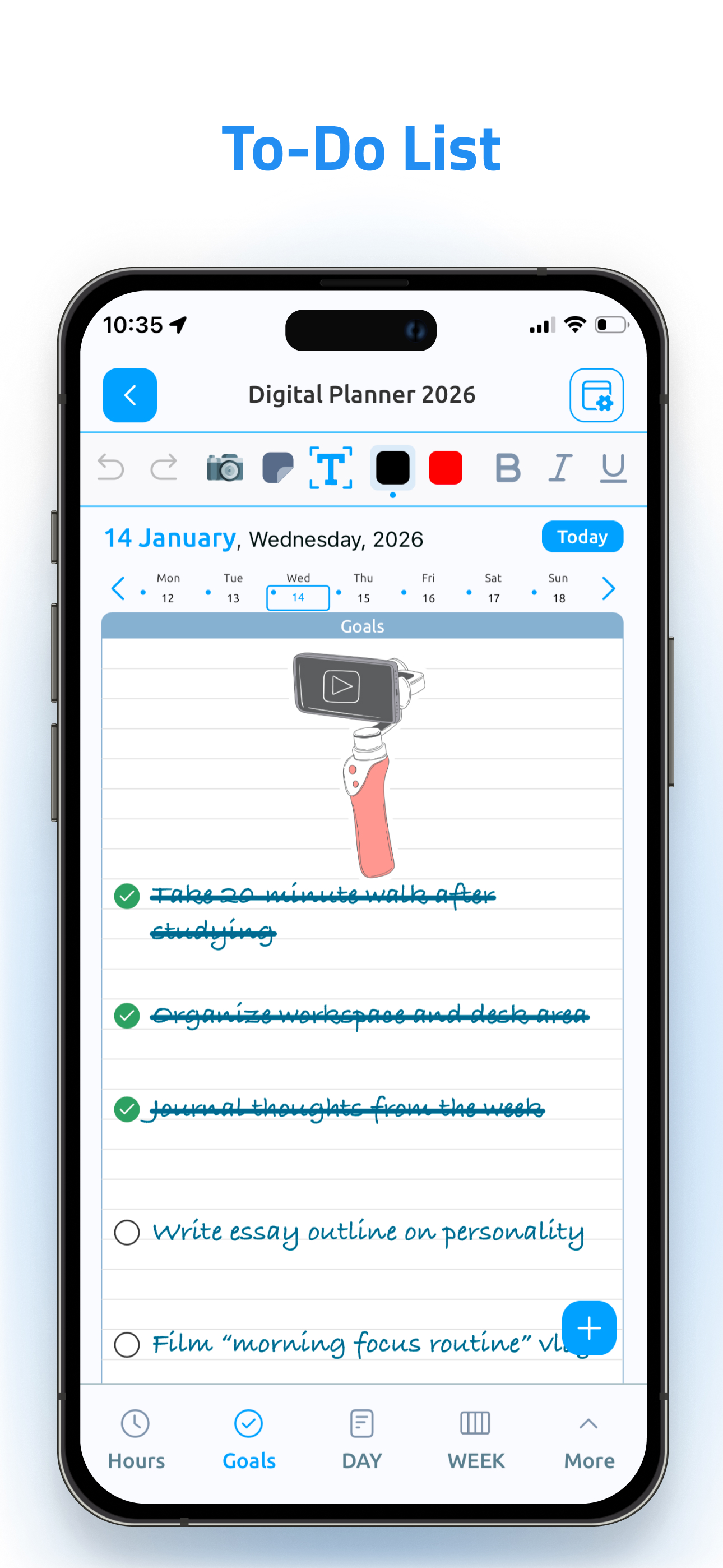
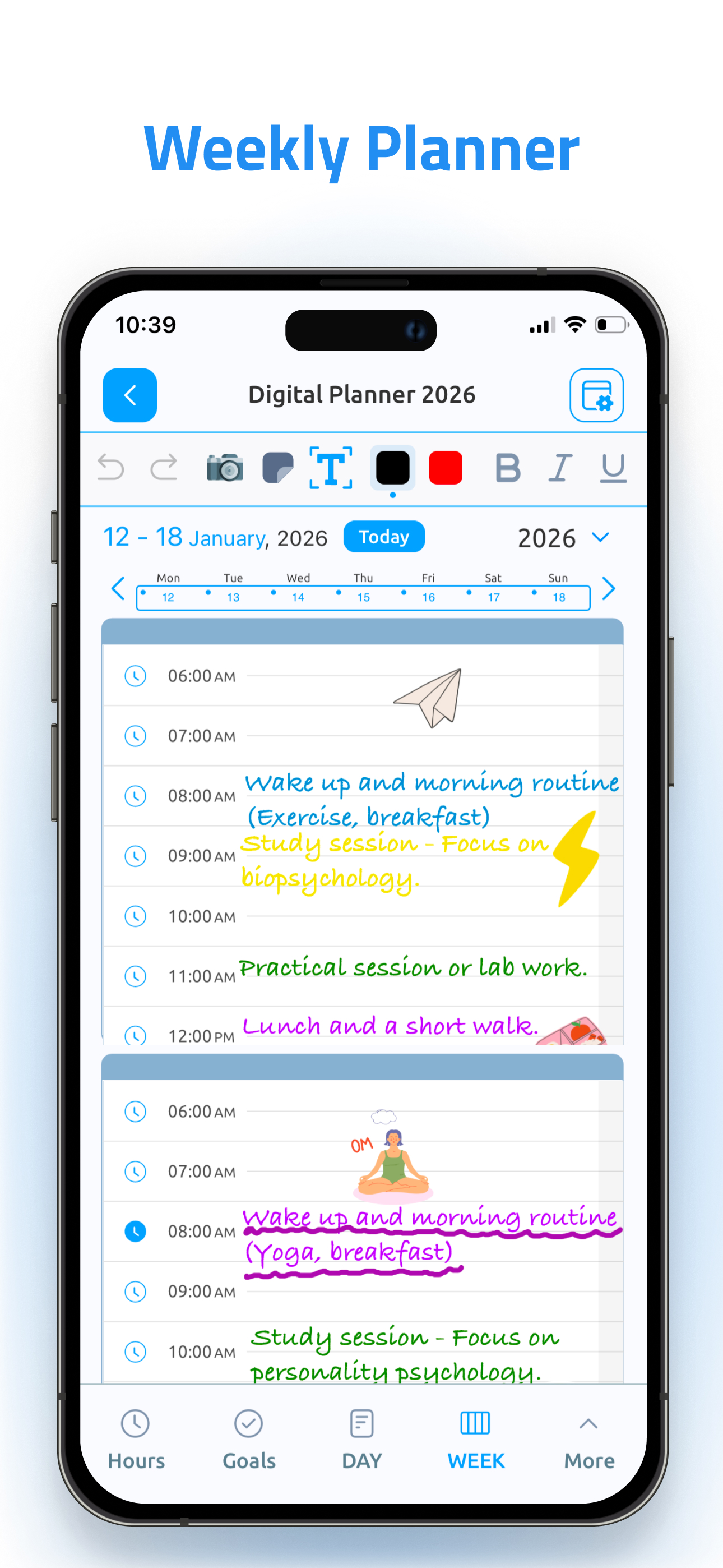
I was looking for a paper like planner for my iPad that I could use with my Apple Pencil. But I wanted it to link to my calendar and reminders. This app has just that! I love the goals page, day, and week page and the year lay out as well! There’s not an app that will have everything but this one comes close. Some features I am missing though that I hope will be apart of some updates soon are: Widgets- I would love to have a widget of a specific notebook/planner I am using Double tap to undo- I write fast and make a lot of mistakes, other apps have it where you can tap 2 fingers on the screen to undo something instead of a button up top. It’s a really slick feature that is really worth it Month view in the planner not linked to my calendar- this one is a little weird to me since other pages are synced. I can see my calendar events and reminders in the day and week view but not the month view. I would have to go in and write/type in all my events that are already in my calendar app. Since this feature isn’t there, I’m just not using that month view (which is a bummer- makes this app a little less one stop shop for my planner) and I’m not going to take the time to add it all in a second time especially since it would be a lot to keep up with and I’d miss things/ lose track of them. So I just exclusively use my Calendar app to view my monthly events and tasks. Hopefully they are working on a way or option to add those in events into the month pages
I was searching for a digital planner to replace my paper companion, but I wanted something as simple and easy spiral-bound notebook. I really like this Digital Planner because it just does what I want without a lot of extra unwanted clutter. I’ve used the app daily for over a year, and have come to rely on it. I especially like: 1. The daily page has a schedule and a to do list. And the calendar automatically imports items from my main Apple calendar. The cut and paste feature lets me move unfinished items to the next day; 2. The app supports the full functionality of my Apple Pencil, so this is just like writing in my notebook. 3. A Notes button on the bottom of each daily page takes me to a blank page for jotting down anything from the day: meeting notes, conversations, dinner wine, etc. And it stays linked to that day. Handy; 4. In addition to the daily tab, there are extra tabs for keeping track of books to read, etc. I really have no significant complaints. The developers periodically push out updates, so the app keeps improving. The documentation was recently upgraded. It is relatively sparse, but the whole app is so intuitive, not much documentation is needed. My hopes for future improvements: 1. The ability to relabel those extra tabs to include Movies to see, or places to visit, or whatever. 2. There is a big “+” button at the bottom of the page that changes the page configuration. It sits right under my hand when I write; I wish I could move it elsewhere or disable it. But, overall, great product and thanks to the developers!
I’ll start with the con since there is only one because it is a really important one. CON: Not iPhone compatible. I recognize that this is probably due to the fact that this app needs a pencil for functionality, and the iPhone is incompatible with pencil usage. HOWEVER.. I’d actually just like to VIEW on my iphone what I’ve written in the planner on my ipad. That would be wildly helpful- if the developers were to make an iphone compatible version that is just for viewing on the iphone. Then this app would def get 5 stars from me. PROS: 1) This app is so wonderful! I was looking for a stripped down agenda/planner that I can fully use with my apple pencil on my ipad. I like to write and get messy in my agendas: write, highlight, scribble, etc. Agendas where you have to type everything feel too orderly for how I work. And I also don’t care about making it artsy and extremely expressive. Just down and dirty functionality, lol. So, this is absolutely perfect for my needs. (In terms of events, I usually put them right into my reminders that are linked to my calendar, so I don’t need event reminders in my agenda). 2) I absolutely LOVE the book list for the year. Such a wonderful idea. 3) The overall layout feels very intuitive and thoughtful to me. Ok. I will stop there, lol. Thanks so much for making this app :)
Introducing the Digital Planner for iPad & iPhone - your ideal solution for streamlining your life and boosting productivity. With this versatile app,...
| Name | Price | Type |
|---|---|---|
| Digital Planner (Monthly) | $6.99 | Monthly |
| Digital Planner (Three month) | $12.99 | Quarterly |
| Digital Planner (Annual) | $29.99 | Yearly |


