Check the acquisition promise
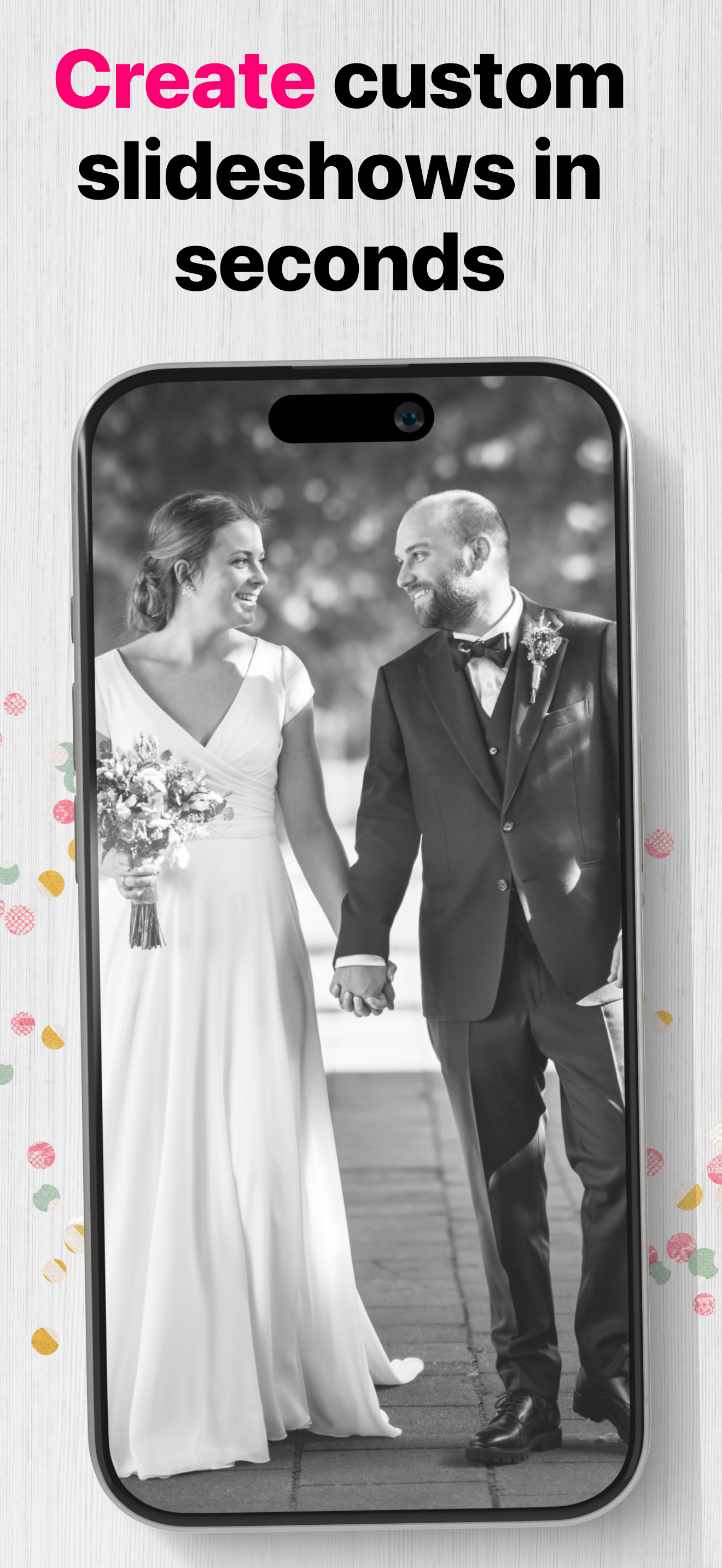
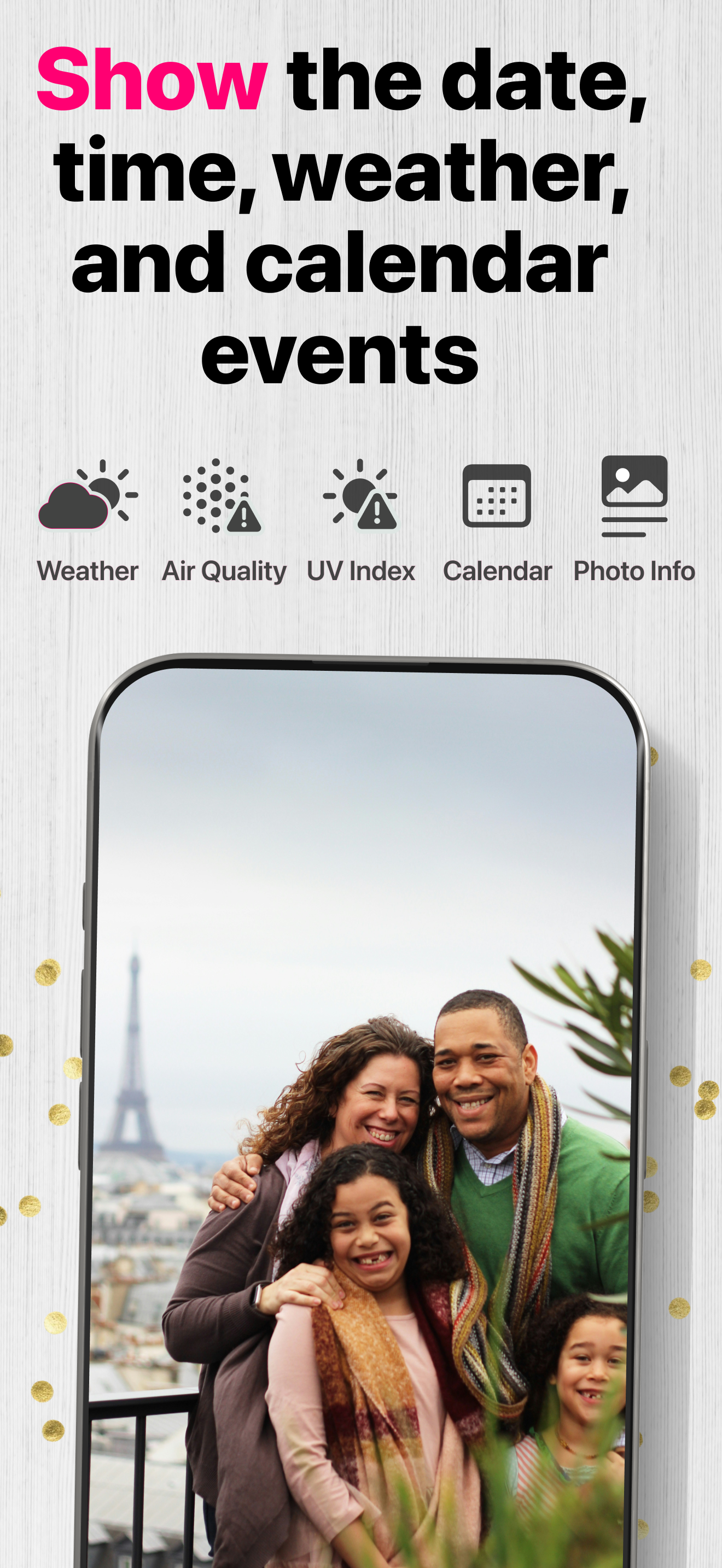
Read the store headline, screenshots and description. What problem is the app promising to solve?
Study the storefront ↗
Digital Photo Frame Slideshow Maker - Picture & Video Creator App LLC · iOS
Explore the ad evidence, study the storefront, and build your next acquisition hypothesis.
01 / Creative research
Read the store headline, screenshots and description. What problem is the app promising to solve?
Study the storefront ↗Explore apps with direct store-link matches. Compare their hooks and formats without assuming the same approach works here.
Browse observed advertisers ↗Store rankings and revenue estimates describe market context. They do not establish ad spend, conversions or ROAS.
Review the market context ↗02 / Storefront & product
Study the product story and store experience behind the acquisition funnel.




03 / Market context
Keep revenue, downloads and store rankings separate from advertising performance.
I absolutely love this app! It has completely transformed the way I enjoy my photo collection. Instead of leaving pictures buried in the Photos app, I now get to see my favorite memories displayed beautifully like a digital photo frame right on my iPad and iPhone. The user interface is clean and intuitive—so easy to set up, customize, and get running in just a couple of taps. I especially appreciate the smooth slideshow transitions, the ability to select specific albums, and the flexibility to control playback speed. It feels polished, responsive, and reliable every single time I use it. What sets this app apart is how thoughtfully it’s designed. It doesn’t just show pictures—it creates an experience. Whether on the kitchen counter, work desk, or living room, it turns any device into a beautiful display that makes me and my family smile throughout the day. If you’re looking for the best way to enjoy your photos in a modern, dynamic way, this is absolutely the app to get. Highly recommended!
I previously was using Frameo and a digital frame but was looking for an alternative option using an iPad mini instead due to the Frameo frame having WiFi connectivity issues after moving it. This app, Digital Photo Frame Slideshow, and LiveFrame were the two main options I found for displaying a shared album. I tried out both free trials and prefer this app due to the better user interface. Both apps have similar functionality, such as on/off times, date/time/weather/caption display, and other slideshow configuration options. LiveFrame seemed to have better overall compatibility since it’s able to connect to Google Photos, Instagram, etc, but this was irrelevant to me since I had the photos in a shared album. It also was cheaper, but Digital Photo Frame Slideshow had a better user interface that made me pick it instead. It is more intuitive to use and supports multiple languages instead of just English. If price isn’t a concern, I would definitely pick this over all other apps (as of February 2025)!
If you’re looking for an app to give new life to an old slow iPad then get this app! Your old iPad will become an easily customizable picture frame, that’s so much better than those expensive stand-alone photo frames, which usually have proprietary subscriptions and limited access to users and new content. In our case we have 53,000 photos, live photos, and videos stored at Google Photos and backed up at Apple. I can select either of those sources (there also Dropbox and other sources) and the content becomes an extremely configurable slide show that I display on my kitchen counter. I can customize things like transitions, time displayed, scaling, overlays (such as time and location meta info), turning off the display at night, and more. Another great feature is the ability to pause a photo or video, and you can then even text, airdrop, email it or post it to social media. I do have one tip though, to get the maximum number of photos to display, update the old iPad to the latest iOS that the system suggests. I have only one negative issue to share, it now takes me much longer to complete any task in the kitchen because my attention keeps drifting to the Digital Photo Frame! It’s so much fun to relive all those memories.
*Digital picture frames are great because it's a whole lot easier to swap out photos of your loved ones, rotating images keep your living room or corr...
| Name | Price | Type |
|---|---|---|
| Weekly | $2.99 | Weekly |
| Monthly Premium Subscription | $2.99 | Monthly |
| Yearly - Special Access | $12.99 | Yearly |
| Yearly Premium Subscription | $29.99 | Yearly |
| Lifetime Premium Access | $69.99 | One-time |