Check the acquisition promise
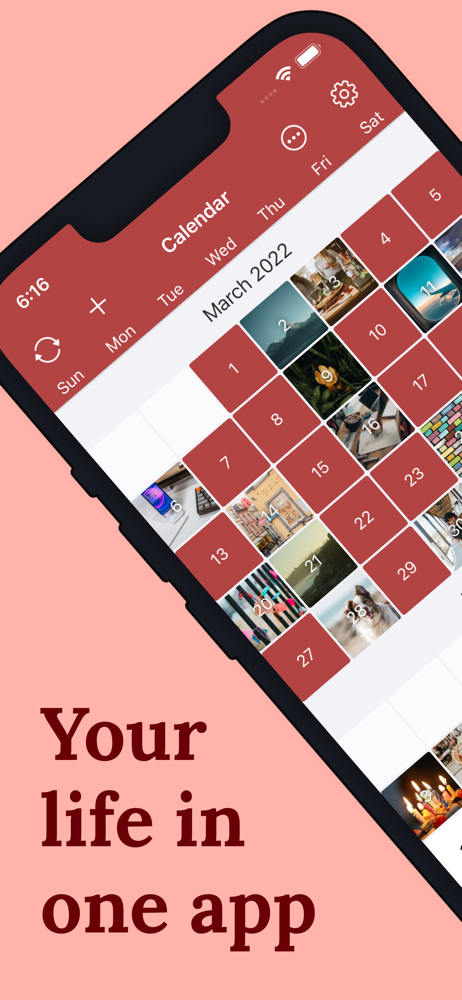
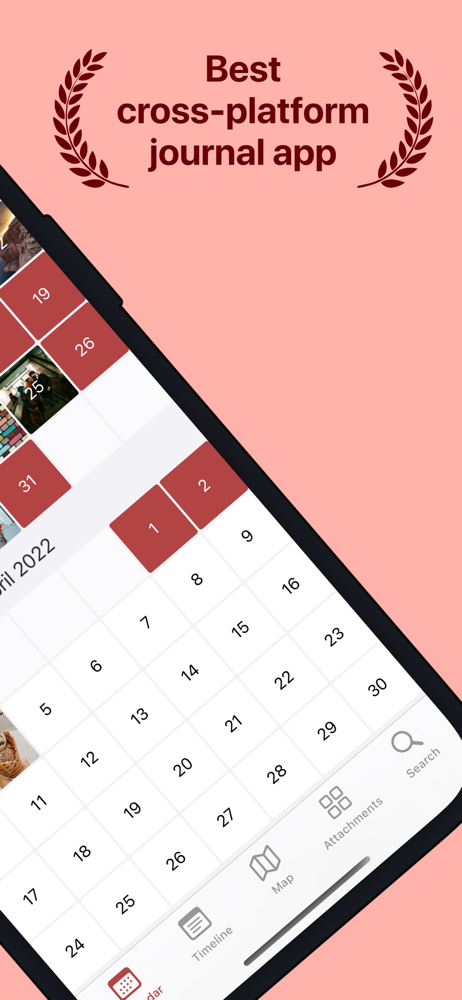
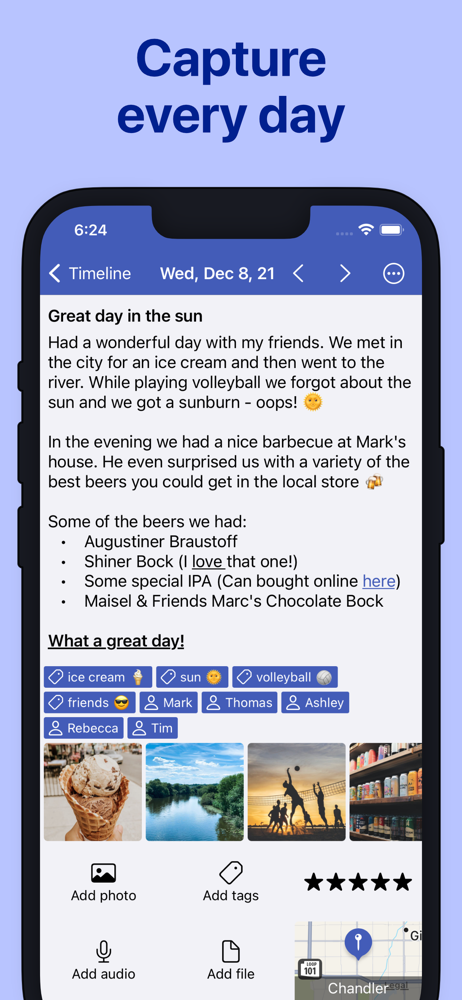
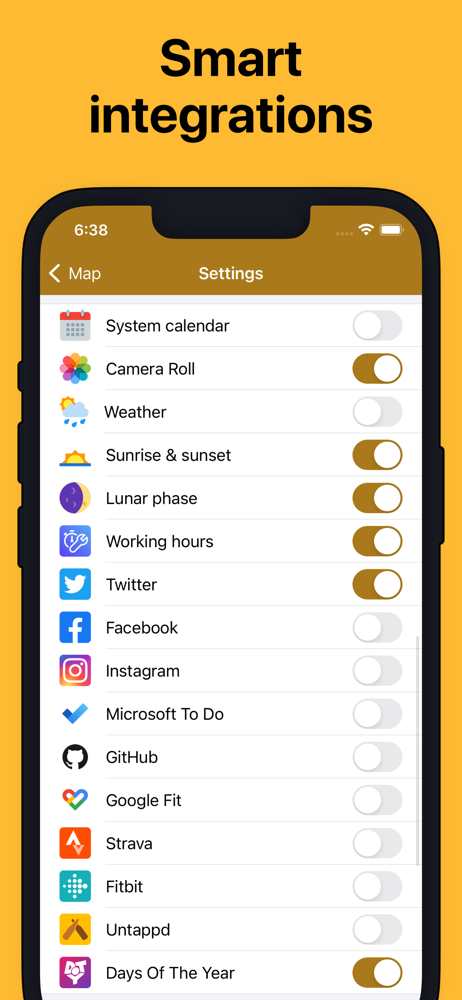
Read the store headline, screenshots and description. What problem is the app promising to solve?
Study the storefront ↗
Timo Partl · iOS
Explore the ad evidence, study the storefront, and build your next acquisition hypothesis.
01 / Creative research
Read the store headline, screenshots and description. What problem is the app promising to solve?
Study the storefront ↗Explore apps with direct store-link matches. Compare their hooks and formats without assuming the same approach works here.
Browse observed advertisers ↗Store rankings and revenue estimates describe market context. They do not establish ad spend, conversions or ROAS.
Review the market context ↗02 / Storefront & product
Study the product story and store experience behind the acquisition funnel.


03 / Market context
Keep revenue, downloads and store rankings separate from advertising performance.
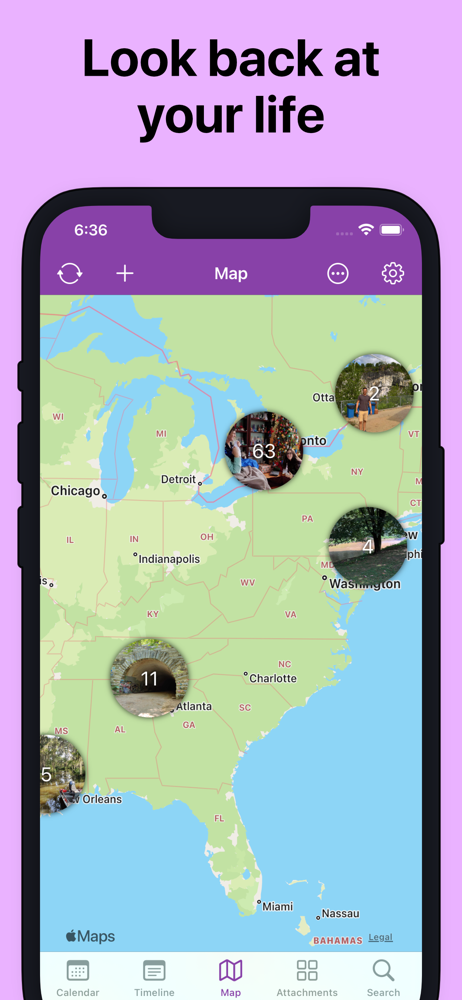
TL;DR: Has everything you need for free or a little more for a reasonable price. My holy grail, honestly. I’m not usually one to leave app reviews but this one deserves it. I’ve tried to use Instagram or blog platforms for a “digital journal” before and failed repeatedly, but this app took everything I liked about those experiences and made it into something I can actually use every day. You can add photo galleries to your entries, organize and tag them, scroll through a timeline of your entries’ photos, change the font, check out stats including word count… and, unlike using a social media platform, you can export entries as documents in case you want a physical copy. I’m probably not going to use all of the features provided (app integrations, customizable templates, inbuilt map of your entries…) but I happily paid the 10$ just to be able to add more than 1 photo to an entry and journal in Times New Roman. And to support a developer who 1) doesn’t make me pay a subscription forever, thank you and 2) genuinely seems to care about their product and how well it works! Bonus points for having a simple, understandable, and reasonable privacy policy for a journaling app. Idk man, I love this app so far and I’m excited to keep using it. :)
Update 9/3/23: I continue to love, use, and heavily rely on this app for journaling. No complaints, no problems. It easily syncs across my MacBook Pro, iPad Pro, iPad Mini, and iPhone. Search works extremely well for when I need to dig back through entries, looking for something. I found it easy to import entries from the journaling apps I'd used before. I love how easy it is to add photos and graphics taken/made each day. My thanks to its authors for creating, maintaining, and constantly improving this excellent application. ⏩My only wish is that the authors would add integrations with Mastodon, Threads, etc., so that my posts could be pulled in automatically, as my tweets used to be. Update after using this app for over 3.5 months: I have been keeping my journal, and I have not missed a day. Because I wanted to re-connect with writing journal entries in longhand, I use Nebo to hand write entries, and I then convert them to text and paste them into Diarium. Sometimes I'll make quick additions by typing them in, but my handwriting has improved, and this feels like a very natural way to keep a journal. This app does everything I need, and I am profoundly grateful to its authors for doing such a great job with it. Original review: I love this app. It makes it easy to make daily entries, easy to find prior entries, and fairly easy to move entries from other apps into this one. It syncs well, and so far it has not let me down.
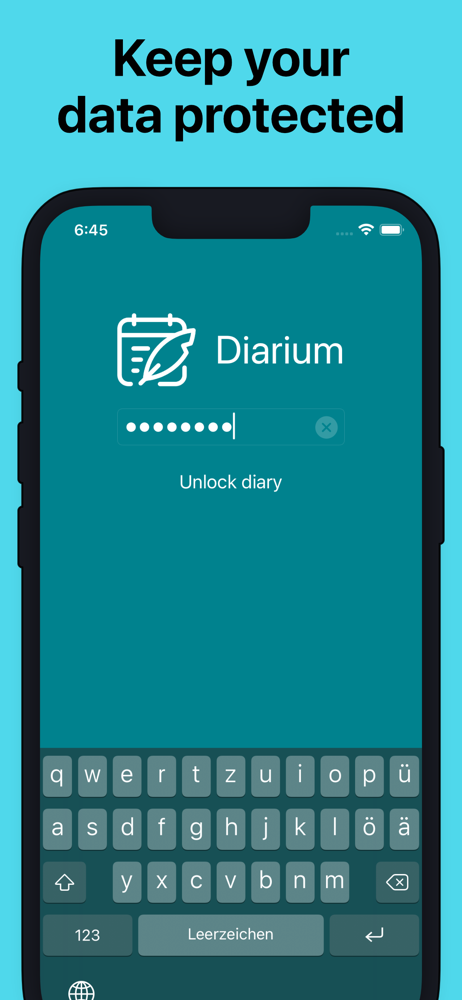
I find this journal app to be very intuitive and easy to use. I am sure I will find more little pieces of gold as I work more with the app, but in the two weeks I have been using it I have been able create fulfilling journal entires, adding photos I want along with many other offerings. I use iOS and Microsoft and have found seamless syncing between both programs. I do all my photos with my Apple products so the days I use my Microsoft laptop I miss the easy access to photos and such, but still enjoy the ability to journal on either on and know that it will appear across to the iOS devices. I used One Day a long time ago and it just didn’t hold my interest so neglected it and went back to the old paper journals of the past. I used it so seldom that I couldn’t remember what my password was or where I put that number. Be sure to know where your put your password. You forget it, you lose it unless set up for facial recognition. I wanted some privacy so decide to set up a numeric pin. You can set up your password with letters and/or numbers. I tried another journal app a couple of years of ago, but I switched phone platforms and lost it. Can’t remember what it was. No big loss as it was free and nothing on that but some boring journal days. All in all, I believe this will be one journal app that I will continue to use. With arthritis getting worse it is easier to type on my iPad Magic Keyboard than write, so this will be my go to place for keeping track of all the different things going on that are important to me.
The most functional journal for iOS lets you keep all your precious memories in one place and even reminds you to write down your experiences every da...
| Name | Price | Type |
|---|---|---|
| Pro version (iOS) | $14.99 | One-time |