Check the acquisition promise
Read the store headline, screenshots and description. What problem is the app promising to solve?
Study the storefront ↗
Actowise LLC · iOS
Explore the ad evidence, study the storefront, and build your next acquisition hypothesis.
01 / Creative research
Read the store headline, screenshots and description. What problem is the app promising to solve?
Study the storefront ↗Explore apps with direct store-link matches. Compare their hooks and formats without assuming the same approach works here.
Browse observed advertisers ↗Store rankings and revenue estimates describe market context. They do not establish ad spend, conversions or ROAS.
Review the market context ↗02 / Storefront & product
Study the product story and store experience behind the acquisition funnel.




03 / Market context
Keep revenue, downloads and store rankings separate from advertising performance.
This is a real nice web browser. It has a clean And efficient interface. It's also quite fast. I've tested it on numerous sites and the full desktop support works pretty well. There are some places where it just doesn't work at all, such as Yahoo Mail. Instead of giving you the desktop version, it gives you a stripped down mobile version of that site. However, so does every iOS browser that I've tried (except the original opera, which I miss very much) I bought it for the zooming feature, which is the best I've seen on any browser for iOS. No matter what zoom level you choose, it automatically fits it to the page. This really does come in handy with websites that do a poor job of recognizing that you're on a mobile platform with limited screen space. This alone makes it worth the five dollars for me. The only downsides I see for using zoomable As a primary or secondary browser are: -bookmark importing is complicated. They use Json files. If you don't have a lot of bookmarks, this is not a big deal -no search capability for bookmarks. Looks like they do regular updates, so here's hoping they will consider this feedback.
Other browsers often refused Desktop Website when I requested it. And of course the app would always launch the app automatically from the link (literally all except Reddit which gives you the choice) and there are plenty of different situations where you need the original full desktop view of the site. Especially when your desktop computer is down, as mine has been for a few months. Sometimes there’s a website that isn’t even made to work on mobile so I need this to go to the site at all. Another perk for me personally is saving sites as PDFs, which I do with an iOS shortcut, and this app is the best for that shortcut. This app is super slick and intuitive. You have full control over the view-options of websites, and it’s really snappy. Smart options menu, and you can do full-screen view which hides the upper/lower bars. Really awesome app, one of my favorite minimal browsers, and one of the fastest mobile browsers I’ve used. It’s resolved a lot of frustration that many of us go through with iOS browsers, very often for me.
Wow, this browser is amazing. The only complaint that I have is that there should be a way to allow pop ups, because there is a website I use everyday that needs me to sign in with my google login and I can’t because it doesn’t support pop ups. Any chance this could be added? UPDATE: I would like to add to my review, that their development team is so amazing and quick to respond to my request. It was only days later and it was fixed. I can now use Zoomable everyday. It is amazing what I can do from my phone now. Thank you again for an amazing product and customer support!!!!
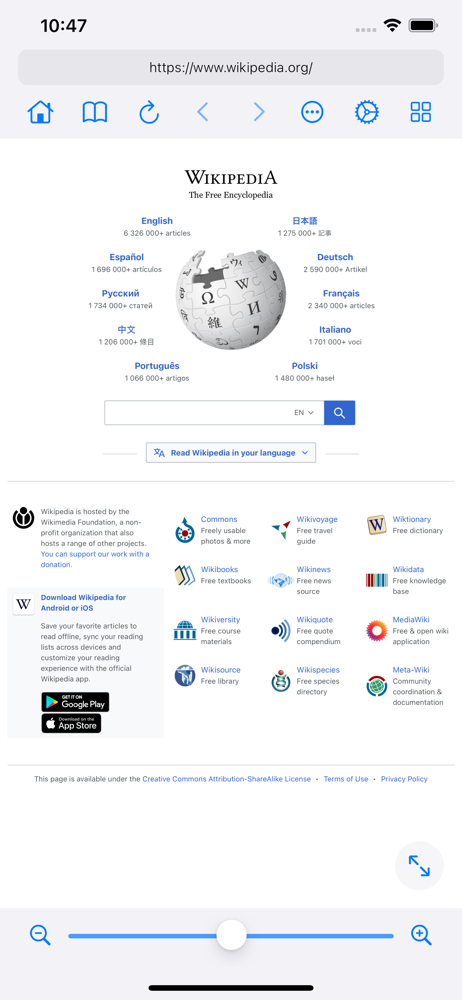
Zoomable is a browser that provides a full desktop web experience. It simulates a large and resizable screen and shows the desktop version of websites...
| Name | Price | Type |
|---|---|---|
| 2 Extra Tabs | $2.99 | One-time |
| Pro Lifetime | $9.99 | One-time |
| Pro Lifetime | $14.99 | One-time |