Check the acquisition promise
Read the store headline, screenshots and description. What problem is the app promising to solve?
Study the storefront ↗
Anna Koynova · iOS
Explore the ad evidence, study the storefront, and build your next acquisition hypothesis.
01 / Creative research
Read the store headline, screenshots and description. What problem is the app promising to solve?
Study the storefront ↗Explore apps with direct store-link matches. Compare their hooks and formats without assuming the same approach works here.
Browse observed advertisers ↗Store rankings and revenue estimates describe market context. They do not establish ad spend, conversions or ROAS.
Review the market context ↗02 / Storefront & product
Study the product story and store experience behind the acquisition funnel.

03 / Market context
Keep revenue, downloads and store rankings separate from advertising performance.
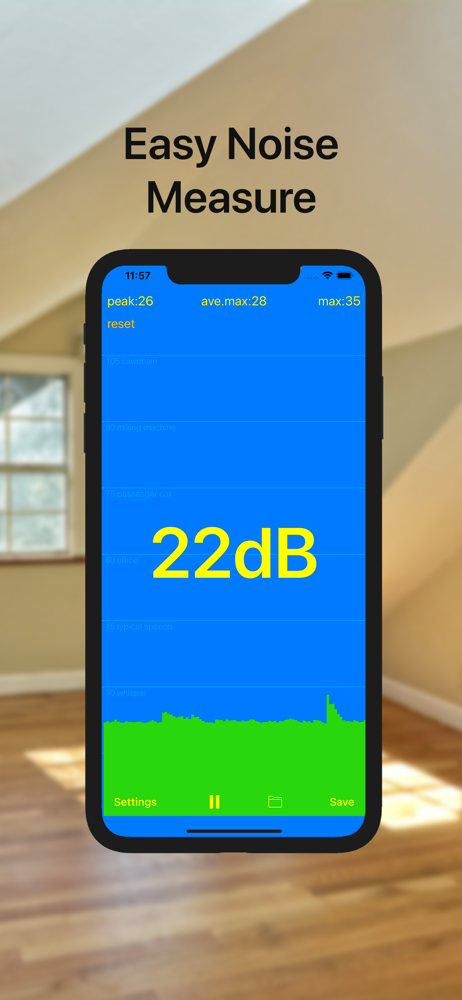
There seems to be a vertical blue line just a pixel or two wide when in portrait mode. It's just a centimeter right of the center of the screen, right through the file folder icon, only in portrait. When I rotate the phone to landscape, it goes away, then comes back when I rotate to portrait again. Tye app seems accurate, but I'd like to see a dark mode or some other less assuming color scheme available.
This app seems to work well. Of course calibration is another matter .. I can easily set the threshold level and it actually responds to my intent well. Most other “decibel” meters keep constant noise level about 30 dB no mater what and which cannot be reset reduced etc., giving high level noise in a perfectly quiet environment (to my ears of course ;) Bottom line - high marks to this app, it is simple but at least threshold noise calibration is responsive and it makes sense ...
The app seems to work well. The app is easy to use and it comes in handy, for impromptu measurements
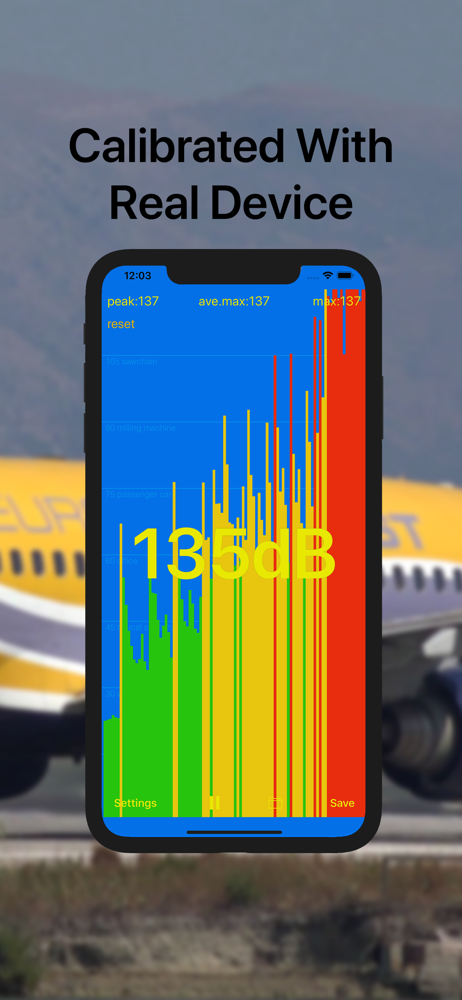
dBA Meter app well calibrated with professional noise meter tool OKTAVA 110A-PRO. Measure sound SPL level/noise: -Current average SPL level -Pea...