Check the acquisition promise
Read the store headline, screenshots and description. What problem is the app promising to solve?
Study the storefront ↗
EUIHYUNG JUNG · iOS
Explore the ad evidence, study the storefront, and build your next acquisition hypothesis.
01 / Creative research
Read the store headline, screenshots and description. What problem is the app promising to solve?
Study the storefront ↗Explore apps with direct store-link matches. Compare their hooks and formats without assuming the same approach works here.
Browse observed advertisers ↗Store rankings and revenue estimates describe market context. They do not establish ad spend, conversions or ROAS.
Review the market context ↗02 / Storefront & product
Study the product story and store experience behind the acquisition funnel.





03 / Market context
Keep revenue, downloads and store rankings separate from advertising performance.
I have been using this app regularly for several years. I love most things about it. This app has a clean elegant interface, and I love the ability to note the time of the entry by touching the inconspicuous clock that appears on the active page. I use the app to make notes through the day of activities including shopping and expenses. Journaling deep thoughts could be a quite lovely use, but for now I prefer quick notes including gym and workouts etc. I also use it as a gratitude journal. The search feature is quirky. To access search you must put daygram into monthly view and scroll up from bottom. I think a guide to using it would be helpful for newbies. I like the ability to password the journal although I haven't actually used. The app seems to have new management. Good luck. I still like the app very much.
This is more practical than conventional paper diaries, just because you can find and access to all your notes in a timeline, place time stamps automatically, and it keeps it very simple. But it would really make it better than using conventional diaries if we could attach images to our entries, maybe voice notes... Those are a big plus that really changes the game and would take conventional diaries users to using this app in my opinion. This is the only app that I’ve used and haven’t deleted it because it’s overcharged, good point for you guys, but the feature of adding pictures or voice notes wouldn’t necessarily ruin your minimalist style and I find that it is actually useful.
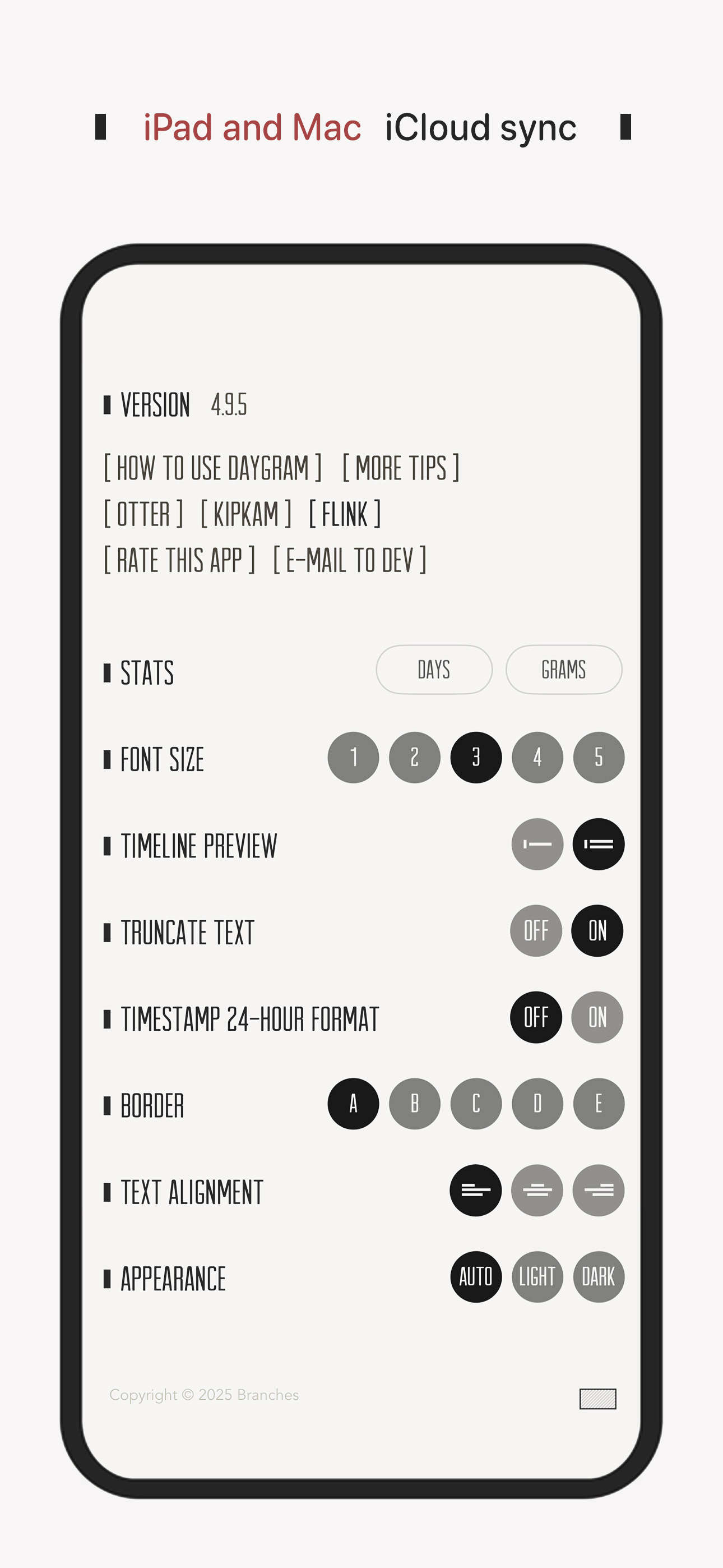
There is an elegance to DayGram. It allows me to have the timeline benefits of a "journal" without running into a plethora of interface distractions. It can be backed up via iCloud and Dropbox. Journal apps blare with statistics; how many entries, how many today, options to add hash tags, share to social media, add photos. I don't need all that. With DayGram I get a date stamp, a time stamp option and a blank page, thank you. DayGram lends to writing minimalism—often a simple snapshot of the day or an event, but longer entries are just fine. In the rare case an image is desired, the option sits innocuously at the bottom right of the page as an almost invisible icon. --- The two things DayGram lacks are a "dark mode" for nighttime writing and, at least, a couple more font options. I'd pay to have these options added. The holy grail, personally, would be the option to add a custom font. --- In terms of the In-App purchase: I would point out that almost no one wants "themes" that involve generic stock photography backgrounds. That may have been true 5 or 6 years ago. Now most people prefer to add their own image—if they even want one BEHIND their writing. This strange option is the only place DayGram really goes off the rails of its elegant minimalism.
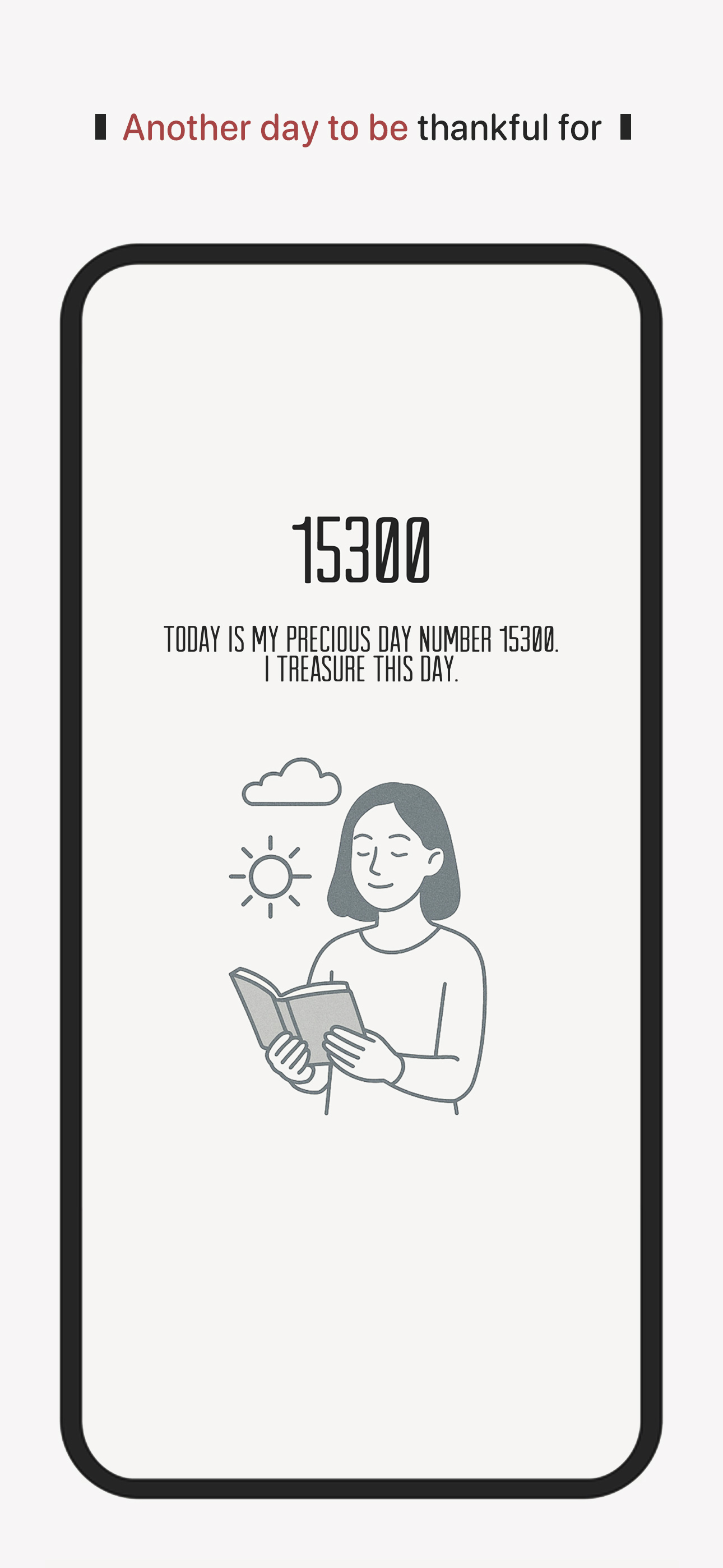
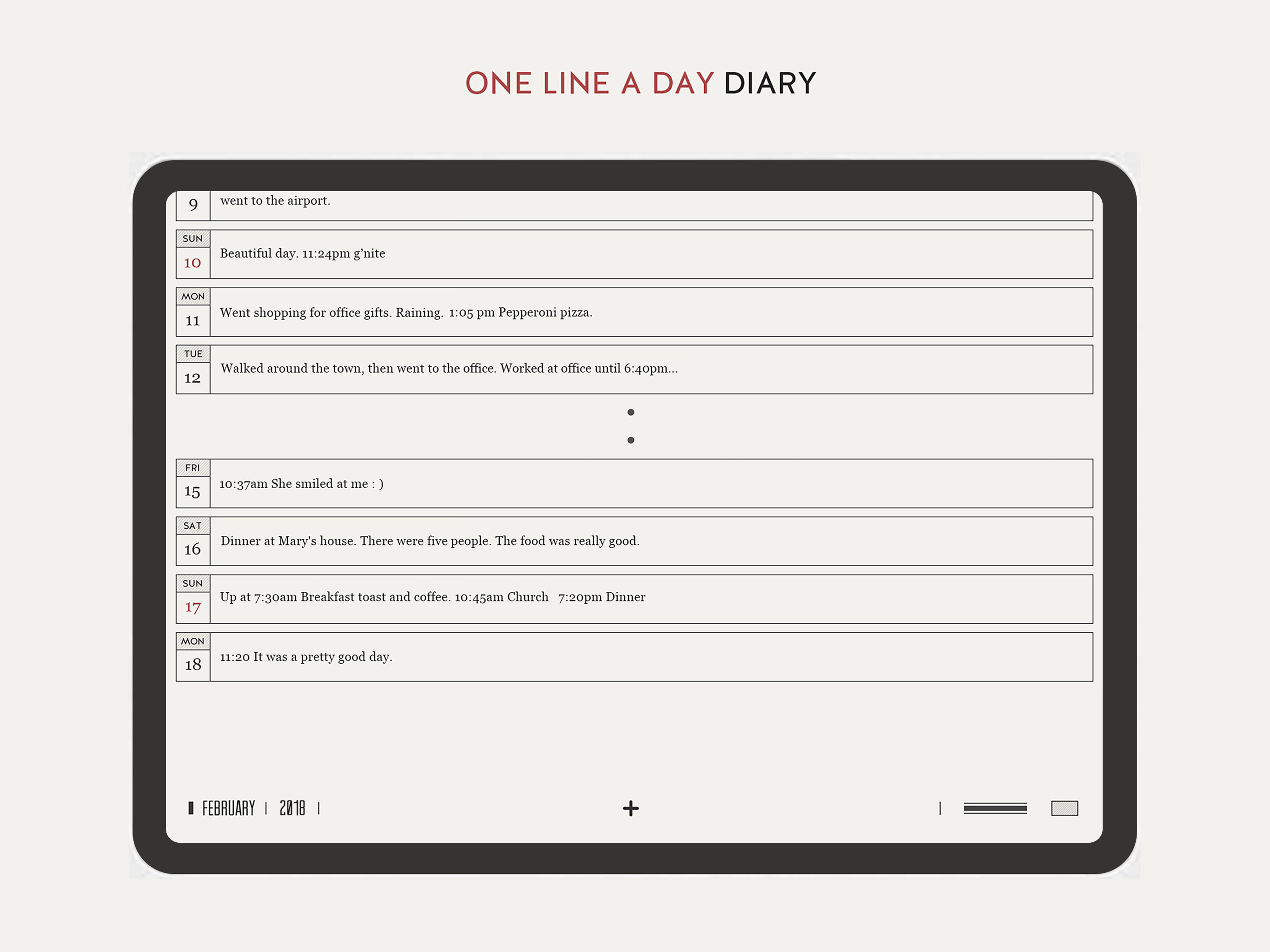
Capture each day in one quiet line with a private, distraction-free E-Ink journal. DayGram makes journaling feel small enough to keep. Write one line...
| Name | Price | Type |
|---|---|---|
| Daygram Premium | $2.99 | One-time |