
Check the acquisition promise
Read the store headline, screenshots and description. What problem is the app promising to solve?
Study the storefront ↗
5th & 7th LLC · iOS
Explore the ad evidence, study the storefront, and build your next acquisition hypothesis.
01 / Creative research
Read the store headline, screenshots and description. What problem is the app promising to solve?
Study the storefront ↗Explore apps with direct store-link matches. Compare their hooks and formats without assuming the same approach works here.
Browse observed advertisers ↗Store rankings and revenue estimates describe market context. They do not establish ad spend, conversions or ROAS.
Review the market context ↗02 / Storefront & product
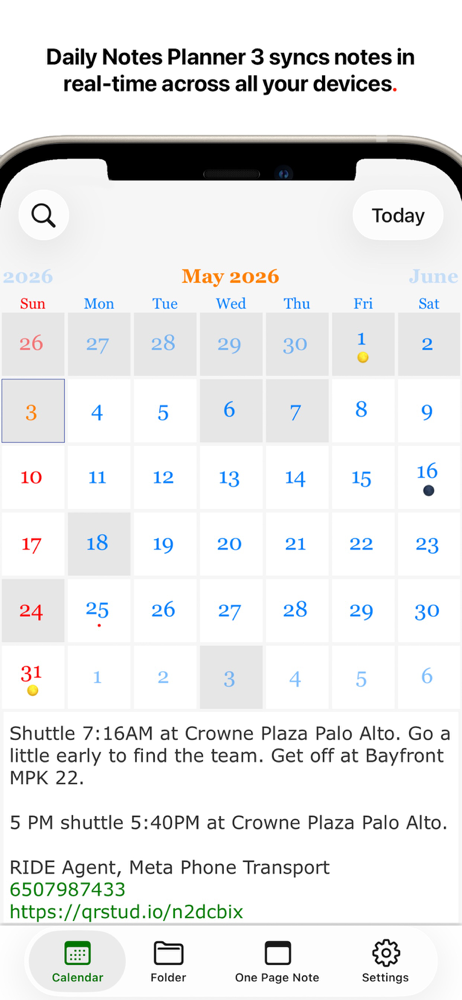
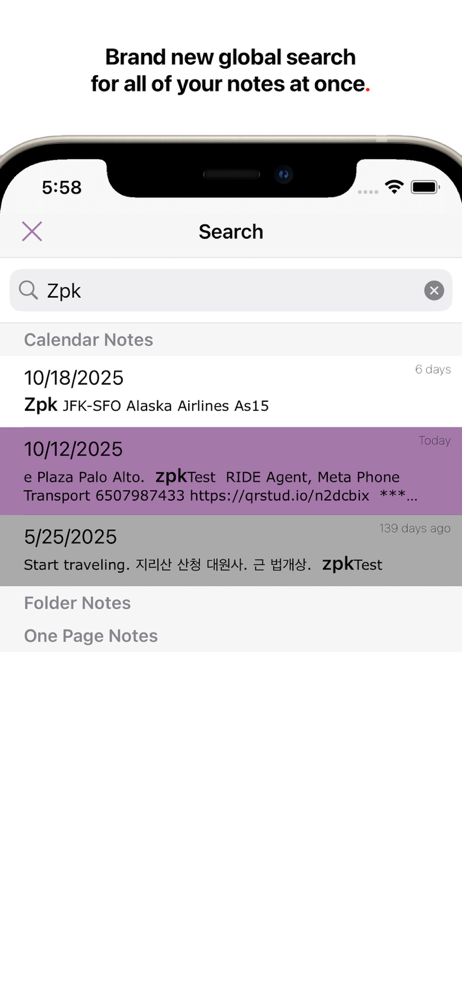
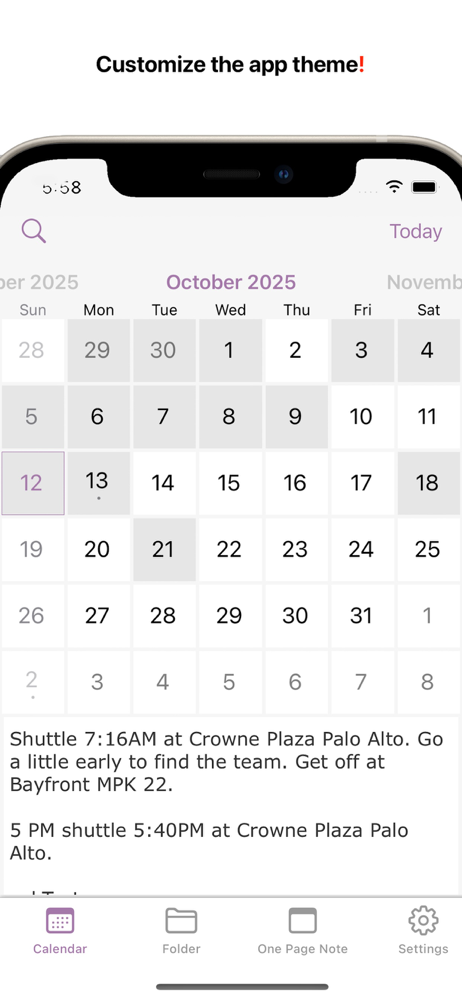
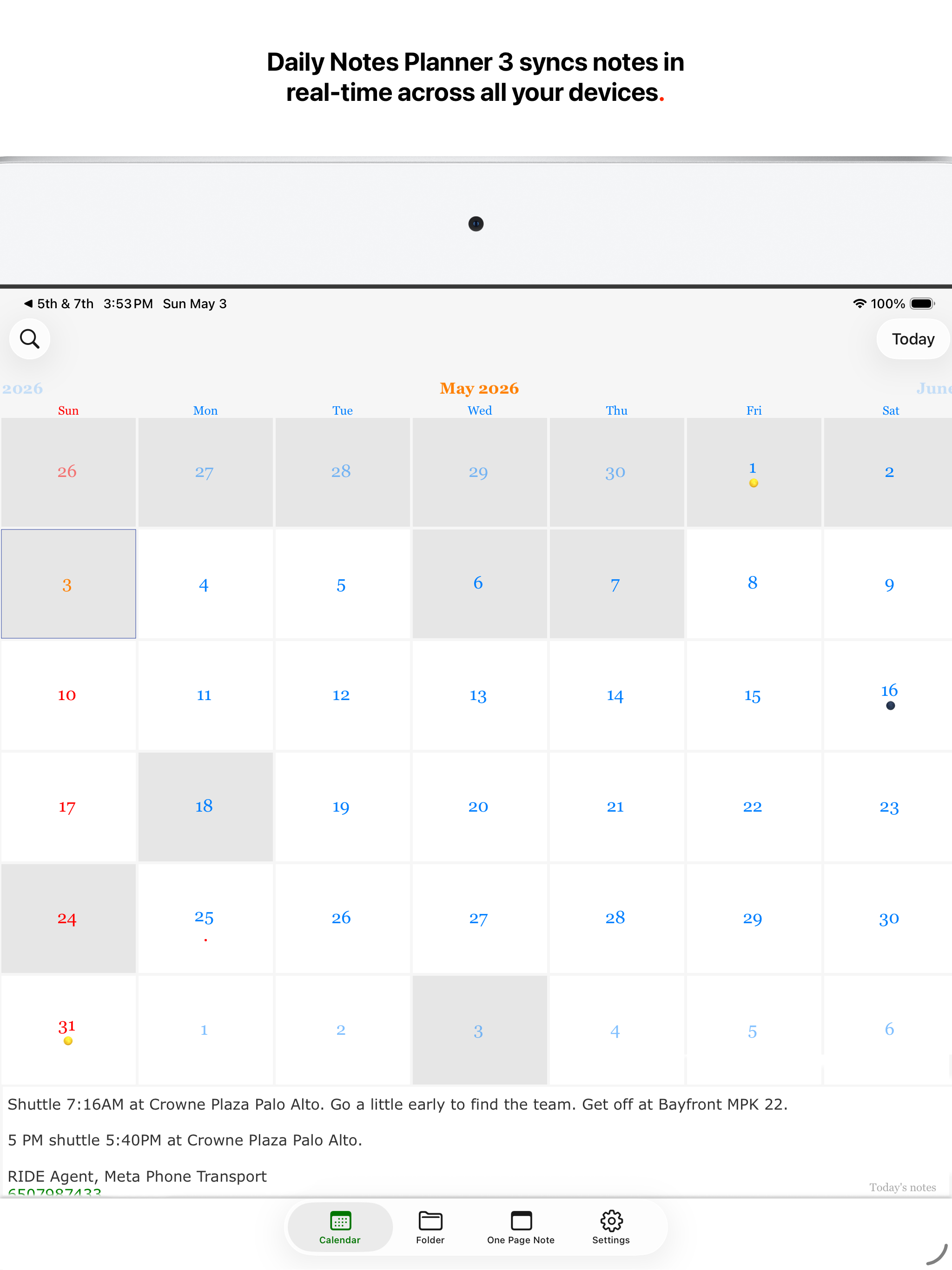
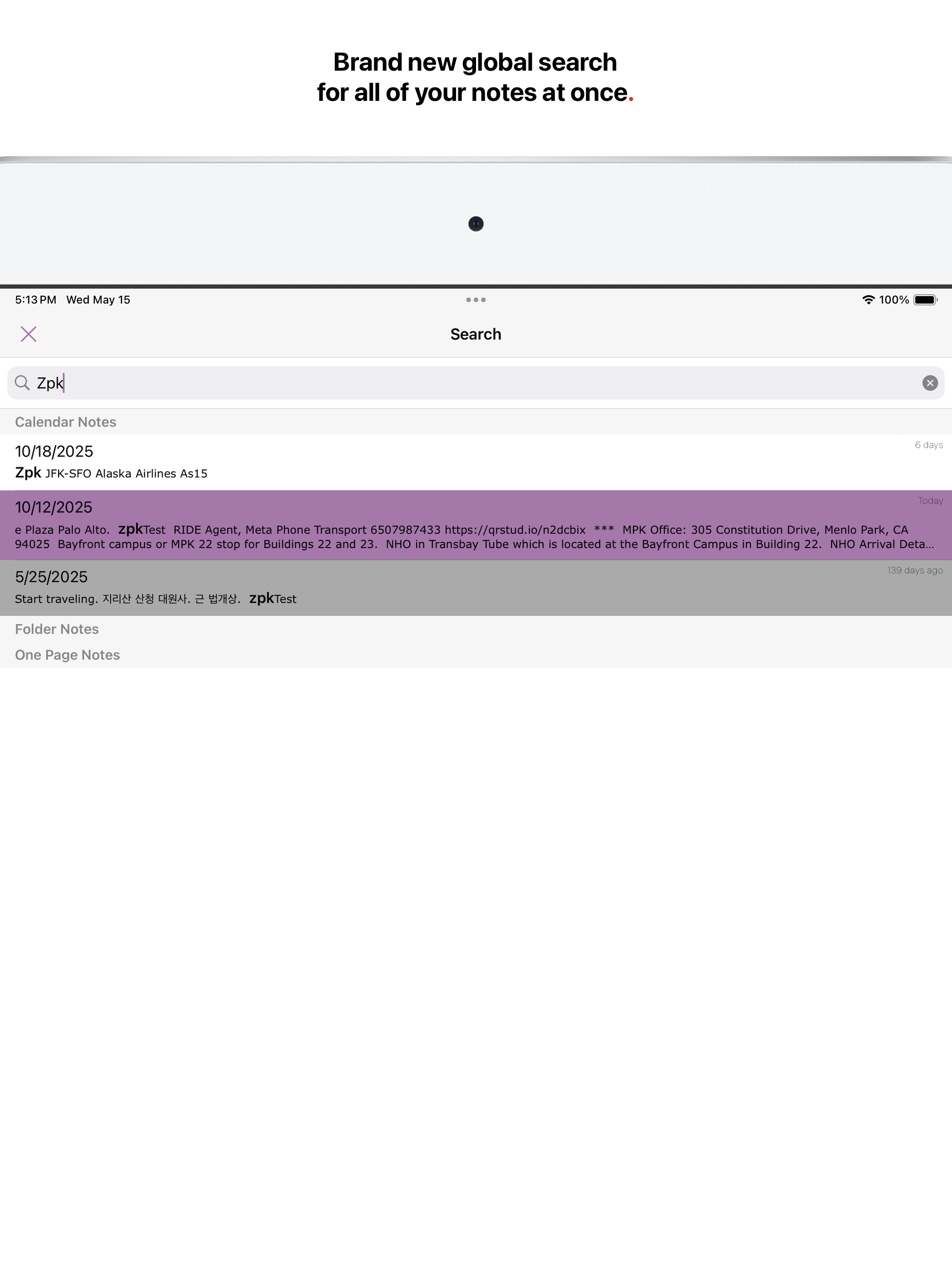
Study the product story and store experience behind the acquisition funnel.



03 / Market context
Keep revenue, downloads and store rankings separate from advertising performance.
Download this to try it as I had used an older one. Unable to get it to work. They never sent the verification number they said they would. Deleting as it doesn’t work at all. No response at all.
Recently added Note Planner 3 to my iPhone so that it instantly syncs with the Note Planner 3 app on my desktop Mac. Add to notes on one and it instantaneously appears on the other. Seamless, intuitive, first rate. Don’t hesitate to put on your iPhone.
I’ve used this app on and off for 5–6 years and always loved its flexibility in allowing me to freely type out my schedule, manage my calendar, and take notes. However, I struggled with Daily Notes Planner 2 because it lacked seamless syncing across devices. Having to manually save notes on one device and then realizing I’d missed information on another was frustrating. With Daily Notes Planner 3, everything feels perfected. Real-time syncing eliminates the need to save manually, and the minimalist, retro-inspired interface adds a fun and functional touch. It’s truly a game changer! I also want to commend the app’s creator for personally emailing me to help troubleshoot bugs in the earlier version. That level of care and commitment is rare and speaks volumes about their dedication to their work. I think they’ve finally nailed it with this latest version. it’s now my go-to task management app. That said, I have one small complaint. I had already paid for Daily Notes Planner 2, but upgrading required me to spend $20 for both the desktop and iOS versions. Additionally, the iOS version was tricky to find in the App Store—it didn’t show up immediately when searching for Daily Notes Planner 2. Overall, despite these minor inconveniences, I’m thrilled with the app's improvements and think it’s worth the investment.
Daily Notes Planner 3 is the simplest notes app that satisfies all of your life's needs for notes, and much improved from Daily Notes Planner 2, it im...
| Name | Price | Type |
|---|---|---|
| Go Premium Monthly Subs. | $0.99 | Monthly |
| Go Premium Annual Subscription | $4.99 | Yearly |
| Go Premium Permanently | $19.99 | One-time |


