
Check the acquisition promise
Read the store headline, screenshots and description. What problem is the app promising to solve?
Study the storefront ↗
Kenneth Cox · iOS
Explore the ad evidence, study the storefront, and build your next acquisition hypothesis.
01 / Creative research
Read the store headline, screenshots and description. What problem is the app promising to solve?
Study the storefront ↗Explore apps with direct store-link matches. Compare their hooks and formats without assuming the same approach works here.
Browse observed advertisers ↗Store rankings and revenue estimates describe market context. They do not establish ad spend, conversions or ROAS.
Review the market context ↗02 / Storefront & product
Study the product story and store experience behind the acquisition funnel.
03 / Market context
Keep revenue, downloads and store rankings separate from advertising performance.
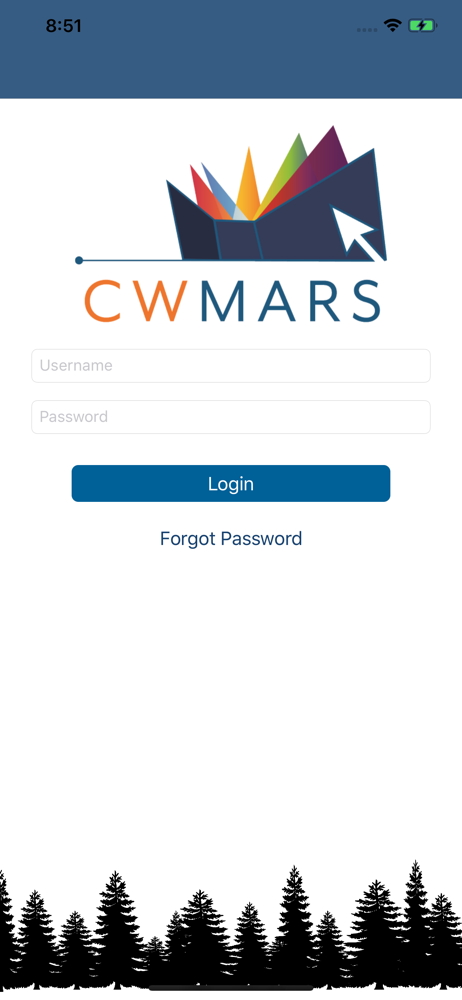
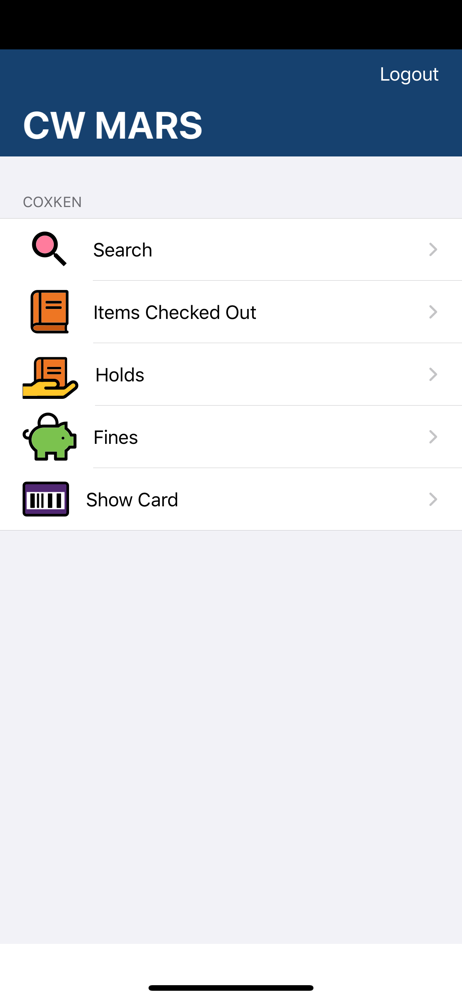
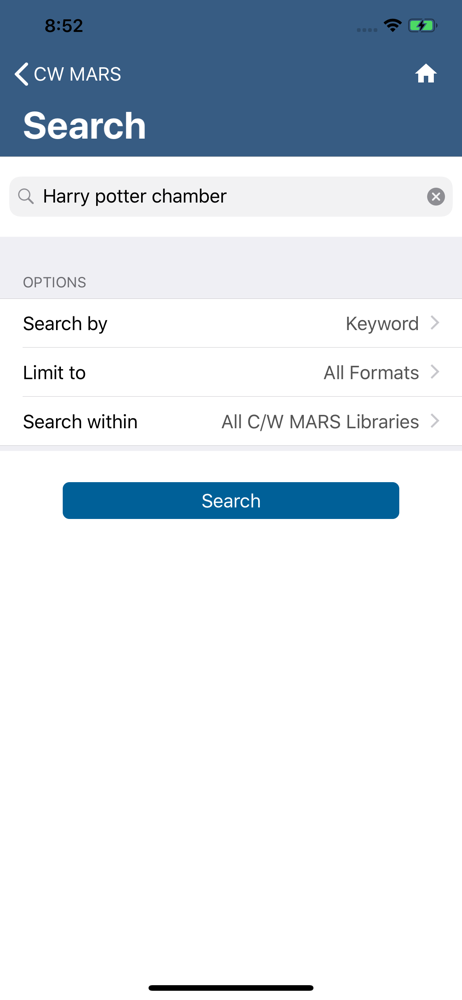
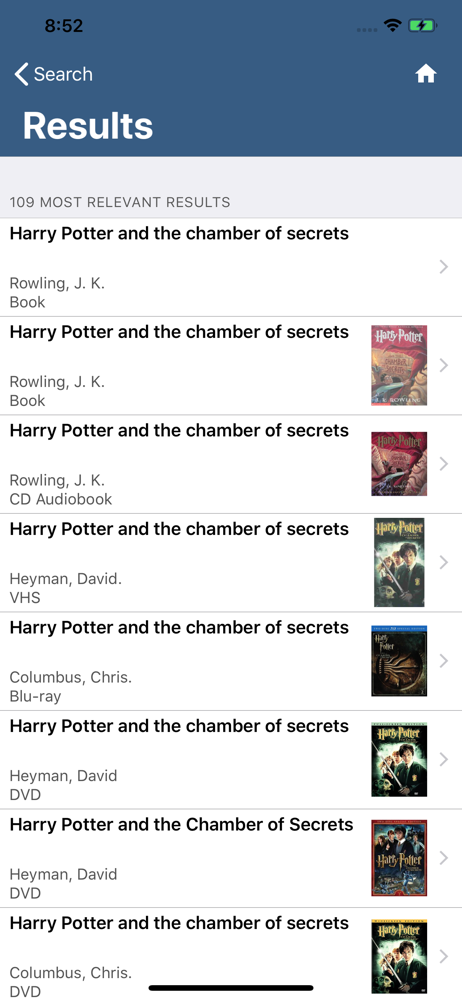
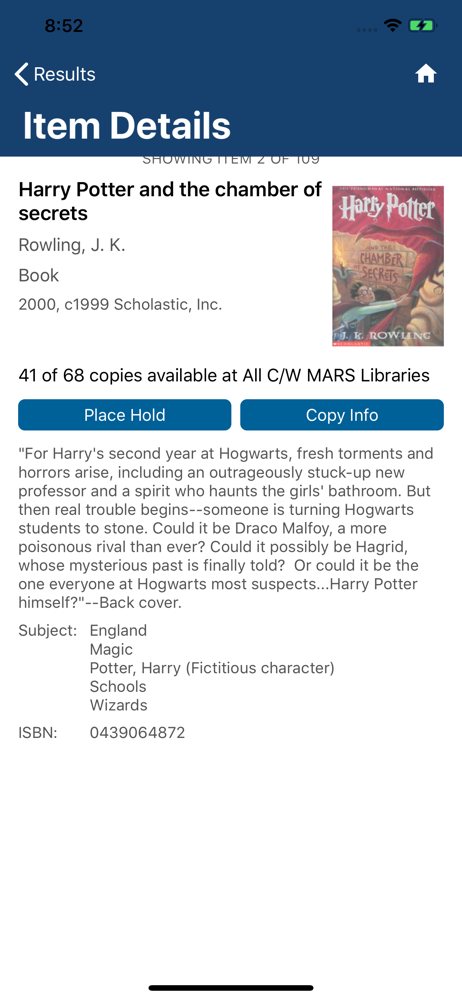
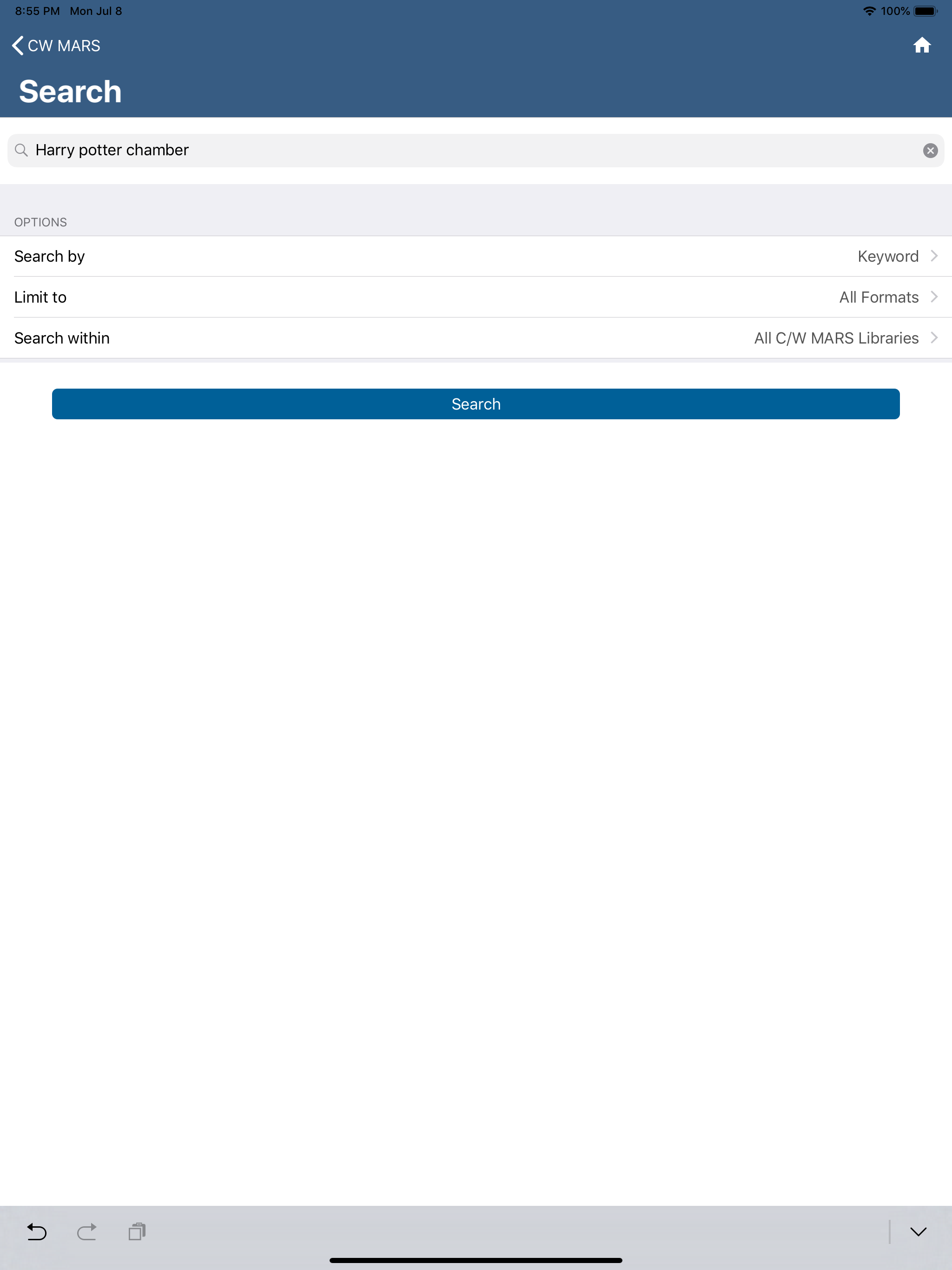
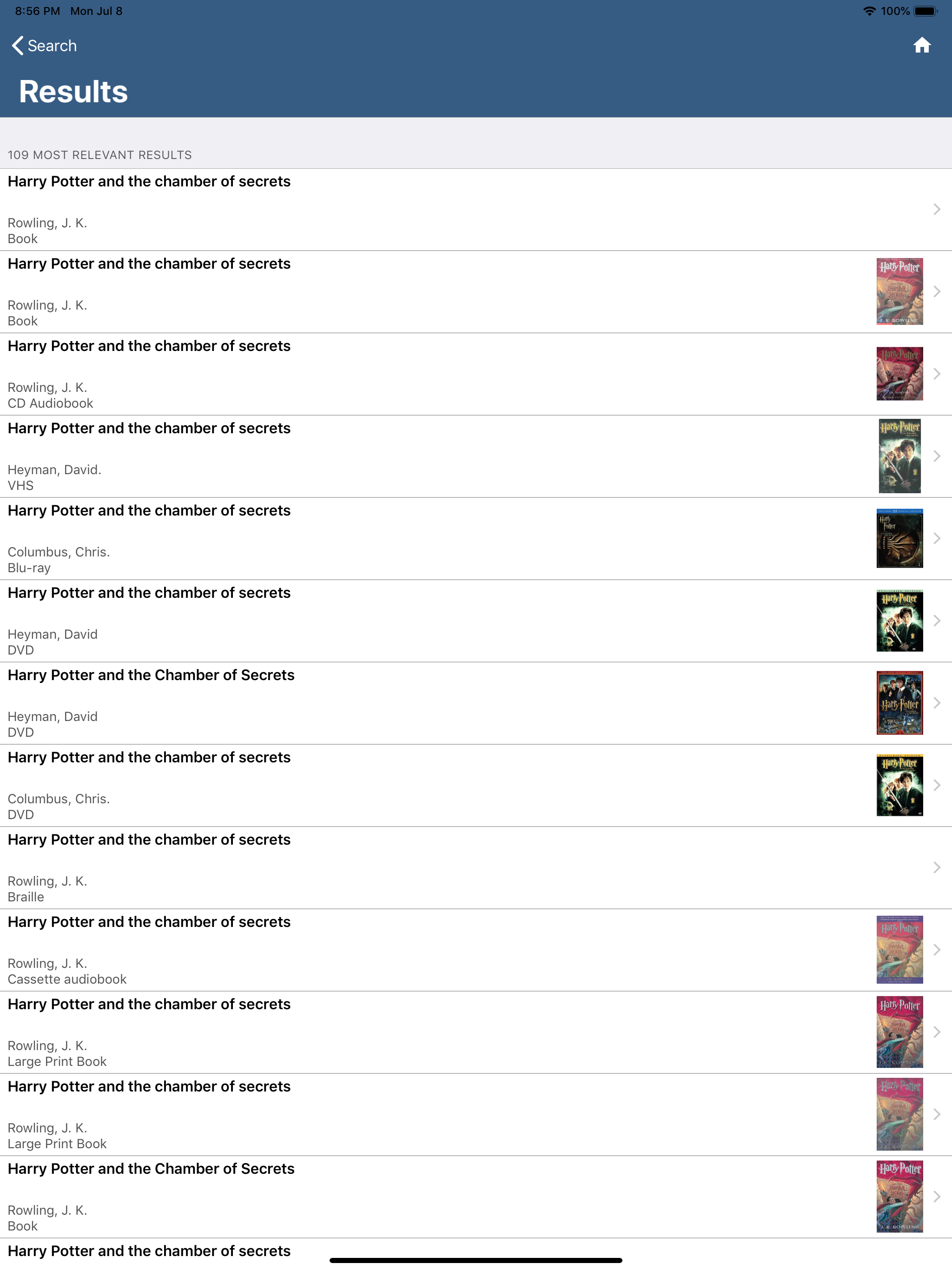
It’s helpful to be able to see at a glance which books I’ve taken out from which libraries and see how long my loan extends until. It’s also really helpful to have every library’s address, phone number, and hours listed. But, I strongly wish there was a feature where I could “favorite” certain libraries (from my neighboring towns) and then when I go to look up books, be able to see if the book is available at those favorited libraries without having to make individual searches for the same book over and over again for every single library in my area. When I’m on my local library’s website, there is an online catalog that tells me “this book is not currently available at our library, BUT, the book is available at *these other* libraries,” then it lists out every CW Mars library and whether or not the book is available at each location. I wish this app had that feature in general, but more specifically that it had that feature and that we had the ability to narrow the long list of CW Mars libraries down to just a few chosen favorited libraries. It would streamline finding where I can take out my chosen books! As this app is currently, the only use for me personally is to see which books I’ve taken out, but it would be infinitely more helpful to me if it allowed me to see at a glance, from a single search, which libraries in my area currently have available the book I’m looking for.
The app makes it way easier to check my library info than using the website. I like that I can also save multiple library card numbers so I can easily switch between my account and my kids’ accounts and manage all our books, due dates, and holds. The one major oversight is that I can’t find a way to remove an old library card number. We all recently got new library cards and after updating the card numbers for the login, I have both the new and old accounts showing. I can’t remove the old cards and it didn’t just replace the old card numbers with the new ones so now my list of logins shows all the old and new card numbers. Even after deleting the app (which also supposedly deletes all saved data too…) and reinstalling the app, all the saved card numbers, including the old ones, are still showing up. PLEASE make a way to DELETE an outdated library card number!
This app is so handy and I love the e-library card feature. Search works well. My only request is that Lists could be added like you can have on the web based account platform.
CW MARS Libraries gives you access to the shared library catalog for all CW MARS member libraries in Central and Western Massachusetts. To use this a...


