Check the acquisition promise
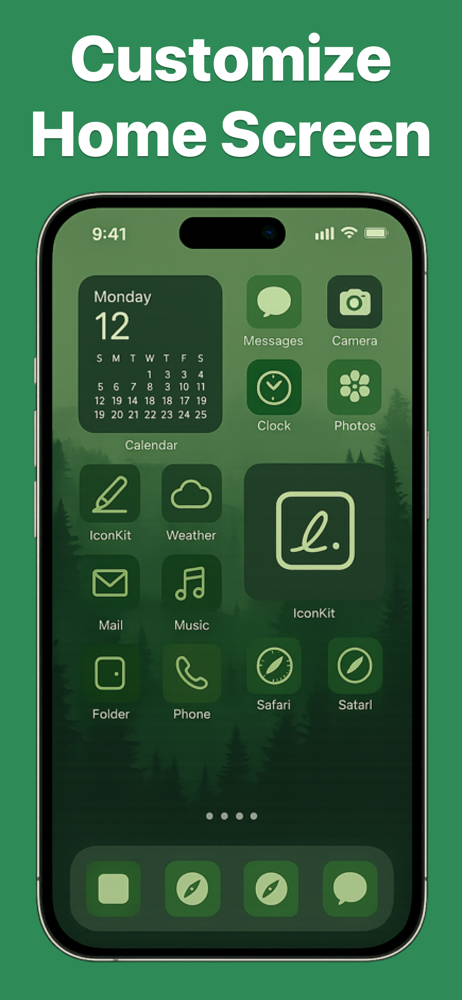
Read the store headline, screenshots and description. What problem is the app promising to solve?
Study the storefront ↗
MasterMind Software LLC · iOS
Explore the ad evidence, study the storefront, and build your next acquisition hypothesis.
01 / Creative research
Read the store headline, screenshots and description. What problem is the app promising to solve?
Study the storefront ↗Explore apps with direct store-link matches. Compare their hooks and formats without assuming the same approach works here.
Browse observed advertisers ↗Store rankings and revenue estimates describe market context. They do not establish ad spend, conversions or ROAS.
Review the market context ↗02 / Storefront & product
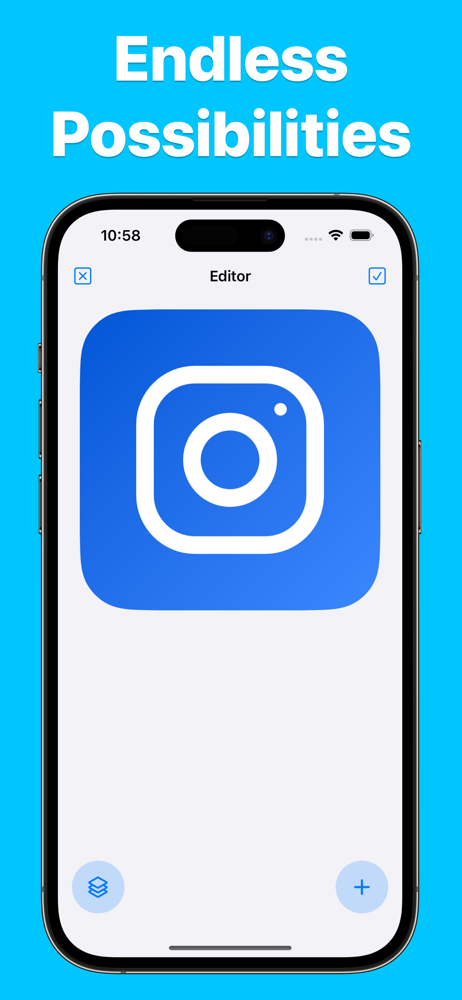
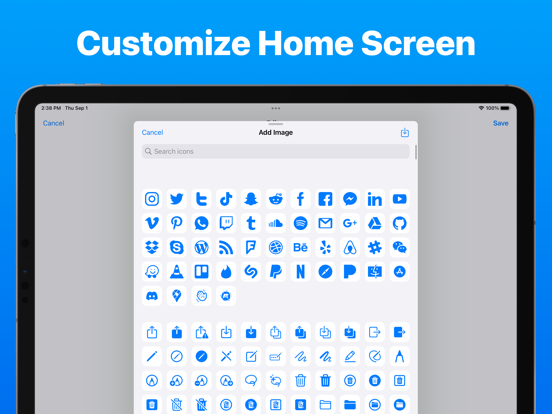
Study the product story and store experience behind the acquisition funnel.





03 / Market context
Keep revenue, downloads and store rankings separate from advertising performance.
This app is great! I have made such unique icons with this app. I also like that it’s a one time purchase that is not way overpriced like some other apps. However, there are a few minor things that need to be fixed in order for me to rate this app ⭐️⭐️⭐️⭐️⭐️. 1. Some icons, like App Store, come out black and blurry and impossible to change the color and make them high definition. 2. I tried to upload one photo and it didn’t come up. Are some photos too small or big to upload? If so, I think it should be listed at the bottom saying this file is too small or big or whatever other reason the photo won’t upload. Other than that, this app is flawless. I would just appreciate if these problems were solved!
I stumbled upon this app by accident after using many of the competitor apps. This app is great and below are the pros and cons: Pros: 1. Multiple Layers 2. Actually imports transparent images correctly. 3. Able to assign shortcut. 4. Offers discount at launch that allowed me to purchase a a cheaper price. Of course I took that opportunity right away. Cons: 1. No grid can be found. I actually want this feature the most. Especially when trying to recreate a specific size and position this is a must. 2. App has some minor bugs where the app refreshes in the middle of editing and all changes are lost. 3. Unable to find any ability to package up icons into family or groups. Advice for users: Support your independent developers.
I definitely recommend this app, I do wish there was a center button to make the symbol/text snap into the center but other then that this app is perfect if you want to change the app icons without needing to pay 20 bucks. Also for the people wondering what actually costs money, it’s $3.99 for a lifetime plan and you get: •pre made themes (though you could make on your own. I think) •multiple layers (adding more then 1 symbol/text) •adding images (custom icon type images, you can change the background image for free) Note I downloaded this app around 7 minutes ago so as you can tell it’s pretty easy to understand and navigate.
IconKit is the ultimate app for anyone who wants to personalize their home screen and make it truly unique. With IconKit, users can create custom app...
| Name | Price | Type |
|---|---|---|
| IconKit Pro (Weekly) | $7.99 | Weekly |
| IconKit Pro | $9.99 | One-time |
| IconKit Pro (Monthly) | $9.99 | Monthly |
| IconKit Pro | $14.99 | One-time |
| IconKit Pro (Annual) | $24.99 | Yearly |
| IconKit Pro | $29.99 | One-time |