
Check the acquisition promise
Read the store headline, screenshots and description. What problem is the app promising to solve?
Study the storefront ↗
Creativebug LLC · iOS
Explore the ad evidence, study the storefront, and build your next acquisition hypothesis.
01 / Creative research
Read the store headline, screenshots and description. What problem is the app promising to solve?
Study the storefront ↗Explore apps with direct store-link matches. Compare their hooks and formats without assuming the same approach works here.
Browse observed advertisers ↗Store rankings and revenue estimates describe market context. They do not establish ad spend, conversions or ROAS.
Review the market context ↗02 / Storefront & product
Study the product story and store experience behind the acquisition funnel.


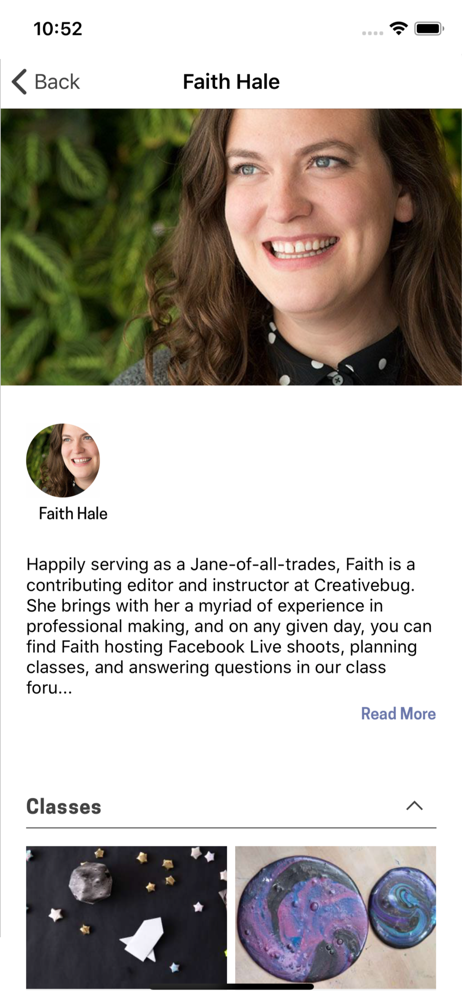
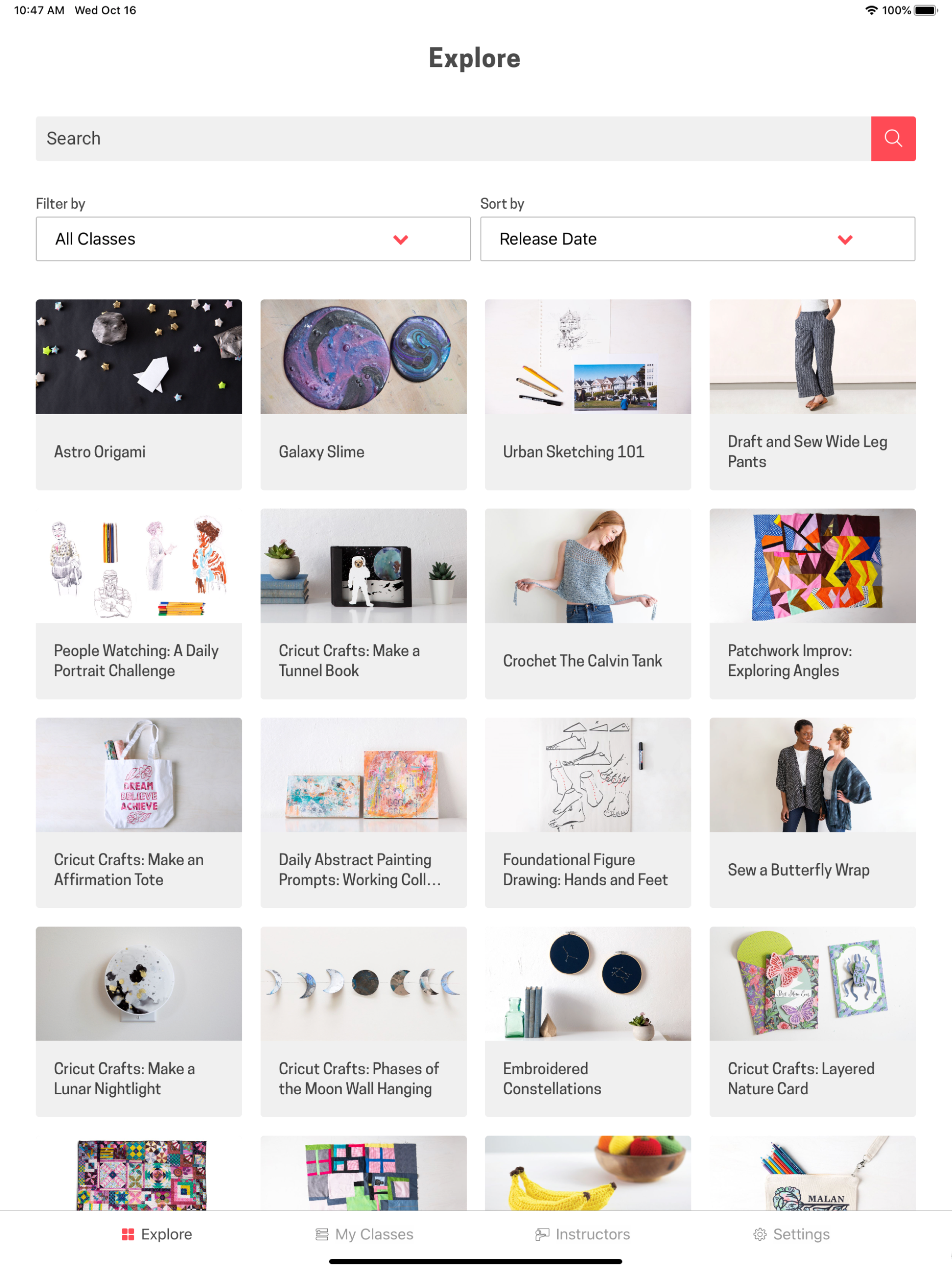
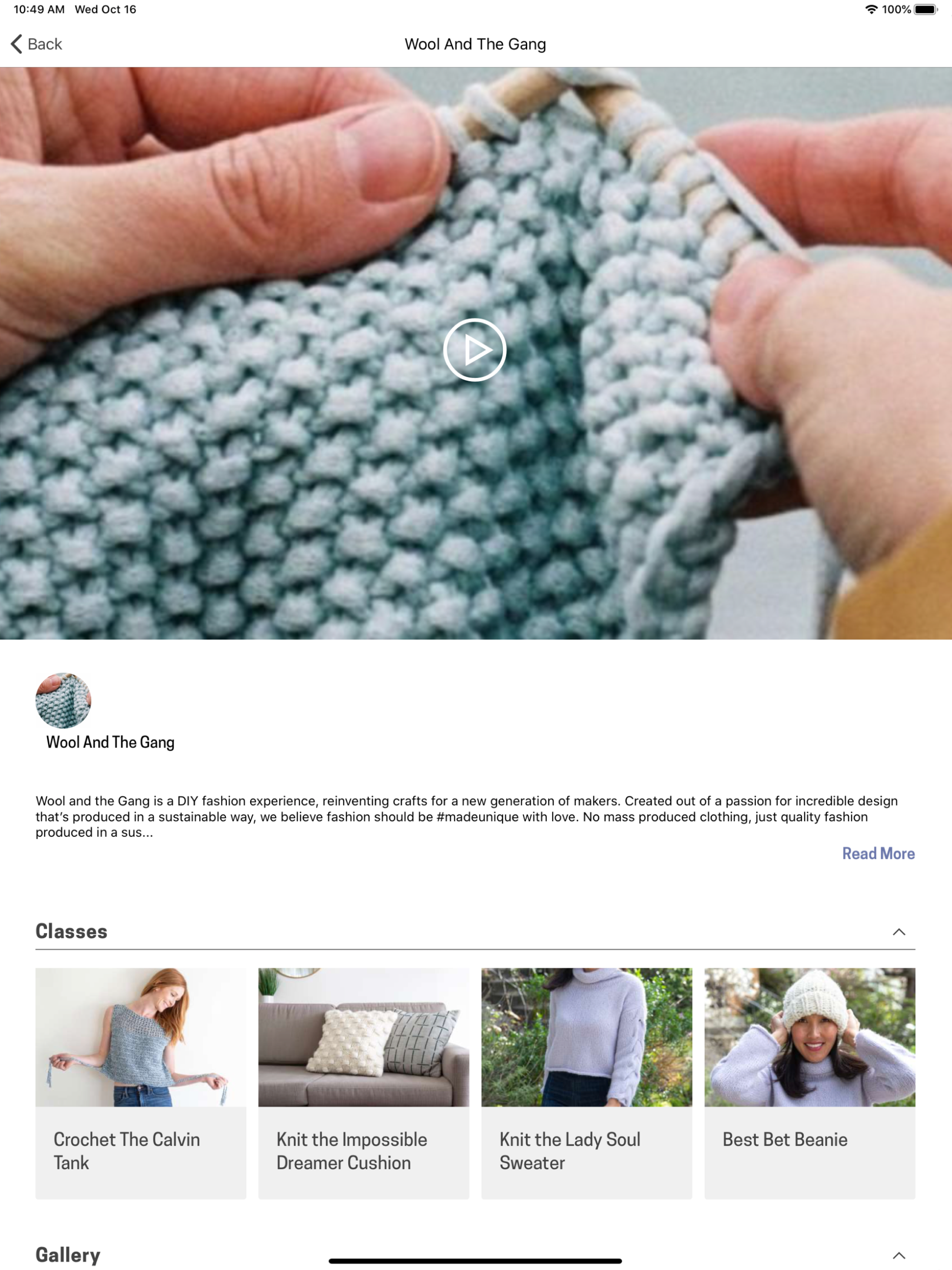
03 / Market context
Keep revenue, downloads and store rankings separate from advertising performance.
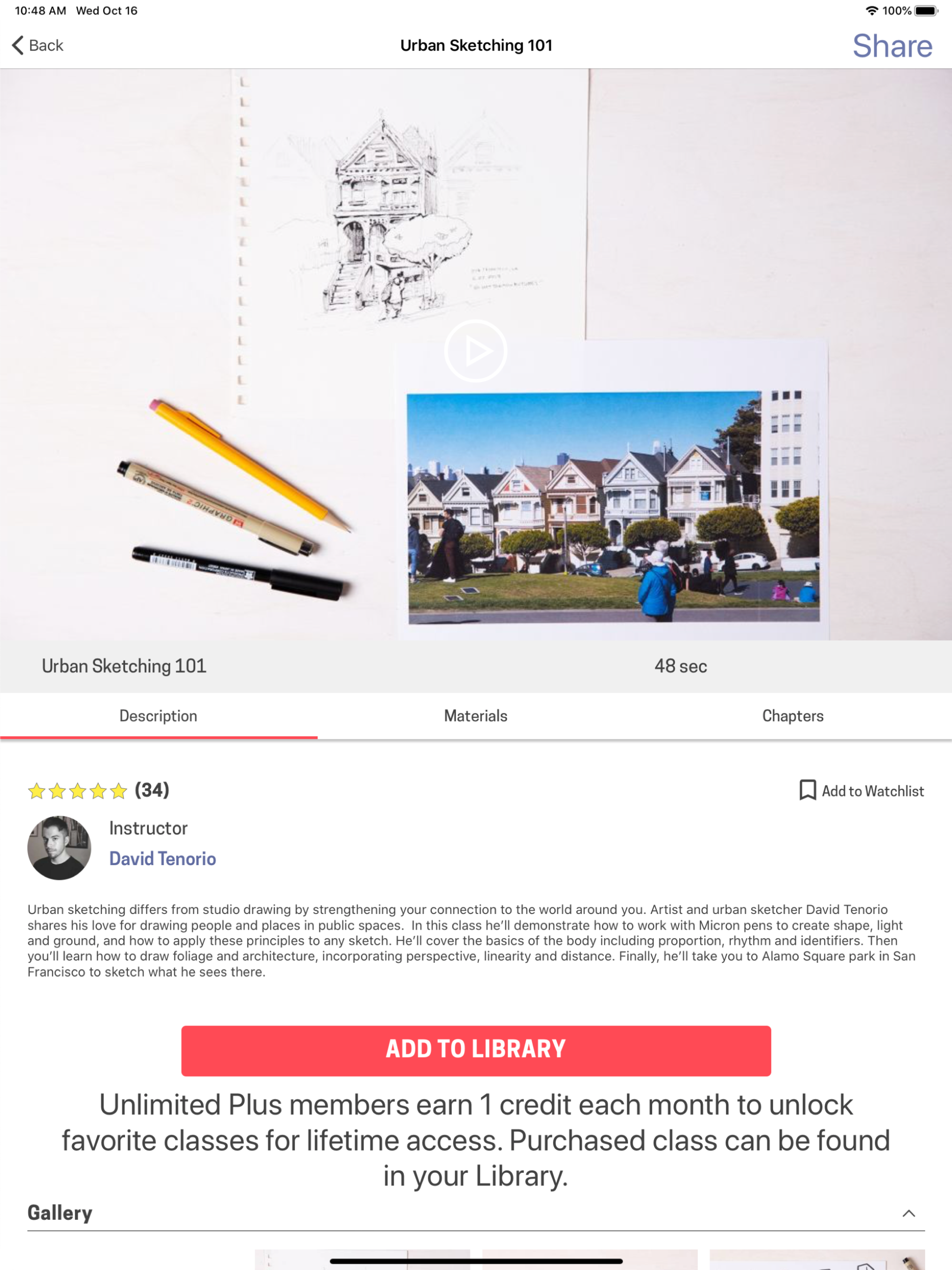
Now you can only see the class info below the video window a line at a time because the video window is locked and doesn’t scroll with the rest of the screen. This is very impractical and more than a little frustrating. Also, I can only use portrait in one orientation now and it’s not the one I prefer (apparently I like to use the my iPad upside-down/backwards). Please return it to the way it used to be!
This is a useful app if you don’t want to watch classes in your web browser, but you must have WiFi for the app to be of any use. I “downloaded” classes in the app before an extended camping trip, anticipating a lack of WiFi. Much to my surprise, when I tried to open it to view the classes I had “downloaded”, I got a sign-in screen. You can’t sign in without WiFi. When I contacted support about the matter, I received instructions to enable data usage on my phone, but I’m not using my phone! My iPad doesn’t have cellular data, also, most of the time if I don’t have WiFi I also don’t have a cell signal on my phone. The Creativebug response to this problem: “ If your Ipad does not allow date (data) usage, then you will indeed need WiFi in order to use the app! Apologies!” The other annoying issue I have, which also applies to the classes online, is that when you stop a lesson part way through it doesn’t resume where you left off. You have to fast forward through the part you already saw, or watch it all over again.
This app is simply an app-ified interface to the content available online; as such, I’ll attempt to leave my opinion of the content itself to another venue. The app, while visually smooth, is lacking in basic features one would expect for a paid subscription service - such as account management (which I suspect may be a calculated move to complicate cancelling subscription or auto-renewal) and help resources. There’s not a mention or a link to be found to the fully featured webpage. Navigating the app requires constant clicking to view info that ought to be presented up front; there’s no way to identify if an offering is a 2-minute blurb or an actual full multi-hour course without opening the full details; same goes for bookmarking. There’s not even a way to view the multi-course curriculum paths that are available online, which is one of the core features of the whole system! A quick note on the content... the legacy stuff is good, wonderful multi-hour courses that build on earlier lessons step by step, appealing for beginners and experienced alike. I could do without the YouTube-style commentary and 5-minute shorts though... In short: The app serves it purpose, allowing users to view content on their device. I wouldn’t recommend it standalone; be sure to make use of the full feature set on the webpage.
Creativebug offers thousands of video classes in drawing, painting, sewing, quilting, knitting, jewelry making, and much more. Creativebug is the perf...
| Name | Price | Type |
|---|---|---|
| Creativebug Unlimited (Monthly) | $7.99 | Monthly |
| Unlimited Access (Monthly) | $7.99 | Monthly |
| Unlimited Plus (1 credit/mon) (Monthly) | $9.99 | Monthly |
| UnlimitedPlus Annual(12Credit) | $95.99 | Yearly |


