
Check the acquisition promise
Read the store headline, screenshots and description. What problem is the app promising to solve?
Study the storefront ↗
CQG · iOS
Explore the ad evidence, study the storefront, and build your next acquisition hypothesis.
01 / Creative research
Read the store headline, screenshots and description. What problem is the app promising to solve?
Study the storefront ↗Explore apps with direct store-link matches. Compare their hooks and formats without assuming the same approach works here.
Browse observed advertisers ↗Store rankings and revenue estimates describe market context. They do not establish ad spend, conversions or ROAS.
Review the market context ↗02 / Storefront & product
Study the product story and store experience behind the acquisition funnel.


03 / Market context
Keep revenue, downloads and store rankings separate from advertising performance.
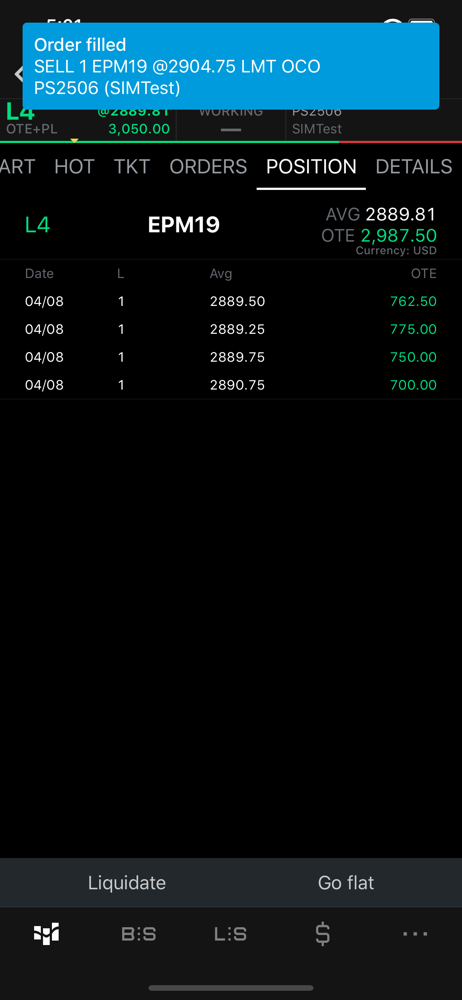
Great app for a very experienced trader! Needs some internal work in my opinion. Putting the app in horizontal mode, you can’t lay the phone flat. It has to be “perfectly” up right to use horizontal mode. Buy and sell limit orders should have a setting to customize the order colors. Other than that, this is a great app. I use this more that TradingView.( Yes, I see the same charts as tradingview)
Need instant buy and sell button, not taking it to another page. This is useless for scalpers.
Only thing I’m not liking and it may be possible, I just haven’t found it if it is, but it’d be nice if when I hit the bid/ask that it would instantly place the order without the confirmation window popping up. Being a scalper I like to be in and out as fast as possible. Is there a way to get past that? Thanks! Also can you give an option to auto attach a stop loss and be able to drag and drop on the chart?
CQG for iPhone is a high-performance app for professional traders worldwide. Easily view market data, access charts, and trade on international excha...


