
Check the acquisition promise
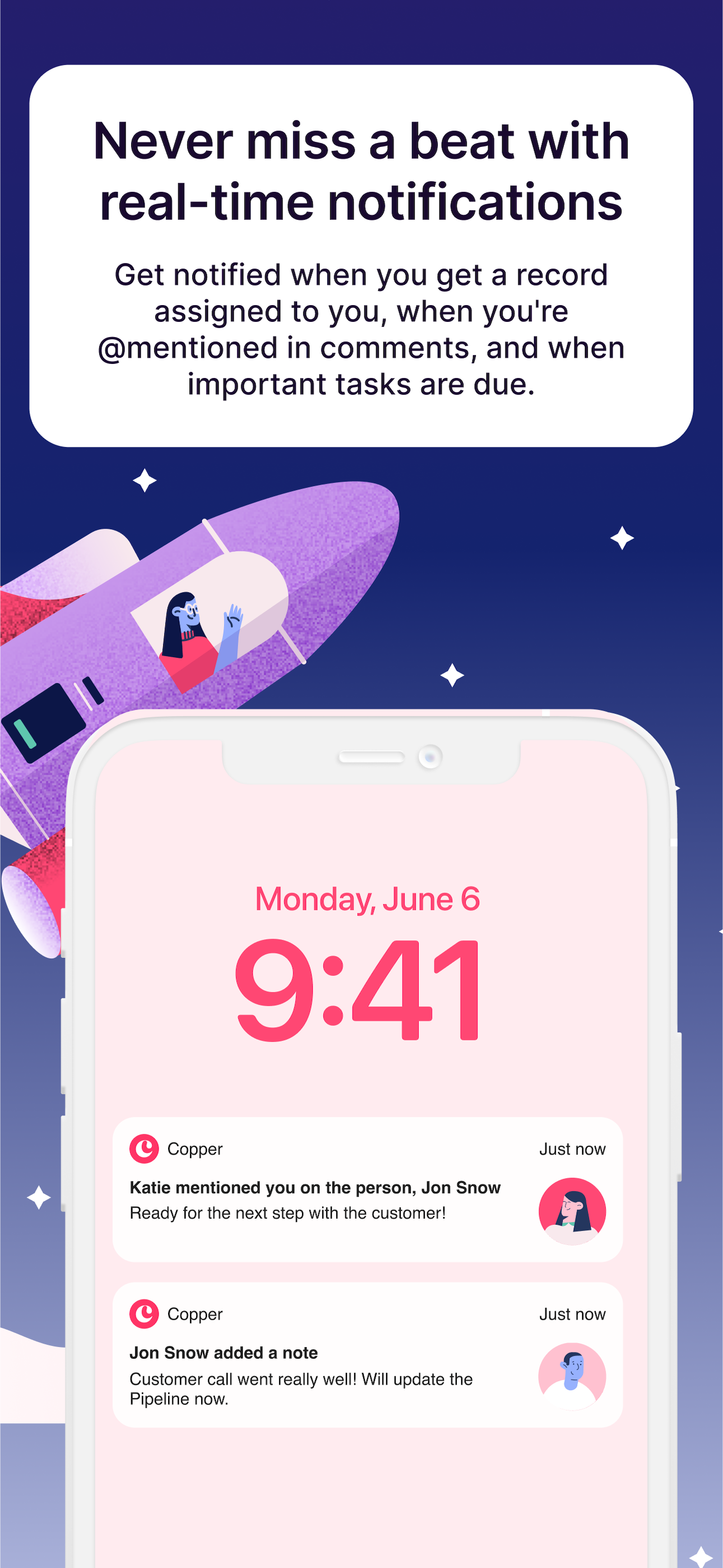
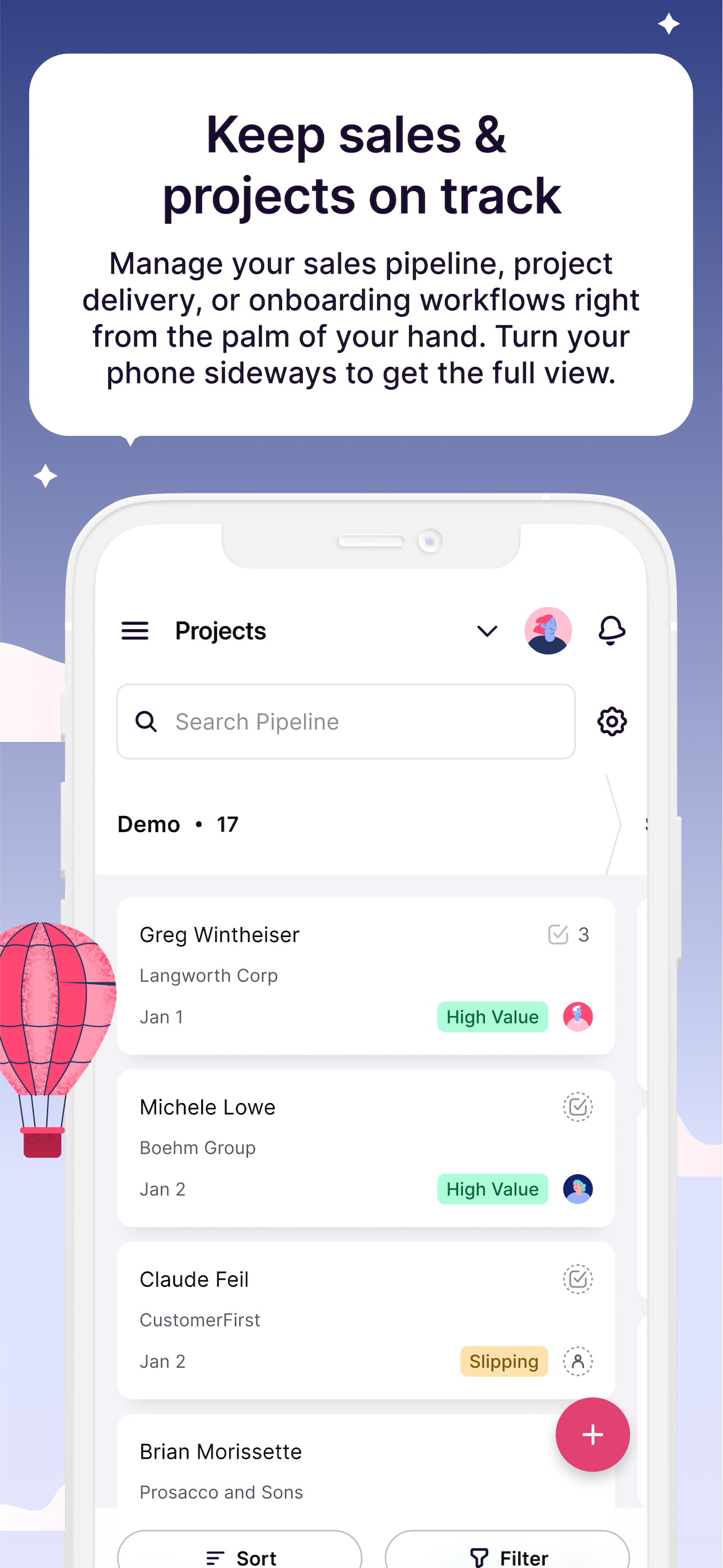
Read the store headline, screenshots and description. What problem is the app promising to solve?
Study the storefront ↗
Copper CRM, Inc. · iOS
Explore the ad evidence, study the storefront, and build your next acquisition hypothesis.
01 / Creative research
Read the store headline, screenshots and description. What problem is the app promising to solve?
Study the storefront ↗Explore apps with direct store-link matches. Compare their hooks and formats without assuming the same approach works here.
Browse observed advertisers ↗Store rankings and revenue estimates describe market context. They do not establish ad spend, conversions or ROAS.
Review the market context ↗02 / Storefront & product
Study the product story and store experience behind the acquisition funnel.




03 / Market context
Keep revenue, downloads and store rankings separate from advertising performance.
Still a few quirks in the iOS app but overall very solid. I am writing the review in hopes that the app will not ask me for the 1000th time if I am enjoying using it. OK fine so I enjoy it now lets hope I don’t have to see it on the home screen every time I launch the app. They are very proud of the system which can capture contact info from inbound emails but its unreliable. Unfortunate as that’s a major selling point. App also logs you off whenever it seems to feel like it. A little annoying when you have to log on again on the iOS app. If I am looking up a contact I don’t need to be bogged down with logging on again. I asked them Devs. about it and they said its normal. I asked why but haven’t received a response yet. I am using both Copper and Zendesk Sell which used to be Base CRM. Zendesk sell has the better interface for mobile. It synchronizes to the phone so if you are out and about with no internet then you can still find a number. So; four stars for Copper and hopefully the program won’t keep asking me if I like it. :)
Couldn’t be happier with Copper. I’ve used for about 2 months now and maintain it is a wonderful tool that looks great and just simply works. Tried several others that also integrate with G-suite and they just seem clunky without a good flow. Copper is very intuitive and smart... whether it’s adding leads, contacts, companies or updating activities. Everything is very well organized with a super clean design. The mobile app allows to make calls and send messages from within it, so when you hang up, the log activity page comes up to make notes. It’s been a game changer for someone who struggled with following up and keeping track of tasks! Highly recommend!
I searched for, and tried, several CRM’s but they were all over blown, for my needs, and cumbersome to use. ProsperWorks plug right in to my Gsuite mail and is easy to use and is not trying to be all things to all people yet it has every function I require. Love the built in tasks and the fact that it creates a calendar in my Gsuite that is accessible even on my mobile devices. Also love that it saves emails from those I have set up. Due to the fact it is quick and easy to use it works! Highly recommend for any small business. Good reports too!
Copper CRM helps you connect with leads, win deals, deliver projects and create repeat clients. It’s the CRM made for Google Workspace, so it pulls in...


