
Check the acquisition promise
Read the store headline, screenshots and description. What problem is the app promising to solve?
Study the storefront ↗
天海 何 · iOS
Explore the ad evidence, study the storefront, and build your next acquisition hypothesis.
01 / Creative research
Read the store headline, screenshots and description. What problem is the app promising to solve?
Study the storefront ↗Explore apps with direct store-link matches. Compare their hooks and formats without assuming the same approach works here.
Browse observed advertisers ↗Store rankings and revenue estimates describe market context. They do not establish ad spend, conversions or ROAS.
Review the market context ↗02 / Storefront & product
Study the product story and store experience behind the acquisition funnel.



03 / Market context
Keep revenue, downloads and store rankings separate from advertising performance.
This stick was great when I first got it, but after a year it started acting weird and wouldn’t connect, the app would crash constantly despite deleting and reinstalling. Then, just recently, I wanted to try and put those memories back on my iPhone, it wanted a password. I never made a password to protect them or to keep them private. I save ALL of my passwords and I never made one for this memory stick so I was not able to save the memories the easy, quick way. I had to go into each individual picture and video to save them and even then the app kept crashing. I barely made it through three folders to make copies of and the app crashes again and when I went in to try taking screen shots again the memory stick showed as empty. It deleted ALL of the memories, pictures, videos and that I had stored on there, even ones from the beginning of when I was remodeling my house. I am LIVID. They’re all gone!! I am so upset because I thought these memories would be safe here and how wrong was I?! Do NOT use this app or any of the memory sticks that use this app! All of those memories lost! If I could give this app zero stars I would but it’s not possible. Please don’t end up in my situation! Cheap doesn’t mean quality especially when it comes to priceless moments you will never get back!
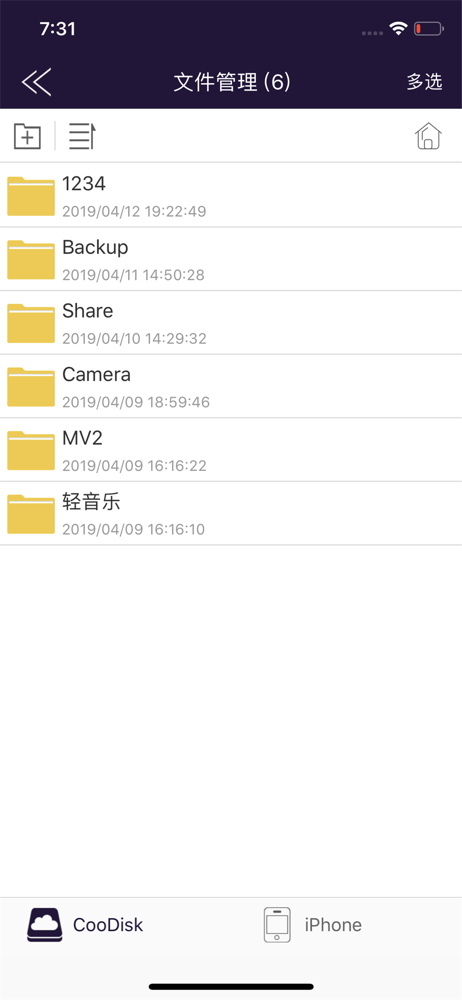
So, almost everything has been working great. I’ve had no issues with moving the photos (other than my phone dying and having to wait for all the skips, but I bought a wireless charger, so that’s all good now.). What I HAVE had issues with is being unable to view the USB’s contents in the app. The space is taken up, but I cannot see anything inside the folder, and the folder cannot be deleted in the app. It won’t let me move anything into it, either. A thing pops up telling me there was an error. When I plug the USB into a computer, they’re all there! I can move/edit/delete as I please, but my hope when I purchased was to be able to plug this thing into my phone and look at all my stuff as if I was still in my photos app. If this is fixed, I’ll change to 5 stars because other than this one thing, it’s perfect. Well, I wouldn’t say no to some way to differentiate between skipping files that are already in the USB and skipping files that have duplicates on my phone, but I don’t know if that’s even possible. I just wish I could keep my phones duplicates without having to delete the entire folder and start over if a transfer doesn’t complete. I’ve got 72k photos I can’t just hand pick ‘em 🥴 BUT I DIGRESS please just let me see my USB’s photos in the app 🙏🏻🙏🏻🙏🏻
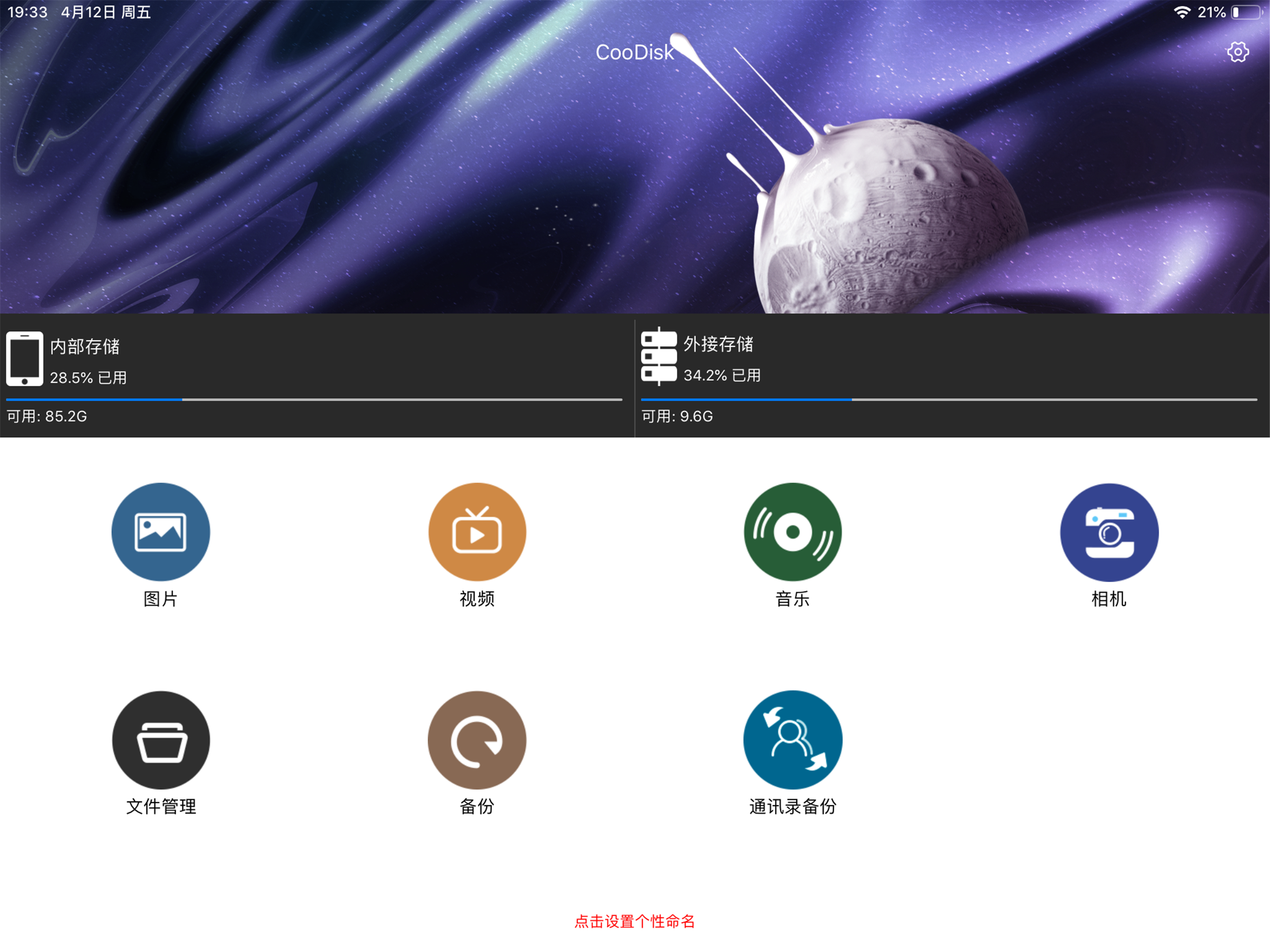
I had the app for quite awhile and then it was changed back in Sept 2021 and doesn’t allow you to see CooDisk home page or list of files in landscape mode! If you open a photo or file, it will display in Landscape, but I need Home-screen of CooDisk and Files list to display in landscape. If you look at iPad screen display previews on APP store, it shows the screen in landscape. The iPhone shows in portrait, which I would expect. But I need iPad to display everything in landscape mode.. I have tried to lock rotation—doesn’t work. I tried to rotate screen function, still doesn’t allow landscape, like the description on App Store preview page shows for iPad. I just updated to most current version, hoping changed….but sadly has not. Please put back screen rotation capability for iPad version of app! This is so annoying. Trying to read it sideways. Can’t really turn iPad, because usb drive is on bottom! It worked before and I rated it very high. Just frustrated now.
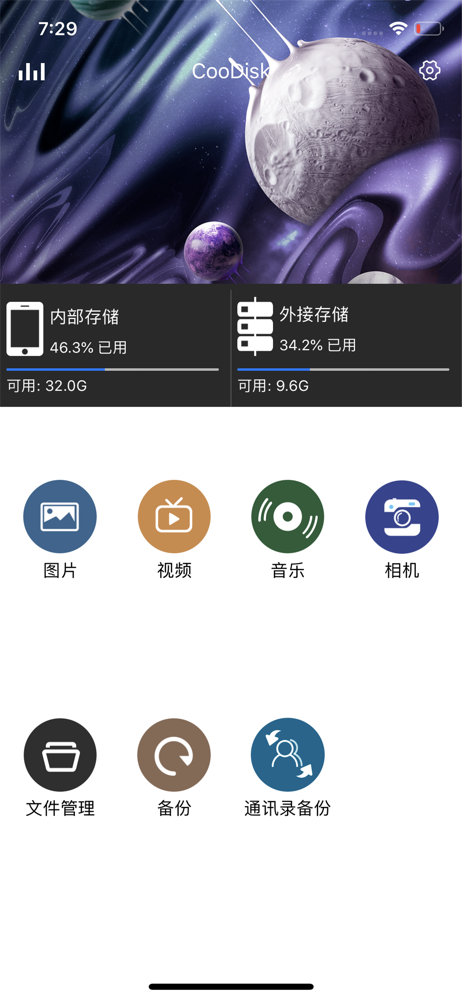
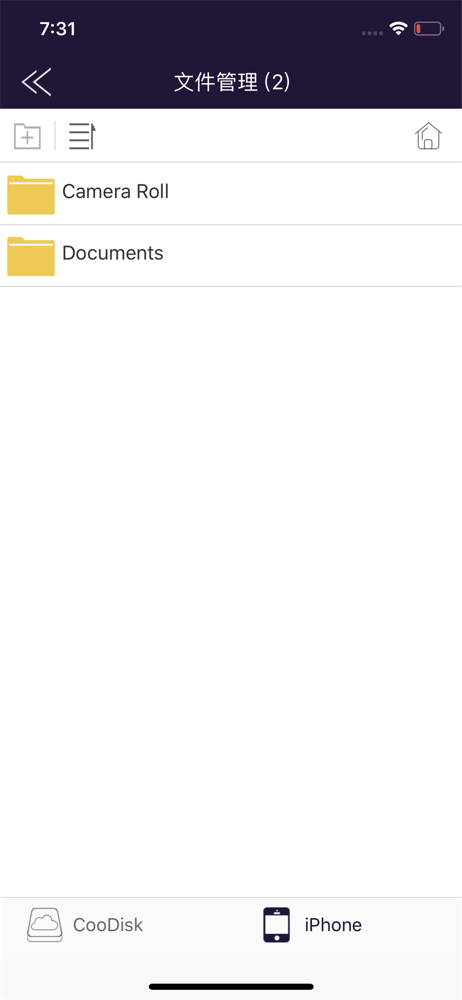
•The main interface displays Media thumbnails :video, photo, music • Supports list / thumbnail view, support sharing operation for photos, music a...


