Check the acquisition promise
Read the store headline, screenshots and description. What problem is the app promising to solve?
Study the storefront ↗
Playa Apps · iOS
Explore the ad evidence, study the storefront, and build your next acquisition hypothesis.
01 / Creative research
Read the store headline, screenshots and description. What problem is the app promising to solve?
Study the storefront ↗Explore apps with direct store-link matches. Compare their hooks and formats without assuming the same approach works here.
Browse observed advertisers ↗Store rankings and revenue estimates describe market context. They do not establish ad spend, conversions or ROAS.
Review the market context ↗02 / Storefront & product
Study the product story and store experience behind the acquisition funnel.




03 / Market context
Keep revenue, downloads and store rankings separate from advertising performance.
UPDATE: my iPhone is picky when I use the “Create New Contact” feature. Sometimes it makes an Exchange contact and sometimes iCloud. So, periodically I run the sync using Contact Mover to clean everything up. Still love the app as much as the first time I used it. Fast and easy. I rarely review apps but this one is beautiful in its simplicity and effectiveness. This app is ridiculously easy to use. I was in a panic about losing my 1200+ contacts when I was planning to leave my employer and discovered I could not extract them from my Exchange account. I was prepared to manually reenter them, when this app was brought to my attention by a super helpful Apple employee. $3.99 and 30 seconds later, all of my Exchange contacts were seamlessly moved to iCloud. Then when I started my new job, I follow the same procedure to move the iCloud contacts to the new Exchange server. It took me longer to write this review than to perform these functions. Honestly, I would have paid a lot more for it.
Somehow in college when I added my Exchange Email as a second Email Account in addition to my iCloud Mail Account, every time I had created a New Contact after that for 4 years they were all being saved to an Exchange Mail Contacts Group. Therefore when my college email expired 1.5 years after graduating, if I were to delete the mail account, it would delete all these contacts and since iTunes has been long gone for years I couldn’t find an easier option than air dropping 1 contact at a time from the Exchange group on my iPad to my MacBook Pro, that is until I finally found this app. I was able to sync all my Exchange Group Contacts into the existing iCloud group Contacts to merge into one group, then delete the Exchange Mail Account without losing any data!!
I have a exchange account in my iphone for corporate mail. For some reason, every time I save a contact it goes straight into my exchange account instead of iCloud. The problem this creates is that every time I’m on my iPad and I need to access any one of my contacts that were saved on my iPhone, they’re not there because my iPad doesn’t have access to my corporate exchange account. Thanks to this app I was finally able to disable my exchange contacts in my iPhone and transfer all my contacts to iCloud and now they are both devices. I’ve been looking for something like this for ages. I also upgraded the app to the pro version. Totally worth it if you have plenty of contacts. I also had a similar app that I purchased for my computer that is capable of doing this but it involves connecting my iPhone to my computer using a lightning cable and transferring the contacts manually. Instead, with this app I did everything from my iPhone without having to connect anything and it took less than 30 seconds. Worth every penny.
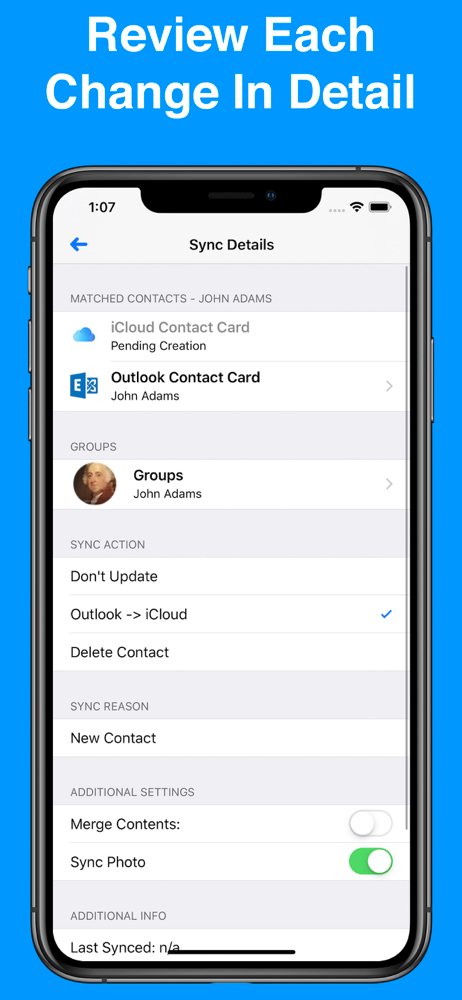
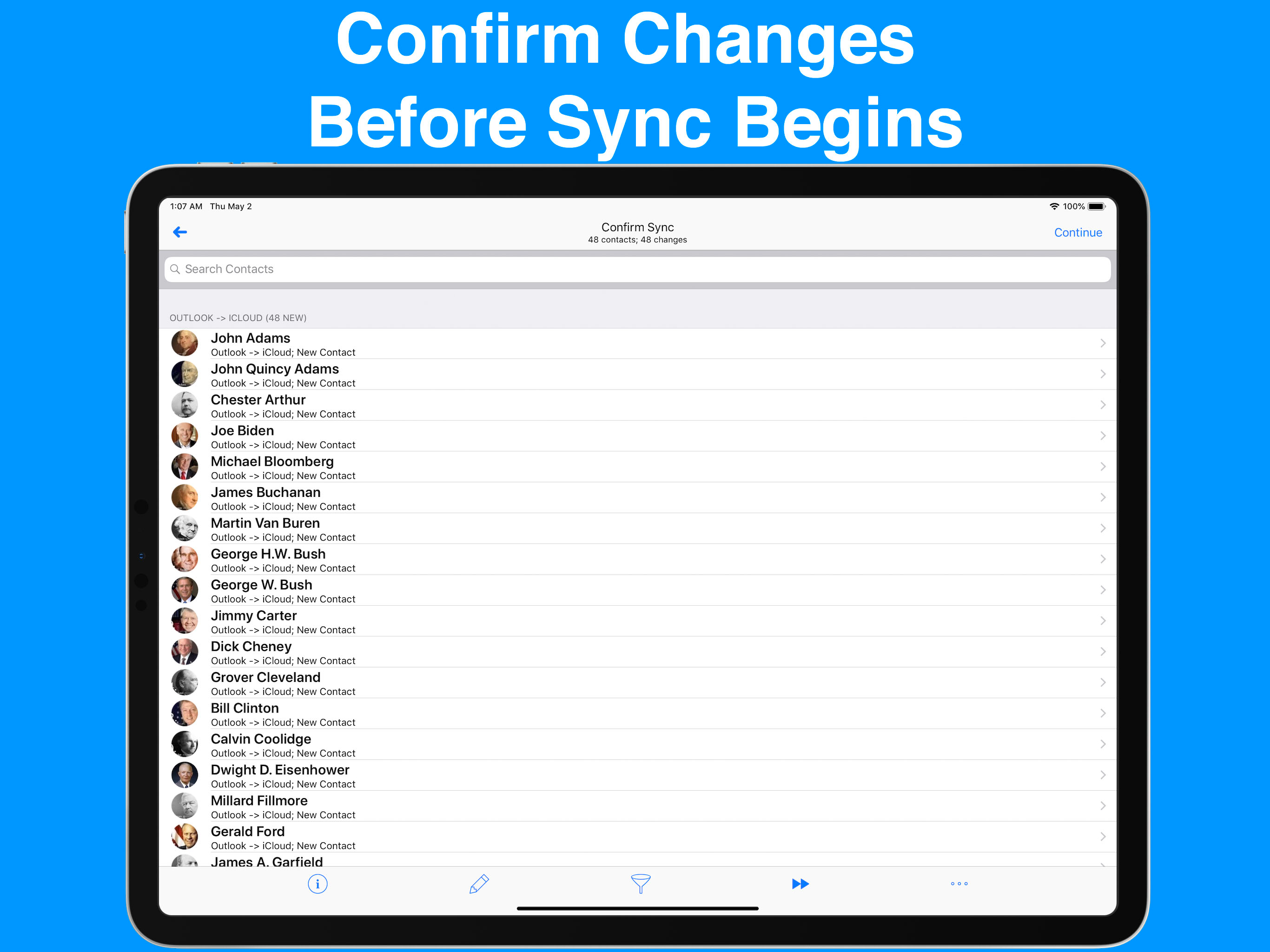
Contacts Mover allows you to quickly and easily sync or move contacts between any pair of contact accounts on your iPhone. Most commonly, the app is u...
| Name | Price | Type |
|---|---|---|
| Premium (1 Year) | $3.99 | Yearly |
| Make Contribution | $4.99 | One-time |
| Premium (Lifetime Access) | $5.99 | One-time |
| Make Larger Contribution | $9.99 | One-time |