
Check the acquisition promise
Read the store headline, screenshots and description. What problem is the app promising to solve?
Study the storefront ↗
Atlassian · iOS
Explore the ad evidence, study the storefront, and build your next acquisition hypothesis.
01 / Creative research
Read the store headline, screenshots and description. What problem is the app promising to solve?
Study the storefront ↗Explore apps with direct store-link matches. Compare their hooks and formats without assuming the same approach works here.
Browse observed advertisers ↗Store rankings and revenue estimates describe market context. They do not establish ad spend, conversions or ROAS.
Review the market context ↗02 / Storefront & product
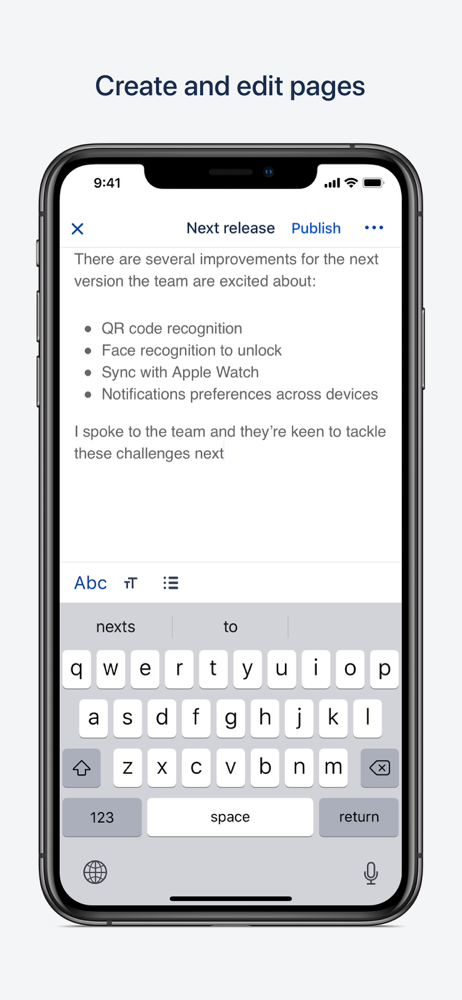
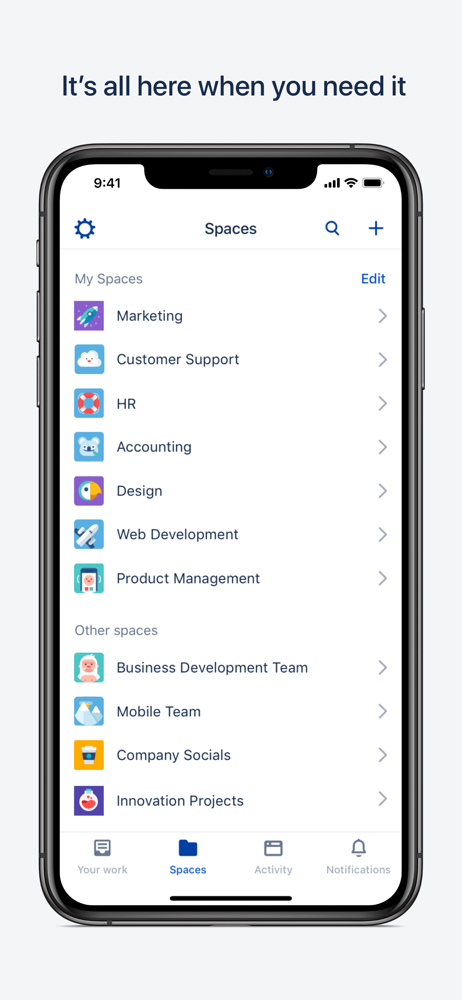
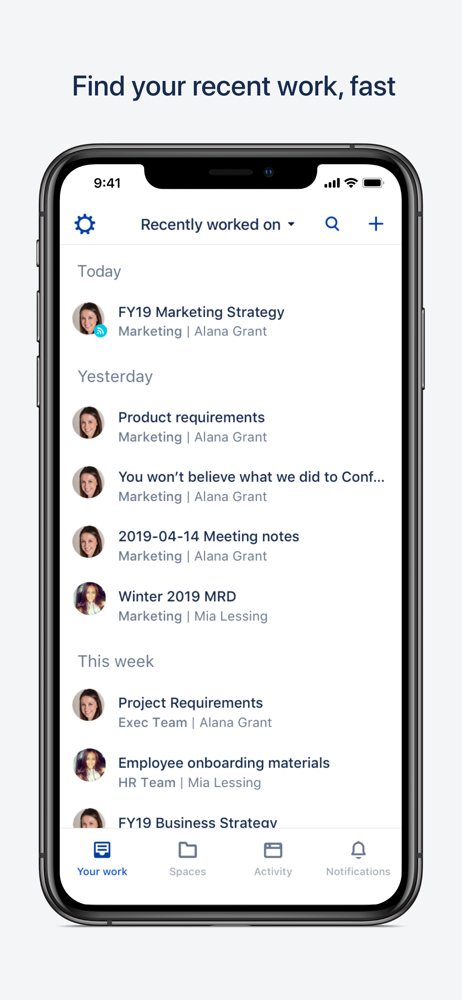
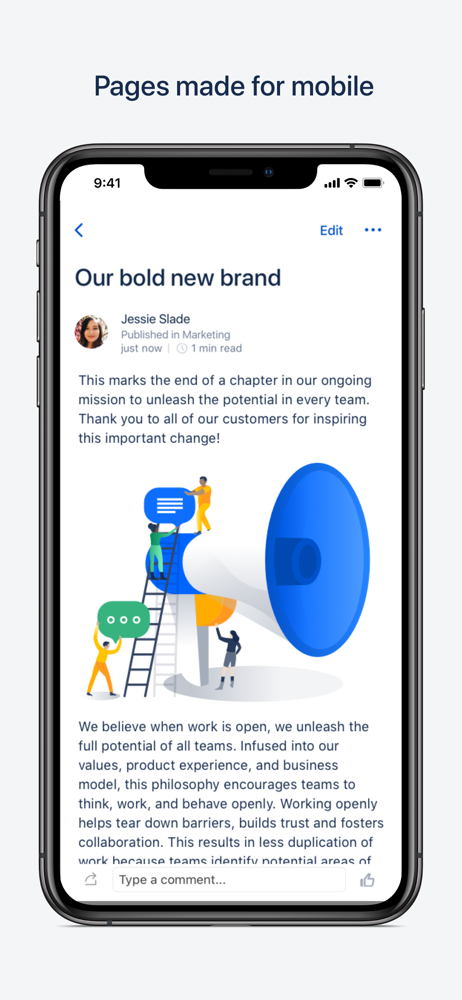
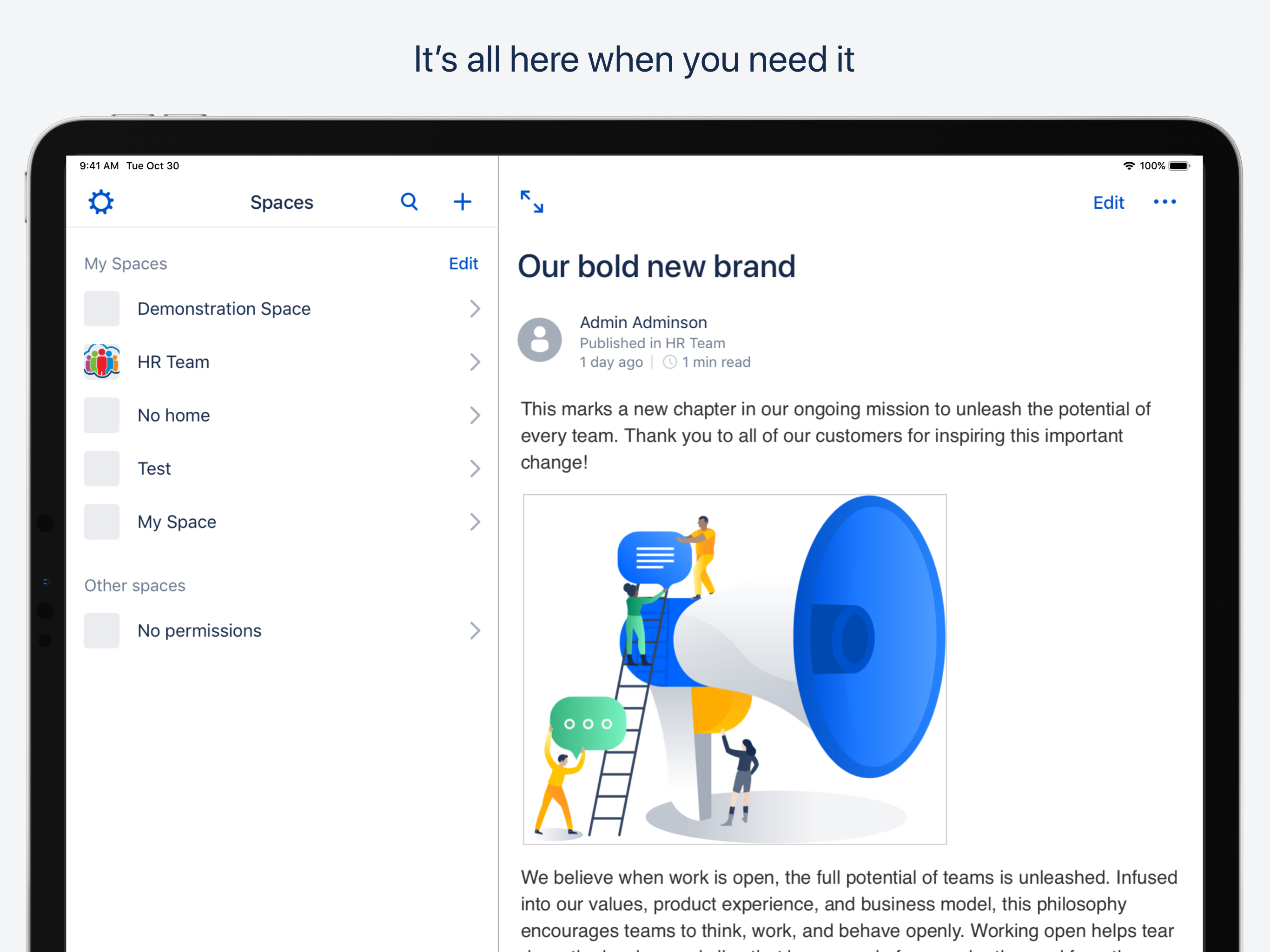
Study the product story and store experience behind the acquisition funnel.


03 / Market context
Keep revenue, downloads and store rankings separate from advertising performance.
It’s not even good at being able to keep us logged in. Especially when there ja a single Signon. It’s just awful that we need togo through painful process every single time to login. Why can’t it just remember the credentials like the browser does. When writing pages, the fonts mess it up so much I almost always have to go to HTML editor on desktop to fix it. It is just hard to get pages that we saved or were editing before. Not one thing I find useful or properly working in this app.
This applies to the web version and the app alike: Confluence is a complete UX mess. The WYSIWYG editor is the deranged little brother of the excellent Google Docs, many buttons in Confluence are on the wrong place in the wrong flow and the apps have different features from the web version. Generally Confluence is the pinnacle of slowness and patience is needed to prevent smashing your keyboard or mobile device through the window. I absolutely hate, hate, hate Confluence but unfortunately in its goals it’s the best we have, and it happens to be our standard tool. Atlassian must have a very lazy or ineffective group of people, more interested in raising prices of their cloud subscriptions and not providing quality software.
For people who use Confluence with their teams, this is not a useful app. Though the desktop browser experience of Confluence is buggy and the mobile browser is poor, this app omits almost everything useful about Confluence: - it does not update pages in the app when server pages are edited - you can’t use any of the page templates to create new pages - page editing lets you enter text, lists, and bold/italic only. No @ or [ or // references, no linking at all, inserting tables, adding pictures, indenting, adding table rows, etc. Even on an iPad with a keyboard. It’s useless for taking meeting notes. - Most widgets on pages don’t work: search boxes, Task Canvas, Gilphy graphics, etc. everything is replaced with a “view desktop version” button that takes you out to the browser, where you’ll end up staying. At that point why have an app? They say this is the start and more will come. Sadly this is a long way from being a useful collaboration tool. If all you need is a quick look at your favorite pages that other people update and you can comment on, it might work for you.
Stay in sync with your team, wherever you are, with the Confluence Data Center and Server app. PLEASE NOTE: The app works with self-hosted Confluenc...


