Check the acquisition promise
Read the store headline, screenshots and description. What problem is the app promising to solve?
Study the storefront ↗
JHND i Sverige AB · iOS
Explore the ad evidence, study the storefront, and build your next acquisition hypothesis.
01 / Creative research
Read the store headline, screenshots and description. What problem is the app promising to solve?
Study the storefront ↗Explore apps with direct store-link matches. Compare their hooks and formats without assuming the same approach works here.
Browse observed advertisers ↗Store rankings and revenue estimates describe market context. They do not establish ad spend, conversions or ROAS.
Review the market context ↗02 / Storefront & product
Study the product story and store experience behind the acquisition funnel.




03 / Market context
Keep revenue, downloads and store rankings separate from advertising performance.
Pro user: beware. Adjusting the top (highlight) or bottom (shadow) point does not behave like a normal curve. If you try to crush the blacks, it doesn't grab all the tones so the image looks almost inverted or something. Very weird. Same with the highlights. Will be deleting. Wasted 2 bucks :/
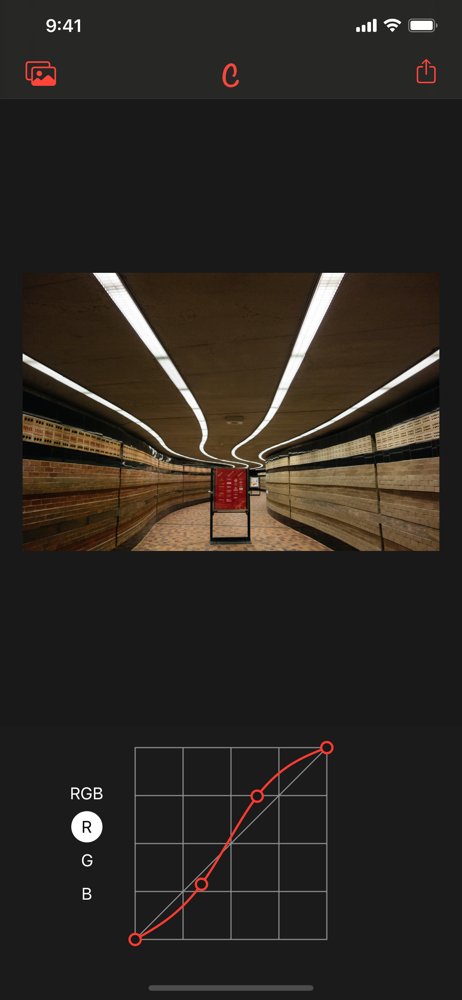
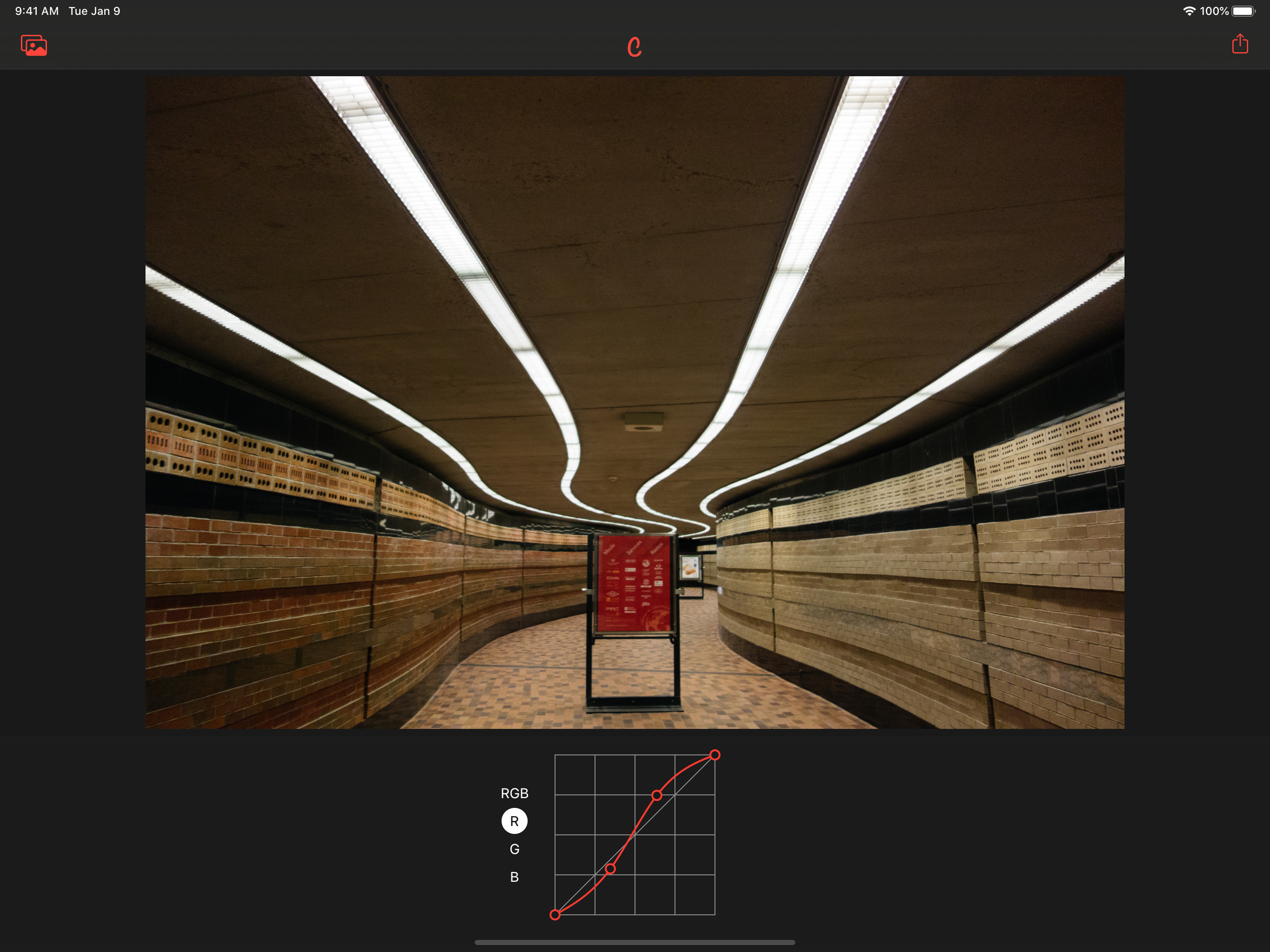
The integration with the native photo app is great, but even on the iPhone 6 Plus screen I am having a hard time tuning the curves. Each time I tap the point handles it asks if I want to reset the point. Would be nice if curves were larger, or if there was a fine tune slider. Needs update for fine tune use.
Great for quick curve adjustments from right in the iOS photos app. Wish the curves area was a little bigger; it's a little hard to make fine adjustments. Otherwise, love it!
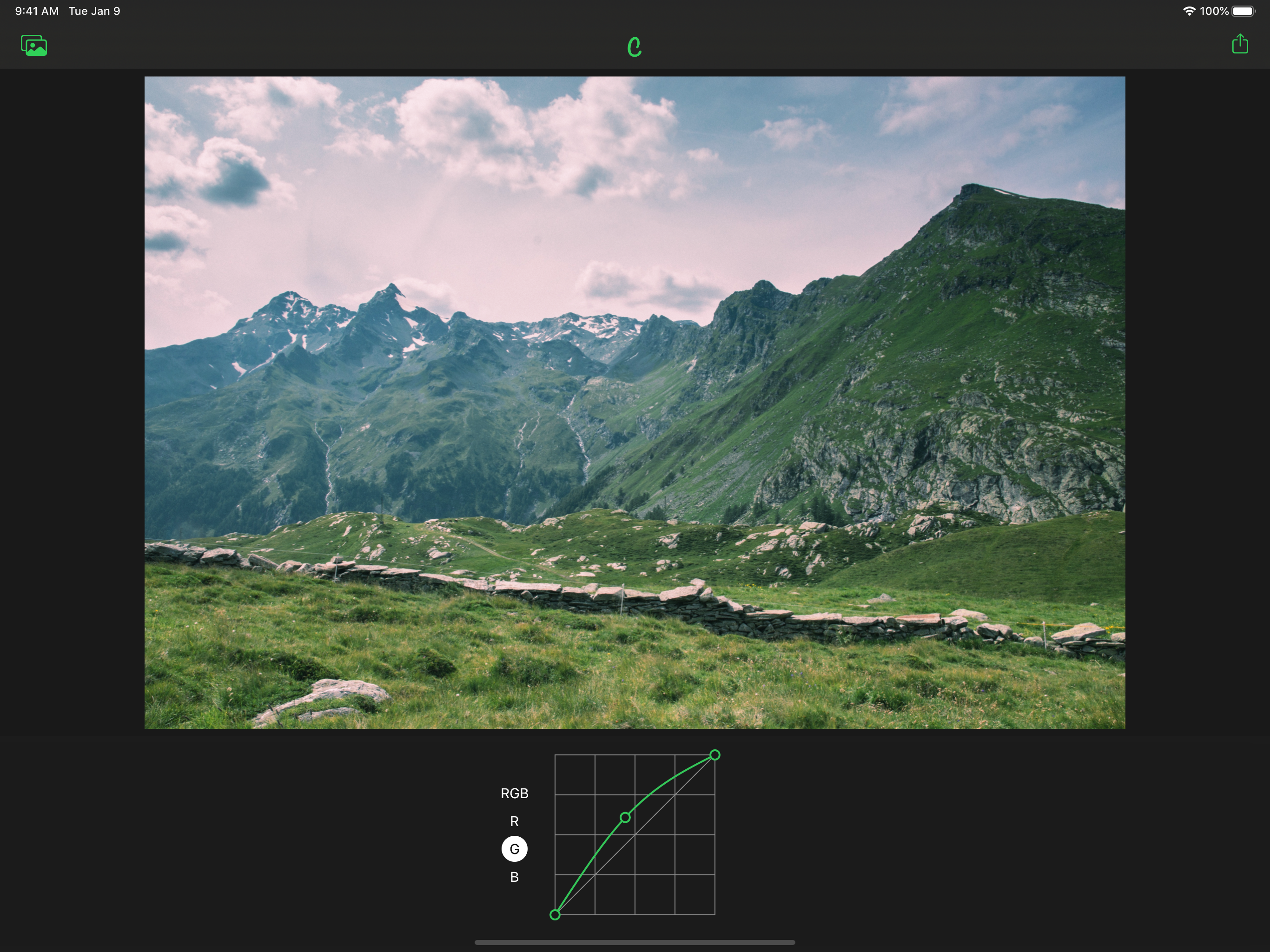
Edit colors with RGB curves either together or Red, Green and Blue separately. Curves is one of the most powerful tools when editing photos. It lets y...