
Check the acquisition promise
Read the store headline, screenshots and description. What problem is the app promising to solve?
Study the storefront ↗
ShapeShift AG · iOS
Explore the ad evidence, study the storefront, and build your next acquisition hypothesis.
01 / Creative research
Read the store headline, screenshots and description. What problem is the app promising to solve?
Study the storefront ↗Explore apps with direct store-link matches. Compare their hooks and formats without assuming the same approach works here.
Browse observed advertisers ↗Store rankings and revenue estimates describe market context. They do not establish ad spend, conversions or ROAS.
Review the market context ↗02 / Storefront & product
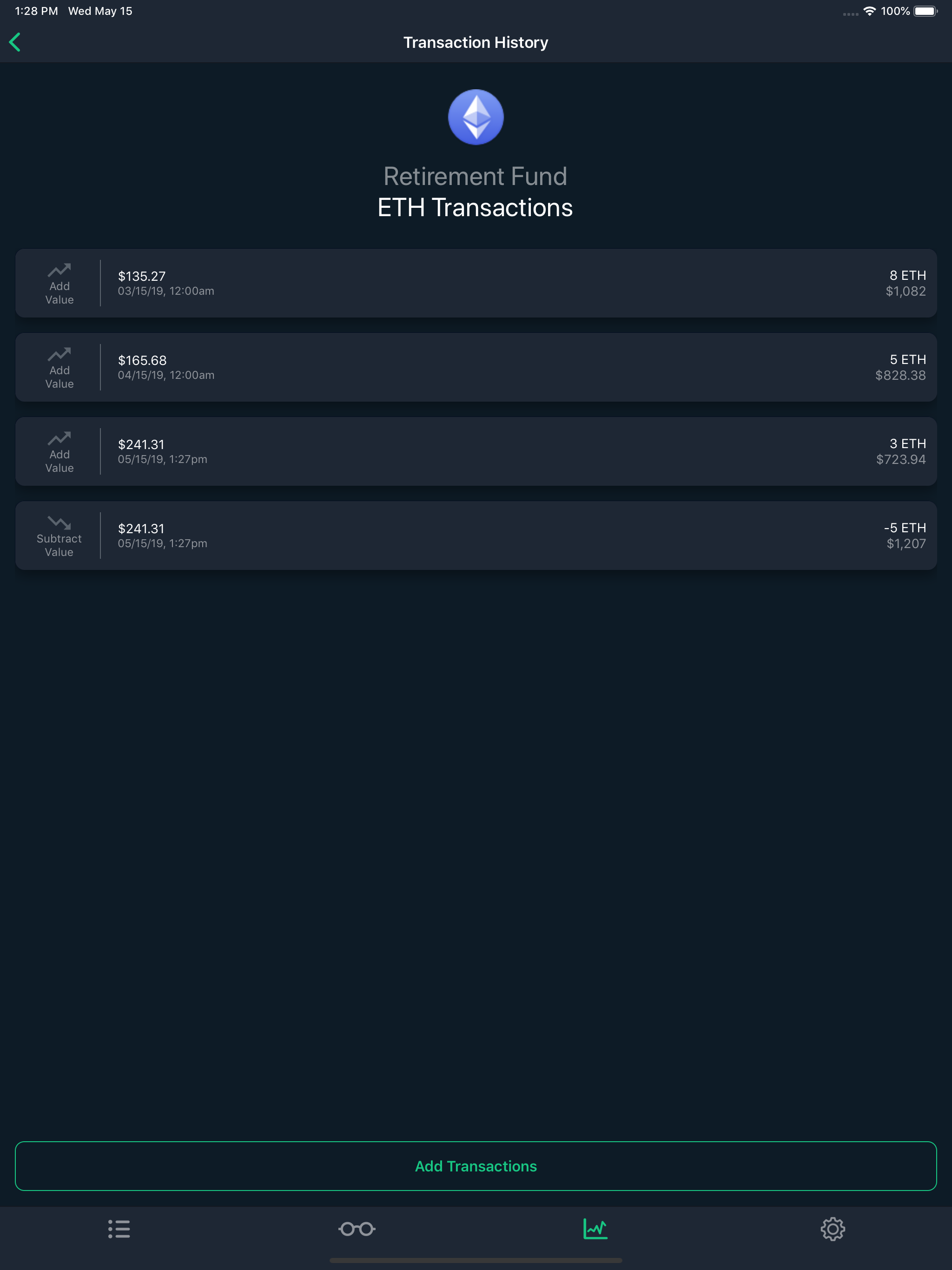
Study the product story and store experience behind the acquisition funnel.


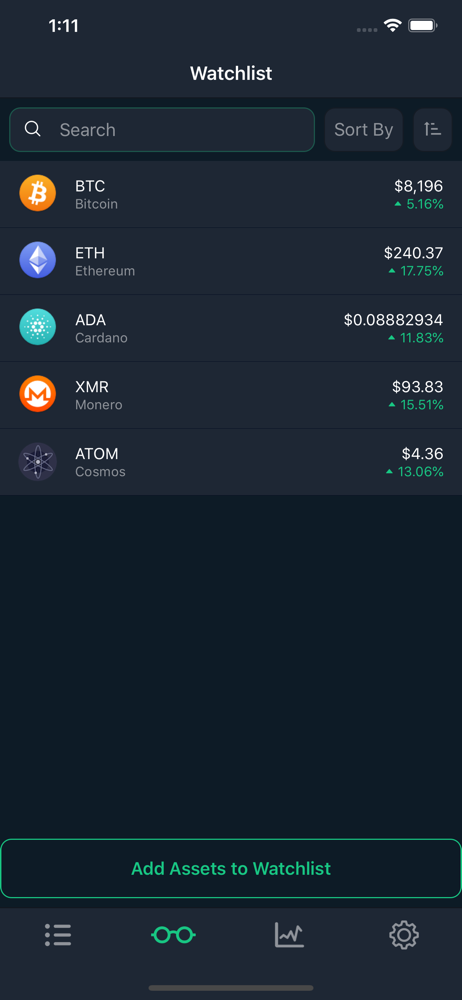
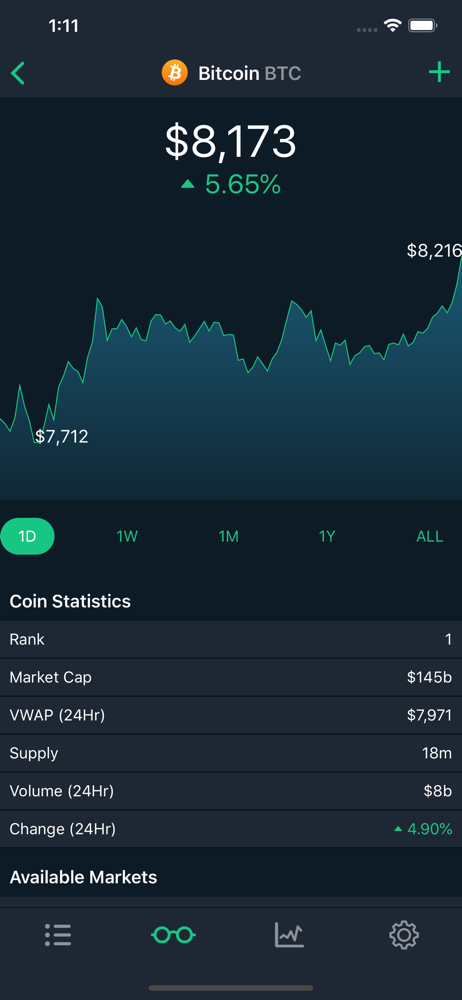
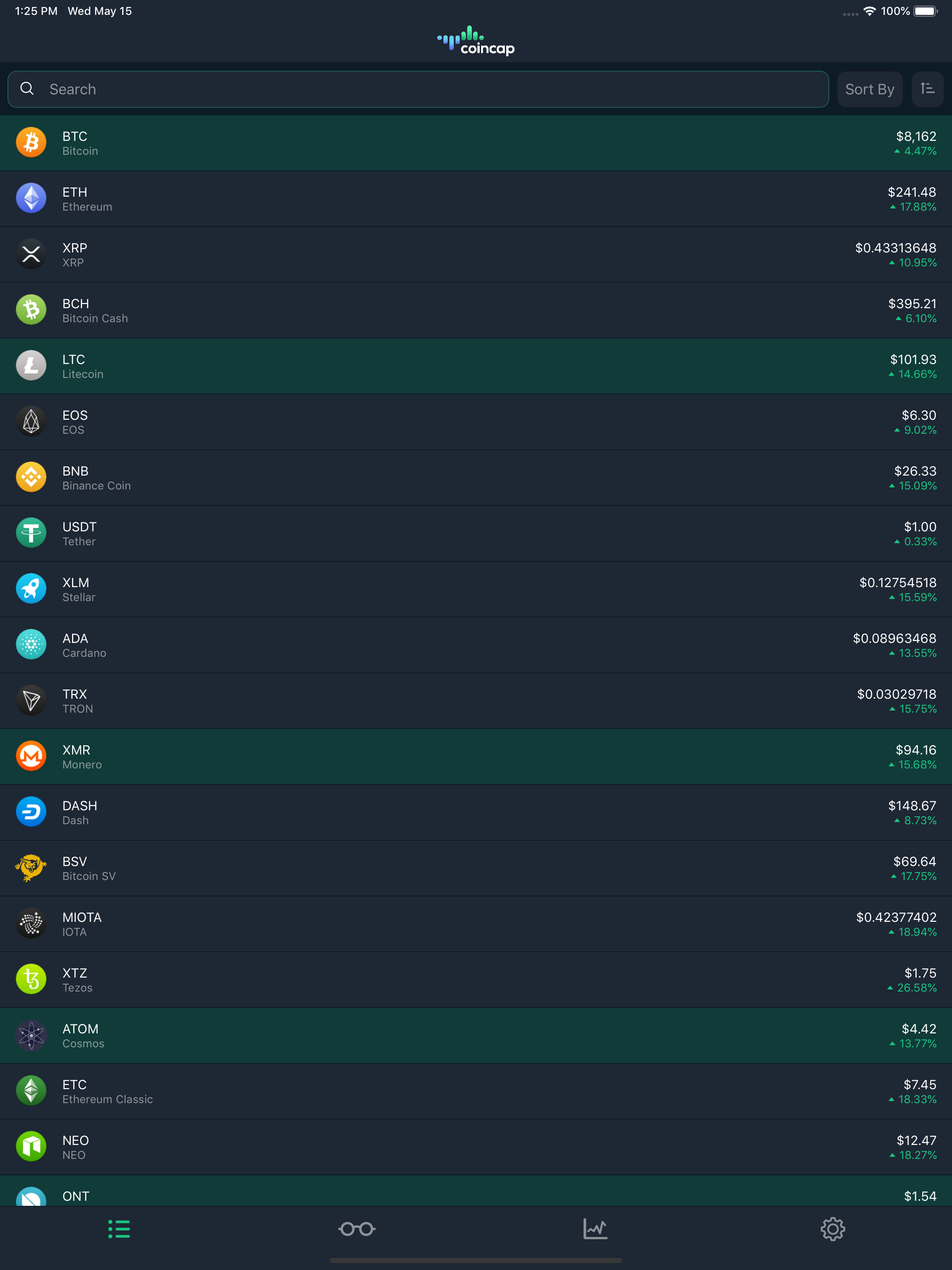
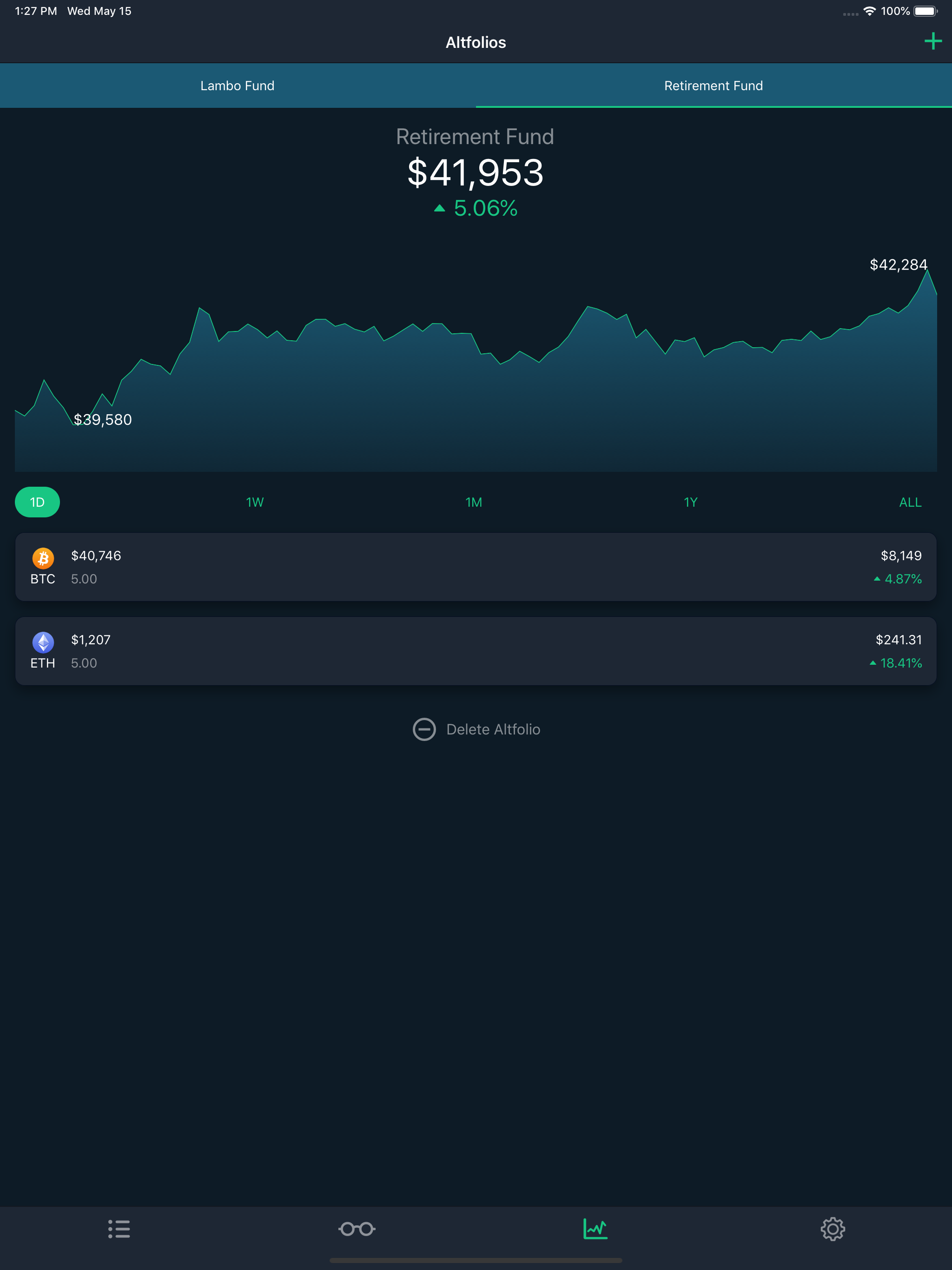
03 / Market context
Keep revenue, downloads and store rankings separate from advertising performance.
I had downloaded an update that prevented use of the app, but now that things are back to normal, it’s working good again. I do seem to have issues with price high/low notifications not occurring, despite all settings checked/tried. Makes trading considerations a manual job. Additionally, it would be nice to be able to remove gain % from purchases made, if that makes sense. For instance, one of my altfolios shows significant gains during periods I purchased coins, but the gains are not directly related to the price of the coins over time, the percentage is higher because I added in, not because the market caused the gains. I would like to see overall market gain/loss % for an altfolio, not just altfolio balance change %. Once those work, it’ll be a 5-star app, for sure.
I’ve recently hopped on the crypto bandwagon. It’s been about two months now, and overall, it’s been a hectic ride. There’s a unique emotional thrill that comes with watching your coin assets fluctuate throughout the weeks. A feeling I’ve been lucky to experience a handful amount of times. This app, CoinCap, adds the cherry on top. No other app on the market offers such a clean and simple UI to describe the chaotic nature of cryptocurrencies. CoinCap allows the user to quickly add/remove/edit (from a wide range of various coins/tokens!) your exchanged assets into a personal “altfolio.” This live-fed mechanism allows you to keep track of your asset values second-to-second. Lastly, you’ll have the ability to set alarms of various kinds for any coin you wish. This allows the frequent traders to be notified when to buy/sell/exchange to achieve your highest profit. This app was exactly what I was looking for, and I’m very glad I found it. 5 stars, two thumbs up, 10/10.
This app is awesome. Not only does it support tons of different cryptocurrencies and update in real time, the altfolio feature is hands-down one of the most useful things for someone who wants to know the value of ALL of their cryptocurrencies at once. It’s easy to add and subtract from your holdings, or even have a couple different altfolios if you want to separate them out for whatever reason. The alert feature is also VERY robust and can even integrate with your altfolios. A couple of critiques: when you first reopen the app, it’s sometimes frozen for a few seconds while it catches up, the alerts don’t always get sent out like they should, and the prices can sometimes fluctuate pretty aggressively pretty quickly (~+/-1-2%). I’d like to know where the app gets its data. It usually seems to be right around where coinmarketcap is, so it seems to be accurate, but the fluctuations just invite some curiosity. I would also really like to see a 1hr graph on the price charts, and this app would make for an *awesome* Apple Watch app, should the devs decide to be ambitious :D As it stands now, though, the app is just about perfect, and I would recommend it to any holder of crypto who wants to know the value of their holdings in a simple, visually appealing, easy to use way.
This is the official CoinCap.io mobile app. Enjoy real time cryptocurrency market data, with features available only in the app: --Create Altfolios t...


