Check the acquisition promise
Read the store headline, screenshots and description. What problem is the app promising to solve?
Study the storefront ↗
Digital Rebellion LLC · iOS
Explore the ad evidence, study the storefront, and build your next acquisition hypothesis.
01 / Creative research
Read the store headline, screenshots and description. What problem is the app promising to solve?
Study the storefront ↗Explore apps with direct store-link matches. Compare their hooks and formats without assuming the same approach works here.
Browse observed advertisers ↗Store rankings and revenue estimates describe market context. They do not establish ad spend, conversions or ROAS.
Review the market context ↗02 / Storefront & product
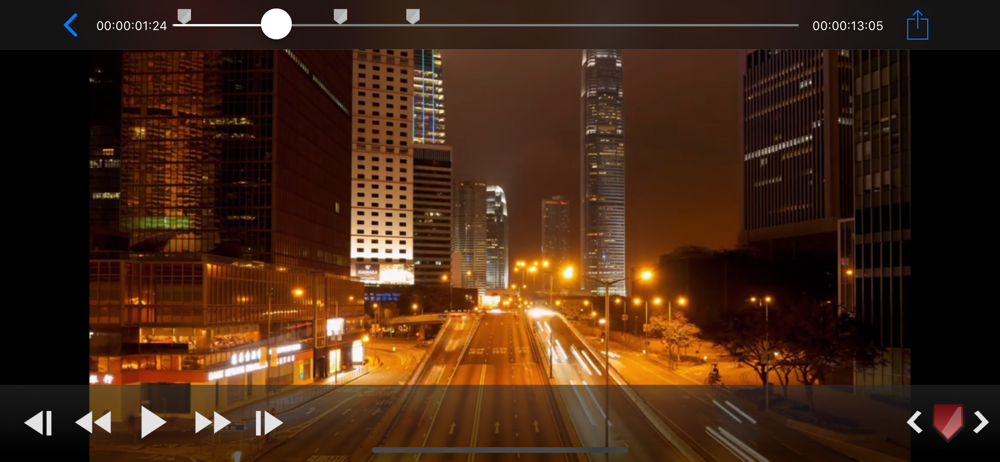
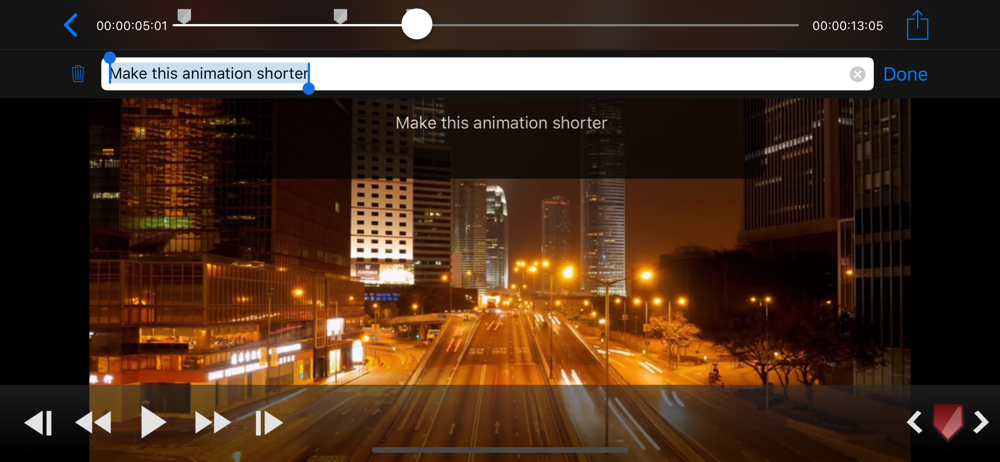
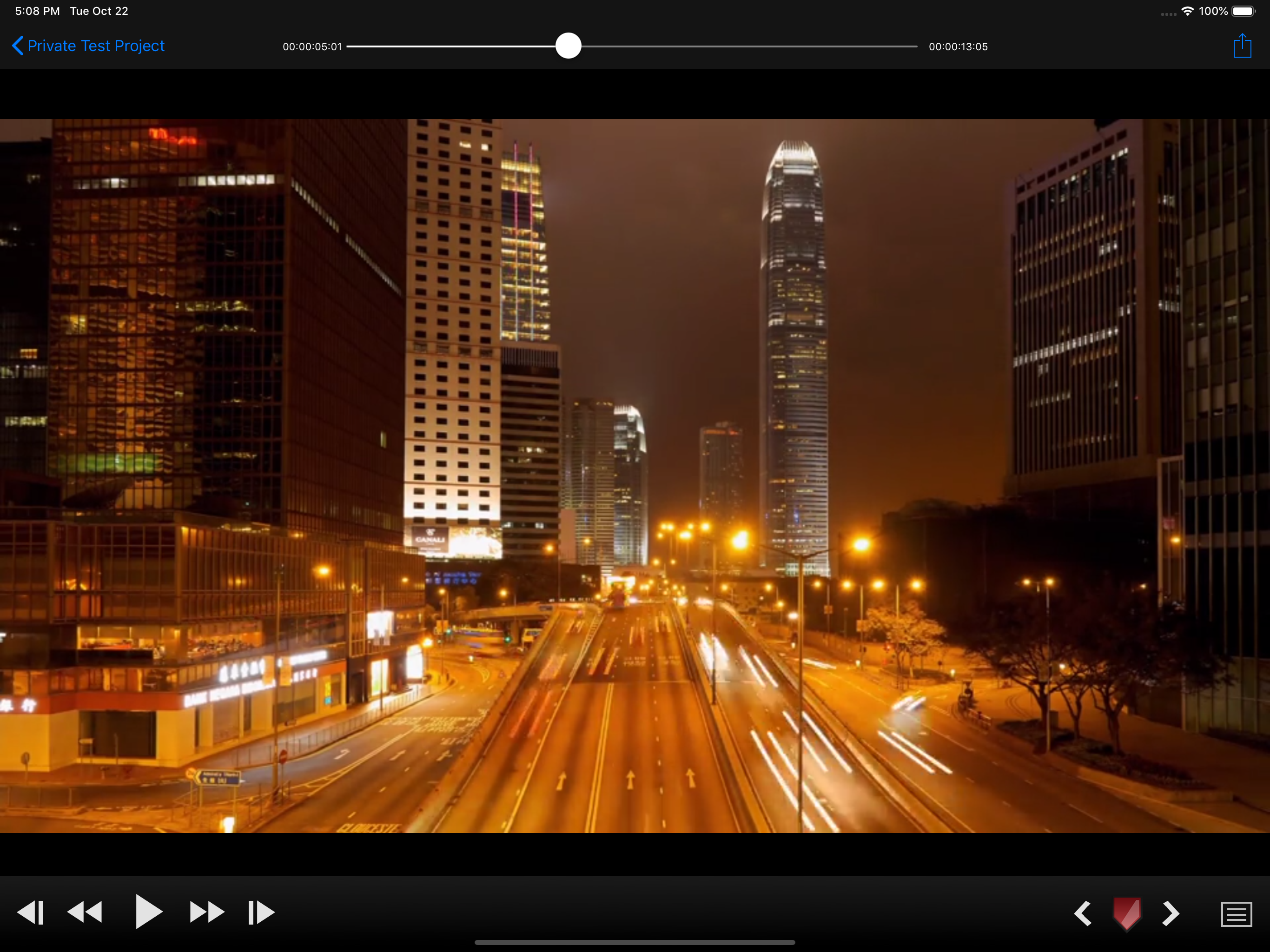
Study the product story and store experience behind the acquisition funnel.


03 / Market context
Keep revenue, downloads and store rankings separate from advertising performance.
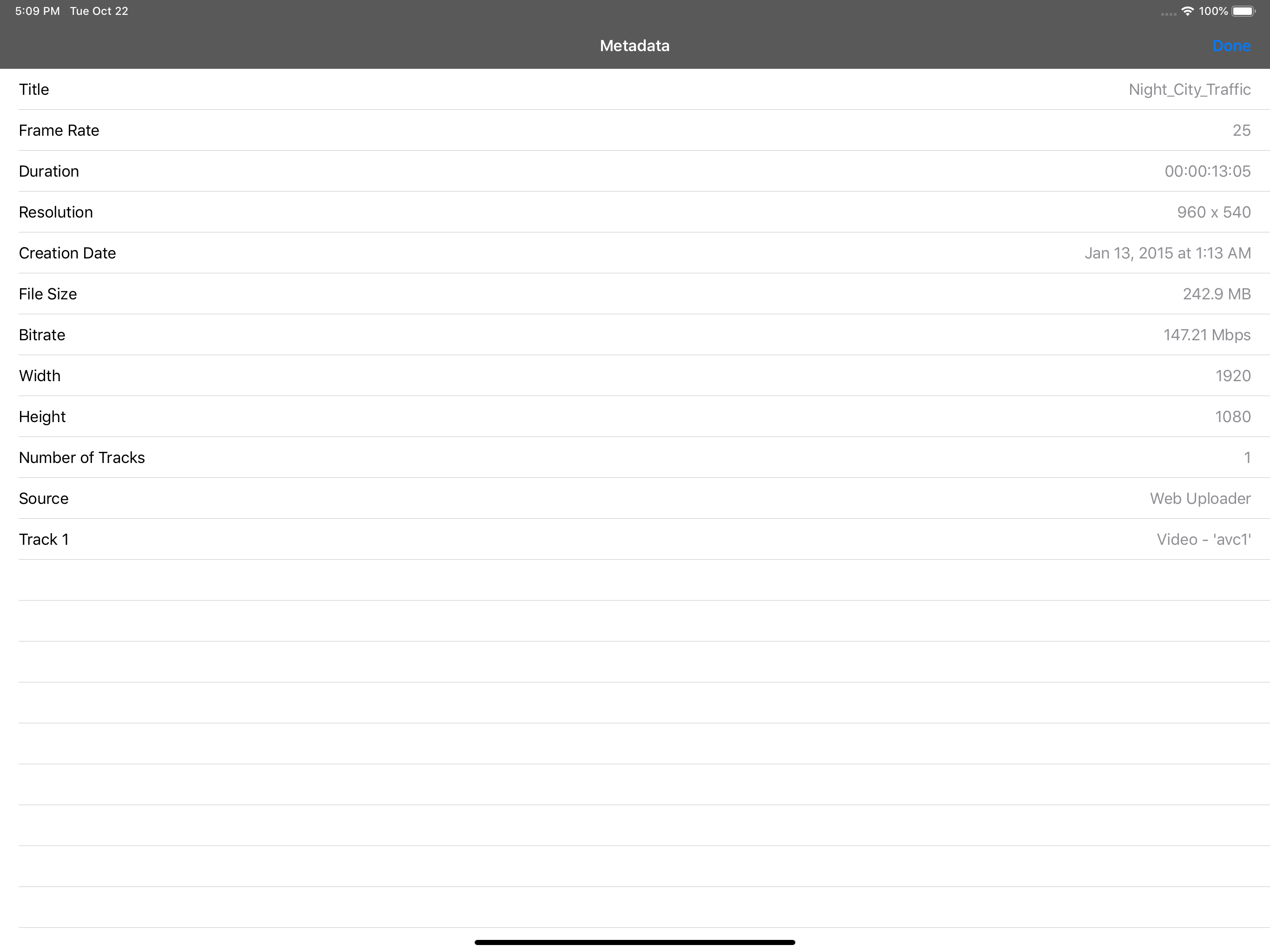
This app is very near what I am looking for, but basically non-functional. I want to review and mark clips on iPhone. However the fact that it cannot ingest video from the Files app makes it very hard to use. I'm either receiving dailies from iCloud Drive or reviewing clips from Blackmagic Camera App. Syncing through iTunes or the camera roll is such a huge limitation. I do not need another cloud service and I don't want to connect my phone to a computer in order to load clips. If there was a way up access media already stored on the phone this would be ideal for mobile workflows.
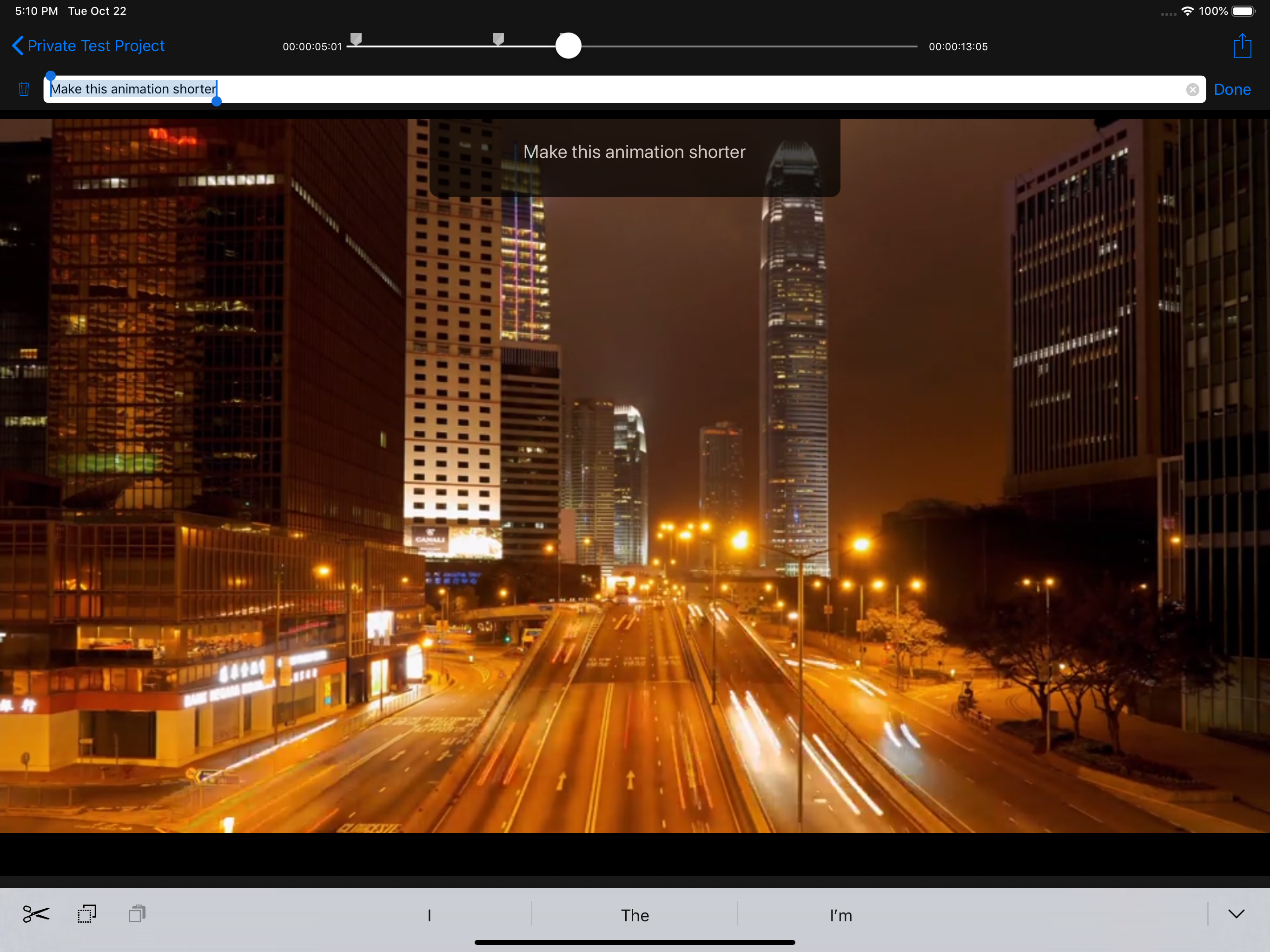
I use this app to mark up hockey videos I record of my son’s travel hockey team. I export the markers, through email, to a server that creates clips based on the markers using Python scripts. The main thing I’d love to see is keyboard shortcuts to create a marker, jump between markers, play/pause, and and go frame by frame as I use my iPad Pro to film and mark them up.
It's a nice start, but there are a few interface bugs (like video starts playing when you close the settings screen). The big disappointment (and huge part of the reason I bought it) is to mark up videos and notes for a review for the editor. You can add markers… but you can't label them or add a note. What's the point? We need to be able to add a marker, call up a keyboard, label it, and add notes. Later, we need to have list level access to the marker titles (to jump around), and to be able to export them (timecode, title & note) for the editor to use. Even better would be the ability to import an exported marker list and merge it with other exported lists from the same video so all comments can be in a single place in relation to the video being reviewed.
CinePlay is a professional media player with timecode overlays, markers, masking and safe areas. It is ideal for dailies, portfolios, client feedback...