Check the acquisition promise
Read the store headline, screenshots and description. What problem is the app promising to solve?
Study the storefront ↗
Greg Raine · iOS
Explore the ad evidence, study the storefront, and build your next acquisition hypothesis.
01 / Creative research
Read the store headline, screenshots and description. What problem is the app promising to solve?
Study the storefront ↗Explore apps with direct store-link matches. Compare their hooks and formats without assuming the same approach works here.
Browse observed advertisers ↗Store rankings and revenue estimates describe market context. They do not establish ad spend, conversions or ROAS.
Review the market context ↗02 / Storefront & product
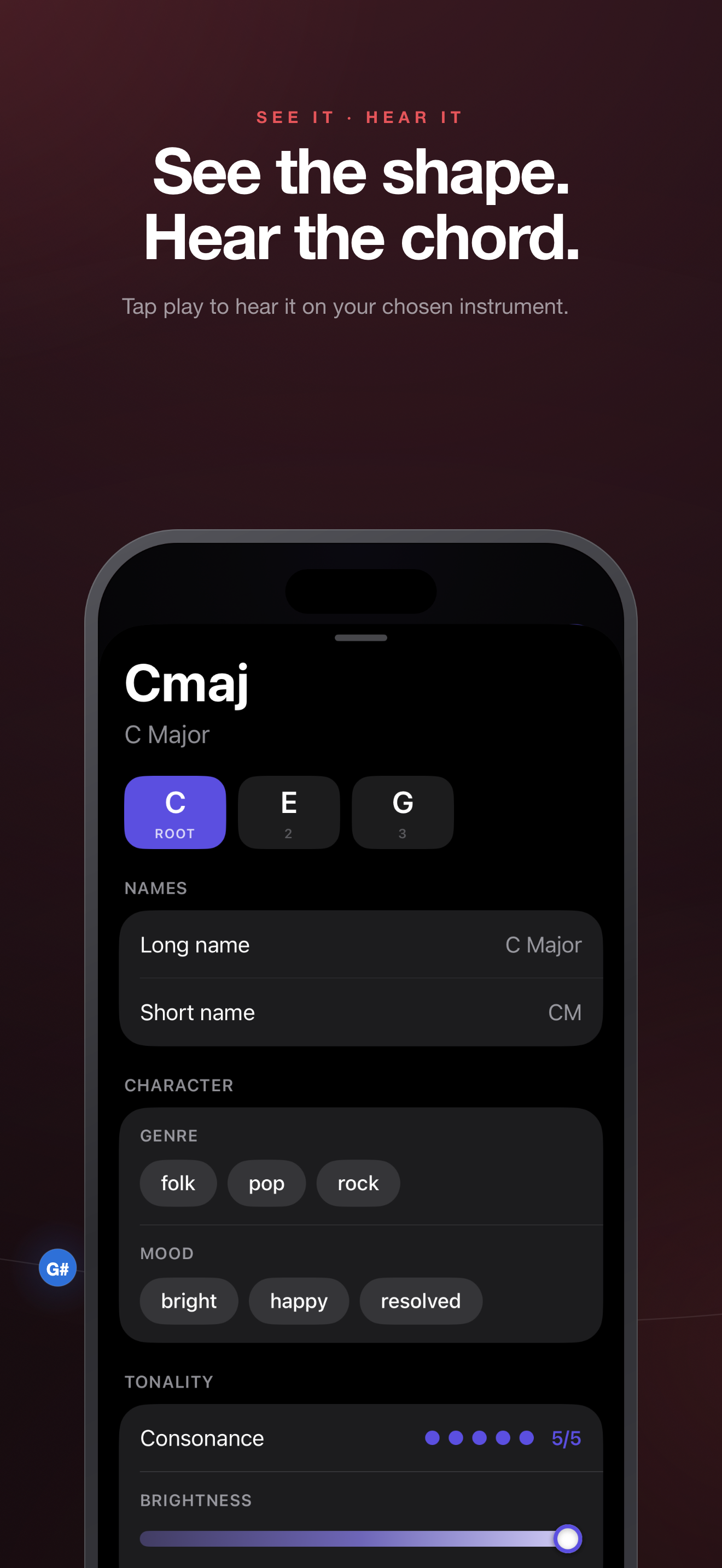
Study the product story and store experience behind the acquisition funnel.




03 / Market context
Keep revenue, downloads and store rankings separate from advertising performance.
I can say confidently that this is my favorite chord app on the AppStore. It’s clean, looks good, and is super helpful for looking up stuff like jazz chords. It’s been great for when I have to look up a chord for the guitar or piano, However, I’m primarily a five string banjoist, and I would be overjoyed to have a five-string banjo added as one of the instruments available. I’ve been trying to get into the more modern/jazzgrass type stuff on the banjo, and having a chord catalogue like this for it would be tremendously helpful. Overall though this is a great tool and learning aid, 5/5
Originally got this app to help me learn some more about chord structure and to be able to see what notes make up these chords. Originally a guitar player but showing the piano chord shapes has made it enjoyable for me to toy around on the piano. I’ve got no complaints with the app, it is straightforward, easy to use and I’ve encountered no issues whatsoever. I recommend this to anybody wanting to learn more about chords and how to play them.
Context: I’m only interested in ukulele chords. The first chord variation shown is quite often not a common, easy fingering. I wonder if the different inversions were chosen by algorithm, and not by a uke player. Take a look at D minor, for example - there are seven variations; the very last one is the common one. This will be bewildering for the beginning player. I don’t know if this problem affects the banjo or guitar chords. In the iPad version, I can’t get any but the first chord variation to display. The series of dots in iOS apps typically indicates that swiping left or right will show different information; in this app, swiping does nothing. In the iPhone version, I found by frustrating trial and error that tapping on the left or right of the dots works. Even setting aside this bizarre user interface choice, at least it works on the iPhone. Not so on the iPad. I tapped away like a lunatic on every square centimeter of the screen, and I can’t get the app to show any but the first uke chord variation. This bug doesn’t affect banjo or guitar chords. I do like the appearance, but the interface is weird and un-idiomatic; in the case of the iPad, it’s unusable. It doesn’t support split screen mode, which absolutely should be fixed, but not before those other problems.
Chordology - Chords and Scales, Beautifully Visualized See music. Hear music. Understand music. Chordology is the cleanest, most colorful way to exp...
| Name | Price | Type |
|---|---|---|
| Chordology Pro | $5.99 | One-time |