
Check the acquisition promise
Read the store headline, screenshots and description. What problem is the app promising to solve?
Study the storefront ↗
Chargeway Inc. · iOS
Explore the ad evidence, study the storefront, and build your next acquisition hypothesis.
01 / Creative research
Read the store headline, screenshots and description. What problem is the app promising to solve?
Study the storefront ↗Explore apps with direct store-link matches. Compare their hooks and formats without assuming the same approach works here.
Browse observed advertisers ↗Store rankings and revenue estimates describe market context. They do not establish ad spend, conversions or ROAS.
Review the market context ↗02 / Storefront & product
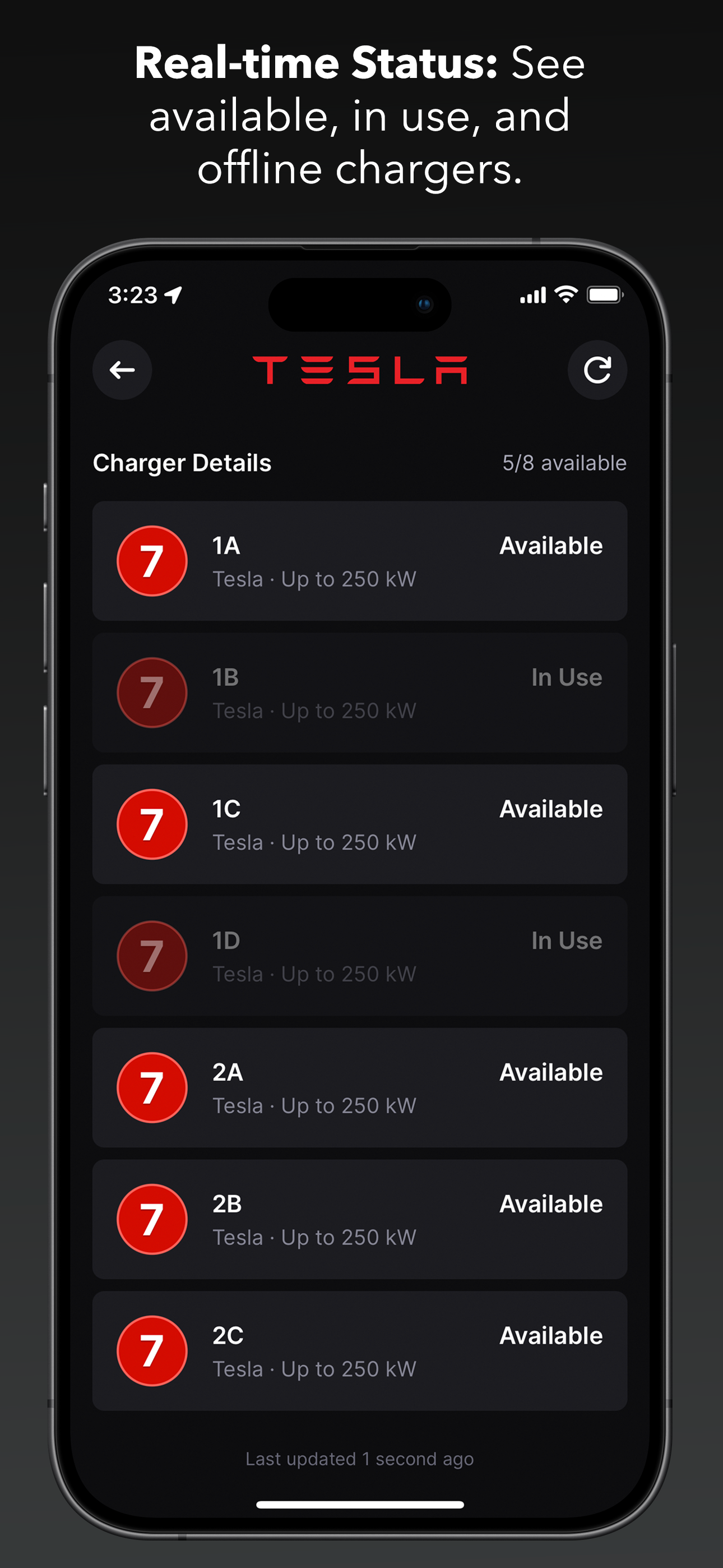
Study the product story and store experience behind the acquisition funnel.




03 / Market context
Keep revenue, downloads and store rankings separate from advertising performance.
Great app! I will be testing it in the last week of December 2024 and will provide more feedback after that. From what I’ve seen so far, I’m looking forward to the possibility of version that offers in-app navigation. The app allows you to plan your trip, showing where to stop and providing all the necessary details. It even fetches real-time data if your EV is connected. Ideally, you should be able to start the trip by simply clicking "GO." Currently, however, you have to select the first charger, choose Apple, Google, or Waze for navigation, and then leave the app to use those map services. You would do the same for each subsequent charger until you reach your destination. I understand that this requires a lot of development and testing, but Chargeway is very close to achieving this feature. Great work :-)
I have 9 EV charging apps on my phone because each app is excellent at one or more aspects of the experience but no one app is good at all aspects. In my opinion, an excellent app has to: 1) show me the eligible chargers at my current location and display how long/fast the charging will be at each unit. Also display which units are being currently used. 2) plan several routes of a trip, show the best charging options along each route and again delineate how long/fast I’ll be charging at each station then let me choose which route works best for me. 2a) understand that the best EV route is not always the google maps route. 3) Show amenities, food, activities, shopping around the EV charger where time can be occupied while charging. 4) offer user reviews of the charging station. This app comes close but doesn’t perform 2 very well. On a trip a recently took, one of the stops it recommended for all three routes recommended I charge for 4.5 hours. I don’t do these trips often but no way am I turning an 8 hour trip to one of 12+. So I use another app to plan my route and this one for other things.
I enjoy the app so far. My favorite feature is the estimated time at an EV station. But there are still some things I’d like to see tweaked before it becomes my main charging app. First, where you can move the circle to divie up between miles needed vs. miles remaining, I'd like to be able to tap on the "322 mi" the middle of the circle to switch from miles to energy/percentage. Second, the filter still doesn't fully work. In the filter section, If I only enable the ChargePoint Network and the DC adapter (Blue 3 and up), the map results still show stations that are only AC (Green 1/2) And to add another for finer points to my filter critique, I've realized that the filter is only adhered to when the "My current vehicle" filter is on. For ex.: If you just have AC (Green) adapters enabled, it still displays all level (Green/Blue/Red) charging stations. But if I filter with AC & My current vehicle, then it correctly just shows the Green & Red. Same scenario goes with Blue vs. Blue&Red. And noticed that any of the filter line colors and numbers become highlighted ONLY when My current vehicle is chosen as a filter. Please fix this! Edit: Thanks to Matt for giving me a ring, personally, and further explaining how to JUST get AC adapter map results or JUST DC adapter map results. I also appreciate you taking down some of my small app feedback. I'll be using the app more often and I'm looking forward to having the ability to see either Miles or Energy in the Timer Section!
Download Chargeway, the most user friendly EV charging station locator and trip planner! Chargeway makes EV charging easy for everyone. Simply choos...
| Name | Price | Type |
|---|---|---|
| Monthly | $2.99 | Monthly |
| Annual | $24.99 | Yearly |


