
Check the acquisition promise
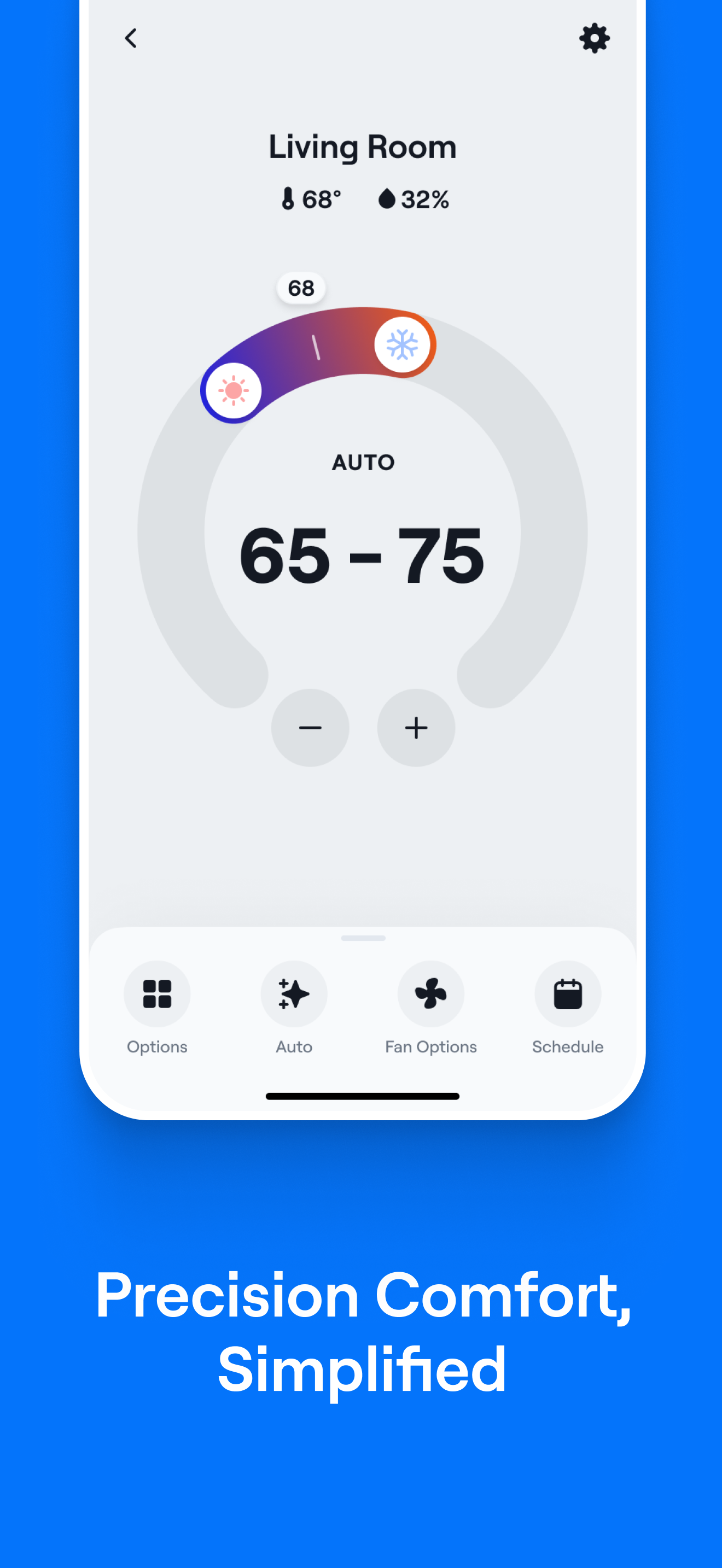
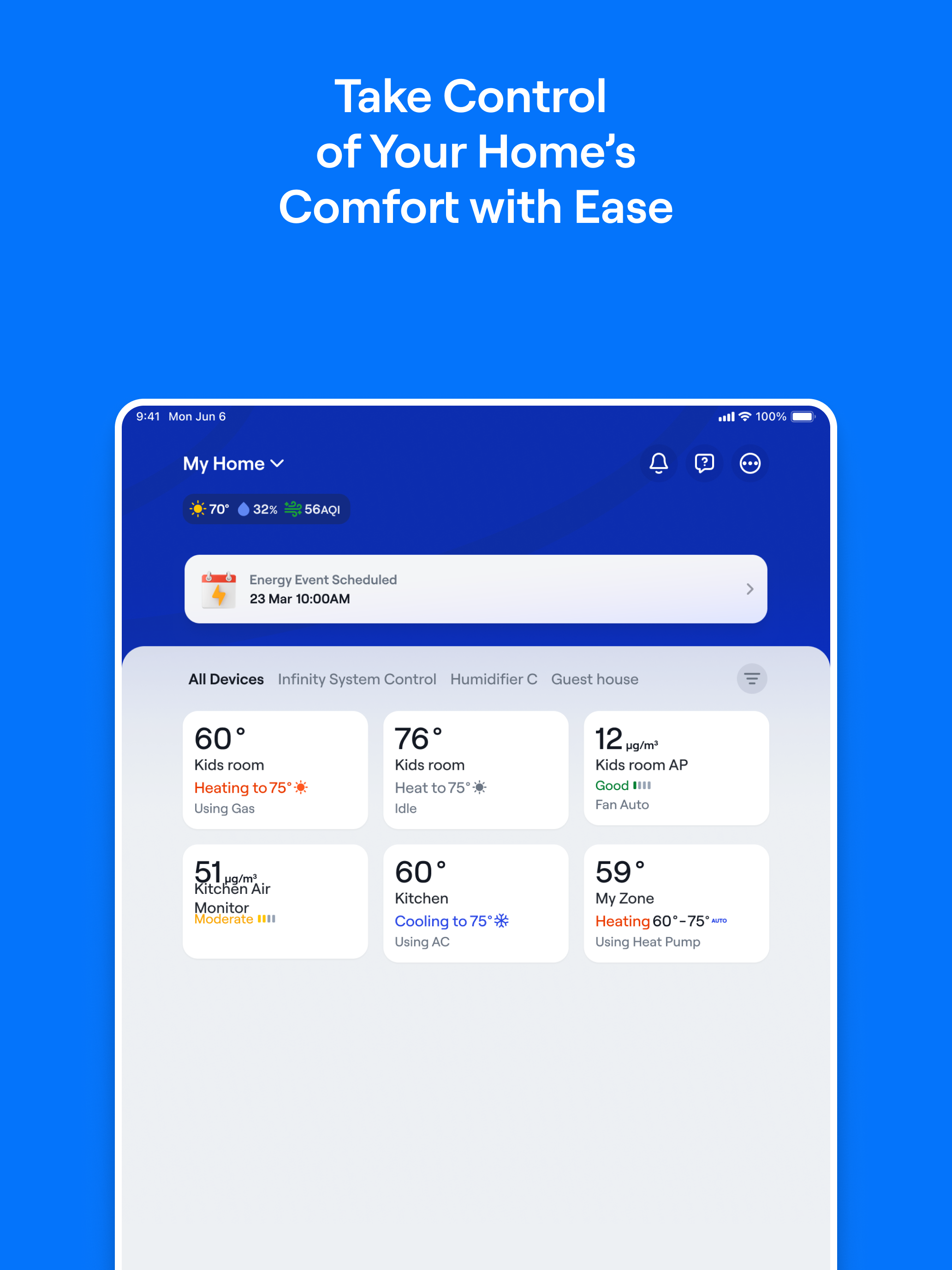
Read the store headline, screenshots and description. What problem is the app promising to solve?
Study the storefront ↗
Carrier Corporation · iOS
Explore the ad evidence, study the storefront, and build your next acquisition hypothesis.
01 / Creative research
Read the store headline, screenshots and description. What problem is the app promising to solve?
Study the storefront ↗Explore apps with direct store-link matches. Compare their hooks and formats without assuming the same approach works here.
Browse observed advertisers ↗Store rankings and revenue estimates describe market context. They do not establish ad spend, conversions or ROAS.
Review the market context ↗02 / Storefront & product
Study the product story and store experience behind the acquisition funnel.





03 / Market context
Keep revenue, downloads and store rankings separate from advertising performance.
Hello, I am a big fan of this app as I have several Carrier systems I run from it. I have two main complaints, and one is a feature I’m hoping the developers can add. The first thing is, when you have a Carrier Indoor Air Quality sensor linked to the app, it shows up with the name N/A on the app Home Screen. It links to the app fine and the data is all there, but it doesn’t look very clean having it say N/A all the time. The second thing I really wish this had, was a “system run time” tracker. I use it also to monitor a system at my second home, and back on my old system I could track the furnace /AC usage, which was critical. I really wish this app had the ability to see that information, and I suspect it would not be too hard to implement.
For a $$$ HVAC system, this app does not deliver the expected experience. It never shows the system status in real time- it always shows idle when the wall controller shows heating or cooling, so it’s not reliable for remote monitoring to make sure the system is working (for example, if you’re away and the system fails to restart after a power outage - which happened to me!). I also miss being able to see usage for the current day, along with basic charts of use. The first generation smart thermostat that this system replaced had an app that did all of these things! I’m baffled how other technology companies manage to deliver more functional app experiences and Carrier falls short of expectations. Something like a SensorPush sensor and app delivers a much better experience. Are you developing this app in house or partnering with a vendor to manage it? There is a clear disconnect between the premium marketing materials for a top dollar system and the actual app UI… I do appreciate the recent releases that appear to be attempting to address issues but plenty of users have the same feedback.
Update: July ‘25 | Outside sensor temps are back! Excellent. Now please bring back the cost breakdown of the usage. I used to be able to see how much the electric heat cost vs heat pump heat, etc. Please bring that feature back too and then the app will be back in my good graces. Original review below until then. Original Review: This app is just fine. It’s acceptable. But it removed features that I had in the old app. It was very important to see the temperature outside at the actual compressor. If the temperature seemed abnormally high or low it gave me an indication of needing to clean the coils. Please bring this feature back. I don’t need another app telling me what the temperature is from an RSS feed from a weather service at a weather station that’s somewhere near my house. I can get that on 1 million other apps. Also, bring back the ability to see what portion of the unit was costing money. It was very useful to see the breakdown of what was costing what. Why would you remove features that were on the old app?
Carrier SmartHome is your go-to app for managing and personalizing your home’s comfort experience! With a sleek, intuitive design and enhanced feature...


