Check the acquisition promise
Read the store headline, screenshots and description. What problem is the app promising to solve?
Study the storefront ↗
Zoho Corporation · iOS
Explore the ad evidence, study the storefront, and build your next acquisition hypothesis.
01 / Creative research
Read the store headline, screenshots and description. What problem is the app promising to solve?
Study the storefront ↗Explore apps with direct store-link matches. Compare their hooks and formats without assuming the same approach works here.
Browse observed advertisers ↗Store rankings and revenue estimates describe market context. They do not establish ad spend, conversions or ROAS.
Review the market context ↗02 / Storefront & product
Study the product story and store experience behind the acquisition funnel.


03 / Market context
Keep revenue, downloads and store rankings separate from advertising performance.
This has serious scanning problems. About one-third of cards scanned end up scanned upside down, even when the cards is right side up, and so the fields don’t automatically populate. When I try to cancel and rescan, it still scans upside down. Occasionally the app automatically flips the card right side up after a second or two, but the fields don’t populate. There is no ability to tell the app to flip the scan right side up and have it try again to populate the fields. This seems like an obvious feature, and a big miss. These are serious scanning errors. I can’t believe Zoho would release such a poor product that barely works. I’ve got to find something else that don’t drive me crazy.
This app doesn’t link to Zoho crm perfectly. It links to Zoho CRM terribly. It doesn’t upload the card you scanned to ZC, creates company name as an account, When Zoho crm accounts are companies you do business with, not anyone you just met. Doesn’t allow you to link yourCRM fields to the scanner. Amazing how backwards Zoho teams work and how disjointed their inter-team communications are. Zoho CRM clearly understands that you need fields in your leads and contacts that match the way you do business. Yet somehow, CardScanner team thinks you ought to use whatever field they provide, which most times, since they are in India, doesn’t work with the way Americans do business, or make any sense at all. Using card scanner takes forever bc you have to scan and fix each card one at a time. Here’s what needs to improve: 1. MASS SCAN CARDS, then pull up screen to fix in a list view 2. Connect to CRM custom fields already set up in CRM. Allow this to be done in settings 3. Allow mass updates of all fields just like in crm 4. Don’t automatically upload to CRM so unclean data isn’t uploaded bf cleaning is done. Instead, in list view page, place link to upload to CRM 5. Improve OCR recognition to reduce necessary cleaning
I receive hundreds of business cards from trade shows and events. I use this app to scan my business contacts and it links perfectly to my Zoho CRM. Of course, at times it may mis-read a card, but I have found this app to be far superior to that of Neat, WorldCard, and some other products that I have used - not to mention it's kind of a one-stop-shop. I do wish there were a little bit more customization options available, but for now, I am completely satisfied!
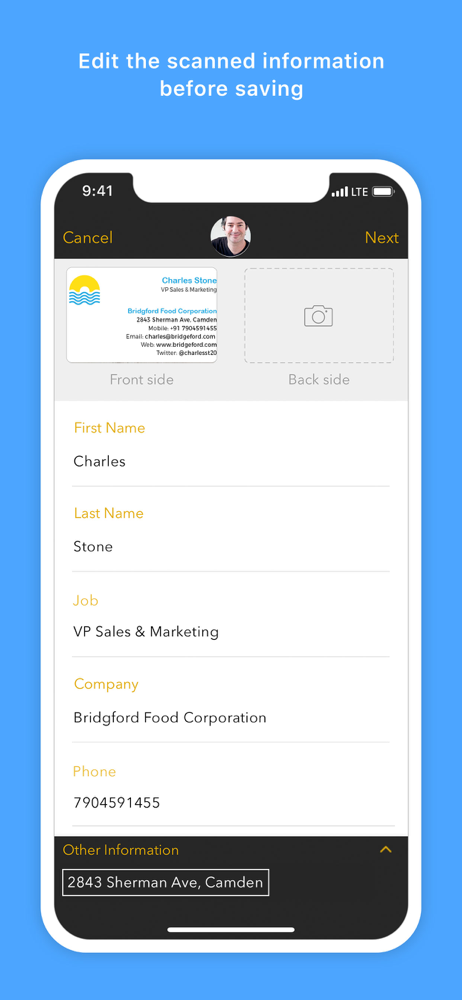
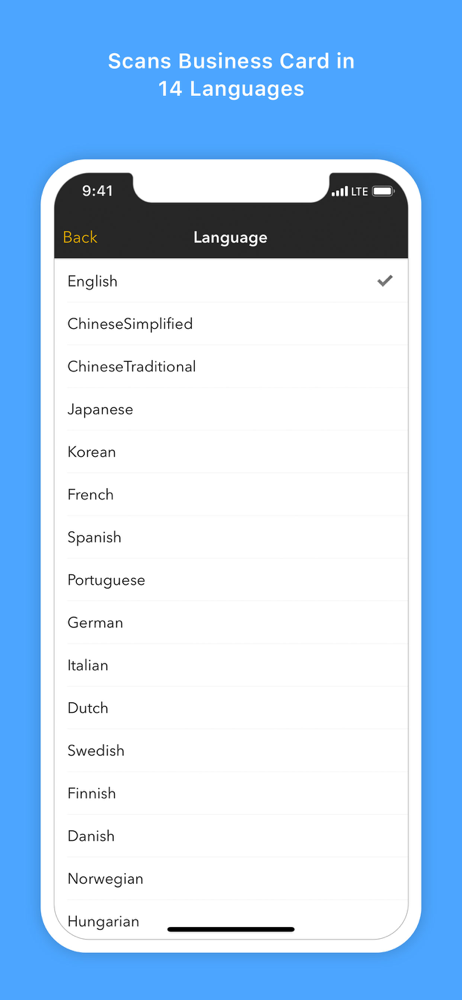
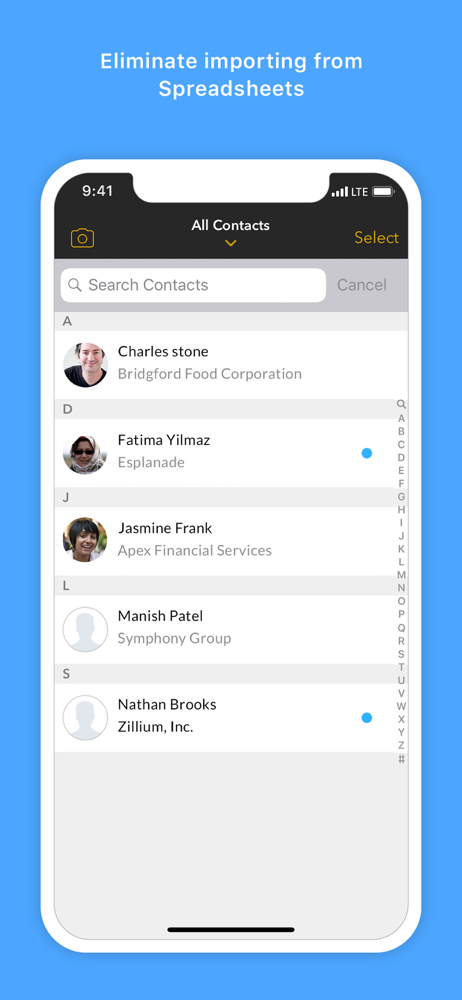
Scan business cards in 14 languages. Save leads and contacts to Zoho CRM, Salesforce, Google Cloud, and more. Scan Cards Scan business cards in 14 l...
| Name | Price | Type |
|---|---|---|
| CardScanner Salesforce Monthly | $4.99 | Monthly |
| Card Scanner for Salesforce | $4.99 | One-time |
| CardScanner Salesforce Yearly | $49.99 | Yearly |